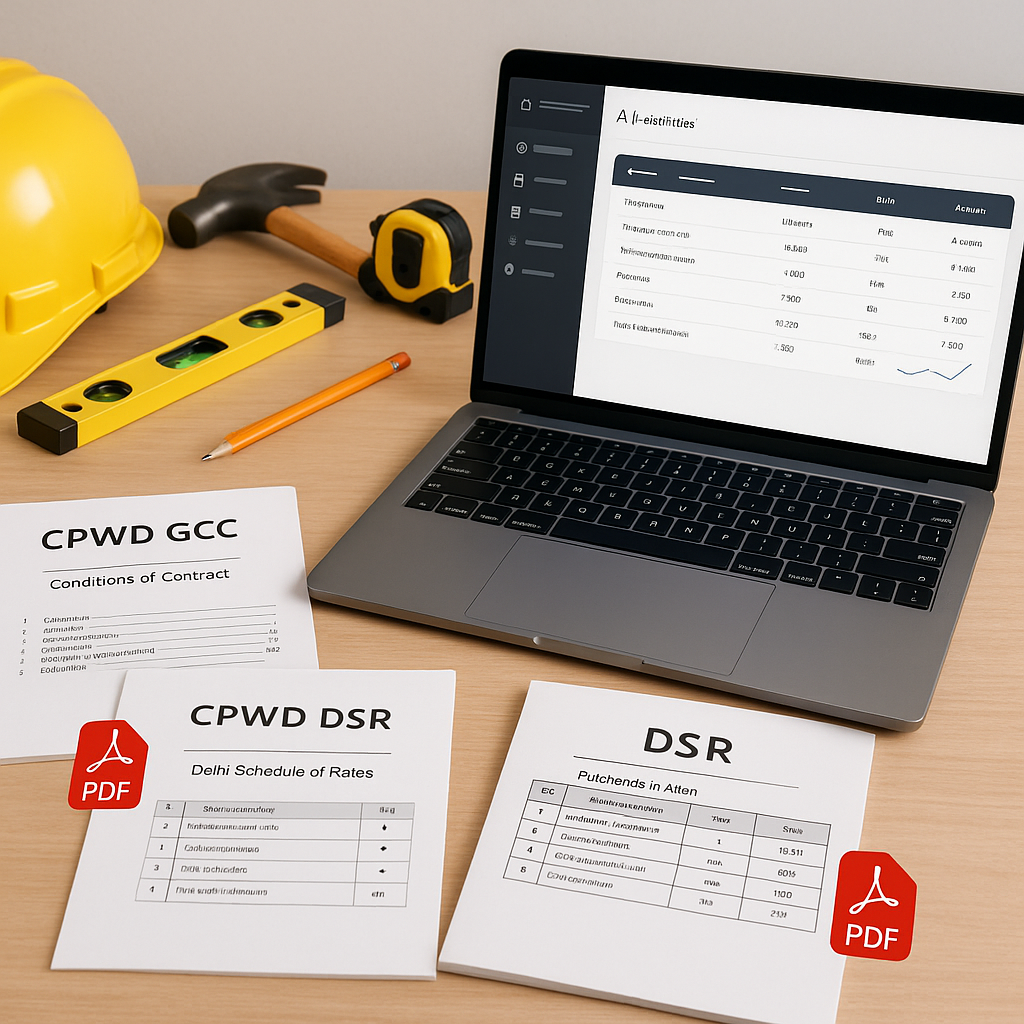
Why CPWD GCC PDFs Are a Challenge for Contractors
If you've ever worked on a CPWD (Central Public Works Department) project, you know the drill. The General Conditions of Contract (GCC) documents are massive, jargon-heavy, and often feel like they're written to confuse rather than clarify. Throw in the extensive Delhi Schedule of Rates (DSR), and you've got a recipe for frustration.
Why does it matter? Because if you don't accurately interpret these PDFs, you're setting yourself up for compliance issues, misquoted rates, or worse, disqualification from tenders.
Here's the good news: navigating CPWD GCC guidelines doesn't have to be this painful. With the right approach—and a little help from technology—you can simplify the process and save significant time.
Step 1: Understand the GCC Structure
The CPWD GCC document is essentially the Bible for public construction contracts in India. It defines everything from contractual obligations to payment terms and penalties. Here’s how it’s generally structured:
- Definitions and Scope — What’s covered and who’s responsible for what.
- General Terms — Payment schedules, retention money, and performance guarantees.
- Special Conditions — Project-specific rules that override the general terms.
- Rate Adjustment Clauses — How inflation or market changes affect rates.
- Dispute Resolution — Arbitration and legal procedures.
The trick? Start with the index. Use it as your guide. If you’re looking for labor escalation clauses or rate adjustment formulas, jump straight to those sections. Don’t try to read the entire document unless you have a week to spare.
Step 2: Decode the Delhi Schedule of Rates (DSR)
The DSR is where most contractors lose time. Why? Because it’s a massive document filled with item codes, descriptions, and rates. And it’s updated annually, or even mid-year if market conditions change. That means you’re constantly cross-referencing older rates with new circulars.
Let’s say you’re pricing an RCC slab. Here’s what you’d typically do manually:
- Look up the RCC item code in the DSR.
- Find the associated rate (e.g., ₹5.32.2 for M30 RCC).
- Check if there’s a recent Cost Index circular that modifies this rate.
- Apply the adjustment manually.
This process can be time-consuming and prone to errors, especially when handling hundreds of BOQ (Bill of Quantities) lines.
Step 3: Use Smart Tools to Streamline the Process
Technology can significantly simplify the process of navigating CPWD GCC and DSR documents. Tools designed for contractors can help automate repetitive tasks like:
- Parsing BOQs: Upload your Excel or PDF file, and the tool auto-recognizes item codes, descriptions, and units.
- Matching Rates: Searches through SOR items (including CPWD DSR) for the closest match.
- Applying Adjustments: Automatically factors in the latest Cost Index updates.
- Breaking Down Rates: Provides a detailed analysis of material, labor, and equipment costs.
Illustrative example — A contractor handling a BOQ with 500 items could use such a tool to automatically match rates and apply adjustments, saving significant manual effort compared to flipping through PDFs and circulars.
Common Pitfalls When Working with CPWD GCC PDFs
Even with tools, there are mistakes you’ll want to avoid:
- Ignoring Cost Index Updates: CPWD usually issues these once or twice a year, but they’re easy to miss if you’re not actively tracking circulars.
- Misinterpreting Special Conditions: Always double-check if the tender includes special conditions that override general terms.
- Skipping Audit Trails: If you’re using software, make sure it provides a detailed audit trail for rates. This is crucial for compliance.
- Assuming Uniform Rates: Rates can vary significantly between states or even districts. CPWD DSR is a guide, not gospel.
Final Thoughts
Navigating CPWD GCC PDFs is a challenge, but it’s not insurmountable. By understanding the structure, staying on top of updates, and leveraging technology, you can save time, reduce errors, and focus on winning more bids.
If you’re tired of flipping through endless CPWD PDFs, consider exploring tools that can help streamline your workflow and improve accuracy.


