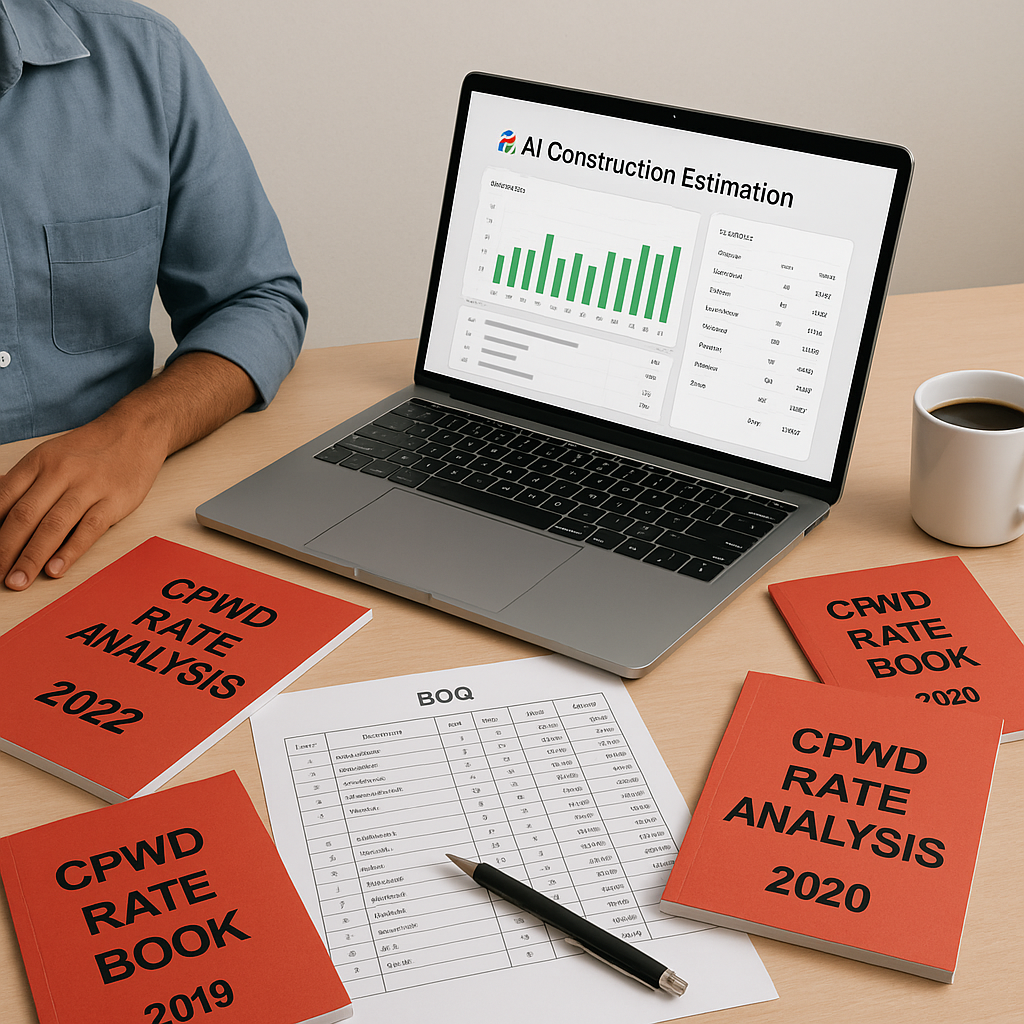
The CPWD Rates PDF Problem
If you’ve ever worked on a public construction project in India, you know the drill. The Central Public Works Department (CPWD) publishes its Schedule of Rates (SOR) across multiple catalogs, each with thousands of items. These rates are non-negotiable, making them the benchmark for pricing public tenders.
Sounds straightforward, right? But here’s the catch: the CPWD frequently updates these rates via circulars. Each update adjusts the Cost Index (CI) to factor in market changes and inflation. If you miss these updates—or worse, apply them incorrectly—your bid could be outdated, non-compliant, or uncompetitive.
The process to update your estimates can be time-consuming. You’ll need to locate the latest circulars, decipher percentage adjustments, and manually apply them to your Bill of Quantities (BOQ). Without a streamlined approach, this can become a tedious and error-prone task.
Why the Manual Process is a Dead End
Here’s how it usually goes:
- Hunt for Updates: The CPWD circulars aren’t always easy to find. They’re often buried deep in government websites or sent via mailing lists.
- Manual Adjustments: Once you locate the latest circular, you’re expected to manually incorporate the adjustments into your BOQ. For large BOQs, this can involve significant effort.
- Redo Rate Analysis: After applying the CI, you’ll need to rework your rate analysis to ensure accuracy. This involves breaking down costs for materials, labor, and equipment—again, manually.
Without an efficient system, this process can consume valuable time and resources, especially if you’re managing multiple bids simultaneously.
The AI Solution: Automating CPWD Rate Matching
Here’s where AI-powered tools can help. Instead of flipping through lengthy PDFs, you can use technology to automate much of the process. Here’s how such tools typically work:
- Smart BOQ Parsing: Upload your BOQ in formats like Excel or CSV. Advanced tools can automatically identify merged cells, section headers, and hierarchies, reducing the need for manual reformatting.
- Semantic SOR Search: These tools often include a library of SOR items across various catalogs, including CPWD DSR catalogs. You can search by description or keyword, and the tool matches it to the most relevant SOR item, eliminating manual lookups.
- Automated Cost Index Updates: When the CPWD releases a new circular, the tool applies the percentage adjustments for labor, materials, and equipment to your BOQ. This ensures your estimates are always up-to-date.
- Rate Analysis with Audit Trail: The platform can break down each rate into material, labor, and equipment costs, providing an audit trail for compliance. This is particularly useful if you need to justify your calculations.
Common Mistakes When Handling CPWD Rates
- Missing Circulars: Updates aren’t always announced prominently. Make it a habit to check the CPWD website or subscribe to a reliable notification service.
- Applying Adjustments Incorrectly: The CI revisions often come with specific instructions. Misinterpret them, and you could end up with inaccurate rates.
- Overlooking Labor and Material Variances: Regional differences in labor and material costs can significantly impact your estimates. Always cross-check against local market conditions.
- Neglecting the Audit Trail: If your rates are ever questioned, you’ll need to show your calculations. Keep detailed records of all adjustments.
Conclusion
If you’re tired of spending excessive time wrestling with CPWD rate PDFs, it’s worth exploring smarter solutions. Automation tools can streamline the process, saving you time and ensuring accuracy. The result? Faster bids, better margins, and fewer headaches.


