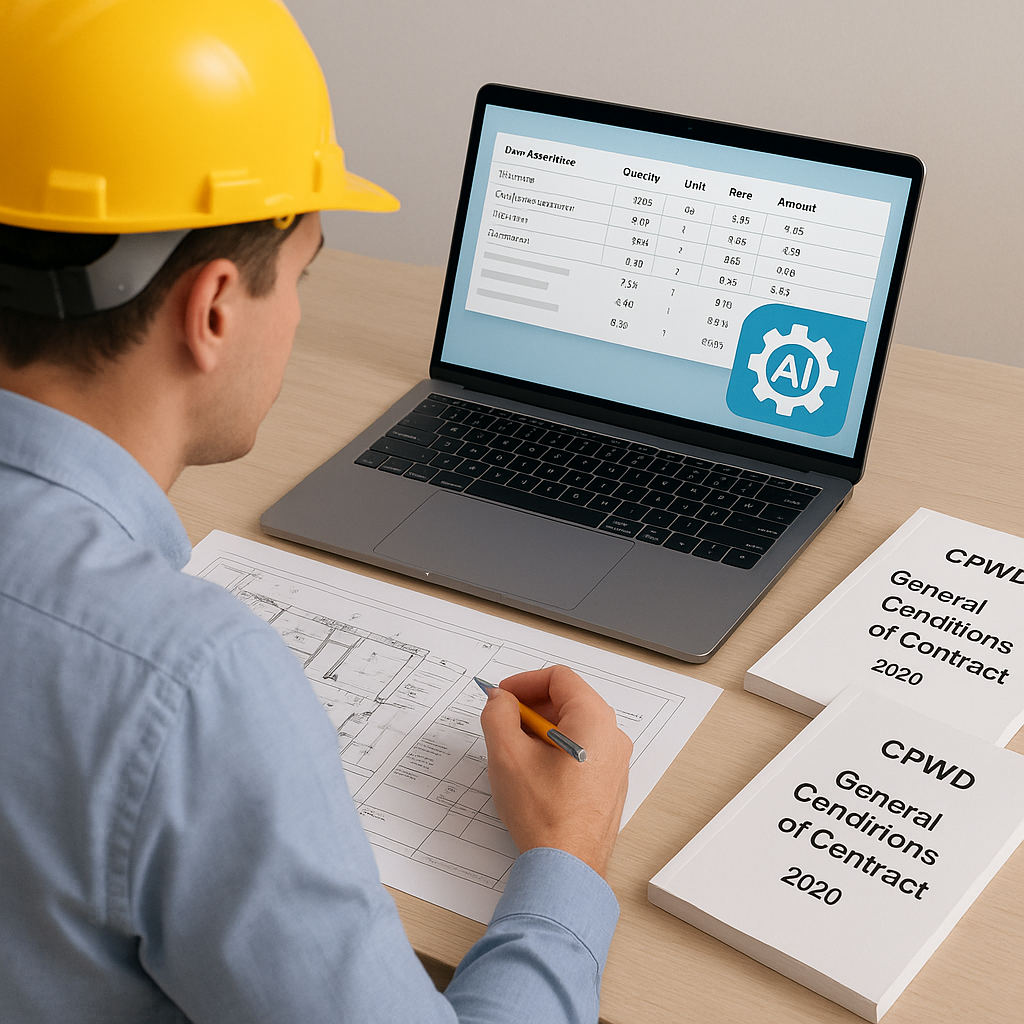
The CPWD Estimation Bottleneck: Why PDFs Are Slowing You Down
If you've ever worked on a CPWD (Central Public Works Department) tender, you know the drill. It starts with downloading the General Conditions of Contract (GCC) and Delhi Schedule of Rates (DSR). Then comes the real grind: flipping through thousands of pages, hunting for the right rate, and manually applying cost index adjustments.
This process is anything but fast. For a mid-sized project, rate lookups alone can eat up 12-16 hours. And guess what? Even after all that effort, minor errors in applying the Cost Index or missing a recent update can make your bid non-compliant.
Does this sound familiar? If so, you're not alone. But there’s a way to fix it.
Step 1: Stop Manually Searching Through PDFs
Manually navigating CPWD GCC PDFs is outdated. These documents weren’t designed for speed or efficiency. For instance, the DSR Civil Volume I alone has over 2,000 pages of rates and specifications. Finding an RCC slab rate (e.g., M30 grade, item code 5.32.2) requires scrolling, Ctrl+F-ing, and praying you’ve got the latest version of the PDF.
What Makes Manual PDF Searches Inefficient?
- Sheer Volume of Information: CPWD's documents are massive, with tens of thousands of rates spread across multiple catalogs. Navigating these PDFs to find specific rates often feels like searching for a needle in a haystack.
- Version Tracking: Rates change, as do cost indices and tax rules. If you're working on a tender, ensuring compliance means checking that you're using the latest versions—a process that adds even more hours to the workload.
- Error-Prone Calculations: After finding the rate, you still need to apply the cost index, GST, and a breakdown of material, labor, and tools. A single mistake here can jeopardize your bid.
Actionable Steps to Improve Manual Searches (If You’re Not Ready for Automation)
- Use Advanced Search Shortcuts: For example, in Adobe Acrobat, you can use Boolean operators like "AND" or "OR" to refine searches. Searching "RCC AND slab" will narrow results compared to using "RCC slab."
- Bookmark Key Sections: Save frequently referenced pages (e.g., Chapter 5 of DSR Civil Volume I) for quicker access. This can cut down on time spent scrolling.
- Maintain a Version Log: Use an Excel sheet to track which versions of CPWD documents you downloaded and their publication dates. This ensures compliance with the latest updates.
Still, even these tips only scratch the surface. PDFs are inherently slow to work with, especially given the complexity of CPWD estimation.
Step 2: Use AI Tools to Instantly Match Rates
This is where a tool like EstimateNext comes in. Instead of wasting hours flipping through PDFs, you upload your BOQ (in Excel, CSV, or even ODS formats). The platform’s Smart BOQ Parser automatically detects hierarchies, merged cells, and section headers, making rate lookups effortless.
How AI Tools Outperform Manual Methods
- Semantic Search: Unlike keyword-based searches, semantic search understands the context. Searching for "RCC slab M30" won’t just bring up exact matches—it will also suggest related items, like different grades of concrete or alternative slab designs.
- Database Integration: EstimateNext pulls data from 78,000+ items across 135+ catalogs, including all CPWD DSR volumes. This ensures you have access to the most comprehensive and up-to-date database.
- Automated Adjustments: The system factors in cost indices, GST rates, and regional variations without manual input.
Example: RCC Slab Rate Lookup
Let’s say you’re pricing a ₹10 crore CPWD project in Delhi. You need the rate for an M30 RCC slab. Here’s how EstimateNext handles it:
- Rate Search: Enter “RCC slab M30” into the BOQ line. The system matches it to CPWD DSR item 5.32.2.
- Cost Breakdown: It shows material (58%), labor (25%), T&P (7%), and profit (10%).
- Tax Application: Automatically applies SGST (9%) + CGST (9%) for Delhi.
- Cost Index Adjustment: Suggests the latest Cost Index adjustment (e.g., 12.5% for Delhi in 2023).
Actionable Steps for AI Integration
- Run a Trial: Most AI tools offer free trials or demo versions. Use these to test compatibility with your existing workflows.
- Standardize BOQ Formats: Ensure your BOQ is formatted correctly (e.g., Excel or CSV) for seamless uploads. AI tools struggle with inconsistent or handwritten BOQs.
- Train Your Team: Invest time in training estimators to use AI platforms effectively. A one-time effort can save hundreds of hours down the line.
Step 3: Ensure Compliance Without Extra Work
When bidding on CPWD tenders, compliance isn’t optional. Missing a Cost Index update or misapplying GST can disqualify your bid. AI tools help you avoid these pitfalls by keeping everything updated in real-time.
Common Compliance Mistakes (and How to Avoid Them)
- Ignoring Cost Index Updates: CPWD typically updates the Cost Index once or twice a year. Missing these updates can make your rates outdated. AI tools auto-suggest adjustments so you don’t have to dig through circulars.
- Wrong GST Application: GST varies by state and transaction type (intra-state vs inter-state). EstimateNext auto-applies the correct SGST/CGST/IGST rates based on your project location.
- Incomplete Rate Analysis: Many estimators skip detailed rate breakdowns, which can lead to underpricing. AI tools provide a material-labor-equipment-profit breakdown for every rate, ensuring accuracy.
Actionable Steps to Stay Compliant
- Subscribe to Updates: Sign up for CPWD circulars or newsletters to stay informed about new Cost Index updates.
- Cross-Check Rates: Even with AI tools, cross-verify the top 5-10 rates in your BOQ manually to ensure accuracy.
- Use Audit Trails: Platforms like EstimateNext provide a record of rate adjustments and compliance checks. Keep these records handy for audits.
Comparison Table: Manual vs. AI-Driven CPWD Estimation
| Feature | Manual Method | AI-Driven Tools (e.g., EstimateNext) |
|---|---|---|
| Rate Lookup Time | 12-16 hours | 15-30 minutes |
| Cost Index Adjustment | Manual calculations required | Automated suggestions |
| GST Application | Prone to regional errors | Auto-applied based on project location |
| Compliance Tracking | Requires manual audits | Real-time updates + audit trails |
| Error Rate | High | Low |
The Bottom Line
Manually navigating CPWD GCC PDFs is a productivity killer. AI-powered tools like EstimateNext simplify the process, ensuring faster rate lookups, accurate cost adjustments, and full compliance. Whether you’re a regional contractor or a national player, this is how you stay ahead.


