The Problem with Manual CPWD Rate Lookups
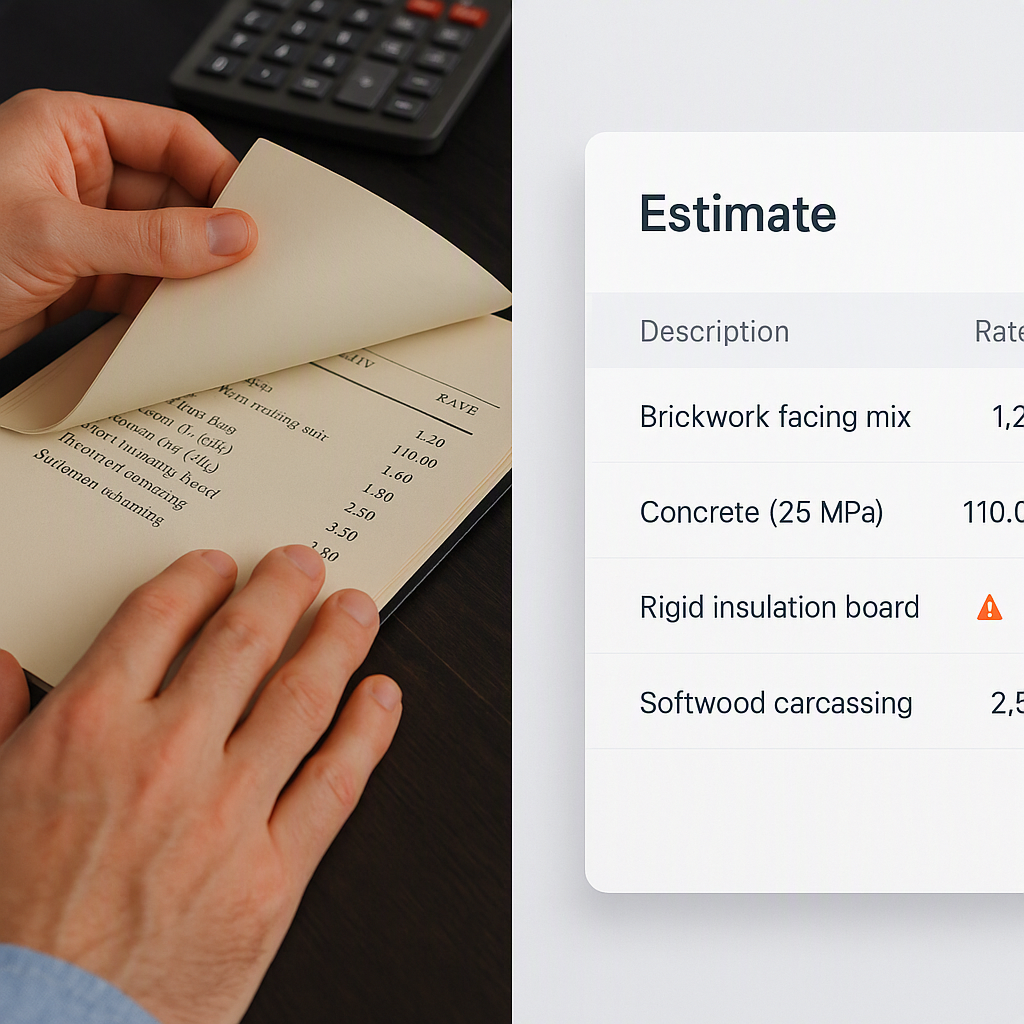
If you've ever priced a government tender in India, you know the pain of dealing with CPWD (Central Public Works Department) publications. The DSR (Delhi Schedule of Rates) is massive—19 catalogs, thousands of line items, and annual updates buried in circulars. Flipping through PDFs to find the right rate? It’s a nightmare.
Let me give you an example. Say you're estimating a ₹20-crore housing project. You need to update your BOQ (Bill of Quantities) to reflect CPWD's latest Cost Index circular. That means:
- Locating the right circular (good luck navigating the CPWD website).
- Applying the percentage adjustments to every single rate in your BOQ.
- Recalculating material, labor, and overhead costs manually.
For a mid-sized BOQ, this can easily take 12-16 hours. And that’s just for compliance. Want to check if you're competitively priced? Multiply that time. You’ll waste days on manual updates, all while deadlines loom.
The worst part? Mistakes are almost inevitable. A single typo in an Excel formula can throw off your entire bid. Not ideal.
Step-by-Step: How to Use CPWD Publications
Let’s break this down so you can use CPWD publications more effectively. Below are actionable methods to simplify what’s often a frustrating process.
1. Start with the Right Version
CPWD updates the DSR every year or two. Before starting, ensure you're working with the latest version. Using outdated rates can cost you the bid or underprice your estimate, eating into your margins.
- How to Find Updates: Bookmark CPWD’s official publication page, where updates to DSRs and circulars are published. Check this page frequently.
- What to Look For: Always cross-check the publication year of the DSR (civil and electrical volumes) against your project year. For instance, if you’re working on a 2023 project, use the 2021 or 2022 DSR unless a newer version is explicitly indicated.
- Pro Tip: Organize downloaded circulars and catalogs in a searchable folder structure on your computer to avoid digging through PDFs.
2. Understand the Cost Index
The CPWD Cost Index adjusts base rates for inflation and regional cost variances. It’s essential for accurate estimates.
-
How It Works: The Cost Index assigns a percentage value to each region, reflecting economic conditions and construction costs. Delhi often uses the base DSR rates (100%), while other regions might have higher adjustment percentages.
-
Example Calculation: If the base rate for a concrete mix is ₹6,000/m³ and the Cost Index for your region is 112%, the adjusted rate is:
₹6,000 x 1.12 = ₹6,720/m³ -
Actionable Tip: Maintain a spreadsheet to automate such calculations for each BOQ item.
3. Use Published Rate Analysis
CPWD DSR includes detailed rate analyses for common items. These breakdowns specify the cost of materials, labor, and equipment.
- Why Use It: Rate analyses provide transparency into cost structures, helping you understand which components are driving expenses. For example, labor rates might vary significantly between urban and rural areas.
- Best Practice: Use the published rate as a reference point, but adjust it based on real-time quotes from suppliers. For example, steel prices can fluctuate daily, so verify rates directly with vendors.
4. Cross-Reference with Specifications
The CPWD Specifications document outlines material and workmanship standards. This ensures compliance with IS codes and other regulations.
- What to Check: When the DSR specifies 'M20 grade concrete,' confirm the mix design aligns with IS 10262. Similarly, validate electrical work against IS 732 for wiring and IS 3043 for earthing.
- Actionable Tip: Keep both the DSR and Specifications document open side by side while preparing estimates to avoid discrepancies.
5. Automate Wherever Possible
Manual processes are prone to errors and inefficiencies. Tools like EstimateNext can help automate rate lookups, adjustments, and BOQ updates.
- How Automation Helps: AI tools can scan your BOQ, match items to the correct CPWD rates, and apply Cost Index adjustments in seconds.
- Pro Tip: Even if you’re not ready for full automation, use Excel formulas to handle repetitive calculations.
Why Manual Processes Don’t Scale
Here’s the thing: Government tenders are competitive. If you’re spending days on rate lookups and recalculations, you’re already behind. And it’s not just about speed. Manual processes increase the risk of errors, which can cost you the bid—or worse, leave you underpriced.
Key Challenges of Manual Processes:
- Time-Consuming: A mid-sized BOQ can take 12-16 hours for basic compliance.
- Error-Prone: Typos in formulas or forgetting to apply circular updates can skew your estimates.
- Inflexible: PDFs and spreadsheets don’t adapt when new circulars are issued.
Why Automation is Better:
AI tools like EstimateNext streamline the process, reduce errors, and free up time for strategic tasks like competitor analysis.
How AI Changes the Game
Let’s talk solutions. AI tools like EstimateNext can automate most of this process. Here’s how:
1. Semantic Rate Matching
EstimateNext’s AI scans your BOQ and matches line items to the correct CPWD rates. Instead of flipping through PDFs, you get instant matches across 78,000+ SOR items.
2. Cost Index Automation
When CPWD issues a new Cost Index circular, EstimateNext applies adjustments automatically. No manual calculations, no missed updates.
3. Rate Analysis with Audit Trail
The platform breaks down rates into material, labor, and equipment components. You can see exactly how each rate is built—and tweak it if needed.
4. Market-Driven Adjustments
Need to update rates based on local market conditions? EstimateNext lets you apply inflation factors or supplier quotes with a few clicks.
Comparison Table: Manual vs AI-Based Estimation
| Feature | Manual Process | AI Tools (e.g., EstimateNext) |
|---|---|---|
| Rate Lookups | Hours of flipping through PDFs | Instant search across databases |
| Cost Index Adjustments | Manual calculations | Automated |
| Error Risk | High (typos, missed updates) | Low (system-driven) |
| Custom Rate Integration | Complex, time-consuming | Quick and intuitive |
| Scalability | Limited | Unlimited |
Common Mistakes to Avoid
- Using Outdated Rates: Always check for the latest DSR and Cost Index updates.
- Ignoring Regional Variances: A Delhi rate won’t work in a Tier-2 city without adjustments.
- Skipping Rate Analysis: Blindly using published rates can hurt your margins. Always validate against current market conditions.
- Overcomplicating BOQs: Keep your BOQ structure simple and consistent to avoid confusion.