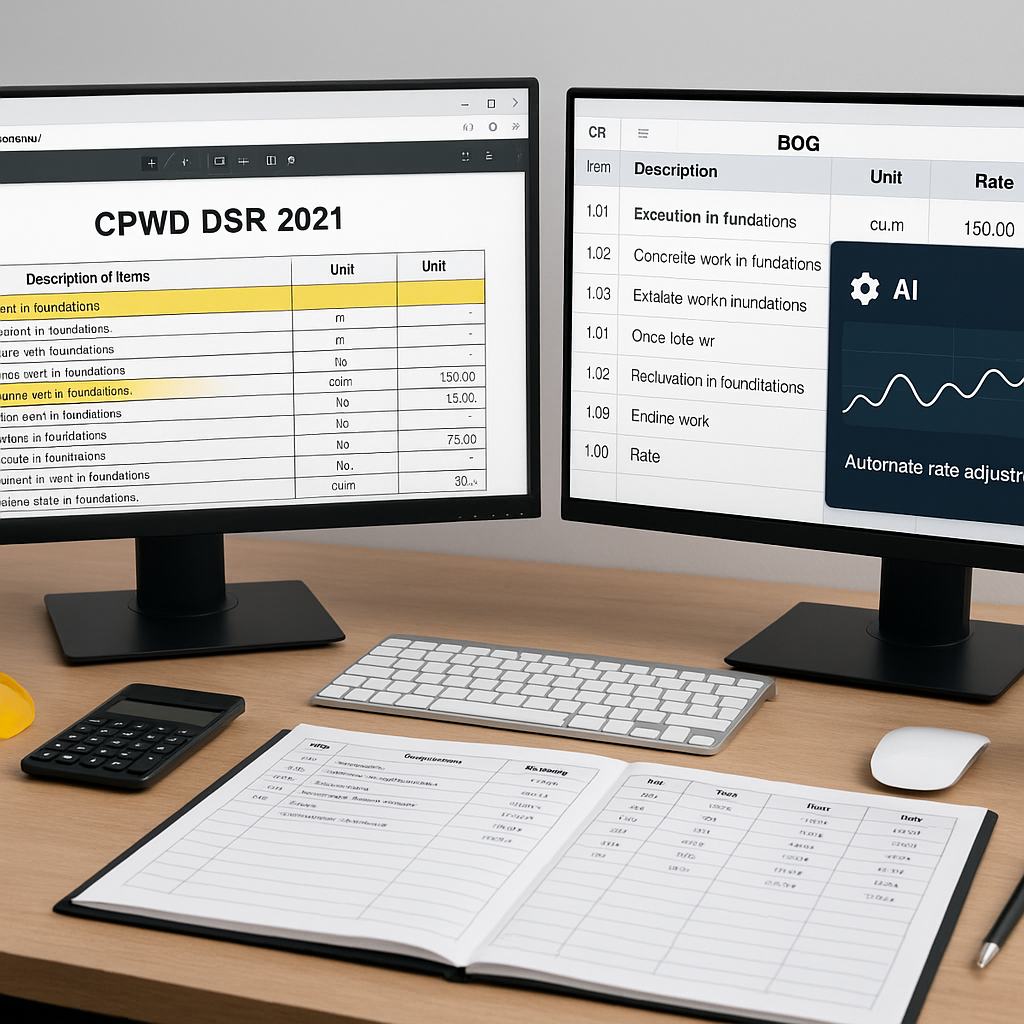
The Problem with CPWD DSR 2021 Lookups
If you've ever bid on a CPWD (Central Public Works Department) project, you know the drill. The DSR 2021 (Delhi Schedule of Rates) is your reference guide — with 19 volumes covering thousands of items. But here's the catch: using it manually can be time-consuming and error-prone.
Think about it. You're flipping through extensive PDFs looking for the right rate, cross-checking base costs against the latest inflation updates, and then rebuilding your BOQ (Bill of Quantities) in Excel. Miss one rate? Your bid could be non-compliant or underpriced. Circulars with cost index updates are often scattered across their website, adding to the challenge.
However, modern tools and methods can simplify this process significantly. Let’s break it down.
Step 1: Upload Your BOQ Without Cleanup
One of the biggest time sinks in estimation is cleaning up messy Excel files. Merged cells, missing headers, and inconsistent formatting — we’ve all seen it.
Here’s where smarter tools come in. You can upload your BOQ as-is, and advanced parsers can auto-detect hierarchies, section headers, and even those tricky merged cells. This eliminates the need for manual cleanup.
Example: If your BOQ includes a line for "Cement Concrete 1:2:4 mix," the tool can recognize this as an item from the CPWD DSR 2021 Civil Volume and match it automatically. If your file includes regional variations or custom items, the system can widen its search to find the closest match.
Step 2: Automate CPWD Cost Index Adjustments
This is the part that trips up most estimators. CPWD rates from DSR 2021 are base rates. To make your bid current, you need to apply the latest cost index (CI) adjustments for labor, material, and equipment.
Manually, this process involves:
- Finding the latest CI circular.
- Applying the percentage adjustments to every single line item in your BOQ.
- Recalculating totals, ensuring no formula errors.
With modern tools, this process can be automated. When you upload your BOQ, the system can apply the correct cost index for your project’s location and timeline.
Illustrative example: Suppose you’re bidding on a CPWD project in a specific region. The latest CI adjustment for that region is applied automatically to each rate, saving you the effort of manual calculation.
Step 3: Real-Time Rate Analysis
The rate-matching process doesn’t stop at finding the DSR item. You also need to verify if the rate makes sense for your project. This includes analyzing material, labor, and equipment costs.
Advanced tools can provide a full breakdown of each rate:
- Material cost
- Labor cost (adjusted for inflation)
- Equipment cost
You also get an audit trail, so you know exactly how each rate was derived. This is invaluable during audits or client discussions.
Practical tip: Always review suggested rates for high-value items like RCC or structural steel, as these have the biggest impact on your total cost.
Common Mistakes to Avoid
- Ignoring Regional Adjustments: CPWD rates are indicative and often need localization. Ensure your method factors in regional cost variations.
- Using Outdated Rates: Always check that the latest cost index is applied. Missing an update means your bid could be non-compliant.
- Overlooking Audit Trails: If a client questions your rates, you need to show how they were derived. Use a system that provides detailed rate analysis.
The Bottom Line
Using CPWD DSR 2021 rates for accurate construction estimation doesn’t have to be a manual slog. Modern tools streamline the process, from rate matching to cost index adjustments and real-time analysis. If your team is spending hours on Excel spreadsheets and struggling to keep up with CPWD updates, it might be time to rethink your workflow.


