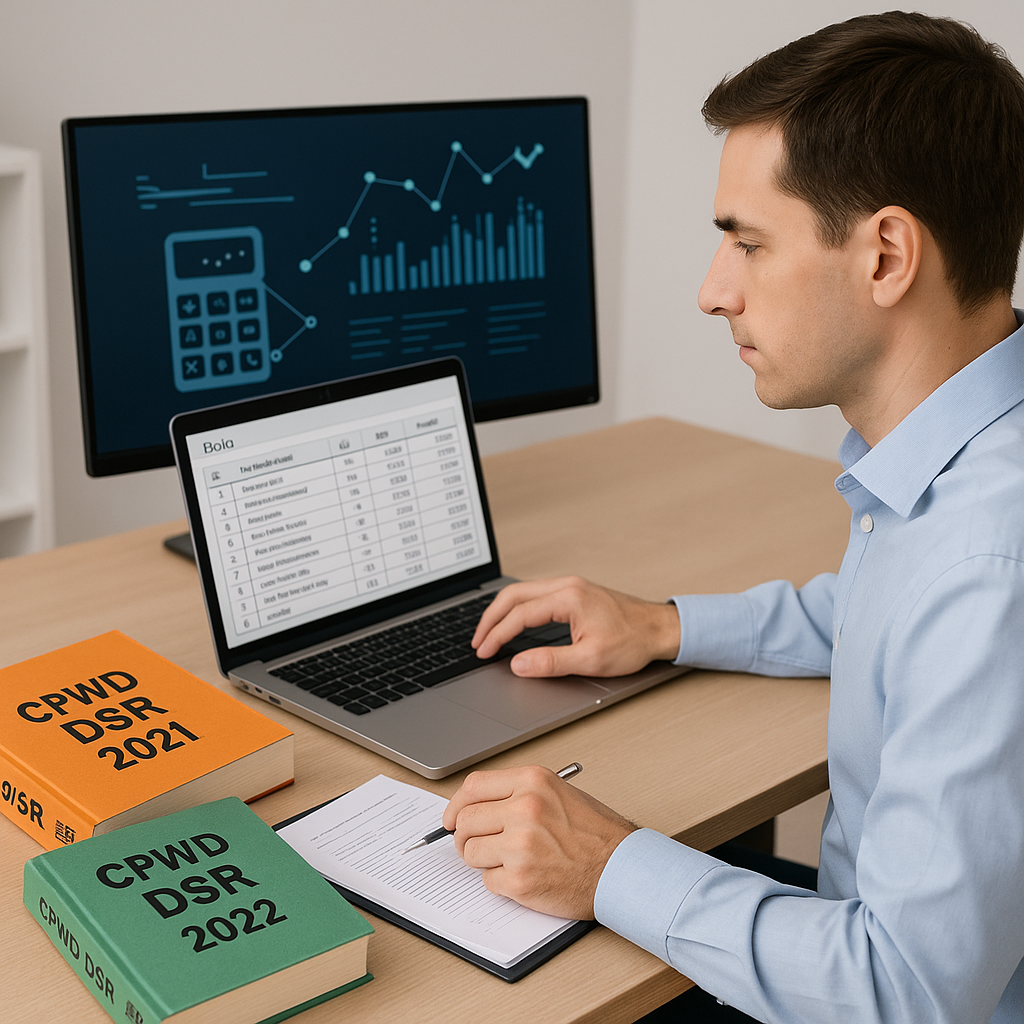
Using CPWD Valuation Rates: The Right Way
If you've ever bid on a government project in India, you've dealt with CPWD (Central Public Works Department) rates. They're the backbone of public construction tenders. But let’s be honest—using them can feel like pulling teeth.
Between navigating the DSR (Delhi Schedule of Rates), applying cost indices, and recalculating rates for every BOQ (Bill of Quantities), the process is anything but smooth.
The good news? With the right approach—and a little help from technology—you can simplify this process.
Why CPWD Rates Matter
CPWD valuation rates are non-negotiable for public projects. They ensure:
- Standardized pricing: Everyone bids using the same baseline rates.
- Transparency: Rates are published and trackable.
- Compliance: Your bid must align with the latest CPWD circulars to even qualify.
The challenge? These rates aren’t static. CPWD issues cost index updates periodically to adjust for inflation and market shifts. Miss an update, and you risk underpricing (making your bid uncompetitive) or overpricing (reducing your chances of winning the bid).
The Manual Process: What’s Broken?
Here’s how estimating with CPWD rates typically works:
- Find the Latest Circular: CPWD doesn’t exactly make this easy. Circulars are buried on their site, often without clear links.
- Apply the Cost Index: Each circular gives inflation adjustments. You have to manually apply these to every line of your BOQ.
- Redo Rate Analysis: Rates in the BOQ aren’t just raw numbers. They’re built up from material, labor, and equipment costs. Each component needs to be recalculated.
- Double-Check Compliance: Did you apply the right index? Did you miss a line item? Errors here can sink your bid.
This process can take significant time and effort, especially for large projects, and is prone to human error.
A Smarter Way: Automating CPWD Rate Calculations
Technology can help streamline this process. Here’s how automation tools can assist:
- Smart BOQ Parser: Upload your BOQ in Excel or CSV. The system detects sections, hierarchies, and merged cells automatically.
- Built-In CPWD Rates: Some platforms include CPWD DSR items across multiple catalogs, eliminating the need to manually search through PDFs.
- Cost Index Automation: When CPWD updates its cost indices, the platform adjusts rates automatically, saving you time and ensuring accuracy.
- Rate Analysis: Break down each rate into material, labor, and equipment costs, with inflation adjustments applied automatically.
Illustrative example — Suppose you’re pricing a large-scale project, and CPWD releases a circular updating cost indices. Instead of manually recalculating hundreds of BOQ lines, an automation tool can apply the updates across all items in a fraction of the time, while maintaining an audit trail for compliance purposes.
Common Mistakes (and How to Avoid Them)
-
Ignoring Regional Variations: CPWD rates are national but often need local adjustments. Labor costs in one region may differ significantly from another. Use tools or methods that factor in regional data.
-
Overlooking Circular Updates: CPWD updates cost indices sporadically. Missing one can mean non-compliance. Automate alerts or use platforms that track updates for you.
-
Misapplying Indices: Not every rate in the BOQ gets the same percentage adjustment. Labor, materials, and equipment often have separate multipliers. Double-check your calculations or use tools that handle this automatically.
-
Manual Errors: Whether it’s a wrong formula in Excel or a missed line item, manual processes are error-prone. Automation can help eliminate this risk entirely.
Practical Tips for CPWD Estimates
-
Start with Correct BOQ Structure: Organize your BOQ with clear headers and sections. This makes it easier to parse and calculate rates accurately.
-
Use the Latest DSR Editions: CPWD releases updated DSR volumes periodically. Always work with the most recent version to ensure compliance.
-
Apply Inflation Correctly: Break rates into components (material, labor, equipment) and apply cost indices separately to each.
-
Leverage Technology for Rate Matching: Don’t waste hours finding the right CPWD rate for a new item. Use tools that can suggest matches based on descriptions and specifications.
-
Keep an Audit Trail: Especially for public tenders, you need to show how rates were derived. Ensure your calculations are documented and traceable.
The Bottom Line
Manually applying CPWD rates is a time-intensive and error-prone process. Automation not only saves time but also ensures compliance and accuracy. Whether you’re bidding on a small project or a large-scale development, leveraging technology can simplify the process and improve your chances of success.


