Why RIBA BOQ Structure Matters
Getting the BOQ (Bill of Quantities) right at RIBA Stage 3 isn't optional. By this point, your client expects a solid cost plan tied to the project's design intent. Mess it up, and you'll be revising endlessly—or worse, losing the job. A poorly structured BOQ doesn't just waste time; it erodes trust, delays decision-making, and can even derail the project timeline.
But here's the problem: many estimators treat BOQs like glorified spreadsheets. They slap on some rates, group items vaguely, and hope for the best. That approach doesn't cut it anymore. The RIBA BOQ structure demands precision, hierarchy, and traceability.
The Framework at a Glance
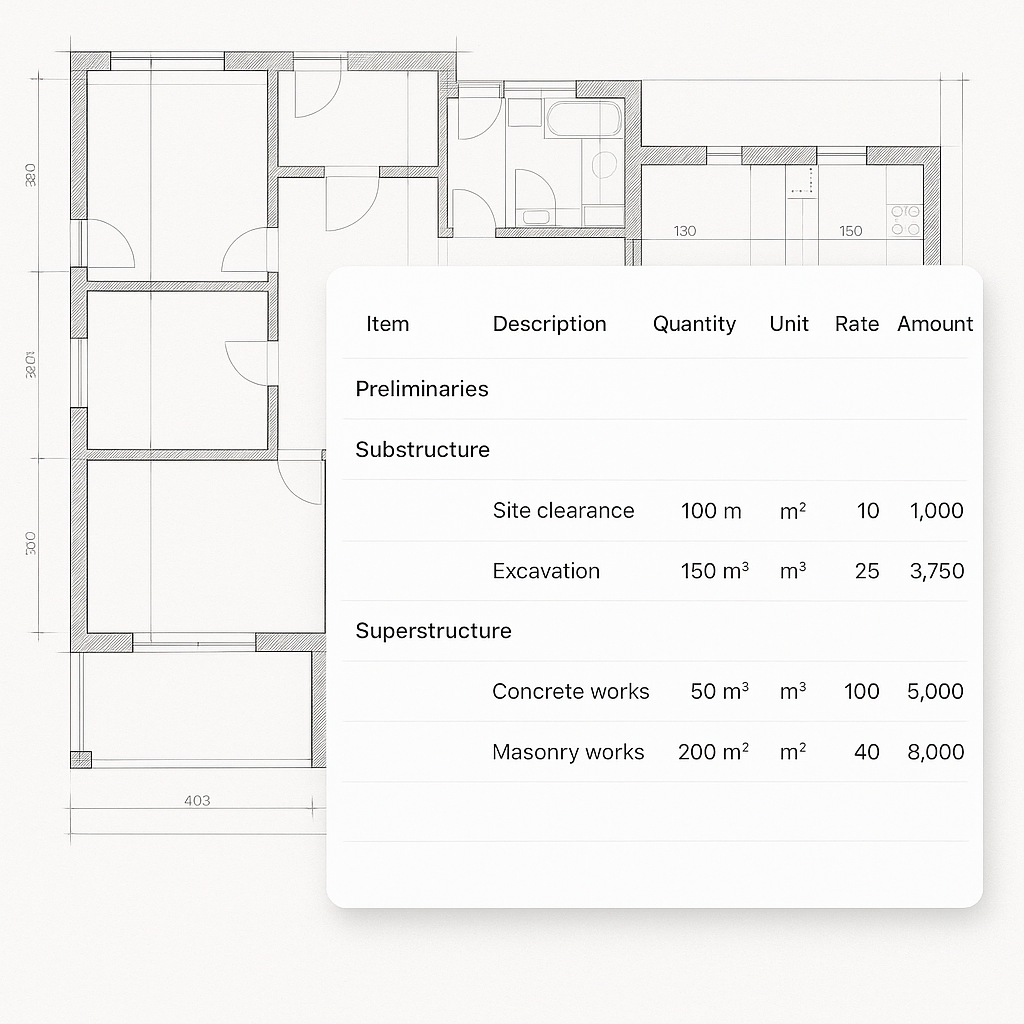
The RIBA BOQ structure aligns with the Plan of Work stages, especially Stage 3 (Developed Design). At this stage, your BOQ should:
- Follow Elemental Cost Planning — Break down costs by key building elements (e.g., substructure, superstructure, finishes).
- Match to Specification — Quantities must reflect the materials and methods specified.
- Show Transparency — Every cost component (material, labor, equipment) should be visible.
Skipping these steps isn't just lazy—it's unprofessional. Clients want clarity, not guesswork.
Why Does This Matter?
A well-structured BOQ ensures that both the client and the project team have a clear understanding of the costs associated with each building element. For example, consider a residential project where the client is deciding between a timber frame and a steel frame. Without a clear breakdown of costs for each option, the client is left guessing about potential trade-offs between upfront cost, durability, and construction time.
By adhering to RIBA BOQ structure, you provide transparency and enable informed decision-making. This isn't just a technical requirement—it's a competitive advantage.
Common BOQ Mistakes to Avoid
-
Vague Categories: Using generic terms like "General Works" or "Miscellaneous" is a red flag. Instead, use proper RICS (Royal Institution of Chartered Surveyors) standard elements, such as substructure, external walls, or finishes. For example, "External Walls" can be further broken down into brick veneer, insulation, and cladding.
-
Missing Audit Trails: If you can't show how you calculated a rate, you're asking for trouble. Clients and auditors may request detailed explanations, and without an audit trail, your credibility takes a hit.
-
Manual Rate Matching: Flipping through rate books for every line item wastes hours and invites errors. Imagine pricing a 10-story residential project and manually matching rates for 200 line items—inefficiency at its worst.
-
Ignoring Inflation: Costs from a 2021 rate book won't fly in 2024. Inflation can have a significant impact on material and labor costs, especially for long-term projects.
Real-World Example
In a recent case, a contractor miscalculated the cost of external cladding due to outdated rates. The project was delayed by weeks as the team scrambled to update their BOQ and justify the revised price to the client. This could have been avoided with accurate rate analysis and inflation adjustments.
How EstimateNext Fixes This
EstimateNext's BOQ tools tackle these issues head-on. For example:
-
Elemental Cost Planning: The platform breaks down building elements automatically, using historical benchmarks (BCIS for UK, RSMeans for USA). You upload a BOQ, and it applies cost/m² benchmarks tied to your project's location and quality level.
-
Rate Analysis with Audit Trails: Each cost line item is broken into material, labor, and equipment components, with a full audit trail. You can trace every rate back to its source, whether it's CPWD DSR, RSMeans, or your own internal database.
-
Inflation Adjustment: EstimateNext auto-suggests inflation uplifts based on catalog year. If you're pricing from a 2020 rate book, it calculates the CPI adjustment without manual guesswork.
Case Study: A Mixed-Use Development
A contractor working on a mixed-use development in London faced challenges with labor cost variations and material price hikes. By using EstimateNext, they:
- Uploaded their BOQ for a rapid element-by-element breakdown.
- Applied regional labor cost benchmarks for London.
- Adjusted material costs for a 12-month inflation period.
The result? A client-ready BOQ delivered in half the time, with full transparency.
Practical Example: Stage 3 Cost Plan
Let’s say you’re pricing a mid-rise office building at RIBA Stage 3. The design specifies:
- External Walls: Brick veneer with insulation
- Internal Walls: Lightweight partitions
- Roof: Flat roof with EPDM membrane
Here’s how EstimateNext simplifies your workflow:
- Upload the BOQ: The platform parses your spreadsheet and identifies categories like external walls, internal walls, and roof.
- Match Rates: It finds the closest matches from BCIS or RSMeans catalogs, including inflation-adjusted costs.
- Break Down Costs: You get a detailed view—brick veneer cost per sqm, insulation cost per cubic meter, and EPDM membrane cost per roll.
- Export to RIBA Format: One click gives you a professional BOQ that aligns with RIBA standards.
By automating these steps, you not only save time but also reduce errors and improve the overall quality of your cost plan.
Decision Framework: Manual BOQ vs. EstimateNext
| Criteria | Manual BOQ | EstimateNext BOQ |
|---|---|---|
| Time Efficiency | Hours or days to compile rates | Minutes with automated tools |
| Transparency | Limited audit trails | Full breakdown of costs |
| Accuracy | Prone to human error | Inflation-adjusted rates |
| Client Confidence | Lower due to vague categories | Higher with detailed breakdowns |
| Scalability for Large Projects | Inefficient | Scales easily |
Why This Matters for Bids
Clients at Stage 3 don’t want surprises. If your BOQ is messy or vague, you’re signaling that your construction phase might be just as chaotic. That’s why clarity and precision matter.
With EstimateNext, you’re not just saving time—you’re sending a message: "We’ve got this under control." And let’s be honest, that message wins bids.
Call-to-Action
If you’re tired of messy BOQs or losing bids because of unclear cost plans, EstimateNext can help. Get started free →


