Flipping Pages Is Not a Strategy
If you're still flipping through 2,000-page rate books or scrolling endlessly in PDFs, you're not alone. It’s a dirty secret in construction estimation: even in 2023, manual rate lookup is the norm. Estimators waste up to 36 hours per bid just matching rates to BOQ (Bill of Quantities) line items. That’s nearly a week of work lost to what should be a solved problem.
Why is this such a time suck? Rate books like RSMeans, CPWD DSR, or state-specific SORs weren’t built for speed. They’re exhaustive but clunky. Need the labor rate for installing pre-stressed concrete girders? Good luck finding it fast without a cheat sheet. And heaven forbid there’s a typo in the BOQ description—now you’re cross-referencing like it’s 1999.
The real kicker? These delays pile up. A general contractor (GC) chasing five GMP pursuits a year wastes over 180 hours just on rate matches. Subcontractors responding to 30 bid packages annually? They’re bleeding time—and money—on every package.
Why Manual Rate Lookup Is Killing Your Margins
Let’s break it down with some real numbers:
For General Contractors (GCs):
- Time Lost: On average, it takes 36 hours per bid to manually match rates. If you handle five bids a year, that’s 180 hours annually. At an average estimator labor cost of $130/hour, that’s $23,400 in wasted time.
- Missed Opportunities: That’s 180 hours that could’ve been spent refining bid strategies, negotiating better subcontracts, or even pursuing additional projects.
For Subcontractors (Subs):
- Volume at Scale: Many subs respond to 30-40 bids annually. With 36 hours saved per bid, that’s up to 1,440 hours reclaimed per year.
- Revenue Boost: Let’s assume an average project value of $200,000. Even a 10% increase in bid volume could yield $800,000 to $1.6M in additional revenue annually.
The opportunity cost of sticking to manual rate lookup is staggering—especially when the solution is so simple.
AI Rate Matching: A Game-Changer (That Actually Delivers)
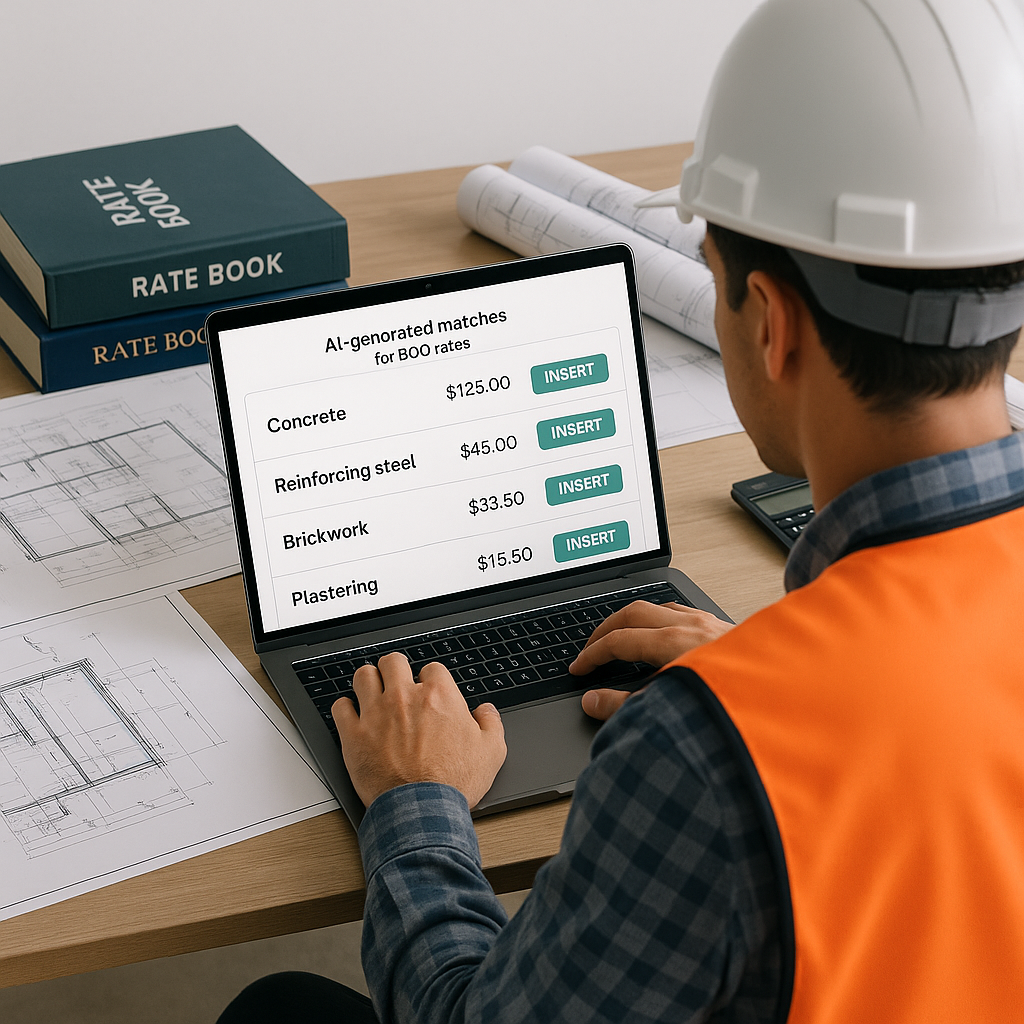
Here’s where AI flips the script: Instead of spending hours manually searching for rates, tools like EstimateNext use smart algorithms to match BOQ items to the right rates in seconds. Yes, seconds.
Think about this workflow:
- Upload Your BOQ: Start by uploading a spreadsheet with your project’s Bill of Quantities.
- AI Parsing: The AI instantly reads each line item—whether it’s “M30-grade concrete slab” or “PVC conduit, 110mm.”
- Smart Matching: Using its proprietary 4-step process (explained below), the system matches each item to the most relevant rate.
- Confidence Scoring: If the AI isn’t 100% sure, it flags the item for manual review, letting you focus your expertise where it matters most.
How It Works: The 4-Step Process
- Tenant History: The system learns from your past projects, prioritizing rates you’ve used before.
- User Catalogs: Got custom rates? They’re baked in, so you don’t have to re-enter them every time.
- Country-Level Widen: Need CPWD rates for India or AECOM rates for UAE? The AI scans 135+ catalogs to find the best match.
- AI Fallback: If it can’t find a perfect match, the AI suggests the closest option—complete with confidence scoring so you know if it’s worth a second look.
The result? 78,000+ rates searchable in seconds. It’s like having an army of junior estimators at your disposal—minus the payroll.
Real-World Impact: 36 Hours Saved Per Bid
Let’s translate this into real-world results:
Case Study 1: General Contractor
A mid-sized GC recently used EstimateNext on a $466M infrastructure bid. By automating the rate-matching process, their team saved 36 hours—time they reallocated to refining bid strategies, running what-if cost scenarios, and preparing for negotiation meetings.
Case Study 2: MEP Subcontractor
An MEP (Mechanical, Electrical, and Plumbing) subcontractor handling 40 bids annually estimated they’d save 1,440 hours per year by switching to AI-powered rate matching. That’s more than two months of full-time work reclaimed—time they’re now using to win more bids and deliver better proposals.
Case Study 3: State Infrastructure Project
A state-level infrastructure contractor working on a highway project used AI to match 1,000+ unique BOQ items to regional SOR rates in under an hour. Previously, this task took two estimators nearly two weeks to complete.
The Skeptic’s Corner: What About Accuracy?
You might be thinking, “Sure, AI is fast, but can it really match rates as accurately as a human estimator?” Fair question.
Why AI Doesn’t Replace Your Expertise
AI isn’t here to replace you—it’s here to amplify your expertise. Platforms like EstimateNext include:
- Confidence Scoring: The AI flags matches it’s unsure about, so you can review them manually.
- Manual Overrides: If the AI suggests a rate you disagree with, you can override it with a single click.
- Learning Over Time: The more you use the system, the smarter it gets—just like training a junior estimator, but without the steep learning curve.
Accuracy in Practice
By the third project, most users report accuracy rates above 95%, with significant reductions in flagged items. That’s because the AI learns from your corrections, tailoring itself to your specific workflows and preferences.
Getting Started: Test Before You Commit
The best part? You don’t have to overhaul your entire workflow to see the benefits. Tools like EstimateNext integrate with popular software like Procore, Bluebeam, and MS Excel. Here’s how to get started:
- Start Small: Upload a single BOQ and let the AI process it.
- Validate Results: Review flagged items to ensure accuracy.
- Iterate: Use feedback to fine-tune the system, improving results with each project.
Most users are up and running in under two weeks, with measurable time savings after the first project.
Comparison Table: Manual vs AI Rate Matching
| Feature | Manual Rate Matching | AI-Powered Rate Matching |
|---|---|---|
| Time Per Bid | 36 hours | Under 1 hour |
| Accuracy | Depends on human effort | 95%+ (improves over time) |
| Scalability | Limited by manpower | Highly scalable |
| Cost Efficiency | High labor cost | Low operational cost |
| Learning Curve | Steep for new hires | Minimal after onboarding |
Final Thoughts: Stop Wasting Time, Start Winning Bids
Preconstruction isn’t just about crunching numbers; it’s about making strategic decisions faster than your competition. AI-powered rate matching is no longer a nice-to-have—it’s a must-have for any estimator serious about staying competitive.
If you’re still burning 36 hours per bid on manual rate lookups, it’s time to ask yourself: Can you afford not to try AI?
Ready to save 36 hours per bid? Get started free →


