Why Are We Still Flipping Through Rate Books in 2023?
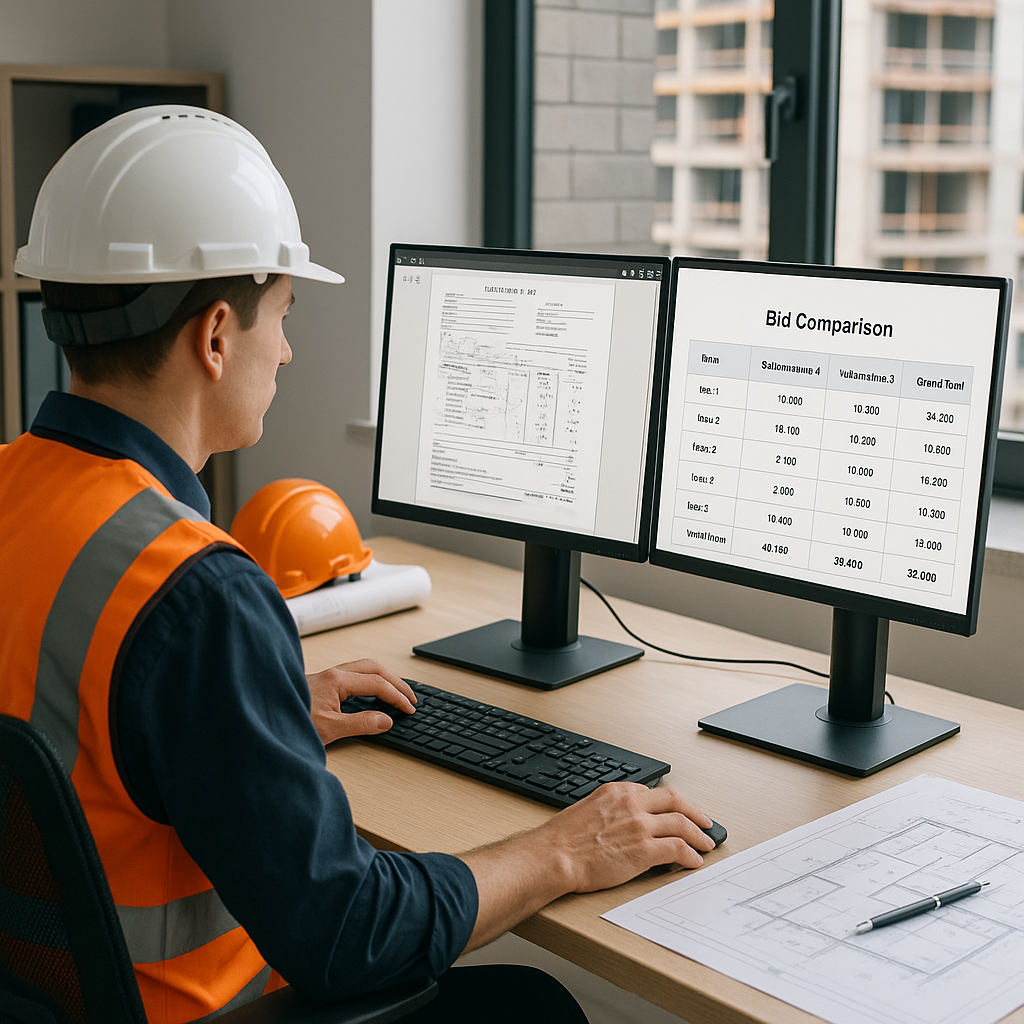
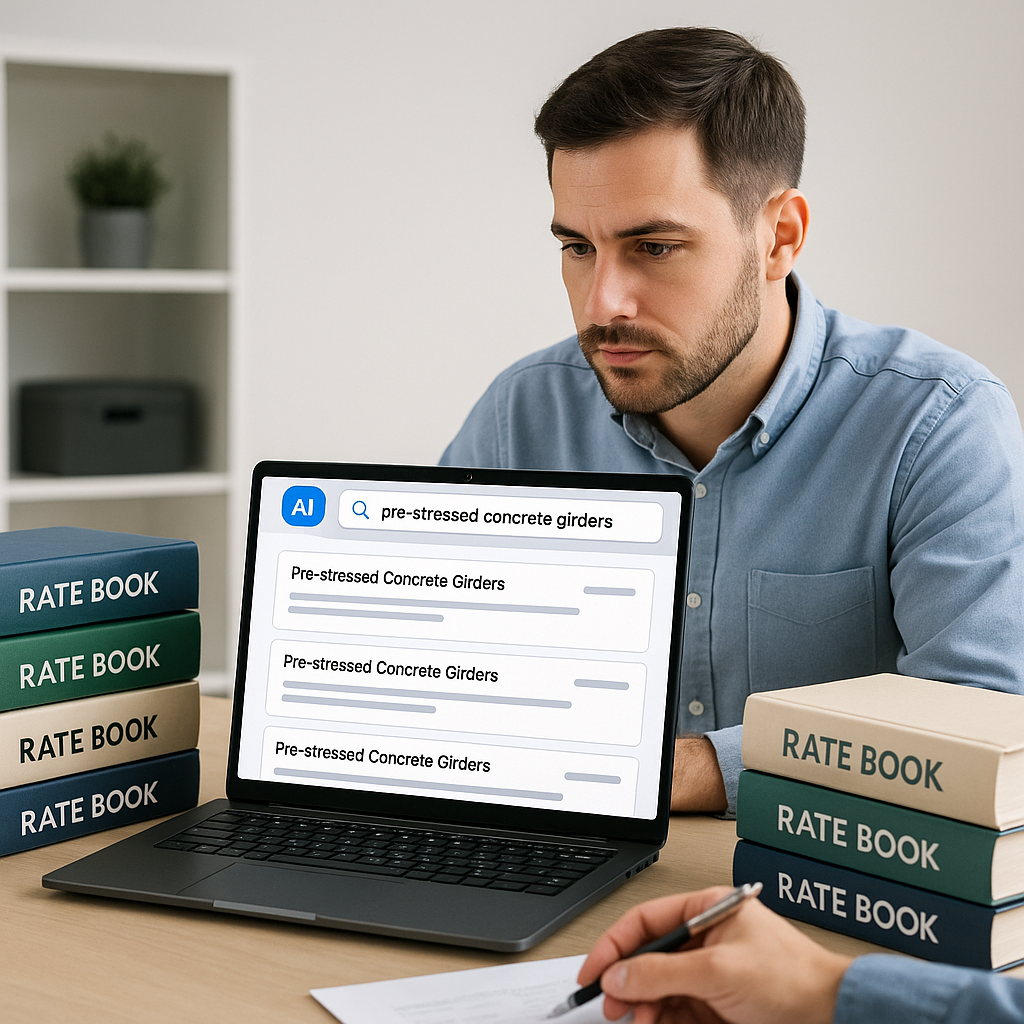
Let’s talk about a problem every estimator knows too well: rate lookups. You’re working on a bid, you need the cost of installing pre-stressed concrete girders, and suddenly you’re deep in a 2,000-page RSMeans book or a CPWD DSR PDF. After hours of flipping and squinting, you’ve got your rate. Multiply that by the dozens (sometimes hundreds) of items in a BOQ, and you’ve just burned an entire day—or two.
Sound familiar? It should. According to a 2023 McKinsey report, inefficiencies like these cost the construction industry billions globally every year. The worst part? This isn’t even a high-value task. It’s grunt work—work that AI can handle faster and with fewer errors.
How AI Makes Rate Lookups Instant (and Accurate)
Here’s where AI-powered tools like EstimateNext come in. Instead of flipping through PDFs or scrolling endlessly, you type in what you need—"pre-stressed concrete girders," for example—and the system searches across 78,000+ rate items in seconds. It’s not just a keyword search, either. AI uses semantic matching to understand what you’re asking for, even if the phrasing doesn’t match the catalog exactly.
Case Study: Speeding Up Rate Lookups
Need proof? In a real-world scenario shared by EstimateNext, AI rate matching reduced lookup time from 12 hours per estimate to just a few minutes. That’s a 99% reduction. For a general contractor’s preconstruction director running five GMP bids a year, that’s 60 hours saved annually—per estimator. Multiply that by a team of eight, and you’re looking at 480 hours freed up for higher-value work, like optimizing scope or negotiating with subs.
Actionable Steps to Implement AI Rate Lookups
- Evaluate Your Current Process: Identify how much time your team spends on manual rate lookups each week.
- Choose the Right Tool: Look for AI-powered platforms that offer custom catalog uploads, semantic search, and integration with existing tools like Procore or Bluebeam.
- Train Your Team: Most AI estimation tools are intuitive, but a short training period (typically under two weeks) ensures your team can hit the ground running.
- Monitor Results: Track the time saved and reinvest those hours into higher-value activities like bid strategy or subcontractor negotiations.
The Human Factor: Why AI Doesn’t Replace You
You might be thinking, “Sure, AI is fast, but it doesn’t understand construction like I do.” And you’re right. AI doesn’t replace your expertise; it amplifies it. You’re still the one making judgment calls, deciding on markups, and ensuring compliance with local standards.
AI as Your Assistant, Not Your Replacement
What AI does is handle the tedious stuff so you don’t have to. It looks up rates, adjusts for inflation, and even suggests similar items if an exact match isn’t found. For example, in one project, an estimator used EstimateNext to find a labor rate for a custom installation that wasn’t in any standard catalog. The AI suggested a close match, and the estimator made minor adjustments. Total time spent? Five minutes.
Practical Comparison: Manual vs AI-Assisted Rate Lookups
| Task | Manual Process | AI-Assisted Process |
|---|---|---|
| Rate lookup for 50 items | ~8 hours | ~15 minutes |
| Adjusting custom rates | 1-2 hours | ~5-10 minutes |
| Cross-checking inflation | ~1 hour | Automated (seconds) |
| Total time for estimate | 10-12 hours | ~20-30 minutes |
Real Savings: One Contractor’s Experience
Here’s a concrete example. A mid-sized general contractor bidding on a $50M high-rise project saved 36 hours by using AI for rate lookups. That’s not just time saved—it’s money saved. At an average estimator rate of $130/hour, that’s $4,680 back in their pocket for one bid.
Now, imagine scaling that across 8-10 bids a year. You’re looking at $37,440 to $46,800 in recovered costs annually. And that’s just from fixing one bottleneck.
Additional Benefits
- Improved Accuracy: AI reduces human error in rate selection, which can lead to fewer disputes or change orders later.
- Faster Bid Turnaround: By cutting down the time needed for estimates, contractors can bid on more projects without adding staff.
What About Custom Rates?
“But what if my rates are custom or project-specific?” Good question. AI tools like EstimateNext allow you to upload your own catalogs or define custom rates. These are then integrated into the system, so the AI can match them in future estimates. The more you use it, the smarter it gets.
Action Steps for Custom Rate Management
- Prepare Your Catalog: Organize your custom rates in a structured format (Excel or CSV).
- Upload to AI System: Most platforms allow you to integrate custom catalogs easily.
- Refine Over Time: Provide feedback to the AI when it suggests rates, so the system learns and improves.
The Skeptic’s Corner: Common Objections
-
“AI isn’t 100% accurate.” True, no system is. That’s why EstimateNext includes confidence scoring and manual override features. You get to review and tweak as needed.
-
“What about integration with my existing tools?” Most AI platforms, including EstimateNext, integrate seamlessly with tools like Procore and Bluebeam. You can export estimates directly into your workflows.
-
“Is it hard to learn?” Not at all. Training typically takes under two weeks. The interface is designed to be intuitive, even for non-tech-savvy users.
-
“What if I’m dealing with outdated catalogs?” AI systems often include automatic updates for inflation and regional adjustments, ensuring your rates remain current.
-
“Can AI handle niche items?” Yes. Semantic search capabilities allow AI tools to find matches for even highly specialized items. If no exact match exists, the system suggests alternatives based on context.
Why Speed Matters in Estimation
Think about the competitive advantage here. If your team can turn around estimates faster, you can bid on more projects without sacrificing quality. And in an industry where margins are razor-thin, that’s a big deal.
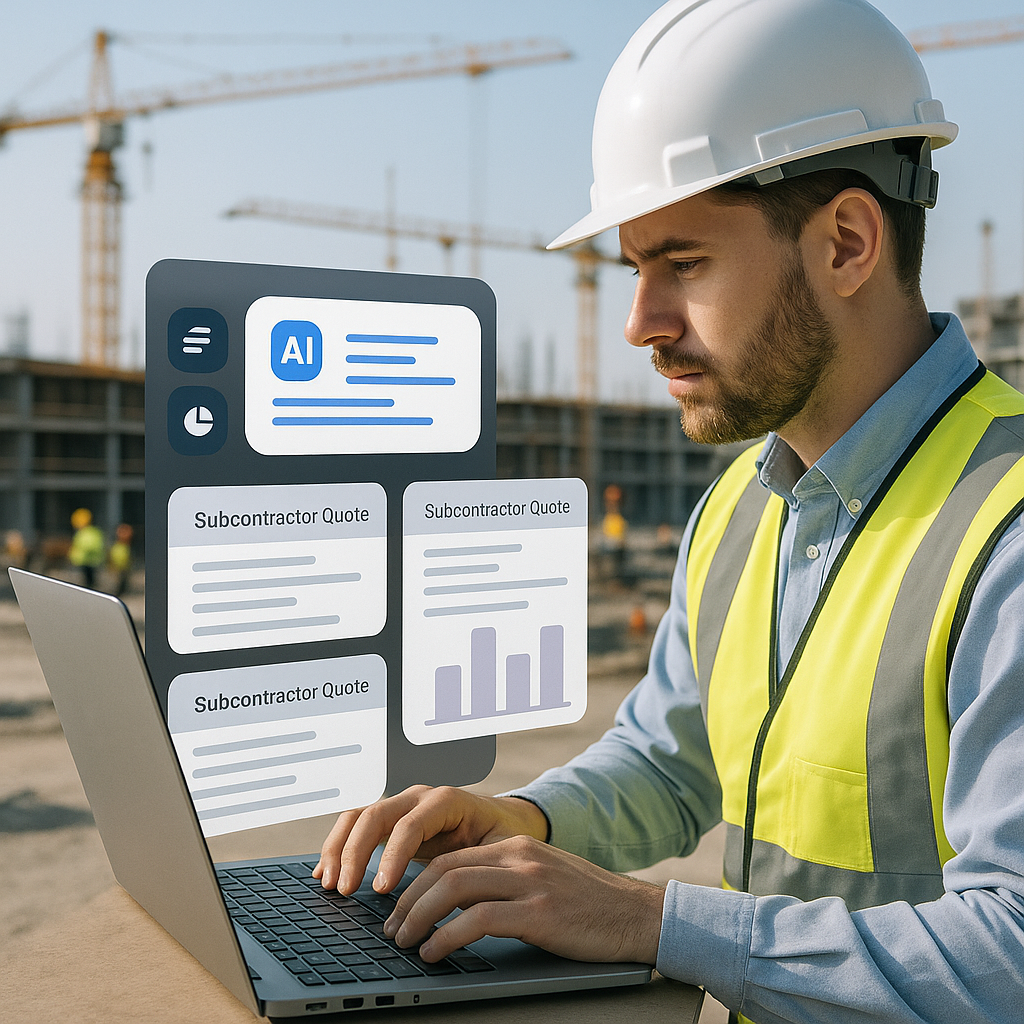
For MEP subcontractors, for example, a 72-hour quote cycle often means missing bid deadlines. AI tools cut that down to 4 hours, allowing them to respond to 50% more bids. That’s 4-8 additional wins per year, translating to $800K-$1.6M in incremental revenue.
Decision Framework: Should You Adopt AI for Estimation?
| Factor | Manual Process | AI-Assisted Process |
|---|---|---|
| Time spent on estimates | High (10+ hours/project) | Low (minutes/project) |
| Error rate | Moderate to High | Low |
| Initial setup effort | None | Moderate (~2 weeks) |
| Long-term savings | Minimal | Significant |
| Scalability | Limited | High |
Final Thoughts
Manual rate lookups are a relic of the past. AI-powered tools like EstimateNext are proving that you don’t need to waste hours—or days—on tasks that software can handle in seconds. The question isn’t whether you can afford to adopt AI estimation. It’s whether you can afford not to.
If you’re tired of wasting time on manual rate lookups, EstimateNext can help. Get started free →
FAQ
1. How accurate are AI-powered rate lookups?
AI tools like EstimateNext boast high accuracy rates, thanks to semantic matching and confidence scoring features. However, estimators still review and adjust rates, ensuring compliance with project standards.
2. Can AI tools handle regional variations in rates?
Yes, most AI platforms automatically account for inflation and geographic adjustments. You can also upload localized rate catalogs for even more precision.
3. What happens if my rates are highly specialized?
AI tools excel at semantic matching, which means they can suggest alternatives for niche items. Over time, the system learns from your adjustments and improves its recommendations.
4. How much training is required to use AI estimation tools?
Minimal training is needed—usually under two weeks. The user interfaces are designed to be simple and intuitive.
5. What’s the ROI for adopting AI in estimation?
Contractors report saving hundreds of hours annually, which translates to tens of thousands of dollars in recovered costs. Additionally, faster bid turnarounds lead to more opportunities and increased revenue.