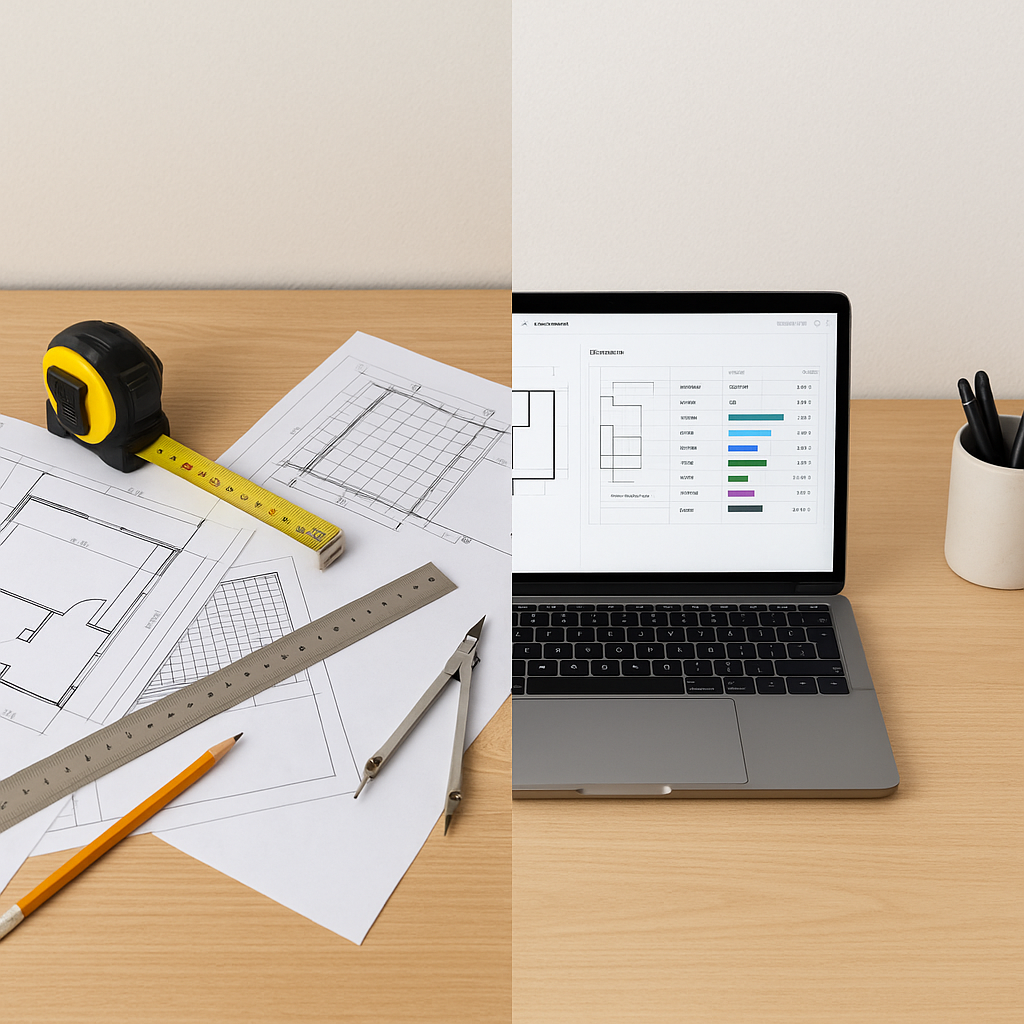
Manual Takeoffs Are Killing Your Productivity
Let’s start with a hard truth: manual drawing takeoffs are a colossal time sink. On average, two estimators spend two full days—40 hours—on takeoffs for a single bid. That’s 40 hours of tracing room areas, counting fixtures, and double-checking measurements. And guess what? Human error still creeps in. A missed line here, a miscalculation there, and suddenly, your bid isn’t just late—it’s wrong.
Now, imagine cutting that time down to 10 minutes. That’s exactly what AI-powered tools like EstimateNext’s Vision AI do. Upload your PDF drawings, and the AI extracts quantities—room areas, wall lengths, door/window counts—automatically. It’s like having a full-time estimator who works at light speed.
How Does It Work?
The process is straightforward:
- Upload Your Drawings: Drag and drop your PDF or CAD files into the platform.
- AI Does the Heavy Lifting: Vision AI scans the drawings, identifies key elements, and extracts quantities.
- Review and Adjust: Low-confidence areas are flagged for manual review, so you’re still in control.
- Export to Your Workflow: Quantities are ready to import into your BOQ or cost estimate.
Let’s unpack these steps with more actionable advice:
Step 1: Upload Your Drawings
The first step is simple but often overlooked. Make sure your drawings are organized and labeled clearly before uploading. AI tools can handle messy drawings, but clean organization can make the process even faster. For example, grouping related drawings by floor or area can reduce the likelihood of errors in extraction.
Step 2: AI Does the Heavy Lifting
Vision AI uses machine learning algorithms to identify patterns, extract data, and classify elements. For example, it can distinguish between walls, windows, and fixtures based on their geometry and annotations. Tools like Vision AI also employ Optical Character Recognition (OCR) to read text embedded in drawings, ensuring that dimensions and annotations are included in the takeoff.
Step 3: Review and Adjust
AI isn’t infallible—nor should it be treated as such. Most platforms offer confidence scoring, which highlights areas the AI isn’t 100% certain about. For example, if your drawings include faded text or inconsistent annotations, these sections will be flagged for manual review. This hybrid approach lets you blend the speed of AI with the precision of human oversight.
Step 4: Export to Your Workflow
After reviewing, the extracted quantities are ready for export. Whether you’re using Procore, Bluebeam, Excel, or another platform, most AI tools offer seamless integrations. This means you can skip the tedious manual data entry and move directly into pricing and bid preparation.
Real-World Example: A Mid-Sized GC
A mid-sized general contractor recently used Vision AI for a high-rise project. Traditionally, the team would spend 120 hours on takeoffs for a project of this size. With AI, they finished in under 3 hours, including reviews and adjustments. That’s two full weeks of labor saved.
Let’s break it down:
- Manual Process: 120 hours = 3 estimators working full-time for 5 days.
- AI Process: 3 hours = 1 estimator reviewing flagged areas.
The saved time allowed the team to refine their bid, explore alternate pricing scenarios, and negotiate better terms with subcontractors. The result? A more competitive bid and a higher win rate.
Common Objections
“AI can’t possibly be as accurate as a human estimator.”
Fair point. Accuracy is critical in construction estimating, and AI tools like Vision AI are designed with this in mind. Confidence scoring and manual overrides ensure you’re never flying blind. For example, an AI tool might flag a complex intersection of walls and fixtures for human review, making sure no critical detail is missed.
“What if my drawings are messy or inconsistent?”
Messy drawings are a reality in construction, especially for older projects or rushed designs. AI tools are built to handle this. Vision AI, for instance, can process PDFs, CAD files, and even hybrid formats. It flags inconsistencies like missing dimensions or conflicting annotations, ensuring you catch errors during the review phase.
Why This Matters
Time isn’t just money—it’s opportunity. Every hour your team spends on manual takeoffs is an hour they’re not pricing alternate scenarios, negotiating with subs, or refining your bid strategy. Faster takeoffs mean you can bid on more projects without adding headcount.
And let’s not ignore the accuracy factor. McKinsey reports that early adopters of AI in construction see cost savings of 10-20% per project. Why? Because fewer errors upfront mean fewer change orders later. It’s not just about speed—it’s about getting it right the first time.
Getting Started
If you’re still using manual methods, here’s how to test the waters:
- Start Small: Use AI tools like EstimateNext on a single project. Compare the results to your manual process.
- Evaluate ROI: Measure the time saved and the accuracy of the takeoff. This will help you justify the investment.
- Train Your Team: Most AI platforms offer training that takes under two weeks. Make sure your team understands how to review flagged areas.
- Scale Gradually: Once you’re comfortable, roll out AI tools across more projects. Monitor their performance and incorporate feedback.
Comparison Table: Manual Takeoffs vs AI-Powered Takeoffs
| Feature | Manual Takeoffs | AI-Powered Takeoffs |
|---|---|---|
| Time Required | ~40 hours per bid | ~10 minutes per bid |
| Accuracy | Prone to human error | Confidence scoring + manual review |
| Scalability | Limited by headcount | Bid on more projects without adding team members |
| Integration | Manual data entry | Seamless export to Procore, Bluebeam, Excel |
| Cost Savings | Minimal | 10-20% per project (McKinsey) |
If you’re tired of wasting 40 hours on manual takeoffs, EstimateNext can help. Get started free →


