Why Manual Takeoffs Are Killing Productivity
If you've worked in preconstruction, you know the grind. Two estimators spend two full days measuring areas, counting fixtures, and tracing drawings by hand. That’s 40 hours of work—and that’s before you even start pricing the project. For larger bids, this process balloons into weeks. And let's be honest: mistakes happen. A missed room or an incorrect measurement can derail an entire bid.
Take, for instance, the case of a mid-sized construction firm bidding on a large healthcare project. The team spent over 300 hours manually calculating room dimensions, wall lengths, and fixture counts across 150 sheets of architectural drawings. The tedious process delayed their bid submission timeline and introduced several errors that had to be reconciled after the fact. By the time the estimate was finalized, their competitors had already secured key subcontractors.
But it doesn’t have to be this way.
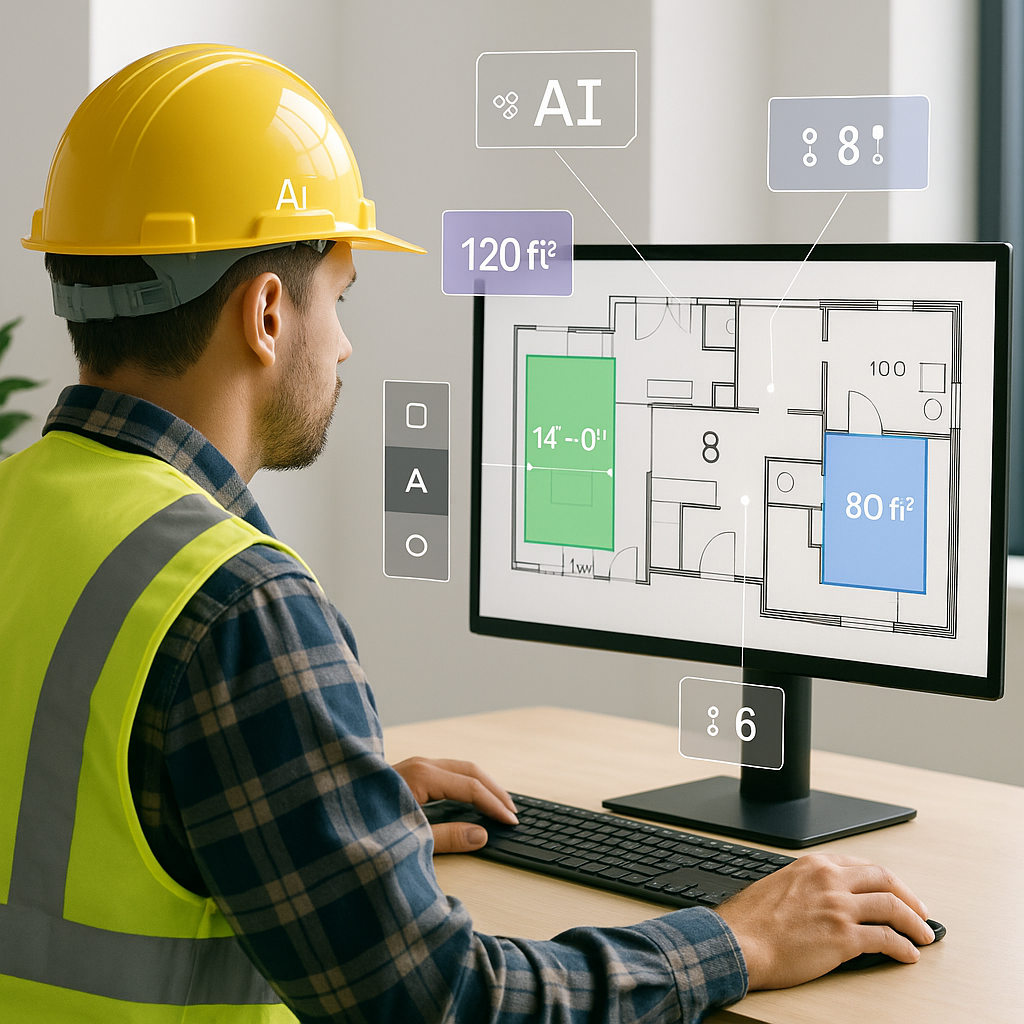
AI-powered tools like EstimateNext’s Vision AI are changing the game. Instead of manually measuring every line on a drawing, you can upload a PDF and let the AI extract quantities for room areas, wall lengths, and fixtures in just 10 minutes. Yes, 10 minutes. That’s like hiring two full-time estimators without the payroll hit.
How AI Quantity Takeoffs Work
Here’s the process:
- Upload Your Drawing Set: Whether it’s a scanned PDF, CAD file, or even a hand-drawn plan, EstimateNext’s Vision AI can handle it. Unlike manual processes, the software is trained to recognize varying file formats and even interpret messy, hand-drawn sketches.
- AI Extraction: The tool scans the document and identifies key elements like walls, doors, windows, and room dimensions. It uses machine learning models trained on thousands of construction drawings. For example, Vision AI can differentiate between plumbing fixtures, electrical outlets, and structural elements with precision.
- Confidence Scoring: Not every line is perfect. The AI flags low-confidence measurements so you can review and override if needed. This ensures that human oversight is still part of the process.
- Export to Your Workflow: Once the quantities are extracted, you can export the data directly into your BOQ (Bill of Quantities) or preconstruction software like Procore, Bluebeam, or Excel for pricing.
Actionable Steps:
- Step 1: Digitize your existing drawing library. Scan old blueprints and store them in PDF format.
- Step 2: Test AI tools on a smaller project first to familiarize your team with the workflow.
- Step 3: Integrate AI software into your current stack to avoid disruptions. Platforms like EstimateNext offer compatibility with industry-standard tools.
No more manual tracing. No more guesswork. Just accurate data ready for your estimate.
Real Impact: Case Study
Let’s talk numbers. A mid-sized general contractor recently used Vision AI for a high-rise bid. The manual takeoff process would have taken 120 hours. With AI, it was completed in under 2 hours, saving two full weeks of labor costs. That’s not just faster—it’s smarter. The team reinvested the saved time into refining their bid strategy and negotiating subcontractor quotes.
In their words: “It’s like having extra estimators on the team without the overhead.”
Another example: A regional infrastructure firm used AI to extract quantities for a $50 million bridge project. The AI identified 2,000 concrete beams, 1,500 rail sections, and 300 lighting fixtures with 98% accuracy. This reduced the preconstruction timeline by nearly a month and helped the firm submit a competitive bid ahead of schedule.
Comparison Table: Manual vs. AI Takeoffs
| Metric | Manual Takeoff | AI Takeoff |
|---|---|---|
| Time to Complete | 40–300 hours | 1–3 hours |
| Accuracy | Prone to human error | 95–98% with oversight |
| Labor Costs | High | Minimal |
| Scalability | Limited | Highly scalable |
| Integration with Workflow | Manual input | Direct software export |
The Obvious Pushback: “But AI Can’t Think Like an Estimator”
We hear this all the time: “AI doesn’t understand context or nuances.” And you’re right—AI isn’t replacing your expertise. It’s amplifying it. You’re still the one making judgment calls, adjusting rates, and deciding on markup. The AI just handles the grunt work.
Think of it like this: Would you rather spend 40 hours measuring drawings, or spend 4 hours reviewing AI-extracted quantities and focusing on the parts of the bid that actually win contracts?
Actionable Steps:
- Build a checklist to quickly review AI-generated takeoffs.
- Train junior estimators to handle AI overrides while senior staff focus on strategic decisions.
- Use the time saved to analyze market trends and optimize subcontractor negotiations.
What About Accuracy?
Accuracy is only as good as the input data. If the drawings are incomplete or messy, the AI might miss something—and that’s why human oversight is still essential. But here’s the kicker: AI tools like EstimateNext include confidence scoring and manual override features. You can spot-check flagged items and make adjustments before submitting your bid.
A 2023 McKinsey report found that early adopters of AI tools in construction saved an average of 10–20% per project. For preconstruction directors, that’s not just ROI—it’s survival in a competitive market.
Time to Act
If you’re tired of wasting 40 hours on manual takeoffs, AI tools like EstimateNext can help. Get started free → https://estimatenext.ai
AI isn’t just changing how we estimate—it’s redefining what’s possible. Don’t let manual processes hold you back in an industry where speed, accuracy, and efficiency win bids.


