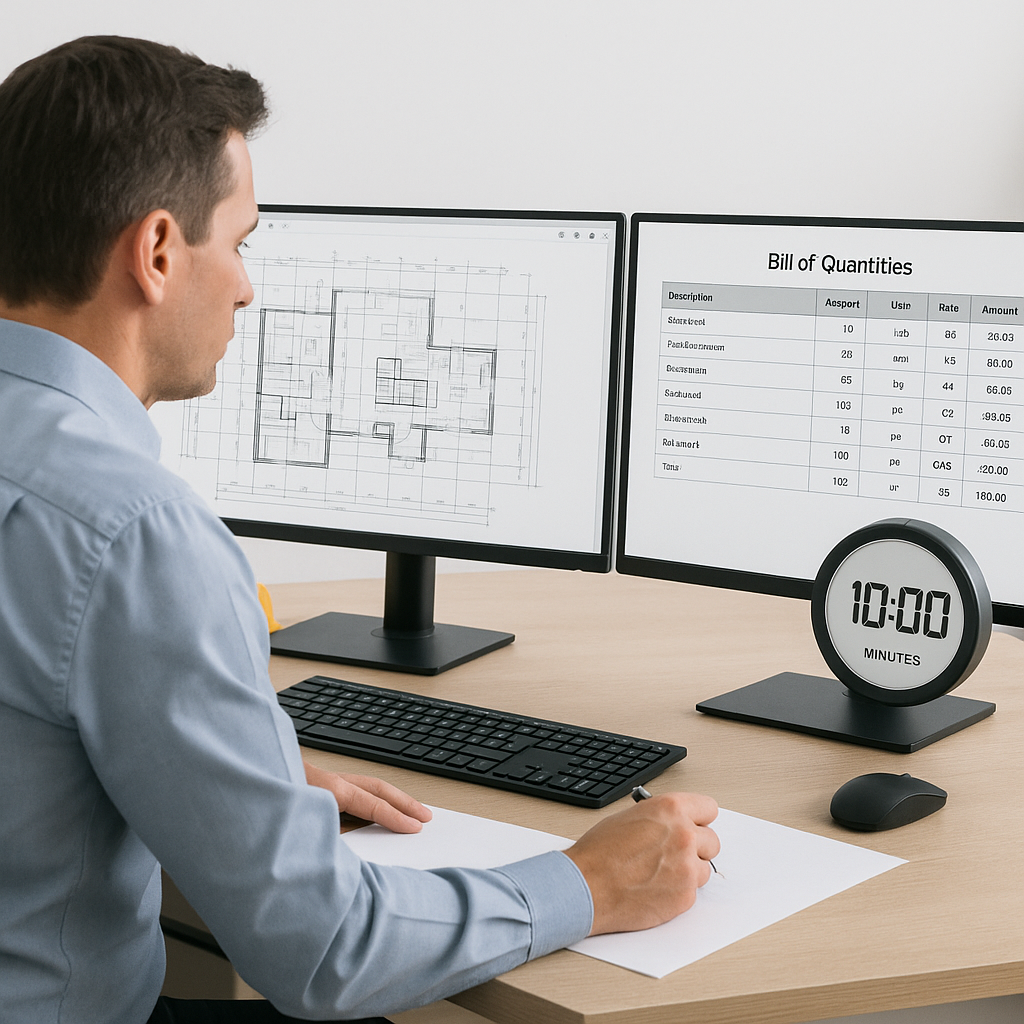
Stop Burning 40 Hours on Takeoffs: AI Estimation in Action
Let’s start with a hard truth: manual takeoffs are killing your team’s productivity. Two estimators spending 40 hours tracing drawings and calculating quantities? That’s a full week of work just to get numbers on paper. And for what? To risk errors and still miss bid deadlines?
Here’s the good news: AI-powered tools like EstimateNext can cut that time down to 10 minutes. Yes, 10 minutes. Let’s break down how it works and why it matters.
The Problem: Takeoffs Are a Time Sink
Quantity takeoffs are the backbone of preconstruction. But they’re painfully slow. For example, a mid-sized general contractor bidding on a $50 million high-rise might spend:
- 20 hours measuring areas, lengths, and counts from drawings
- 10 hours rechecking low-confidence items (because human error happens)
- 10 hours formatting the numbers into a usable BOQ
That’s 40 hours per bid. Multiply that by five GMP pursuits a year, and you’re looking at 200 hours of takeoff time annually. At $130/hour (a typical estimator rate), that’s $26,000. Gone.
And it’s not just the cost—it’s the opportunity cost. Those 40 hours could’ve been spent refining bid strategies, leveling sub bids, or negotiating better terms with suppliers. Instead, they’re wasted on grunt work.
Concrete Example: Small Contractor vs. Large Contractor
To make this more tangible, consider two contractors:
- Small Contractor bidding on a $3 million retail remodel: Takeoffs might still require 10 hours, costing $1,300 at $130/hour.
- Large Contractor pursuing a $150 million mixed-use development: Takeoffs could balloon to 70 hours, costing $9,100.
Regardless of project size, manual takeoffs eat away time your team doesn’t have.
The AI Fix: 10-Minute Takeoffs with Vision AI
This is where AI steps in. Tools like EstimateNext’s Vision AI automate the entire process. Here’s how it works:
Step-by-Step Breakdown
- Upload Your Drawings: Drag and drop your PDF or CAD files into the platform.
- AI Extraction: The system reads the drawings and identifies quantities—wall lengths, slab areas, door/window counts—down to the smallest detail.
- Confidence Scoring: Low-confidence items are flagged for manual review, so you can double-check before finalizing.
- BOQ Integration: Quantities are auto-populated into your BOQ template, ready for rate matching.
The result? A process that used to take 40 hours now takes 10 minutes. That’s a 240x speed improvement. And because the AI learns from every project, it gets smarter over time—reducing errors and boosting accuracy.
Actionable Steps for Teams
- Pilot Test: Start with a single project to evaluate time savings and accuracy.
- Integrate AI with Existing Workflows: Use tools like Bluebeam or Procore alongside AI for seamless transitions.
- Train Your Team: Provide estimators with a quick onboarding session to maximize efficiency.
Real-World Example: Saving $5,200 Per Pursuit
A mid-sized general contractor shared their experience with us. They were bidding on a $1 billion rail project—a monster of a job with over 300 pages of drawings. Using Vision AI:
- They completed the takeoff in 10 minutes instead of 40 hours.
- They saved approximately 36 hours of labor ($4,680 at $130/hour).
- They avoided late nights and burnout for their team.
In their words: “It’s like hiring a full-time estimator without the overhead.” Imagine replicating that across multiple bids.
Case Study: Small Contractor Pilot Program
A regional contractor specializing in hospital renovations ran a pilot program with Vision AI. Over three months:
- Projects Analyzed: 9
- Total Time Saved: 27 hours
- ROI: 18x after tool subscription costs
The contractor used the extra time to negotiate supplier discounts, which improved their margins by an additional 3%.
What About Accuracy?
Skeptical? You’re not alone. The obvious objection is, “AI can’t think like an estimator.” And that’s true—AI doesn’t replace your expertise. It amplifies it.
Why Accuracy Isn’t Compromised
Here’s how tools like EstimateNext ensure accuracy:
- Confidence Scoring: The AI flags items it’s unsure about, so you can review them manually.
- Learning Loops: Feedback on flagged items improves the system for future projects.
- Integration: The platform works seamlessly with tools like Bluebeam and Procore, so your existing workflows stay intact.
In short, AI handles the repetitive stuff, and you focus on the critical decisions. It’s a partnership, not a replacement.
Actionable Accuracy Checks
- Spot Check Flagged Items: Prioritize reviewing flagged areas before submission.
- Cross-Reference AI Outputs: Compare AI takeoffs with manual estimates for the first few projects to build trust.
- Incorporate Feedback Loops: Use the AI’s feedback system to refine results over time.
The Bigger Picture: ROI That Speaks for Itself
Let’s do some quick math:
- Saving 36 hours per bid = $4,680 in labor costs avoided
- Multiply by five GMP pursuits annually = $23,400 saved per year
- Divide by the tool’s cost ($99/month for the GC plan) = 20x ROI
And that’s just from time savings. Factor in better accuracy, faster bid submissions, and fewer missed deadlines, and the ROI climbs even higher.
Comparison Table: Manual vs. AI Takeoffs
| Aspect | Manual Takeoffs | AI-Powered Takeoffs |
|---|---|---|
| Time Per Project | 40 hours | 10 minutes |
| Accuracy | Prone to human error | Confidence scoring & learning |
| Cost | $130/hour x hours spent | $99/month (flat fee) |
| Scalability | Limited by labor hours | Scales infinitely |
| Team Burnout | High | Minimal |


