The Problem: Time Is Killing Your Margins
If you’ve ever spent 40+ hours on manual takeoffs, you know the pain. Two estimators, two days, and a mountain of drawings later, you might still miss something. That's not just frustrating—it’s expensive. Labor costs stack up. Deadlines sneak up. And worst of all, your competitors might be pricing their bids faster and smarter.
It’s not just about speed. Manual takeoffs are error-prone. A missed dimension here or an outdated rate there can tank your bid profitability. Take the case of a mid-sized contractor who missed a crucial measurement for a commercial renovation. The error cost them $25,000 in lost profitability, and worse, it damaged their reputation with the client. This is a common pitfall in the industry.
So, what’s the alternative? AI.
The Fix: 10-Minute Takeoffs with AI
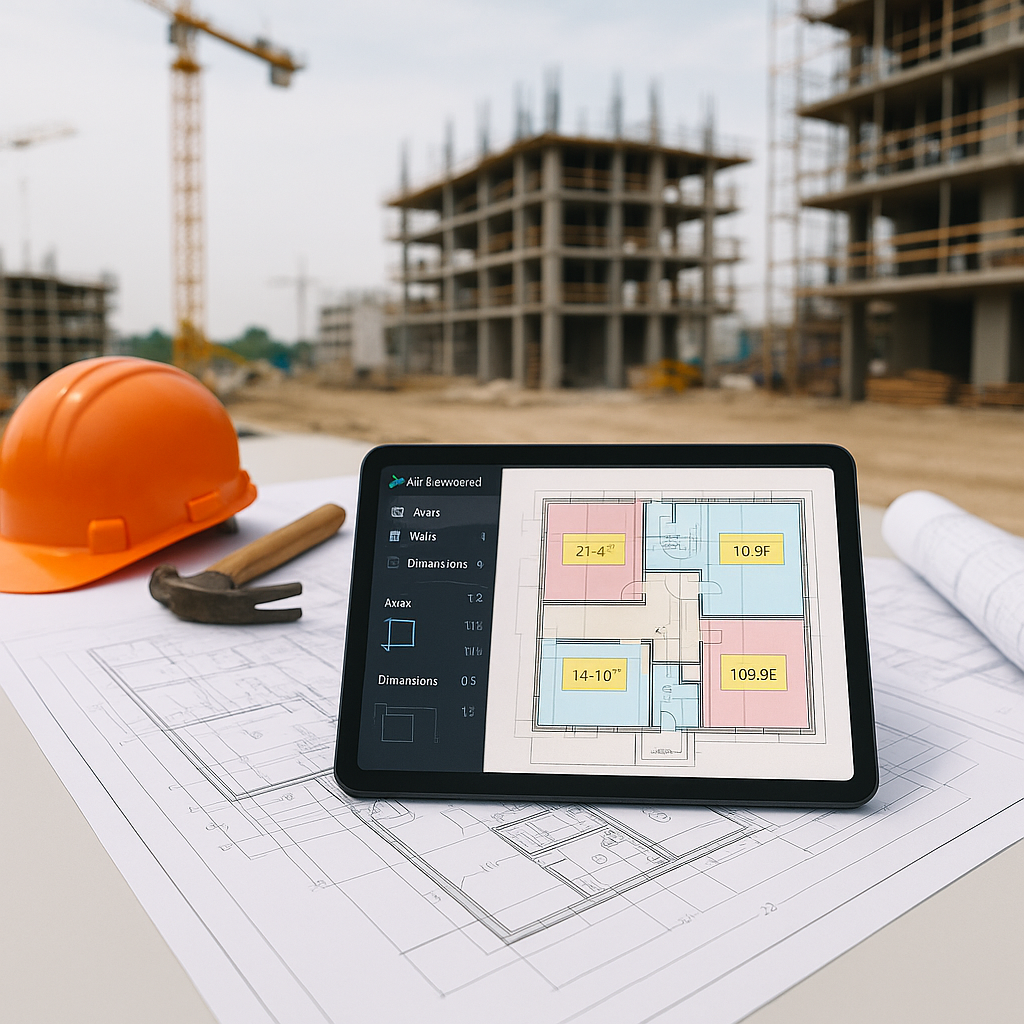
AI-powered tools like EstimateNext’s Vision AI are flipping the script. Instead of spending 40 hours tracing drawings by hand, you upload a PDF, and the tool extracts quantities—room areas, wall lengths, door/window counts—in 10 minutes. Yes, minutes.
Take the example of Smith & Sons Construction, a mid-sized contractor that used Vision AI for a high-rise project. They saved 120 hours on just one bid. That’s two full weeks of labor costs avoided. In their words, "It’s like hiring a full-time estimator without the overhead." With those savings, they were able to redirect resources to chasing additional bids, ultimately increasing their win rate by 15% over six months.
Even smaller firms are finding value. A boutique construction company in Portland used AI to cut their takeoff time for a $1 million renovation project from 16 hours to 45 minutes. For them, the time savings translated into more competitive bids and the ability to focus on higher-value tasks like subcontractor negotiations.
Why It Works
Here’s what makes AI takeoff tools different:
-
Speed: AI scans drawings and pulls out the data instantly. No more measuring every wall or manually counting fixtures. For example, EstimateNext processes 500-page PDFs in under 10 minutes, saving estimators hours of tedious work.
-
Consistency: Unlike humans, AI doesn’t zone out or get tired. It applies the same rules every time, minimizing human error. This consistency is critical for large-scale projects, like a recent $500 million hospital build where even small errors in takeoffs could lead to major cost overruns.
-
Confidence Scoring: Not sure if the AI got it right? EstimateNext flags low-confidence measurements for you to review and adjust. During a government-funded infrastructure project, this feature helped a contractor avoid a $100,000 discrepancy by catching and correcting flagged quantities.
-
Learning Over Time: The more you use it, the better it gets. AI learns from your feedback, adapting to your project specifics. For example, a contractor specializing in retail spaces found that after just three projects, the AI began preemptively recognizing recurring design elements like storefront glazing dimensions.
But Can You Trust AI to Be Accurate?
This is the obvious objection: "AI doesn’t get context. It doesn’t think like an estimator." True, but it doesn’t need to. It’s a tool. You’re still the one making judgment calls and approving the final numbers. AI just removes the grunt work.
In fact, studies show that AI takeoff tools can reduce discrepancies by up to 80% when paired with human oversight McKinsey, 2023. For example, a large-scale contractor used AI to cross-check quantities against manual takeoffs for a $2 billion bridge project. The result? They identified and corrected a $300,000 error that manual methods had missed.
Real-World Example: $1B Rail Project
Let’s talk scale. A recent $1 billion rail project required extracting quantities for concrete columns, beams, and rail decks. Traditionally, this would take 56 hours of manual work. With AI? 10 minutes. EstimateNext Case Study.
This isn’t just about big projects. Smaller bids—like a $1 million renovation—benefit just as much. Whether you're pricing 10 items or 1,000, AI adjusts to the project size without breaking a sweat. For example, a contractor specializing in residential builds was able to cut takeoff time for single-family homes by 75%, allowing them to handle five more bids per month.
What’s the Catch?
No tool is perfect. AI estimation tools are only as good as the data you feed them. Garbage in, garbage out. If your drawings are unclear or your rate catalogs are outdated, the system will struggle. That’s why tools like EstimateNext offer features like:
-
Rate Matching: Search 78,000+ SOR items in seconds to find the most accurate rates. For example, a contractor working in multiple regions was able to automatically match rates based on local labor costs.
-
Manual Overrides: Review and tweak AI-generated takeoffs when needed. This feature helped a firm catch errors in a historical building renovation where unique materials were used.
-
Audit Trails: Keep track of every change for accountability. During a government project audit, a contractor used this feature to demonstrate compliance and avoid penalties.
It’s about partnership—AI does the heavy lifting, and you fine-tune the results.
Getting Started with AI Estimation
Ready to save time and reduce errors? Here’s how to dip your toes into AI estimation:
-
Start Small: Test an AI tool like EstimateNext on a smaller project. Upload a BOQ or a single drawing set. For example, start with a low-complexity project like a retail fit-out.
-
Set Benchmarks: Compare the AI’s results to your manual method. Check for accuracy and time savings. Track metrics like hours saved and error rates.
-
Train Your Team: Don’t just hand the tool to your junior estimators. Train them to use it effectively, and pair them with senior staff for oversight. Provide real-world examples during training.
-
Iterate and Improve: Use the tool’s feedback loops. The more you interact with it, the smarter it gets. Over time, the AI will adapt to your specific workflows.
-
Integrate with Existing Tools: Many AI platforms integrate with systems like Bluebeam or Procore, so you can seamlessly add AI-generated takeoffs to your existing processes.
Comparison Table: Manual Takeoffs vs. AI-Powered Takeoffs
| Feature | Manual Takeoffs | AI-Powered Takeoffs |
|---|---|---|
| Time Required | 40+ hours/project | 10 minutes/project |
| Error Rate | High (human error) | Low (with oversight) |
| Scalability | Limited | High |
| Cost Effectiveness | Labor-intensive | Significant savings |
| Ease of Updates | Manual input | Automated updates |
Final Thoughts
AI isn’t a magic wand, but it’s a game-changing tool if you know how to use it. It won’t replace your expertise—it’ll amplify it. Imagine spending less time on repetitive tasks and more time winning bids, negotiating with subs, and refining your strategy.
If you’re tired of wasting hours on manual takeoffs, give EstimateNext a try. Upload your first BOQ and get a priced estimate in minutes. What have you got to lose? Just time—and lots of it.


