The Pain of Manual Takeoffs
Ever spent days manually measuring room areas or counting fixtures from a drawing set? If you’re a preconstruction director, estimator, or project manager, you know the drill. It’s tedious, error-prone, and frankly, outdated. Manual drawing takeoffs often eat up 40 hours or more for complex projects. That’s a full week of your team’s time, gone.
And let’s be honest—mistakes happen. Miss a window count or miscalculate wall lengths, and your bid could swing thousands of dollars. On tight-margin projects, this isn’t just annoying; it’s risky. The margin for error is razor-thin, and even a small oversight can mean the difference between winning or losing a bid—or worse, taking on a money-losing project.
Real-World Pain Points
Take a mid-sized general contractor (GC) bidding on a 200-unit multifamily project. The estimator spent days manually calculating quantities for drywall, flooring, and paint. Despite their best efforts, they missed several balcony railings and underestimated the square footage of exterior cladding. These errors cost the company $75,000 in change orders down the line. Sound familiar?
Or consider the smaller contractor juggling multiple bids with a lean team. They simply don’t have the manpower to turn around complex estimates quickly enough to compete with larger firms. Manual takeoffs aren’t just time-consuming—they’re a bottleneck that limits growth.
AI-Powered Takeoffs: From 40 Hours to 10 Minutes
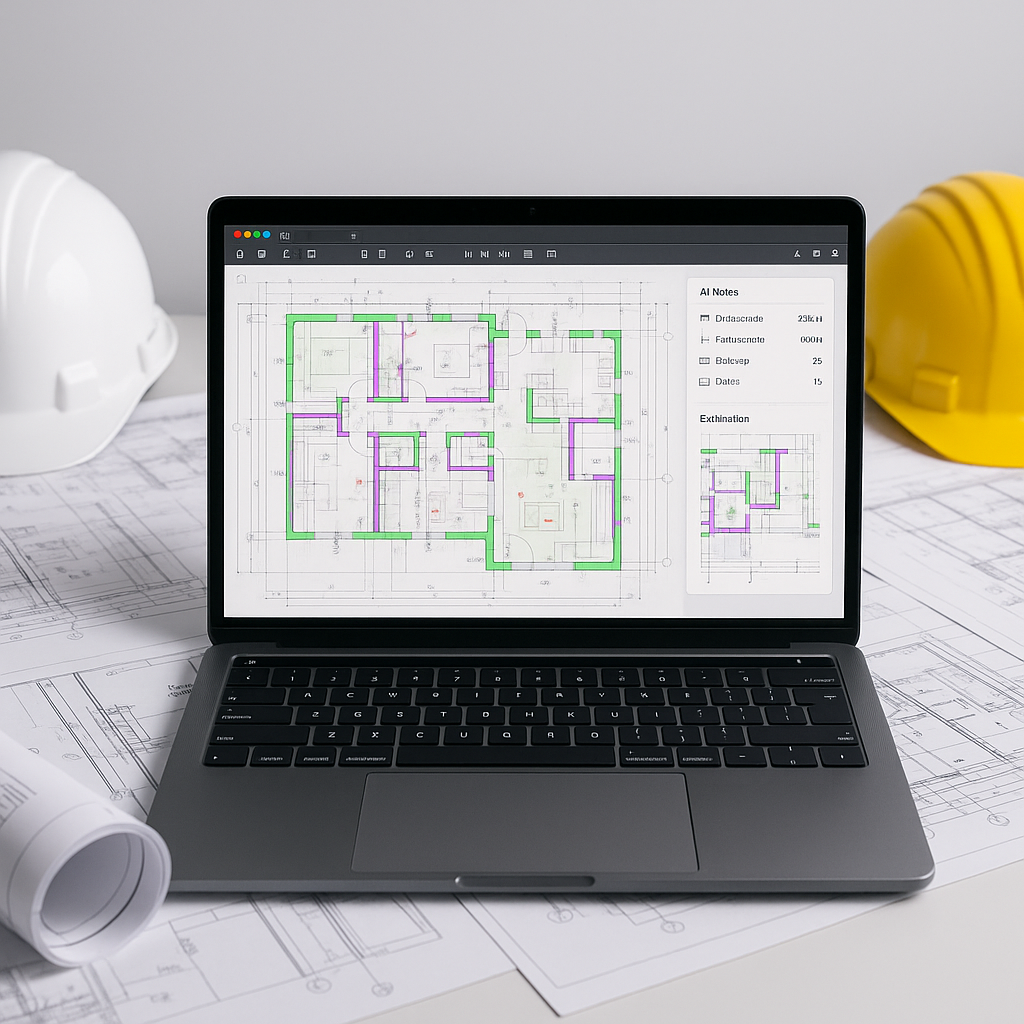
This is where AI tools like EstimateNext shine. Their Vision AI feature extracts quantities directly from PDF drawings. Upload your plans, and in 10 minutes, it spits out room areas, wall lengths, door/window counts, and more. That’s a 10X speed improvement.
Let’s get specific: A mid-sized GC saved 120 hours on a high-rise bid using Vision AI. According to their case study, it’s like having “an extra estimator without the payroll hit.” That’s labor costs avoided while meeting tight deadlines. For a firm with an average hourly rate of $75, that’s $9,000 saved on labor for a single project. Multiply that by 10-15 projects per year, and the ROI becomes undeniable.
Actionable Steps to Implement AI-Powered Takeoffs
-
Assess Your Current Workflow
- Start by tracking how much time your team spends on manual takeoffs. Identify bottlenecks and quantify the cost of errors.
-
Choose the Right Tool
- Look for platforms that integrate with your existing software (e.g., Procore, Bluebeam, Excel). Tools like EstimateNext are designed to fit seamlessly into your workflow.
-
Start Small
- Pilot the software on a smaller project to familiarize your team with its features. Use this as an opportunity to refine your processes and address any learning curve issues.
-
Leverage Training Resources
- Most AI platforms offer training and support. Take advantage of these resources to get your team up to speed quickly.
-
Combine AI with Human Oversight
- Use AI for the heavy lifting but have senior estimators review flagged items for accuracy. This hybrid approach ensures both speed and precision.
Accuracy: The Elephant in the Room
You might be thinking, “Sure, AI is fast, but can it match manual accuracy?” It’s a valid concern. AI tools depend on input quality. Trash in, trash out.
But here’s the deal: AI doesn’t work alone. EstimateNext includes confidence scoring for every extracted quantity. Low-confidence items are flagged for manual review. Think of it as a safety net. You’re still in control, but the grunt work is mostly done.
According to McKinsey, early adopters of AI in construction save 10-20% per project. The ROI compounds on larger bids. For example, on a $5M commercial project, a 10% savings equates to $500,000—a significant boost to your bottom line.
Real-World Example: A Major GC’s Rail Bridge Project
Take a major contractor’s billion-dollar rail bridge project. Traditional methods would’ve required flipping through DOT-approved catalogs to match rates for concrete columns, beams, and rail decks. With AI, that same work gets done in 10 minutes. No human error, no wasted hours. The result? A bid that was not only faster to produce but also more competitive. Source
It’s Not Just Speed—It’s Strategy
Time savings are obvious, but the strategic edge is just as important. EstimateNext’s Vision AI doesn’t just extract quantities—it integrates with tools like Procore, Bluebeam, and Excel. This means your estimates flow directly into your existing workflows. No more exporting, formatting, or fixing broken formulas.
Imagine this: You get an RFP on Friday evening. By Monday morning, your team has a fully priced bid package ready to go. Meanwhile, your competitors are still measuring drawings. That’s not just convenience—that’s a competitive advantage.
Competitive Comparison Table
| Feature | Manual Takeoffs | AI-Powered Takeoffs (EstimateNext) |
|---|---|---|
| Time Required | 40+ hours | 10 minutes |
| Accuracy | Human error-prone | Confidence scoring + manual review |
| Cost | High labor cost | Lower labor cost |
| Scalability | Limited by team size | Scalable across multiple projects |
| Integration | Manual data entry | Seamless integration with tools |
Addressing Skepticism
The obvious objection: “AI can’t think like an estimator.” You’re right—to an extent. AI won’t make judgment calls on markup or negotiate with subs. But that’s not the point. It’s a tool, not a replacement.
In my view, AI amplifies your expertise. It handles the grunt work, freeing you up for high-value tasks. Pair junior estimators with AI platforms and let senior staff focus on strategy. It’s a win-win.
The Hybrid Approach
To get the most out of AI-powered takeoffs, establish a workflow where:
- Junior estimators handle the initial AI setup and review flagged items.
- Senior estimators focus on strategy, pricing, and client communication.
This division of labor maximizes efficiency while ensuring accuracy and strategic oversight.
Call to Action
If you’re tired of wasting 40 hours on manual takeoffs, EstimateNext can help. Its Vision AI delivers accurate quantity extraction in just 10 minutes, freeing up your team for what truly matters—winning more projects. Get started free →


