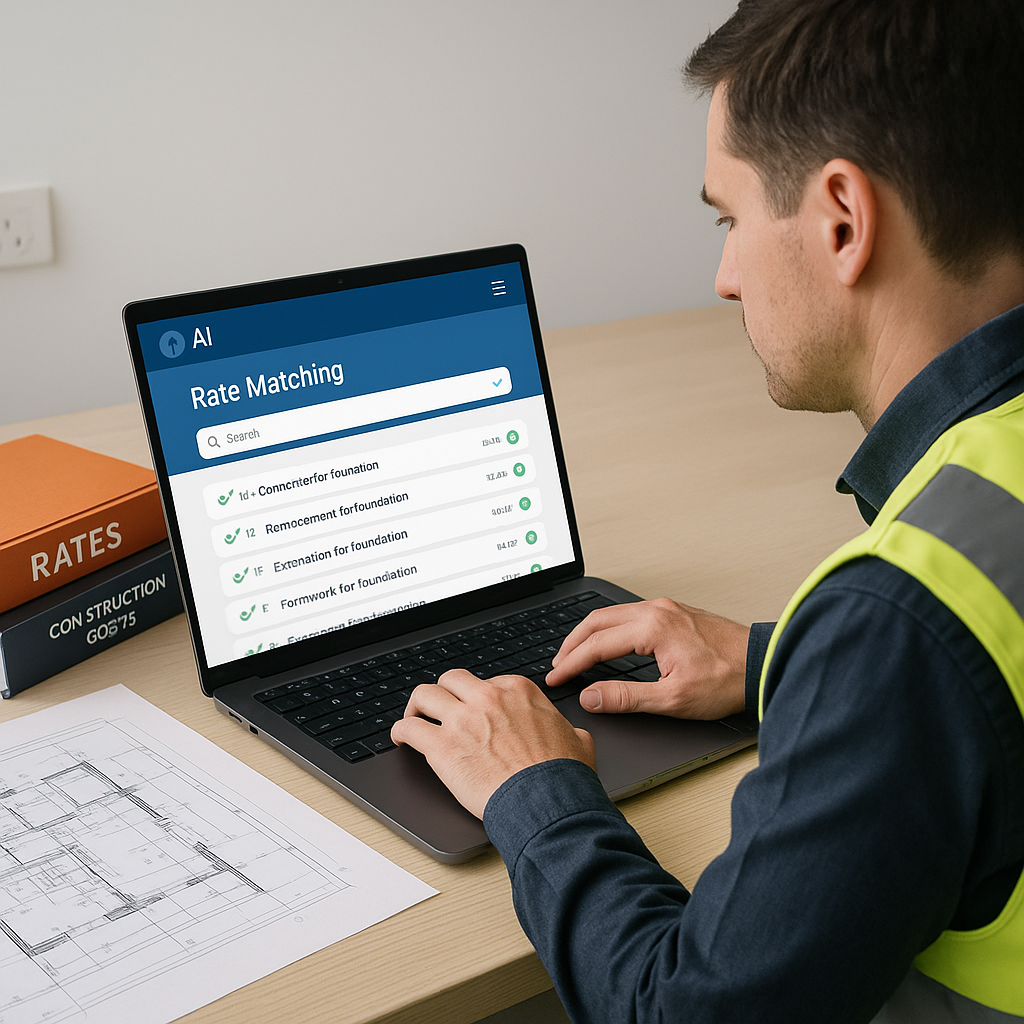
Stop Wasting Time on Rate Matching
Let’s talk about one of the most frustrating, time-sucking parts of construction estimation: rate matching. You’ve got the BOQ uploaded, quantities calibrated, and now the real slog begins—flipping through rate books to find the exact match for each line item. It’s tedious, error-prone, and if you’re using outdated PDFs or Excel sheets, good luck keeping up with inflation adjustments or custom materials.
Here’s the kicker: it doesn’t have to be this way. AI-powered rate matching tools, like those built into EstimateNext, cut this process from 12 hours to mere seconds. Yes, seconds. Instead of manually crawling through catalogs, AI uses semantic search to find the right rates instantly.
How Does AI Rate Matching Work?
Think of it as Google for rate books—but smarter. Let’s say you need the labor rate for installing pre-stressed concrete girders. In traditional methods, you’d spend hours digging through RSMeans or CPWD DSR catalogs. With AI, you type a query like “labor rate for pre-stressed concrete girders” and get an exact match pulled from 78,000+ searchable SOR items. No ambiguity, no wasted time.
AI even handles edge cases like custom materials. Add your proprietary rates or finishes to the system once, and they’ll integrate seamlessly for future estimates. This isn’t just faster; it’s more reliable. A case study from EstimateNext notes that users saw accuracy improvements by the third project. Why? The system learns from every adjustment.
Actionable Steps to Implement AI Rate Matching
-
Digitize Your Rate Books: If you’re still using PDFs or printed catalogs, start by digitizing your resources. AI tools work best with structured, searchable data.
- Example: Upload your CPWD DSR in a structured Excel format or directly into tools like EstimateNext.
-
Define Custom Rates Early: Many projects involve non-standard materials or proprietary rates. AI tools allow you to upload these custom rates once, saving you hours on future projects.
- Example: A subcontractor specializing in decorative steelwork can upload their custom rates for ornamental finishes into the system.
-
Train the System with Feedback: Most AI systems learn and improve with user feedback. Take the time to review outputs during the first few projects to fine-tune accuracy.
- Example: If the system misinterprets a query like “high-strength concrete,” correct it once, and the AI will adapt for future searches.
-
Integrate with Existing Software: AI rate matching tools often work seamlessly with platforms like Procore, Autodesk Build, or even Excel. Ensure that your workflows are connected for a smooth transition.
- Example: Export rate matches directly into your bid sheets or project management software.
Trust in Estimation
You might be thinking, “Sure, AI is fast, but can it really understand the nuances of construction?” That’s partly true—it’s not replacing your expertise. You’re still the one making judgment calls, negotiating with subs, and deciding on markup. But AI takes the grunt work off your plate. And let’s be honest, manual rate matching is where most errors creep in.
In my view, the real value isn’t just speed—it’s trust. Bids that are backed by accurate rates and clear audit trails build credibility with clients. Imagine submitting an estimate where every rate has a transparent material, labor, and equipment breakdown. That’s what AI delivers.
Why Trust Matters in Estimation
- Client Confidence: Transparent estimates with precise breakdowns reassure clients that your bid is competitive yet realistic.
- Internal Accuracy: Misquoted rates can erode profit margins. AI helps ensure you’re not underpricing or overpricing critical line items.
- Faster Decisions: With reliable data at your fingertips, you can make confident decisions about markups, contingencies, and subcontractor negotiations.
Real-World Example: Saving Time on a High-Stakes Bid
Here’s a quick story from a mid-sized general contractor working on a $1B rail project. The team was tasked with pricing rates for structural steel, rail ties, and concrete decks—DOT-approved catalogs only. Normally, this process would take 12+ hours of manual lookup.
With AI rate matching, they completed it in 10 minutes. The estimator I spoke to said, “It’s like having an assistant who already knows every page of the rate book.” The time saved let them focus on refining margins and prepping subcontractor packages instead of wasting hours on lookup.
Additionally, they noticed a significant reduction in errors—rates manually copied from outdated PDFs had previously led to discrepancies. With AI, all rates were up-to-date, pulling directly from the latest DOT-approved databases.
The Obvious Objection
“But AI can’t think like an estimator.” True, it doesn’t have your judgment. But that’s not the point. AI handles the repetitive, error-prone tasks so you can focus on the strategic ones. It doesn’t replace you; it amplifies your expertise.
Addressing Common Concerns
- Loss of Control: AI doesn’t override your decisions. It simply provides accurate data faster, leaving you in full control of final adjustments.
- Learning Curve: Most tools are designed to be intuitive. By the third project, most users report significant time savings.
- Cost: While there’s an upfront investment, the ROI is clear. Time saved and improved accuracy often outweigh initial costs within the first few bids.
Comparison Table: AI vs. Manual Rate Matching
| Feature/Task | Manual Rate Matching | AI-Powered Rate Matching |
|---|---|---|
| Time Required | 8-12 hours per estimate | 10-15 minutes |
| Error Rate | High (manual input) | Low (data-driven) |
| Handling Custom Rates | Labor-intensive | Seamless integration |
| Learning Curve | None | Minimal (2-3 projects) |
| Integration with Software | Limited or manual | Automatic |
The Bottom Line
If you’re tired of wasting 12 hours per estimate on rate matching, AI-powered tools can genuinely help. They’re fast, reliable, and they build trust in your bids. By eliminating tedious tasks, you can focus on what truly matters—strategy, negotiations, and delivering value to your clients.


