Why Manual Rate Matching is Killing Your Productivity
Have you ever wasted an entire afternoon flipping through rate books? If you’re working with catalogs like RSMeans or CPWD DSR, you know the pain. Searching for rates manually takes hours—sometimes more if you’re dealing with custom items or obscure trades. It’s not just tedious; it’s expensive. For a GC preconstruction director earning $130/hour, that’s $1,560 per bid wasted just on rate lookup.
Here’s the kicker: manual rate matching isn’t even reliable. One misread page or missed line item can throw off your entire estimate. Imagine quoting $200K for a scope that should’ve been $250K. It happens more often than you'd think.
Real-World Consequences of Manual Errors
A 2019 survey by Dodge Data & Analytics found that 30% of construction professionals reported losing bids due to inaccuracies in their estimates, often stemming from errors in rate matching. For example, a mid-sized GC in Texas lost a $2.5M school renovation project because a labor rate for HVAC installation was undervalued by 15%. That small mistake made their bid unrealistic, leading the client to choose a competitor.
How AI Rate Matching Works
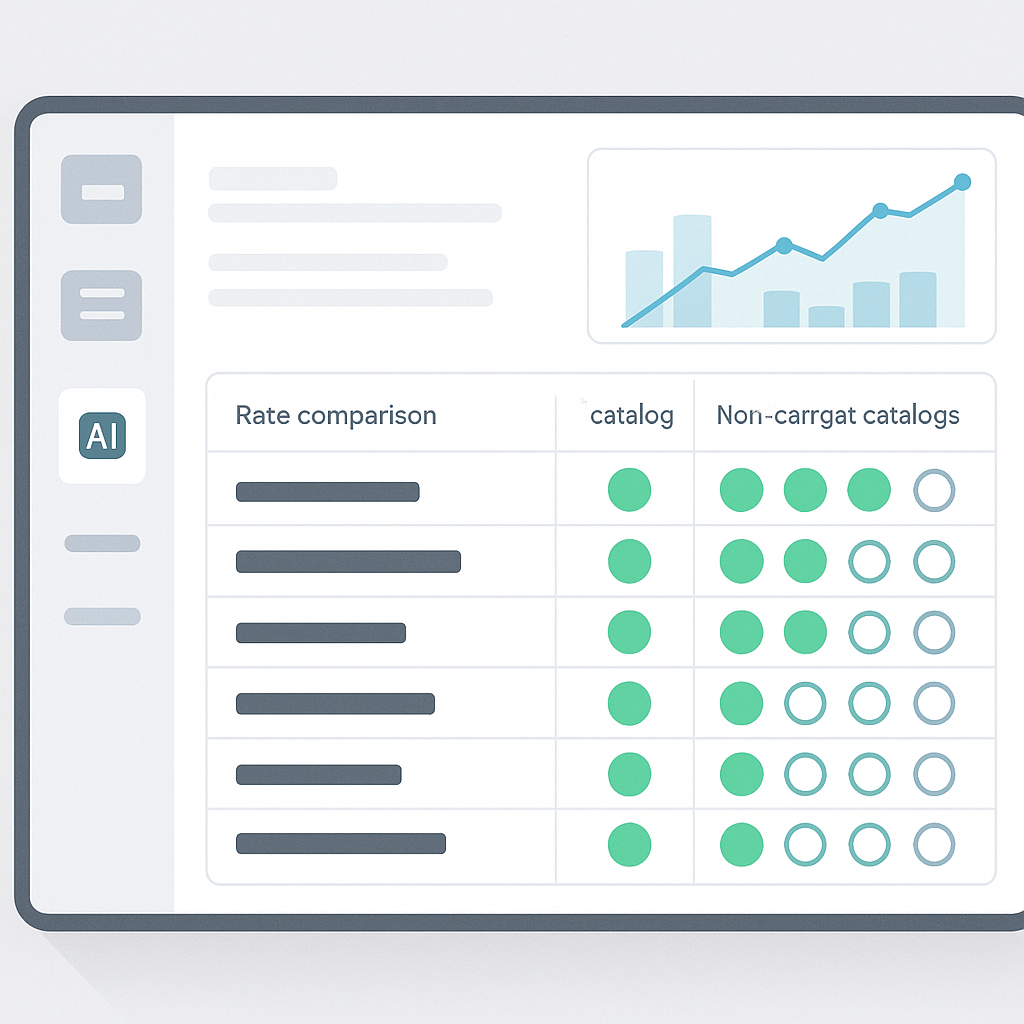
AI-powered rate matching, like what EstimateNext offers, flips the process on its head. Instead of manually searching, you upload your BOQ, type in the item or trade you need, and the system matches rates across 78,000+ SOR items in seconds. That’s not hyperbole—it’s seconds.
Step-by-Step: Using AI for Rate Matching
- Upload Your BOQ: You start by uploading your Bill of Quantities (BOQ) in any common format—Excel, CSV, or even PDFs.
- Search for Rates: Enter the specific trade or item you need a rate for, such as "reinforced concrete slab labor."
- AI Finds Matches: The AI parses through massive databases like CPWD DSR, RSMeans, or DOT-approved catalogs to find the closest matches.
- Contextual Precision: Unlike basic keyword searches, semantic algorithms ensure the results are contextually relevant. Searching for "wall plaster" won’t bring up irrelevant items like "floor grout."
- Download Results: Export the matched rates directly into your estimating software or project files.
For example, let’s say you’re estimating labor costs for installing pre-stressed concrete girders. With AI, you could type “pre-stressed concrete girder labor rate” into the search bar, and it would pull the closest matches from DOT-approved catalogs instantly. Done. No flipping, no guessing.
Case Study: A Large GC’s Rail Bridge Project
Take a major contractor’s $1B rail bridge project. Rate matching for items like rail ties, structural steel, and concrete decks involved pulling data from DOT catalogs. Manually, this would have taken days. Using EstimateNext’s AI rate matching, they cut this process down to a few hours—saving over 50 hours on rate lookup alone. That’s like adding an extra estimator to your team without the overhead.
The ROI of AI Rate Matching
Let’s talk ROI. A 2023 McKinsey report found that early adopters of AI estimation tools saw average cost savings of 10-20% per project. For a GC handling $3B in annual placements, even a 10% improvement translates to $300M saved.
ROI Breakdown for Smaller Firms
For smaller firms, the math is just as compelling:
- Time Savings: Saving 12 hours per bid means you can manage more quotes in less time. If you’re responding to 30 bid packages annually, that’s 360 hours freed up.
- Labor Cost Savings: At an average estimator rate of $130/hour, 360 hours equates to $46,800 saved.
- Improved Accuracy: Fewer errors mean fewer costly reworks or lost bids, which can add up to thousands—or even millions—of dollars annually.
Real-Life Numbers
A boutique construction firm in California adopted AI rate matching in 2022. Within the first year:
- They reduced their average bid preparation time by 40%.
- Their bid win rate improved by 18% due to more competitive and accurate estimates.
Addressing Skepticism
You might be thinking, “Can AI really understand the nuances of construction?” Fair question. AI isn’t perfect, but it doesn’t have to be. It’s there to handle the grunt work, not replace your expertise. You still make the judgment calls, negotiate with subs, and decide on markup. The AI just takes rate matching off your plate.
Handling Edge Cases
If you’re worried about edge cases—like custom materials or region-specific rates—modern tools like EstimateNext have you covered:
- Custom Catalogs: Upload your own rate books for specialty items or local adjustments.
- Learning Capabilities: The system gets smarter with use, adapting to your preferences and workflows over time.
- Manual Overrides: You can adjust rates manually when needed, ensuring complete control.
Decision Framework: Manual vs. AI Rate Matching
| Criteria | Manual Rate Matching | AI Rate Matching |
|---|---|---|
| Time Required | Hours to days | Seconds to minutes |
| Accuracy | Prone to human error | High, with semantic algorithms |
| Scalability | Limited | Unlimited |
| Cost-Effectiveness | High labor cost | Initial investment, then low |
| Learning Curve | None | Minimal (1-2 weeks) |
| Flexibility | Limited to printed or static catalogs | Integrates custom catalogs, adaptable |


