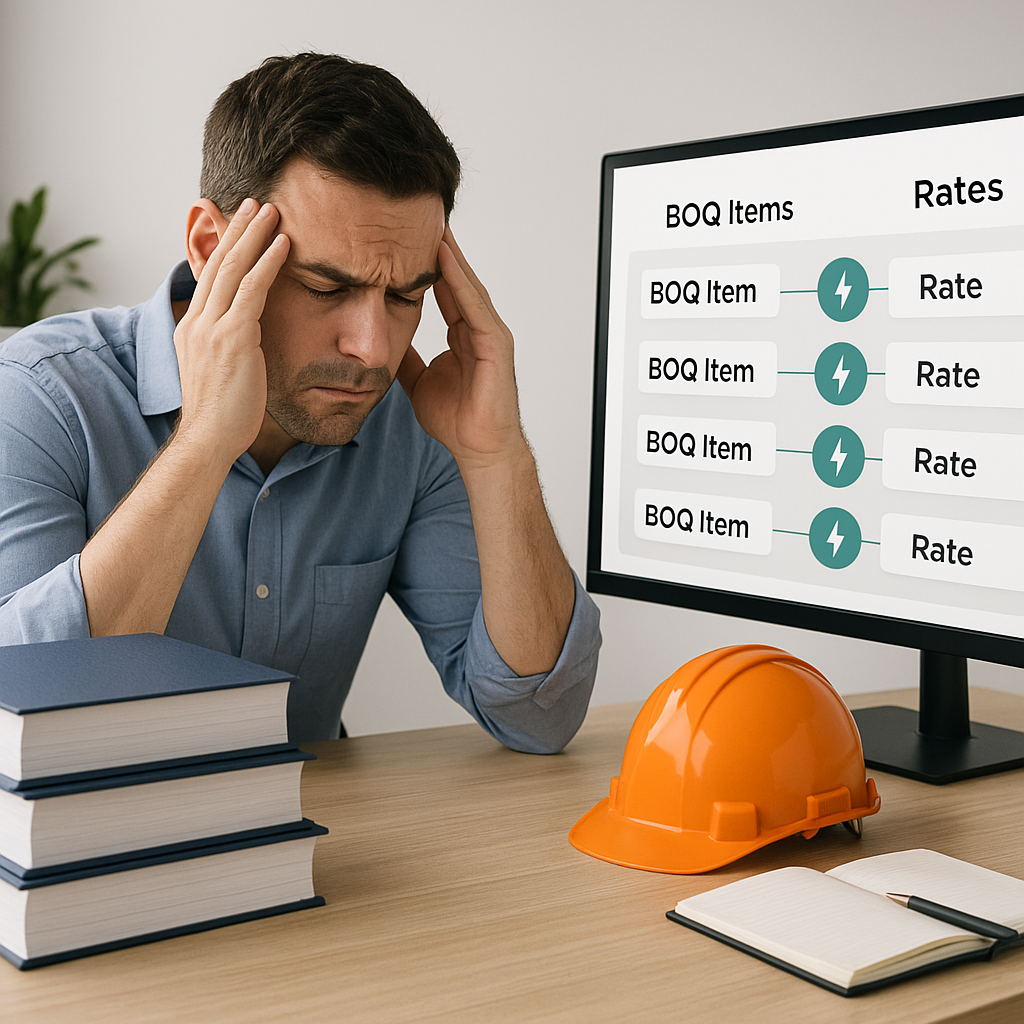
The Hidden Time Sink in Construction Estimation
Estimators are drowning in rate books, Excel sheets, and PDFs. Let’s be honest: flipping through 2,000-page RSMeans or CPWD DSR catalogs isn’t just tedious — it’s a colossal waste of time. Need to find the rate for a 6-inch reinforced concrete slab? That’s 10 minutes gone. Multiply that by 200 line items, and you’re burning an entire day (or more) just matching rates.
Why is this still the norm? Because most teams stick to the tools they know — Bluebeam, Excel, maybe RSMeans Online. And while these tools are great for specific tasks, they weren’t built to handle rate lookups at scale. So, you’re stuck in a cycle of CTRL+F searches and manual data entry.
It’s not just inefficient. It introduces errors. Miss one rate, and your bid could be off by thousands. Worse, you might not even realize it until it’s too late.
The Manual Process: A Breakdown
To understand the inefficiencies, let’s break down a traditional rate lookup workflow:
- BOQ Preparation: You receive the bill of quantities (BOQ), often a document with hundreds of line items.
- Rate Lookup: You manually search through rate books like RSMeans, CPWD DSR, or other supplier catalogs to find the matching rates.
- Data Entry: You input these rates into your estimating spreadsheet or software, all while double-checking for accuracy.
- Cross-Verification: You cross-check rates with your historical data, suppliers, or subcontractor quotes to ensure everything aligns.
This process is not only time-intensive but prone to errors. A survey by the Construction Management Association of America found that 61% of cost overruns in construction are linked to inaccurate estimates, much of which starts with manual errors in this workflow.
Enter AI-Powered Rate Matching
Here’s where AI saves the day. Tools like EstimateNext use semantic search to match your BOQ items with the right rates — instantly. No more flipping, no more guessing. Just upload your BOQ, and the AI does the heavy lifting.
Example: The $10M Office Fit-Out
Let’s say you’re working on a $10M office fit-out. You’ve got a BOQ with 300 line items. Traditional rate lookup might take your team 36 hours or more. With AI-powered rate matching? It’s done in seconds.
Beyond Speed: Learning Over Time
AI doesn’t just speed things up. It learns. Over time, it gets better at understanding your preferences, your go-to suppliers, and even your custom rates. By your third project, it’s like working with an assistant who knows exactly how you like your coffee — no sugar, extra milk, and served ASAP.
What Makes AI Rate Matching Different?
Let’s take a deeper look at why AI rate matching is a game-changer:
- Speed: Manual lookup takes hours. AI does it in seconds. Enough said.
- Accuracy: AI tools are trained on massive SOR datasets — 78,000+ items in the case of EstimateNext. That’s a level of precision no human can match.
- Customization: Got your own rate catalog? No problem. You can upload it, and the AI will prioritize your specific rates before looking elsewhere.
- Audit Trails: Every rate match comes with a breakdown. You can see why the AI chose a specific rate and adjust it if needed. Transparency builds trust.
- Scalability: Whether you’re estimating a $500,000 building extension or a $1 billion infrastructure project, AI tools scale effortlessly with project size.
Actionable Steps to Start Using AI Rate Matching
If this sounds promising, here’s how to get started:
- Assess Your Current Workflow: Identify the time spent on rate lookups and the errors that slip through. This will help you calculate the ROI of switching to AI.
- Choose the Right Tool: Look for AI estimation software that supports your local rate catalogs (e.g., RSMeans, CPWD DSR) and integrates with your current tools (e.g., Procore, Bluebeam).
- Upload Your Custom Data: Upload your historical rates, supplier lists, and any custom catalogs to ensure the AI aligns with your preferences.
- Test It on a Small Project: Run a pilot project to gauge time savings and accuracy improvements before rolling it out company-wide.
- Train Your Team: AI tools are intuitive, but a quick training session ensures everyone adopts the new workflow seamlessly.
Real-World Results
Still skeptical? Let’s talk numbers. One mid-sized general contractor shared their results after switching to AI-powered rate matching:
| Metric | Before AI | After AI |
|---|---|---|
| Rate Lookup Time | 120 hours | 6 hours |
| Estimator Cost ($130/hr) | $15,600 | $780 |
| Deadlines Missed | 2 per quarter | 0 |
And it’s not just GCs seeing the benefits. MEP subs are using tools like EstimateNext to turn around quotes in under 4 hours. That’s a massive improvement from the typical 3-day cycle. With faster responses, they’re winning more work and boosting revenue.
Case Study: HVAC Subcontractor
An HVAC subcontractor bidding on a hospital project reduced their bid preparation time from 18 hours to 2 hours using AI-powered rate matching. They were able to submit their bid a full day ahead of the deadline, impressing the GC and strengthening their relationship.
The Obvious Objection: Does AI Replace Estimators?
No. Let’s clear this up right now. AI isn’t here to replace you. It’s here to do the grunt work so you can focus on what actually matters: negotiating with subs, refining your margins, and making judgment calls that AI simply can’t.
Think of it this way: AI is the calculator. You’re still the engineer. Would you do long division by hand just to prove you can? Of course not. So why waste hours on manual rate lookups?
What Happens If You Don’t Adapt?
You might think, “We’ve been doing it this way for years. Why change now?” Here’s why: time is money. If your competitors are using AI to turn around bids faster and more accurately, they’re already a step ahead.
A 2023 McKinsey report found that early adopters of AI in construction saw cost savings of 10-20% per project. That’s not a nice-to-have — it’s a competitive advantage.
And let’s not forget the human cost. Burned-out estimators, missed deadlines, and rushed bids lead to mistakes. Mistakes that cost money, reputation, and future contracts.
Upload your first BOQ and see the difference. Get started free →


