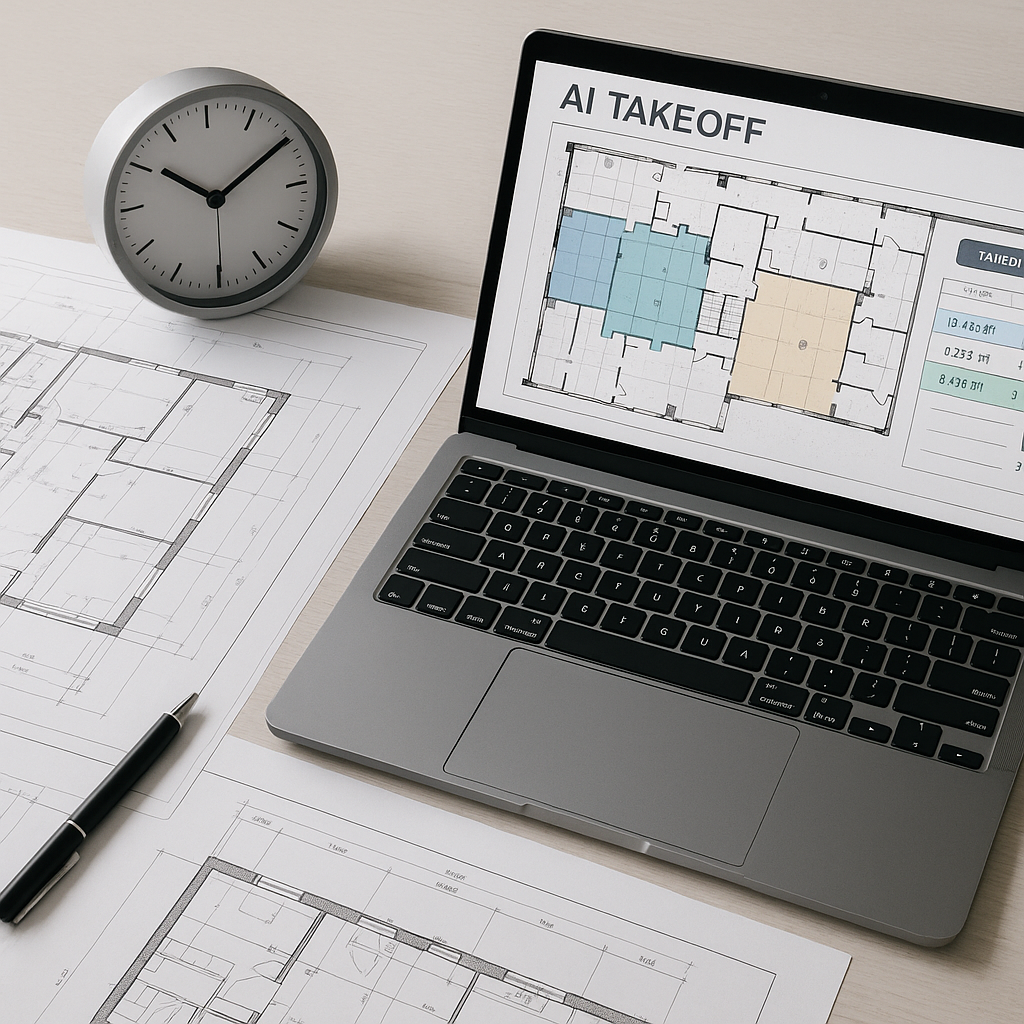
Why Are We Still Wasting 40 Hours on Takeoffs?
Let’s get straight to it: manual takeoffs are a time sink. You know it, I know it, and every estimator chained to a desk with a stack of drawings knows it. A typical takeoff on a mid-sized project takes two people two full days to complete. That’s 40 hours of highly-skilled labor—gone.
And for what? To measure areas, count windows, and calculate quantities that could be done faster with AI tools. If you're still flipping through drawings with a scale ruler or clicking around in Bluebeam for hours, you're doing it the hard way. There's a better way now.
The AI Takeoff Revolution
AI-powered tools like EstimateNext are slashing takeoff time from 40 hours to just 10 minutes. Yes, 10 minutes. Here's how it works:
- Upload Your Drawings: Just drag and drop your PDF or CAD files into the tool.
- AI Reads the Drawings: Vision AI scans the drawings for room areas, wall lengths, door/window counts, and more.
- Review and Confirm: The system flags low-confidence items for manual review, so you’re still in control.
One mid-sized contractor recently used EstimateNext on a $20M high-rise project. They saved 120 hours on takeoffs alone. That’s two full weeks of labor costs avoided—and they still met their tight bid deadline. Their own words? “It’s like hiring a full-time estimator without the overhead.”
Real-World Example: Public School Construction
A regional contractor bidding on a $15M public school project used AI tools for the first time. Their old process involved three estimators spending four days on takeoffs—96 total hours. With AI, the takeoff was completed in under two hours. The contractor reallocated those resources to scope refinement and subcontractor negotiation, ultimately winning the bid and reducing their margin of error by 15%.
But Is AI Accurate?
This is the first question I always hear: “Sure, AI is fast, but can it actually get the numbers right?” The short answer? Yes, but with a caveat.
AI tools are highly accurate—often reducing takeoff discrepancies by up to 80% compared to manual methods. But they’re not perfect, and they don’t claim to be. That’s why platforms like EstimateNext include features like confidence scoring and manual overrides. You get the speed of AI with the safety net of human review.
How Confidence Scoring Works
Imagine the AI flags a window count as "low confidence." Instead of blindly accepting the result, you’ll be prompted to verify it manually. This hybrid approach ensures accuracy without sacrificing speed. For example, on a $10M hospital project, a contractor using AI flagged 11 items for manual review. Instead of combing through hundreds of measurements, the team only spent 45 minutes checking the flagged areas.
Actionable Steps to Improve Accuracy
- Train Your Team: Make sure your estimators understand how the AI flags items and why.
- Start Small: Use AI on less complex projects first to build confidence in its accuracy.
- Pair AI with Junior Estimators: Let the AI handle the grunt work, while your junior team members focus on learning how to refine the results.
What About Custom Projects?
Another common objection: “My projects aren’t cookie-cutter. Can AI handle custom requirements?”
Yes, it can. Tools like EstimateNext let you upload your own rate catalogs or define custom rates for project-specific items. This ensures your estimates reflect your actual costs—not some generic industry average. And because the system learns from every project, it gets smarter with each use. Most users report significant accuracy improvements by their third project.
Case Study: High-End Residential
A luxury home builder specializing in custom designs needed to account for bespoke materials like imported marble and custom glass installations. Using AI, they uploaded their specialized rate catalog and defined unique parameters for each project. The result? Takeoffs were completed 75% faster, with no loss of accuracy. The builder went from bidding on two projects per month to four, doubling their pipeline.
Actionable Steps for Customization
- Update Your Rate Library: Regularly upload your latest cost data into the AI tool.
- Define Custom Parameters: Use AI’s project-specific settings to account for unique materials or labor rates.
- Leverage AI Learning: Encourage your team to provide feedback so the system can continually improve.
The ROI Math Is Brutal (In a Good Way)
Let’s talk numbers. If you’re a GC director, you’re likely paying your estimators $130/hour. Saving 40 hours per bid means $5,200 back in your pocket per project. Multiply that by 5-8 GMP pursuits per year, and you’re looking at $26,000-$41,600 in annual savings—just from takeoff automation.
For MEP subcontractors, the math gets even more interesting. Faster quotes mean you can respond to more bids. Even a 10% increase in bid responses could generate hundreds of thousands in additional revenue.
A Quick ROI Comparison
| Scenario | Manual Takeoffs | AI-Powered Takeoffs | Annual Savings |
|---|---|---|---|
| Mid-Sized GC (5 bids/year) | $26,000 labor cost | $4,000 labor cost | $22,000 |
| Large GC (8 bids/year) | $41,600 labor cost | $6,400 labor cost | $35,200 |
| MEP Subcontractor | 10% fewer bids | 10% more bids | $100,000+ revenue |
The Skeptic’s Corner
“But AI Can’t Think Like an Estimator.”
You’re right—it can’t. And it doesn’t need to. AI isn’t here to replace your expertise. It’s here to amplify it. You’re still the one making judgment calls, adjusting contingencies, and deciding on markup. The AI just handles the repetitive, time-consuming tasks.
Think of it like this: would you rather spend your day measuring wall lengths, or strategizing how to win the bid? Exactly.
“What About Smaller Projects?”
AI scales. Whether you’re pricing a $1M renovation or a $1B rail bridge, the process is the same. In fact, smaller projects benefit even more because they often have tighter margins and less room for error.
“Is It Hard to Learn?”
Not at all. Most platforms, including EstimateNext, are designed for ease of use. Training typically takes less than two weeks. And if your team can handle Excel and Bluebeam, they can handle this.


