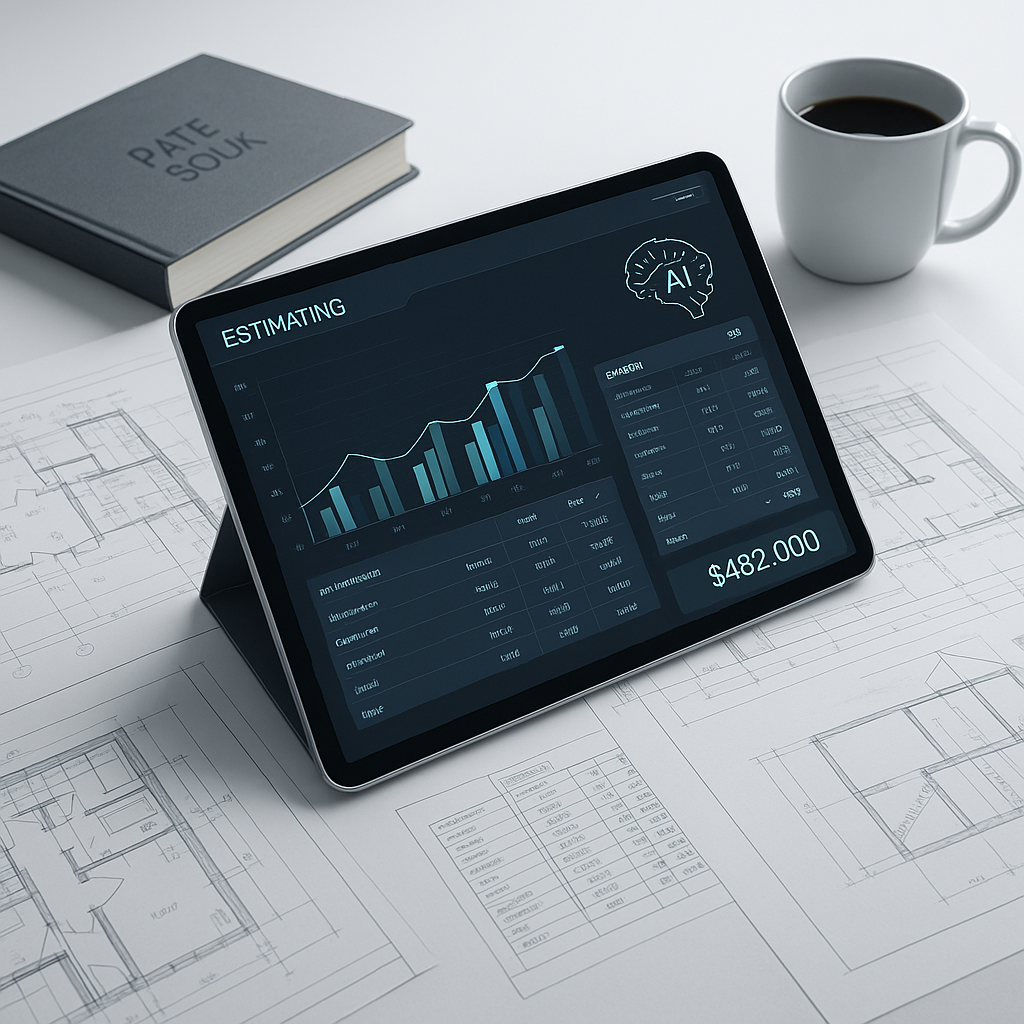
The Silent Cost of Manual Rate Matching
Every estimator has been there. You’re staring down a 2,000-page rate book or a massive PDF catalog, trying to find labor and material rates that actually match your BOQ (Bill of Quantities). It’s tedious, it’s error-prone, and it’s way too slow. For most teams, this process eats up hours—sometimes days—on every single estimate.
Why does this matter? Because time isn’t cheap. Let’s say you’re a GC preconstruction director managing a team of five estimators. Each of them spends 12 hours per estimate flipping through rate books. Multiply that by the 5-8 GMP pursuits you handle annually, and you’re looking at 300-500 hours lost every year. That’s $39,000-$65,000 in labor costs—just for looking up rates. Not ideal.
But it’s not just about the money. How many bids have you lost because your team was stretched too thin? How much have you overpaid because of mistakes in rate matching? The opportunity cost of this inefficiency is staggering.
This is where AI-powered rate matching comes in. Tools like EstimateNext aren’t just speeding up the process—they’re fundamentally changing how it works. Instead of hunting through pages and pages of data, you can now find the exact rates you need in seconds. Let me explain how.
How AI Rate Matching Works
AI rate matching is simple in concept but powerful in execution. Here’s the basic workflow:
- Upload Your BOQ: Whether it’s in Excel, CSV, or PDF format, the AI parses the file and understands your project’s scope.
- Semantic Search: Instead of keyword matching, the AI uses semantic search to find relevant rates across catalogs. For example, if your BOQ lists “installing pre-stressed concrete girders,” it’ll match with the exact labor and material rates—even if the catalog uses slightly different phrasing.
- Custom Catalogs: Got your own rates? No problem. You can upload custom catalogs or define project-specific rates, and the AI integrates them seamlessly.
- Audit Trail: Every match comes with a full traceable history. You can see why a specific rate was chosen and adjust it if needed.
The result? What used to take 12 hours now takes 10-15 minutes. That’s a 1,440X speed improvement.
Actionable Steps to Get Started with AI Rate Matching
- Inventory Your Catalogs: Before using an AI tool, gather all your rate books, PDFs, and Excel files. Digital catalogs work best, but even scanned PDFs can be processed by modern AI tools.
- Pilot a Small Project: Start with a smaller estimate to test the tool’s accuracy and workflow. This reduces risk while helping your team get familiar with the platform.
- Leverage Feedback Loops: The more you use AI, the better it gets. Actively review matches in the early stages to "train" the tool on your preferences.
Real-World Impact: A Case Study
Let’s talk about a mid-sized contractor who recently used EstimateNext on a $1 billion rail project. This bid required rate matches for over 1,200 BOQ line items, ranging from concrete structures to electrical systems. Traditionally, the team would’ve spent over 100 hours flipping through DOT-approved catalogs and RSMeans PDFs. Instead, EstimateNext’s AI matched all the rates in under an hour.
Here’s what they gained:
- Time Saved: 99 hours freed up.
- Cost Savings: $12,870 in labor avoided (based on $130/hour for senior estimators).
- Improved Accuracy: Reduced rate discrepancies by 80%, which meant fewer change orders during the project.
Another example comes from an MEP subcontractor bidding on a hospital project. Their estimating team often struggled with matching electrical installation rates from multiple sources, including RSMeans, union labor rates, and their internal historical data. By adopting EstimateNext, they cut their estimation time by 85% and even identified inconsistencies in their previous bids, saving them over $50,000 in potential overruns.
The project manager put it best: “It’s like having an extra estimator who doesn’t sleep.”
The Obvious Objection: “But AI Can’t Replace Human Judgment”
You’re right—it can’t. And it shouldn’t. AI isn’t here to replace you; it’s here to handle the boring stuff so you can focus on what really matters. Negotiating with subs. Deciding on markups. Making judgment calls informed by years of experience.
Think of AI as your assistant. It doesn’t get tired, it doesn’t make mistakes because it’s distracted, and it learns from your feedback. After just a few projects, tools like EstimateNext become even more accurate because they adjust to your preferences and historical data.
When to Trust AI vs. Human Judgment
| Task | AI-Driven | Human Judgment |
|---|---|---|
| Matching rates | ✅ | |
| Reviewing assumptions | ✅ | |
| Adjusting for market nuances | ✅ | ✅ |
| Negotiating with subcontractors | ✅ |
The key is to let AI handle the repetitive tasks, freeing your team to focus on strategy and relationships.
Why This Matters for Multi-Market Contractors
If you’re working across multiple markets, the complexity of rate matching skyrockets. Different regions use different measurement standards (CSI, NRM2, CPWD, etc.), currencies, and tax regimes. What’s the labor rate for a bricklayer in Texas? How does it compare to New York? What about inflation adjustments for this year?
AI solves this too. For example, EstimateNext’s MarketProfile architecture handles all these variables automatically. It pulls from 135+ catalogs, adjusts for inflation, and even accounts for regional differences. No more guessing. No more redoing estimates when a project switches locations.
Concrete Example: Regional Adjustments
A contractor bidding on a project in California discovered that prevailing wage rates were significantly higher than their home base in Arizona. With AI-powered rate matching, the estimator was able to quickly adjust labor rates, calculate the impact on their bid, and present a more competitive proposal without sacrificing profitability. The result? They won the bid and expanded into a lucrative new market.
What’s the ROI?
Let’s break it down:
- GC Directors: If your team saves 40 hours per estimate and you’re paying $130/hour, that’s $5,200 saved per pursuit. Multiply that by 5 GMP pursuits a year, and you’ve just saved $26,000. The cost of the tool? $100/month per seat.
- MEP Subs: Faster rate matching means you can turn around more quotes. Responding to 50% more bids could mean 4-8 extra wins per year. At $200K average revenue per win, that’s $800K-$1.6M in incremental revenue.
- India Contractors: Instead of flipping through a 2,000-page CPWD DSR PDF, you’re getting matches from 78,000 searchable SOR items in seconds. That’s 200+ hours saved annually for INR 1,999/month.
The math is simple. The savings are real.
What If You Don’t Use AI?
Here’s the thing: your competitors are already using it. A 2023 McKinsey report found that early adopters of AI in construction estimation are saving 10-20% on project costs. Those are the bids you’re losing.
And let’s not forget human error. A misplaced decimal or a missed rate can cost you thousands—or even millions—in lost profit. AI doesn’t make those mistakes. It ensures your estimates are both fast and accurate, giving you a competitive edge.
Final Thoughts
Manual rate matching isn’t just outdated—it’s expensive. It costs your team time, money, and potentially bids. AI-powered tools like EstimateNext offer a smarter way forward. They’re fast, accurate, and they actually get better the more you use them. Isn’t it time you stopped flipping through PDFs and started focusing on what you do best?
Ready to Save Time and Win More Bids?
If you’re tired of wasting hours on manual rate matching, EstimateNext can help. Get started free →


