Why Civil Works BOQs Are Painfully Slow
Civil works estimation isn’t for the faint of heart. The BOQ (Bill of Quantities) you need to price a project can run dozens of pages deep, packed with material rates, labor breakdowns, and equipment costs. If you’ve ever flipped through a 2,000-page CPWD DSR or spent a weekend rebuilding Excel formulas, you know the pain.
What’s worse? Even a small mistake—like misclassifying a rate—can cascade into massive problems. Overpricing costs you the job. Underpricing erodes your margins. And manual workflows? They’re error-prone and excruciatingly slow.
The Problem: BOQs Built from Scratch
Let’s talk reality. Most BOQs start as a blank Excel sheet. You copy-paste line items from drawings, sift through rate books, and manually add cost factors. For civil projects—like roads, bridges, or earthworks—you might spend days just matching rates to specifications.
Case Study: Mid-Sized Contractor Pricing ₹50 Crore CPWD Road Tender
Take an example: A mid-sized contractor pricing a ₹50 crore CPWD road tender. They’re flipping between PDF drawings and the DSR catalog, trying to map excavation volumes to the correct chapter rates. This takes hours per section—and that’s before they even think about inflation adjustments or profit margins.
This contractor spends nearly 70 hours creating a BOQ for a single project. The manual process involves:
- Scanning PDF drawings for quantities.
- Cross-referencing CPWD rates for excavation, PCC, RCC, etc.
- Adjusting rates for market inflation.
- Adding overheads, wastage, and profit margins.
The Manual Workflow Breakdown
Here’s what slows things down:
- Rate Matching: CPWD DSR catalogs often have thousands of line items, and finding the right rate is tedious.
- Volumetric Calculations: Earthworks takeoffs require precise measurements that often involve manual calculations.
- Error Checking: A single formula mistake can cascade across the BOQ, leading to incorrect pricing.
The kicker? It doesn’t have to be this hard.
The AI Solution: Smart BOQ Parsing
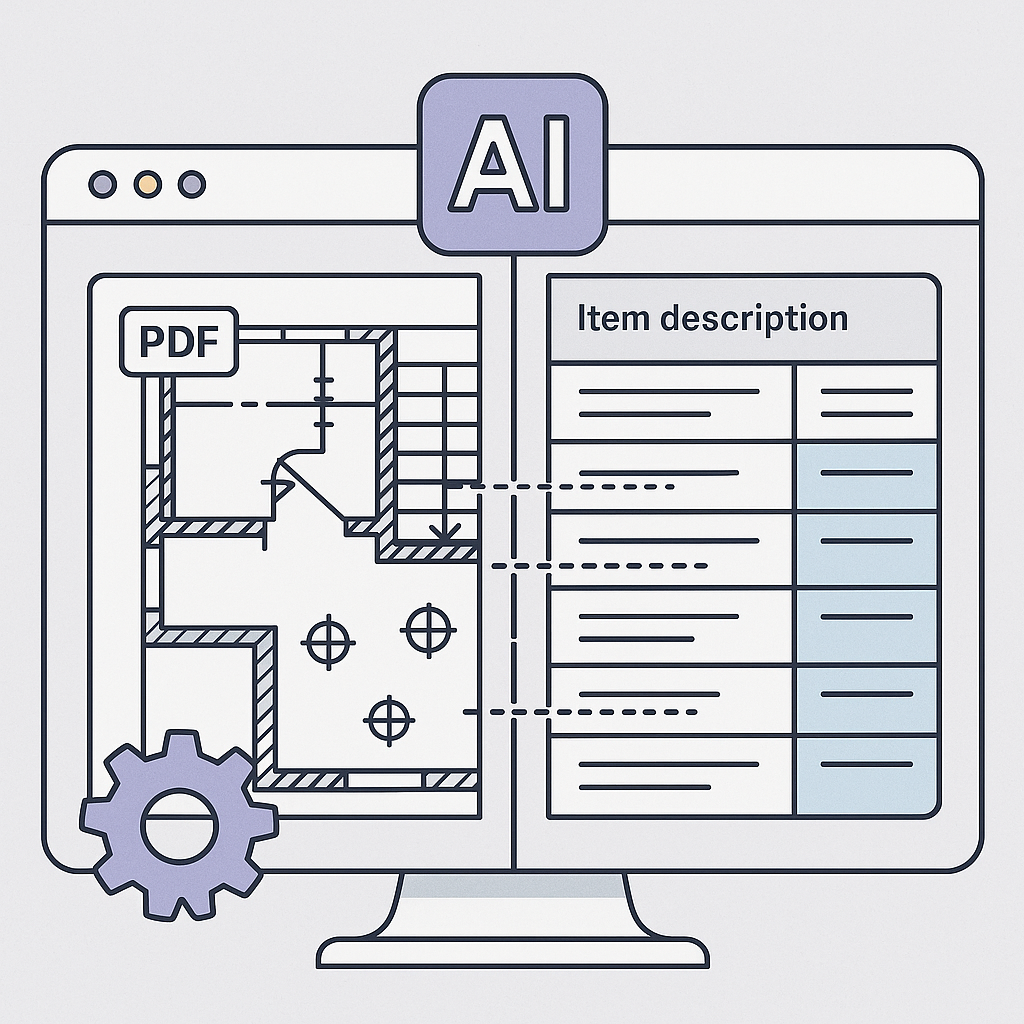
This is where AI tools like EstimateNext come in. Instead of slogging through manual entry, AI can automate BOQ creation. Here’s how it works:
Step-by-Step Breakdown of AI Workflow
- BOQ Upload: You upload the tender BOQ in Excel or PDF format. AI auto-detects merged cells, section headers, and hierarchies. No manual formatting needed.
- Rate Matching: The tool uses semantic search across 78,000+ SOR items. For civil works, this includes CPWD rates for excavation, PCC, RCC, and more. AI finds the closest match in seconds—not hours.
- Inflation Uplift: Let’s say the tender calls for CPWD 2021 rates, but you’re pricing in 2024. AI auto-applies compound inflation adjustments, saving you tedious back-of-envelope math.
- Cost Factors: Configurable overhead, profit, and wastage percentages are applied post-inflation. You get a ready-to-submit BOQ without rebuilding formulas.
Real-World Example: A Civil Contractor Saves Weeks
Large civil contractors are already using AI for massive infrastructure projects. On a $518M floodwater overhaul in Virginia, AI-powered tools shaved weeks off their preconstruction workflows.
Imagine the same for a road or bridge project. Instead of spending 40 hours on BOQ prep, you’re done in 10 minutes. That’s not just faster—it’s transformative.
Actionable Steps to Simplify BOQ Creation
If you’re still using manual workflows, here’s how you can start optimizing:
- Digitize Your Rate Books: Convert CPWD DSR or state SOR catalogs into searchable digital formats. This saves time flipping through PDFs.
- Invest in AI-Powered Tools: Platforms like EstimateNext automate BOQ creation and rate matching. Start with a free trial to evaluate ROI.
- Standardize Inflation Adjustments: Use consistent inflation formulas across projects to avoid errors.
- Train Your Team: Educate estimators on emerging AI tools. The learning curve is minimal, and adoption pays off quickly.
Common Objections (And Answers)
“AI won’t understand my local rate books.” Good question. EstimateNext supports 78K+ SOR items, including 19 CPWD catalogs and 26 state SORs in India. Rates are localized and searchable by chapter.
“What if the AI matches the wrong rate?” AI suggests matches but lets you override. You can reselect rates manually, with a full audit trail for transparency.
“Isn’t this just for big contractors?” Not at all. Small and regional contractors benefit just as much—especially for CPWD tenders where manual workflows dominate. At ₹1,999/month, it’s accessible even for smaller firms.
“What happens with non-standard line items?” For custom line items not in DSR catalogs, AI lets you manually input rates. These can be saved for future projects to streamline workflows.
“Can I use AI for retroactive cost analysis?” Yes. AI tools can adjust historical project data for inflation and overheads, providing insights into whether past estimates were accurate.
How AI Changes Civil Estimation Forever
Civil works estimation has always been a grind. From volumetric takeoffs to rate matching, it’s a process riddled with inefficiencies. AI doesn’t just speed things up—it eliminates entire steps.
Traditional vs. AI-Driven Workflow Comparison
| Task | Manual Workflow | AI Workflow |
|---|---|---|
| BOQ Formatting | 2-3 hours | Auto-detected in seconds |
| Rate Matching | 8-10 hours | Instant via semantic search |
| Inflation Adjustments | 1-2 hours | Automated in real-time |
| Error Checking | 3-5 hours | Minimal with AI audit trail |
| Total Time Per BOQ | ~40 hours | ~10 minutes |
ROI Calculation
For a GC Director earning $130/hr, the manual process costs $5,200 per BOQ. Using AI reduces this cost to under $10, yielding a 520X ROI per project.
Call to Action
If manual BOQs are slowing you down, EstimateNext can help. Upload your first BOQ and get a priced estimate in minutes—no credit card required. Start Free →


