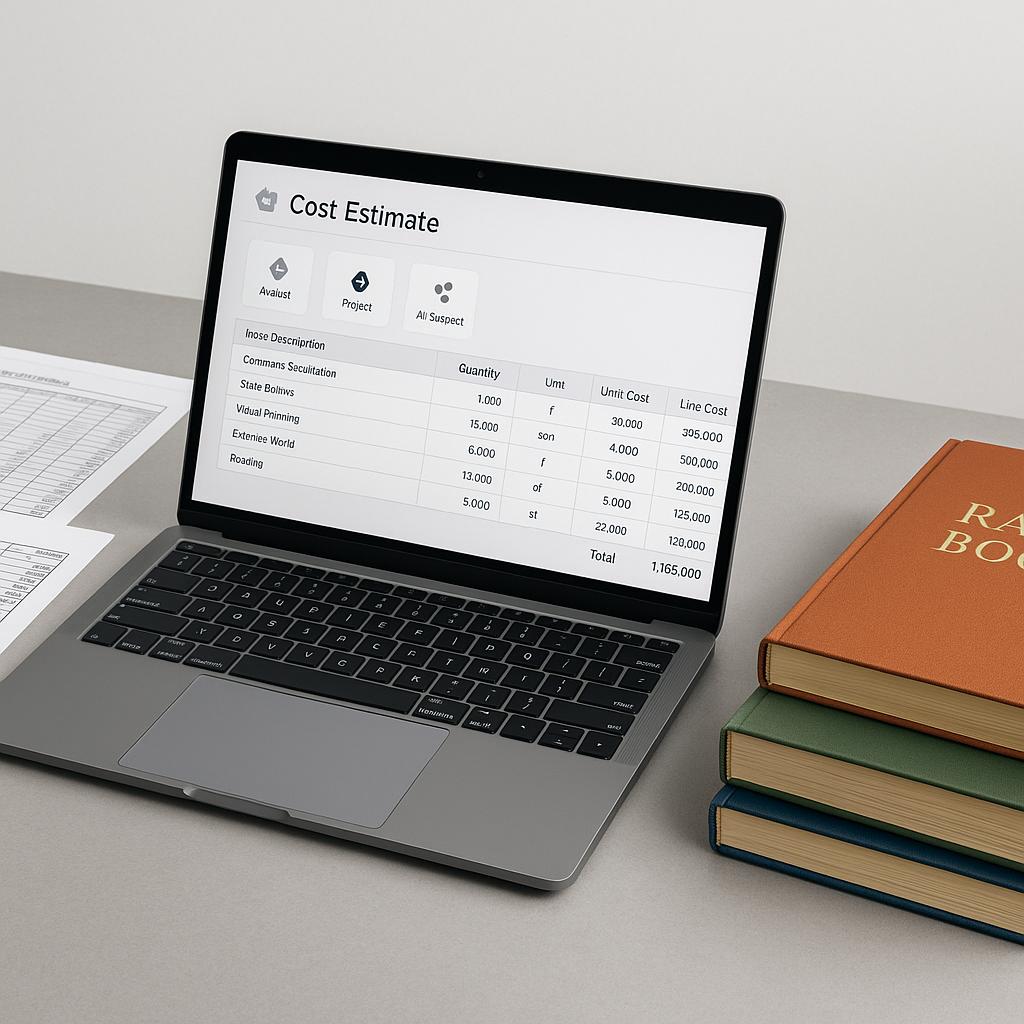
The Spreadsheet Problem No One Talks About
Every estimator knows this nightmare. You’re working on a bid, the client calls, and suddenly one rate in your Bill of Quantities (BOQ) changes. Maybe the supplier hiked the price of structural steel. Or labor costs just got renegotiated. You update it in Excel, and what happens? Chaos.
Formulas break. Linked cells don’t sync. You’re manually chasing down every dependency, cell by cell, across a workbook with 20+ tabs. Miss one, and your entire bid could be off by thousands—or worse, rejected outright. Sound familiar?
This isn’t just annoying; it’s risky. A single error in pricing can ripple across your estimate, throwing off your margins and jeopardizing your chances of winning the bid. And let’s be honest—Excel wasn’t built for construction estimation. Yet here we are, duct-taping solutions together.
The Hidden Costs of Using Excel for Estimation
Before we dive into solutions, let’s talk about what this inefficiency actually costs you. Studies show that nearly 88% of spreadsheets contain errors (source). For construction estimation, these mistakes can be catastrophic:
- Missed dependencies: A single incorrect formula could cascade through your entire BOQ, leading to wildly inaccurate bids.
- Wasted time: Manually updating rates and recalculating totals can take hours—or even days—depending on the complexity of the project.
- Lost opportunities: Late submissions or inaccurate bids can cost you contracts, especially in competitive markets.
- Collaboration headaches: When multiple team members are working on the same spreadsheet, version control can become a nightmare.
For example, in 2020, a UK-based contractor lost a $15 million bid because of a minor Excel error that inflated their labor costs by 12%. This wasn’t just a loss of revenue—it was a blow to their reputation in the industry.
How AI Changes the Game
Here’s where AI-powered tools like EstimateNext enter the picture. Instead of manually fixing each broken cell, these platforms let you update a single rate—and it propagates across the entire estimate instantly. No broken links, no missed dependencies, no late nights rebuilding spreadsheets.
Take the Cost Factor Profiles feature in EstimateNext, for example. With it, you can pre-define overhead and profit margins, inflation adjustments, and even labor/equipment cost distributions. When one rate changes, the system recalculates everything in real-time. You’re not just saving time—you’re eliminating the risk of human error.
Actionable Steps to Transition to AI Estimation:
- Audit your current process: Identify the most error-prone or time-consuming tasks in your estimation workflow.
- Start with hybrid tools: Many AI platforms, like EstimateNext, integrate with Excel to ease the transition.
- Train your team: Familiarize your estimators with the new platform’s interface and features.
- Run a pilot project: Use the tool on a smaller bid to test accuracy and time savings before scaling.
- Gradually expand usage: Once confident, roll out the platform for all your projects.
A Real-World Example
Let’s say you’re bidding on a $20 million hospital project. Midway through, the client decides to swap out standard drywall for fire-rated drywall. In Excel, you’d have to:
- Update the material rate in your BOQ.
- Manually adjust the labor hours (fire-rated drywall takes longer to install).
- Recalculate the overhead and profit percentages.
- Double-check every linked cell to ensure nothing breaks.
This process could take hours—hours you don’t have when the bid deadline is tomorrow.
With EstimateNext, you’d simply update the drywall rate in your BOQ. The platform automatically factors in the new labor hours, recalculates your overhead and profit, and updates the entire estimate. Total time? Less than five minutes. That’s not just faster—it’s smarter.
Case Study: A Contractor’s 25% Time Reduction
A mid-sized construction firm in Texas adopted EstimateNext for their $50 million commercial project. Before using the tool, rate updates across their BOQ took an average of 10 hours per project. With AI automation, they reduced this to 2.5 hours—a 75% efficiency gain. Over the course of a year, this saved them over 400 labor hours, freeing up their estimators to focus on winning more bids.
The Obvious Objection: “But AI Can’t Think Like an Estimator”
You’re right—AI doesn’t replace your expertise. It amplifies it. You’re still the one making judgment calls, negotiating with subcontractors, and deciding which rates to tweak. The AI just handles the grunt work.
Think of it this way: AI is like having an extra pair of hands (or ten) to do the repetitive stuff, so you can focus on strategy. And if you’re worried about accuracy, tools like EstimateNext include an audit trail for every change. You’ll know exactly what was updated, when, and why.
Comparison Table: Excel vs. AI-Powered Tools
| Feature | Excel | AI-Powered Tools |
|---|---|---|
| Rate updates | Manual, error-prone | Automatic, error-free |
| Collaboration | Risk of overwriting changes | Real-time, centralized |
| Scalability | Limited for large projects | Handles complex projects |
| Version control | Manual, prone to confusion | Automated tracking |
| Time investment | High | Low |
Why Excel Is Holding You Back
Let’s be blunt: Excel isn’t designed for construction estimation. It’s prone to errors, doesn’t scale well, and creates silos. When one estimator owns the spreadsheet, collaboration becomes a bottleneck. And don’t even get me started on version control.
AI-powered platforms solve these issues by centralizing your data and automating updates. Everyone works off the same source, in real-time, with no risk of overwriting each other’s changes.
What If You’re Not Ready to Ditch Excel?
Fair enough. Change is hard, especially when your team has been using Excel for years. But you don’t have to go all-in immediately. Many AI tools, including EstimateNext, integrate directly with Excel. You can upload your existing workbooks, use the platform to handle rate propagation, and export the updated estimate back to Excel if needed.
It’s not about replacing Excel overnight—it’s about fixing the parts that don’t work.


