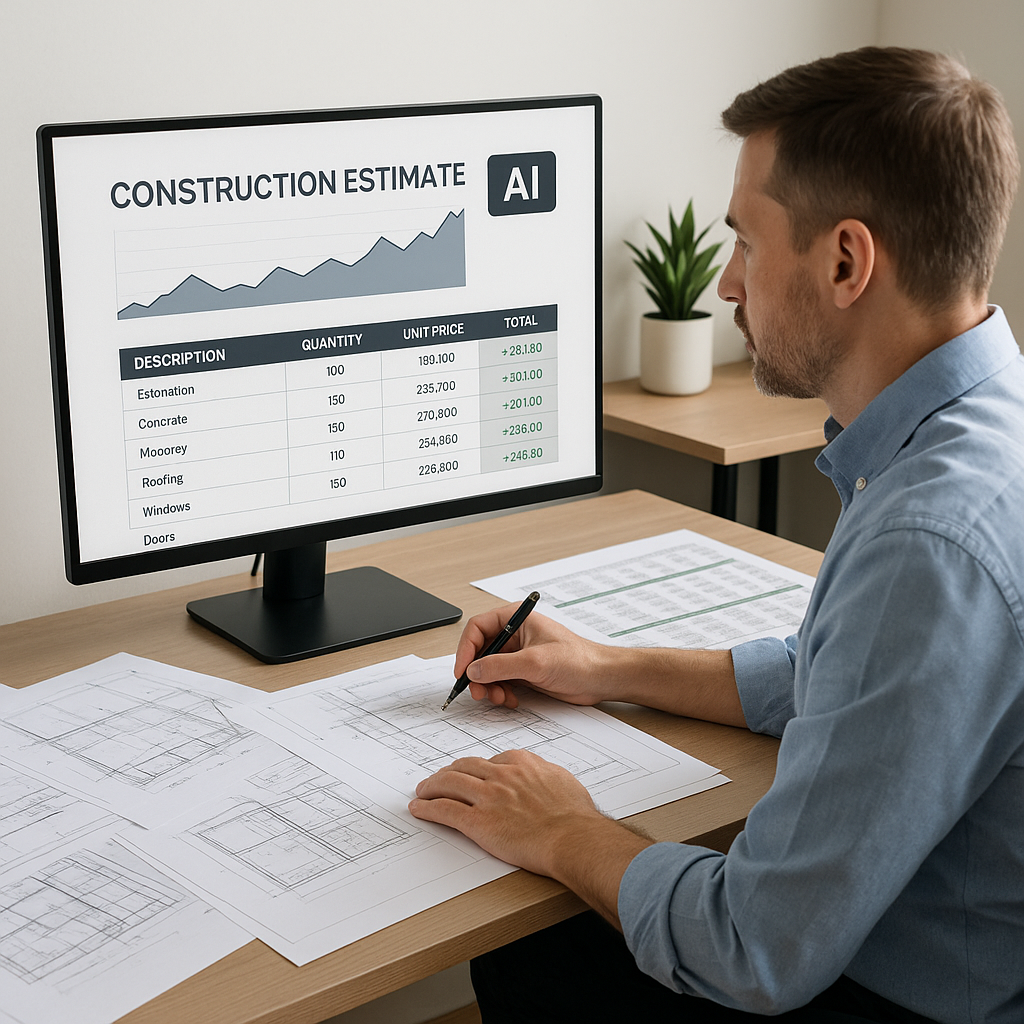
Still Rebuilding Spreadsheets for Every Change? Stop It.
If you've ever had to rebuild an entire Excel workbook just because one rate changed, you know the pain. It’s tedious, error-prone, and a complete time sink. Yet, so many estimators still rely on this manual process. Why? Because that’s how it’s always been done.
Guess what? It doesn’t have to be.
AI-powered estimation tools like EstimateNext make this problem disappear. You tweak one rate, and the entire estimate updates instantly—quantities, costs, markups, everything. No manual rework. No hunting down formula errors. Just immediate results.
The Problem With Spreadsheets
Let’s face it: Excel is a great tool. But it’s not built for the complexity of construction estimating. Here’s where it fails:
- Rate updates are a nightmare. You adjust one cell, and suddenly a formula breaks somewhere else. Good luck finding it.
- Version control is a mess. Ever had two team members working on different versions of the same file? Yeah, me too.
- Audit trails are non-existent. Who changed that number? Why? No one knows.
For something as critical as preconstruction estimation, these problems are unacceptable. A single error can cost you tens of thousands—or worse, the entire bid.
Concrete Example: Rate Updates Gone Wrong
Imagine you’re estimating a $15M commercial project. You update the labor rate for electricians in one cell. But you forget to update the linked formulas in three other sheets. When it’s bid time, your total cost is off by $200,000. You lose the bid because your pricing isn’t competitive—or worse, you win the bid and realize later that you’re underwater.
Case Study: Spreadsheet Chaos
A mid-sized general contractor (GC) in California recently shared their experience. They spent over 70 hours fixing formula errors across a complex estimate file. The errors weren’t caught until after the bid submission, leading to a $125,000 shortfall in profit margin. The GC has since transitioned to AI-powered tools to ensure such mistakes don’t happen again.
How AI Fixes the Spreadsheet Nightmare
Here’s where AI tools like EstimateNext shine. They’re built to handle complex, dynamic estimates without breaking a sweat. Let’s break it down:
1. Real-Time Updates
Say you update the labor rate for concrete. EstimateNext automatically propagates that change across the entire estimate—material costs, overhead, profit margins, everything. It even shows you an audit trail of what changed and why.
Compare that to Excel, where you’d have to manually trace every linked cell. One missed formula, and your bid is toast.
Actionable Steps: Implementing Real-Time Updates
- Upload your rate library into the AI tool.
- Set up global rules for cost propagation (e.g., adjusting labor rates automatically recalculates total costs).
- Review audit trails for transparency on how changes impact the estimate.
2. What-If Scenarios in Seconds
Need to see how a 5% material price hike affects your total cost? Or how swapping one supplier’s rate for another impacts your margin? AI tools make it easy. You can run these scenarios in seconds, with zero risk of breaking your estimate.
Comparison: Excel vs. AI for Scenarios
| Feature | Excel | AI Tools |
|---|---|---|
| Scenario Setup | Manual | Automated |
| Time to Analyze | Hours | Seconds |
| Risk of Errors | High | Minimal |
| Audit Trail Visibility | None | Detailed |
Real-World Example: Time-Saving Scenarios
A mid-sized GC recently used this feature on a $20M high-rise bid. They ran 12 different scenarios in under an hour. With Excel, that would’ve taken a full day—and probably caused a few headaches along the way.
3. Error-Free Calculations
AI tools don’t “forget” to include a markup or misapply a formula. They follow the rules you set, every time. And if you need to override something, you can do that too—with a full record of what was changed.
Actionable Steps: Reducing Errors
- Use AI tools to automate formula creation and application.
- Set custom rules for exceptions, like specific markup percentages for certain trades.
- Regularly review audit logs to ensure compliance with your estimation standards.
Real-World ROI: A Quick Example
Let’s talk dollars and cents. If you’re a GC preconstruction director managing five GMP pursuits a year, you probably spend at least 40 hours per estimate on manual updates and recalculations. At $130/hour, that’s $5,200 in labor costs per bid.
Switching to an AI-powered platform like EstimateNext? You’d spend maybe 4 hours reviewing the AI’s work. That’s $520. Multiply that by five bids, and you’ve saved $23,400 a year—just on labor.
Extended ROI: Time Freed Up
Beyond saving money, think about the time you free up. With those extra hours, you could bid on more projects, refine risk analyses, or build stronger relationships with subcontractors—all of which directly contribute to your bottom line.
The Obvious Objection: “AI Can’t Think Like an Estimator”
I hear this all the time. And it’s true—AI doesn’t replace your expertise. It doesn’t know your market like you do, and it won’t negotiate with subs on your behalf. But that’s not the point.
AI handles the grunt work so you can focus on the high-value tasks: analyzing risk, refining strategies, and winning bids. It’s a tool, not a replacement.
Actionable Steps: Combining AI and Human Expertise
- Use AI tools for repetitive tasks like quantity takeoffs and rate adjustments.
- Apply your expertise where it matters—risk analysis, subcontractor negotiations, and bid strategy.
- Train your team to maximize AI’s capabilities while maintaining oversight.
What If My Rates Are Custom?
Good question. Many estimators deal with project-specific rates that don’t exist in standard catalogs. AI tools like EstimateNext let you upload your own rate libraries. The system learns from your inputs and gets smarter with every project.
Example: HVAC Subcontractor Success
An HVAC subcontractor in Texas recently uploaded their own SMACNA-compliant ductwork rates. By their third project, the AI was matching 98% of BOQ line items to their custom rates accurately. That’s the kind of learning curve you want.
Actionable Steps: Using Custom Rates
- Create a detailed rate library for your business.
- Upload the library into the AI tool.
- Review and refine matches until the system adapts fully.
Stop Letting Spreadsheets Slow You Down
In my view, clinging to Excel for complex estimation is like using a typewriter in the age of word processors. Sure, it works. But it’s not efficient, and it puts you at a competitive disadvantage.
AI tools like EstimateNext are the future of preconstruction. They’re faster, smarter, and designed to handle the complexities of modern construction projects. If you’re not using them, you’re leaving money—and time—on the table.
If you’re tired of rebuilding spreadsheets and chasing formula errors, EstimateNext can help. Get started free →


