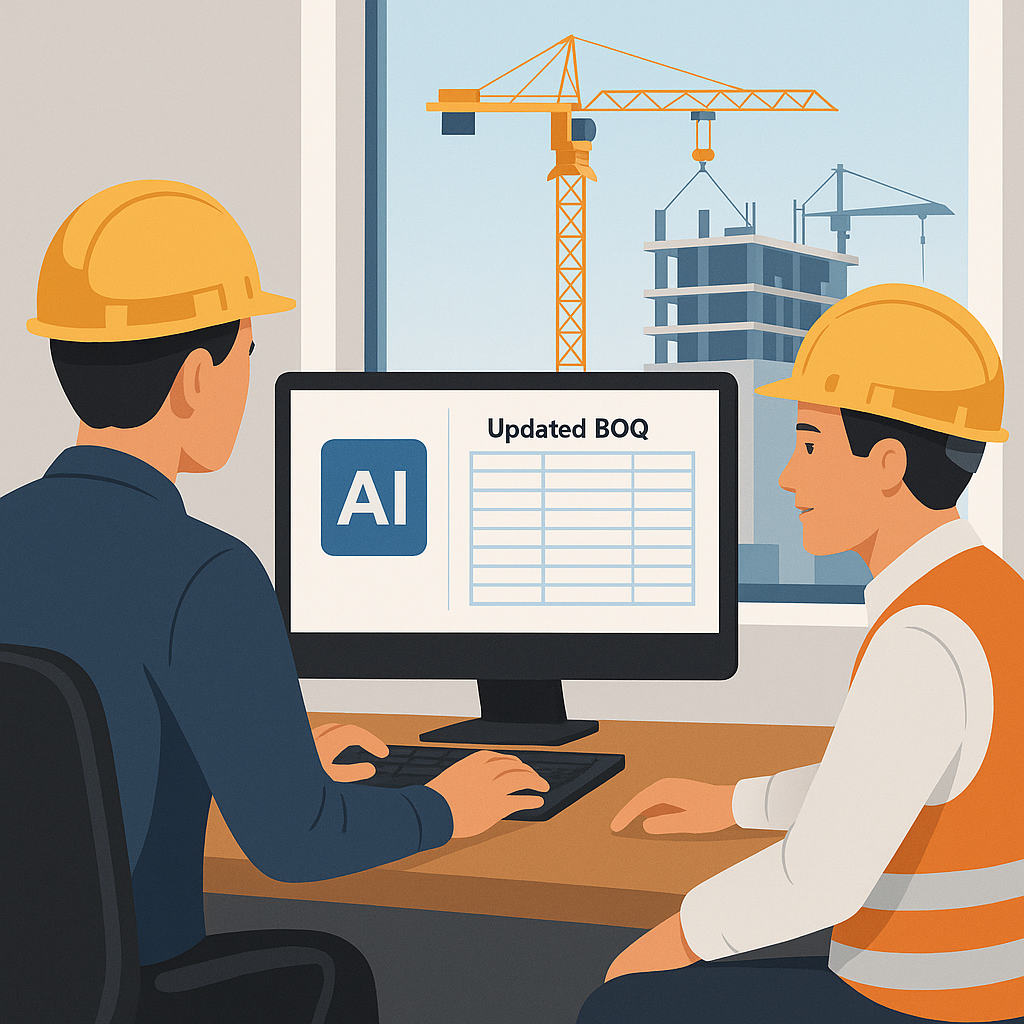
Repricing Bids: The Hidden Time Sink No One Talks About
You’ve been there. A single material or labor rate changes—steel goes up 12%, or drywall rates drop—and suddenly, you’re stuck repricing the entire bid package. It’s tedious, manual, and prone to errors. Worst of all, it eats into your time, leaving less for higher-value tasks like negotiating with subs or refining your strategy.
In my years working with general contractors and trade subs, I’ve seen this issue derail more bids than I can count. You’re not just updating a number. You’re recalculating every related item, double-checking your contingencies, and rebuilding your Excel workbook to make sure nothing gets missed. It’s grunt work no estimator wants to spend their day on.
But what if your BOQ could update itself?
The AI Fix: Real-Time Propagation with Audit Trails
AI-powered tools like EstimateNext solve this exact problem. Here’s how it works:
You upload your BOQ (Excel, CSV, or whatever format you’re using). Let’s say you adjust the labor rate for “plastering walls” by 15% due to a union-negotiated wage hike. Normally, you’d have to manually track every line item this rate affects. AI does it for you.
The system propagates that change across the entire BOQ in real time. Material costs, overheads, profit margins, and even project-level adjustments update instantly. You get a full audit trail showing exactly what changed and why. Need to revert? Click a button. Need to show your client? Export a report with the updated rates and calculations.
A Real Example: How AI Saved 90% of Repricing Time
Take a mid-sized general contractor bidding on a $25M office tower. Halfway through the tender process, the cost of structural steel jumps by 8% due to supply chain disruptions. Without AI, the team would spend 10-12 hours recalculating the structural package, revalidating totals, and updating their Excel sheets. With AI, that same update takes under 10 minutes.
This isn’t a hypothetical. Case studies from early adopters of EstimateNext show similar results. For example:
- Commercial build in Denver, CO: A $12M project saw a 6-hour repricing task cut to 20 minutes.
- Residential project in Austin, TX: Changes to plumbing material prices (PVC vs. copper) were recalculated across 200+ BOQ line items in under 15 minutes, compared to an estimated 8-hour manual process.
- Infrastructure project in Seattle, WA: A 15% increase in asphalt costs—previously a full day of manual updates—was resolved in under 30 minutes using AI.
Multiply these time savings across multiple bids per month, and the value becomes clear. You’re not just saving hours—you’re freeing up entire days to focus on strategy, client communication, or additional bids.
What-If Scenarios: The Game-Changer for GCs and Subs
This isn’t just about saving time. It’s about flexibility. Clients love throwing curveballs mid-bid: “What if we switch the flooring to polished concrete?” or “Can we cut costs by 5% without losing quality?”
In Excel, answering these questions can take hours. You’re manually recalculating, testing assumptions, and hoping you didn’t overlook a cell reference.
How AI Handles What-If Scenarios
AI tools make it simple. You adjust one input—say, a material swap or a target cost—and the system instantly recalculates everything. Want to know the impact of switching from hardwood to laminate flooring? Input the change, and in seconds, you’ll see:
- Updated material costs
- Per-unit price adjustments
- Changes to overhead and profit margins
This allows you to respond to client requests in real time, giving you a competitive edge. Imagine being the only contractor to provide an updated proposal within hours of a client’s email, while others are still buried in spreadsheets.
Why This Matters Right Now
The construction industry is under more pressure than ever. Inflation is squeezing margins. Labor shortages are delaying projects. Clients expect faster turnarounds. In this environment, the ability to quickly adapt your estimates isn’t just a nice-to-have—it’s critical.
A 2023 McKinsey report found that early adopters of AI in construction saw cost savings of 10-20% per project. Not because the AI is perfect (it’s not), but because it frees up estimators to focus on high-value tasks instead of grunt work.
Concrete Data: The Cost of Doing Nothing
If you’re still relying on manual processes, here’s what it’s costing you:
- Time: A typical estimator spends 30-40% of their time on repetitive data entry and recalculations. For a team of 5, that’s 4,000+ hours per year.
- Errors: Manual recalculations have an average error rate of 1-5%. On a $10M project, even a 1% error can cost $100,000.
- Opportunities: Spending less time pricing means you miss opportunities to bid on additional projects, refine your margins, or negotiate better rates with subs.
Objections and Edge Cases
You might be thinking, “Sure, AI is fast, but it doesn’t understand the nuances of our projects.” That’s fair. AI isn’t a replacement for your expertise—it’s a tool to amplify it. You’re still in control, making the judgment calls. The AI just handles the repetitive stuff.
Common Concerns
- Accuracy: What if the AI gets it wrong? That’s why tools like EstimateNext include confidence scoring and manual overrides. If something looks off, you can review and adjust it before finalizing.
- Cost: AI tools aren’t cheap, but consider the ROI. For most contractors, even a single saved day of labor can justify the subscription cost.
- Integration: Will it work with my current tools? Most AI platforms integrate seamlessly with industry standards like Procore, Bluebeam, and Excel.
Getting Started
If you’re dealing with constant rate changes, unpredictable clients, or complex what-if scenarios, an AI-powered tool could be a game-changer for your process. Start small. Test it on a single project to see the difference.
Want to see how it works? Get started free →
FAQ
Q: Is AI only for big projects? No. AI scales to any project size. Whether you’re bidding on a $1M renovation or a $1B rail bridge, the same principles apply.
Q: What happens if my rates are custom? You can upload your own rate catalogs. The AI integrates them seamlessly and even learns from your adjustments over time.
Q: How reliable are the estimates? AI is highly accurate, but it’s not perfect. That’s why human oversight is built into the process. You review, refine, and approve before submitting.
Q: How does AI handle contingencies? You set the parameters. The AI applies contingencies according to your preferences, whether it’s a flat percentage or a line-item-specific adjustment.
Q: Does it work with my existing tools? Yes. Most AI tools, including EstimateNext, integrate with platforms like Procore, Bluebeam, and Excel. You don’t have to rebuild your workflow from scratch.
Decision Framework: Should You Adopt AI for Estimating?
| Criteria | Manual Process | AI-Assisted Process |
|---|---|---|
| Time to Update Rates | 8-12 hours per bid | Under 30 minutes |
| Error Risk | High (1-5% error rate) | Low (AI + human oversight) |
| Client Responsiveness | Slow (hours to days) | Fast (real-time adjustments) |
| Cost | Labor-intensive, hidden costs | Subscription-based, measurable ROI |
| Scalability | Limited by human resources | Scales across multiple bids |
If you’re spending more time fixing spreadsheets than strategizing, it’s time to make the switch.


