The Brutal Reality of Manual Takeoffs
Every estimator knows the drill. You get a set of drawings, fire up your PDF viewer, and start measuring—line by line, area by area. Then comes the double-checking. Miss a wall length or calculate a beam’s volume wrong, and you're staring at potential change orders worth thousands. This process can take 40 hours per estimate. That’s 2 estimators grinding for 2 full workdays.
It’s not just tedious. It’s risky. Human error creeps in when people are overworked or rushing to meet deadlines. And let’s be honest—how many of us have had to redo an entire estimate because something didn’t add up?
Now, imagine shaving that 40 hours down to 10 minutes. That’s not a typo. AI-powered preconstruction tools like EstimateNext are making it possible. Let’s dig into how.
How AI Transforms Takeoffs
AI doesn’t just speed up takeoffs—it changes the entire workflow. Here’s a practical example:
1. Upload Your Drawings
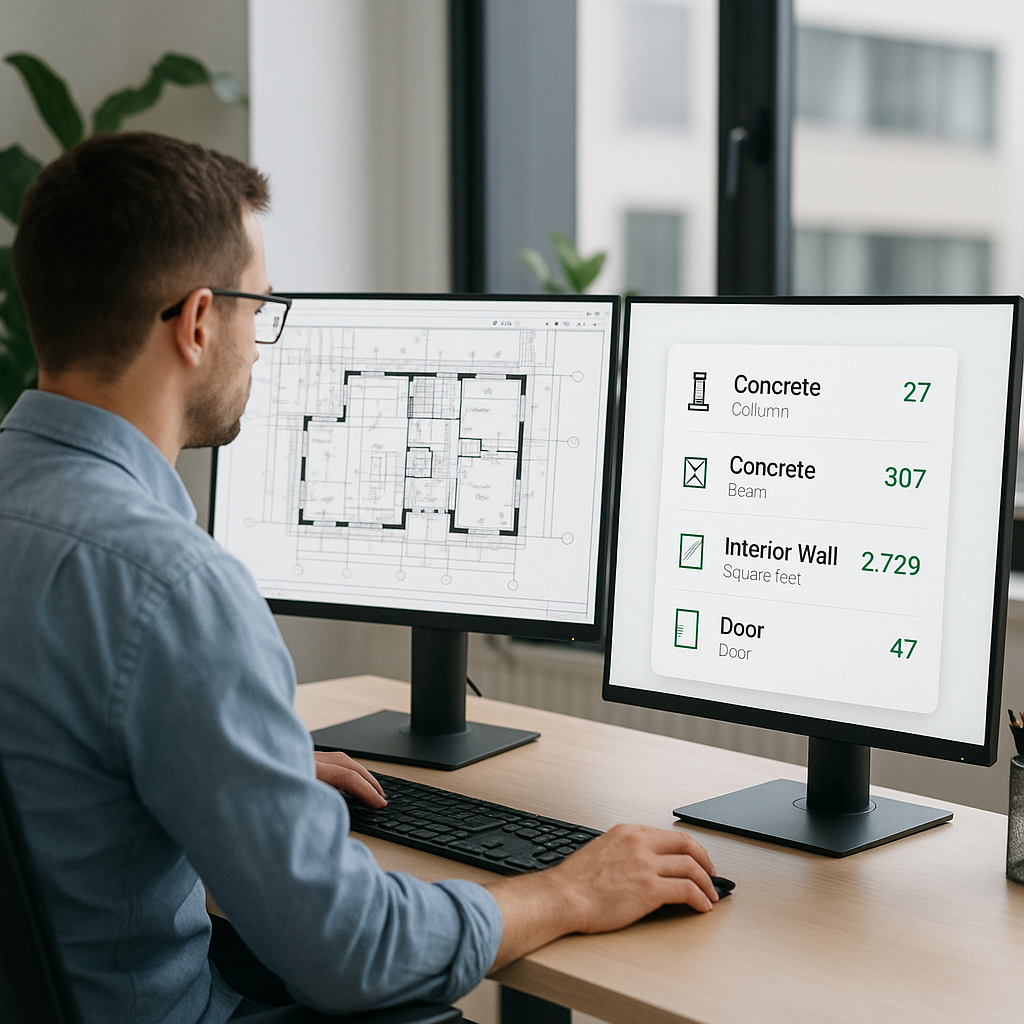
Drop in your PDF files, and the tool does the heavy lifting. Instead of manually tracing walls or counting fixtures, the AI reads the drawings for you. It extracts quantities like room areas, wall lengths, door/window counts, and more. For example, a recent case study showed that using AI on a 100,000 sq. ft. office building project reduced manual measurement time from 20 hours to under 15 minutes. Source: Construction Today.
2. Confidence Scoring
Tools like EstimateNext highlight "low-confidence" areas where the AI isn’t 100% sure. For instance, if a floor plan includes unclear annotations or overlapping symbols, the AI flags these areas for manual review. This ensures accuracy without remeasuring the entire drawing.
3. Revisions? No Problem
Architects love revisions. Estimators hate them. With AI, you can upload the revised drawings, and the tool automatically flags what’s changed. Imagine a scenario where a structural engineer modifies beam placements. Instead of manually cross-checking every revision, the AI identifies new beam positions and updates quantities instantly. No more guessing or redoing your entire takeoff.
4. Automated Material Costing
Some advanced AI tools don’t stop at takeoffs. They integrate material costing databases, automatically matching quantities to current market rates. For example, if steel prices rise, the AI adjusts your estimate in real-time, giving you a competitive edge when pricing your bid.
Real-World Impact
Let’s take a mid-sized general contractor (GC) working on a $50M high-rise project. A manual takeoff would take 40 hours. With AI, it’s done in 10 minutes. That’s 39 hours and 50 minutes saved. Assuming an estimator’s time costs $130/hour, you just saved $5,200 on a single bid.
Breakdown of Time Savings:
| Task | Manual Time | AI Time | Savings |
|---|---|---|---|
| Measurements | 25 hours | 5 mins | $3,250 |
| Revision Handling | 10 hours | 3 mins | $1,300 |
| Cross-Checking | 5 hours | 2 mins | $650 |
| Total | 40 hours | 10 mins | $5,200 |
What can you do with those saved 39 hours? Here are some possibilities:
- Price More Bids: Bid on 2-3 additional projects that were previously out of reach due to time constraints.
- Negotiate Better with Subs: Use the extra time to refine scopes of work and secure better pricing.
- Focus on High-Value Tasks: Instead of grinding through measurements, spend time optimizing profit margins or risk contingencies.
Case Study: $1B Rail Project
On a $1B rail project, AI-powered takeoffs saved 56 hours per bid. Over the course of 20 bids, that translated to 1,120 hours—or 140 workdays—returned to the preconstruction team. This allowed the company to bid on 15% more projects in that fiscal year. Source: EstimateNext.
The Obvious Objection: “AI Can’t Think Like an Estimator”
True. AI tools don’t understand construction nuances the way you do. But they’re not meant to replace you—they’re here to amplify your effectiveness. The AI handles the grunt work, like takeoffs and rate matching, so you can focus on judgment calls and strategy.
Think of it like hiring an assistant who works 24/7, never takes a coffee break, and never makes a math error.
Practical Example: Material Substitution
Let’s say you’re bidding on a hospital project, and the architect specifies a premium flooring material. As an experienced estimator, you might suggest a cost-effective alternative. The AI won’t make that call, but it can instantly show you how much you’d save by switching materials, enabling faster decision-making.
What About Accuracy?
You might be wondering, “How accurate are AI-powered takeoffs?” Based on EstimateNext’s internal data, AI tools reduce takeoff discrepancies by up to 80%. But here’s the catch: the quality of the input data matters. If your drawings are messy or incomplete, no tool—AI or not—will magically fix that. Human oversight is still essential.
Pro Tip: Garbage In, Garbage Out
When uploading drawings, ensure they are clean, legible, and properly annotated. This small step significantly improves AI accuracy and reduces manual adjustments later.
Why Now?
The construction industry is facing a skilled labor shortage. Experienced estimators are retiring, and younger talent isn’t entering the field fast enough. Preconstruction directors are demanding more from fewer people. AI tools like EstimateNext are stepping in to fill that gap.
According to the Associated General Contractors of America (AGC), 80% of contractors reported difficulty filling hourly craft positions in 2023. AI tools not only alleviate this labor crunch but also make the job more appealing to tech-savvy professionals entering the workforce.
Final Thoughts
Manual takeoffs are a waste of time in 2024. AI-powered tools like EstimateNext are faster, more accurate, and ROI-positive. If you’re still doing takeoffs the old way, ask yourself: what’s your time worth?
In an industry where margins are razor-thin and deadlines are non-negotiable, adopting AI is no longer optional—it’s essential. The question isn’t whether you can afford these tools. It’s whether you can afford to ignore them.
If you’re ready to save time and bid smarter, get started with EstimateNext for free →


