Why Manual Takeoffs Are Killing Your Productivity
Let’s start with the obvious: manual drawing takeoffs are exhausting. It’s two estimators, two full days, and 40 hours of measuring lines, counting windows, and double-checking room areas. Sound familiar? It should—most preconstruction teams are still stuck in this rut.
What’s worse, mistakes pile up. One missed dimension, and you’re left scrambling to fix a domino effect across the BOQ. If you’ve ever had to explain to a client why your quantities don’t match the final bid, you know the pain.
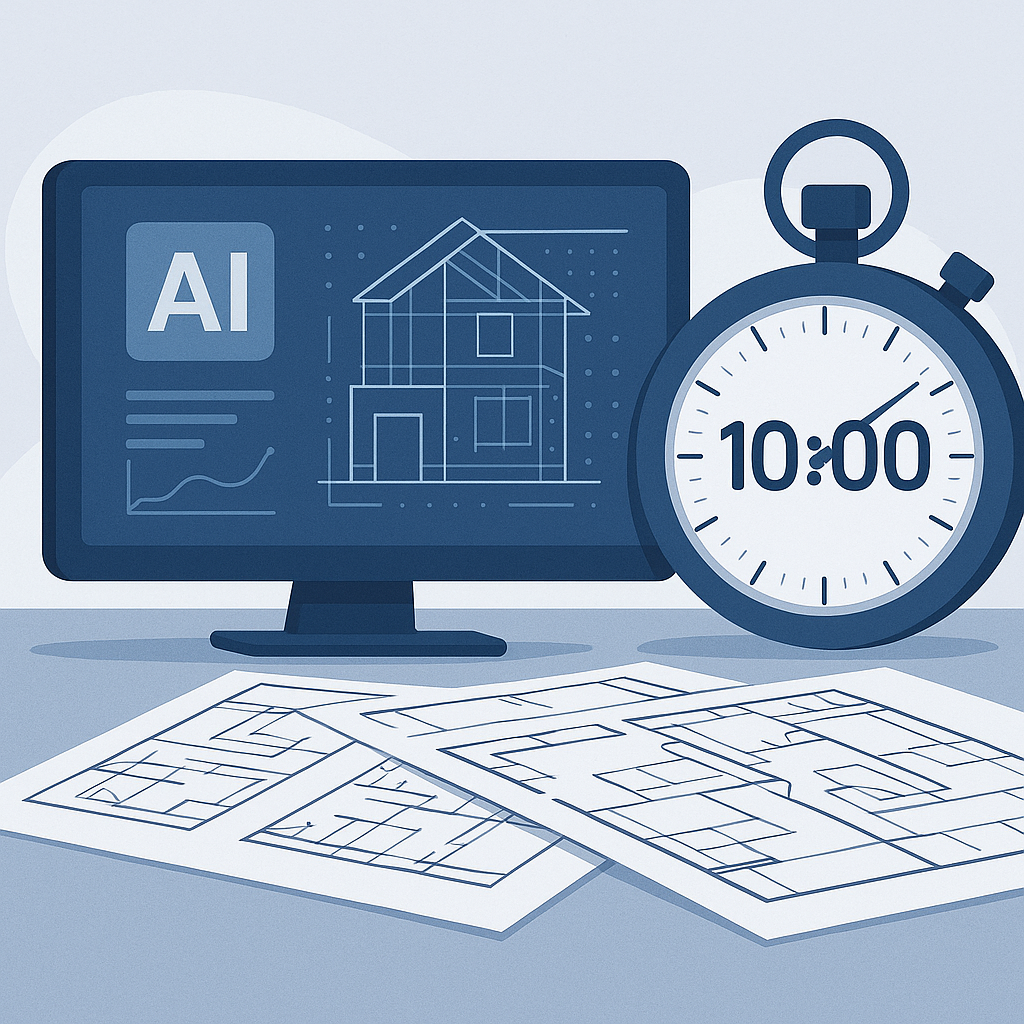
Now, imagine cutting that 40-hour slog down to 10 minutes. That’s exactly what AI-powered tools like EstimateNext’s Vision AI do. Here's how it works:
- Upload the drawings: Whether it’s a single PDF or a full set of architectural plans, AI reads the files instantly.
- Auto-extract quantities: Room areas, wall lengths, window counts—all pulled without manual tracing.
- Confidence scoring: The system flags any low-confidence measurements for manual review, so you stay in control.
Why Manual Takeoffs Are Inefficient
Manual takeoffs aren’t just exhausting; they’re inherently flawed. Here’s why:
- Human Error: Misreading a single dimension can cascade into a major error in the Bill of Quantities (BOQ). For example, a single missed 10-foot room dimension could cause a $5,000 understatement on flooring material costs.
- Time-Consuming: On average, manual takeoffs for a mid-sized commercial project take 30-50 hours. That’s time your team could be spending on other high-value tasks.
- Inconsistent Outputs: Different estimators interpret drawings differently, leading to discrepancies when cross-checking data.
Real-World Example: A Mid-Sized GC
Take one mid-sized general contractor working on a high-rise bid. Their team saved 120 hours using Vision AI for quantity takeoffs. That’s two full weeks of labor costs avoided while still meeting tight deadlines. In their words, "It’s like hiring a full-time estimator without the overhead."
This isn’t an isolated case. Contractors across industries such as residential, commercial, and infrastructure are reporting similar results. For example, a painting subcontractor reduced their takeoff time from 20 hours to 2 hours per project, allowing them to bid on 3-5 additional projects per month—directly increasing their win rate.
The Obvious Objection: “But AI Can’t Think Like an Estimator”
You’re right—AI doesn’t have your expertise. It won’t negotiate with subs or decide on markup. But it doesn’t need to. AI handles the grunt work: takeoffs, rate matching, and what-if recalculations. That gives you more time to focus on high-value tasks like strategy and client relationships.
What If My Drawings Are Messy?
Good question. Messy or incomplete drawings are common, especially for renovations. AI tools like Vision AI aren’t perfect, but they include manual override features. If the system struggles with a low-confidence measurement, you can remeasure it yourself. It’s a hybrid approach that ensures accuracy without wasting hours tracing lines.
For example, a renovation contractor working on a 100-year-old building used Vision AI to process outdated architectural drawings. The AI flagged 15% of measurements as low-confidence due to discrepancies in the drawings. Instead of starting over, the contractor manually corrected only the flagged areas, saving hours compared to a fully manual takeoff.
The ROI Math You Can’t Ignore
Let’s break down the savings:
- GC Directors: 40 hours saved per estimate x $130/hr = $5,200 saved per pursuit. Multiply that by 5-8 GMP bids per year, and you’re looking at $26,000-$41,600 in annual savings.
- Subs: Faster quotes mean more bids. For MEP subcontractors, reducing a 3-day quote cycle to 4 hours can increase bid responses by 50%. On average, that’s 4-8 additional wins per year at $200K per project—an extra $800K-$1.6M in revenue.
Case Study: A Major Contractor’s Rail Bridge Bid
A major national general contractor recently used AI tools for a $1B rail bridge bid. One of their biggest challenges was pulling rates for everything from rail ties to structural steel from DOT-approved catalogs. With AI rate matching, they found labor rates and material costs in seconds instead of hours.
Another example comes from a residential developer bidding on a 500-home subdivision. They used AI to generate takeoffs for framing and roofing in under 3 hours. By comparison, their previous manual process required 5 days. The faster process allowed them to submit competitive bids ahead of their competitors, winning more contracts.
How to Get Started
If you’re new to AI-powered estimation tools, start with smaller projects. Test the accuracy and confidence scoring, then scale up. Platforms like EstimateNext integrate with popular tools like Bluebeam and Procore, so you don’t have to overhaul your workflow.
Here’s a step-by-step approach:
- Choose a Pilot Project: Start with a project that has clear architectural drawings and a manageable scope. This will help you benchmark the tool’s performance.
- Upload Drawings: Use the AI tool to process the drawings and generate takeoffs. Compare the results to a manual takeoff for accuracy.
- Train Your Team: Most AI tools are intuitive, but short training sessions can help your estimators maximize the platform’s potential.
- Measure Results: Track time savings, accuracy improvements, and bid outcomes to calculate ROI.
Decision Framework: Should You Switch to AI?
| Question | If YES | If NO |
|---|---|---|
| Do you spend more than 20 hours per takeoff? | Consider AI to save time. | Manual processes might suffice. |
| Do you bid on more than 5 projects/month? | AI can handle the volume efficiently. | Manual workflows may be manageable. |
| Do you experience frequent errors in takeoffs? | AI’s confidence scoring can help. | Focus on improving manual QA first. |
| Do you work with messy or incomplete drawings? | A hybrid AI-manual approach works. | Continue refining manual processes. |


