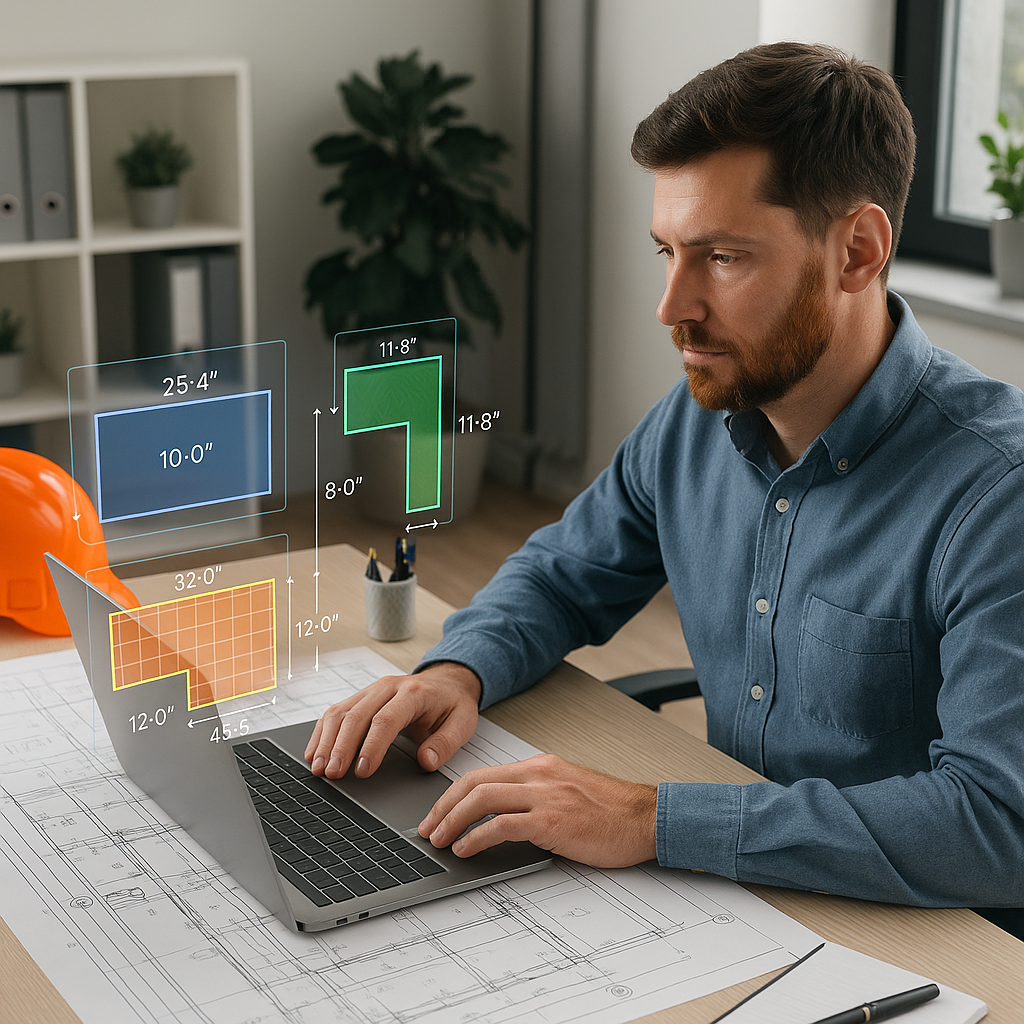
40 Hours for a Takeoff? It’s Time to Stop the Madness
If you’ve ever spent an entire workweek staring at drawings and manually measuring every beam, wall, and square foot, you know the pain of traditional takeoffs. It’s slow. It’s error-prone. And it’s frankly a waste of time for skilled estimators.
But what if you could cut that process down to 10 minutes? Not an exaggeration—10 actual minutes. That’s what AI-powered tools like EstimateNext’s Vision AI are doing. And if you’re not using something similar, you’re falling behind.
Let’s break this down.
The Problem with Manual Takeoffs
Here’s how it usually goes:
- You receive a massive set of drawings, often hundreds of pages long.
- Someone—probably you—has to open a tool like Bluebeam, manually calibrate the drawings, and start measuring.
- You recheck measurements because, hey, humans make mistakes.
- Then you spend hours transferring those quantities into a spreadsheet or your estimation software.
That’s 40 hours gone. Per bid. Multiply that across five or six bids a year, and you’ve burned 200+ hours just on takeoffs. That’s time you could’ve spent refining assumptions, negotiating with subs, or, I don’t know, sleeping.
And don’t even get me started on what happens when the architect uploads a revision at 10 PM. Back to square one.
Case Study: A Small GC’s Struggle
Take the example of a small general contractor bidding on mid-sized projects. They were spending 30–40 hours per bid on manual takeoffs using Bluebeam and Excel. When a last-minute revision came in, the lead estimator had to stay up all night recalculating quantities. This not only resulted in exhaustion but also increased the risk of errors in the bid submission. The company lost out on several contracts simply because their estimates were inaccurate or delayed.
The AI Fix: Vision AI for Takeoffs
Vision AI flips this entire process on its head. Instead of measuring by hand, you upload the drawing set to a platform like EstimateNext. The AI reads the drawings—walls, beams, doors, windows, you name it—and extracts quantities automatically.
How fast? 10 minutes. That’s not a typo.
Real-World Example: High-Rise Project
Here’s a real-world example I’ve seen: a mid-sized general contractor was bidding a $15 million high-rise project. The drawing set was 150 pages thick. Vision AI processed it in under 10 minutes, extracting quantities for every major element. That saved them 36 hours of manual labor. And because the AI flagged low-confidence areas, the team knew exactly where to double-check instead of guessing.
Actionable Steps to Adopt AI Tools
- Evaluate Your Current Process: Track how long takeoffs are taking and identify bottlenecks.
- Choose an AI Tool: Look for platforms like EstimateNext’s Vision AI that specialize in construction takeoffs.
- Run a Pilot Project: Test the tool on a smaller bid to familiarize your team with its features.
- Integrate with Your Workflow: Link the AI tool to your existing estimation software for seamless data transfer.
- Train Your Team: Ensure team members understand how to review flagged areas and make adjustments.
Why It’s Not Just About Speed
Speed is great, but accuracy is the real game-changer. AI tools like Vision AI don’t just measure—they learn. Every time you adjust a quantity or correct a mistake, the system gets smarter. Next time, it’s even more accurate.
Think about it: if you’re manually measuring, you’re relying 100% on your own ability to not screw up after hour six. With AI, you have a second set of (virtual) eyes that never gets tired and doesn’t miss a detail.
Accuracy in Practice
A regional contractor bidding on a $25 million infrastructure project found Vision AI particularly helpful in identifying discrepancies in a rushed bid. The AI flagged a section of the drawings where wall heights were inconsistent, saving the team from submitting an inaccurate estimate.
And let’s talk about revisions. When the architect sends a new drawing set, Vision AI compares it to the original and highlights what’s changed. No more hunting for differences page by page. One project manager I spoke to called it a “sanity saver.”
Actionable Comparison
| Manual Takeoffs | AI-Powered Takeoffs |
|---|---|
| Time-consuming (30–40 hours) | Fast (10 minutes) |
| Prone to human error | Highly accurate with AI |
| Revision tracking is tedious | Automated change detection |
| Requires constant focus | AI handles labor-intensive tasks |
The Obvious Objection: “AI Can’t Think Like Me”
This is the #1 pushback I hear. “Sure, AI is fast, but it doesn’t understand the nuances of construction.” You’re right—it doesn’t. But that’s not the point. AI doesn’t replace your expertise; it amplifies it.
You’re still the one making judgment calls, setting margins, and deciding on markups. The AI just handles the grunt work—like measuring hundreds of walls or recalculating quantities after a rate change. It’s a tool, not a replacement.
Actionable Mindset Shift
- Start Small: Use AI for basic takeoffs and gradually introduce it to larger, more complex projects.
- Focus on High-Value Work: Delegate repetitive tasks to AI so you can focus on strategy and client relationships.
- Use AI as a Partner: Treat it as a collaborator rather than a replacement.
ROI You Can’t Ignore
Let’s do some quick math. If you save 36 hours per bid and you’re bidding six projects a year, that’s 216 hours saved annually. At $130/hour for an experienced estimator, that’s $28,080 saved. And that’s just on takeoffs.
Now, compare that to the cost of the tool. EstimateNext’s Vision AI starts at $99/month for GCs. That’s $1,188 per year. Your ROI? Over 20X.
Case Study: Small Contractor ROI
A small MEP subcontractor adopted Vision AI and saw immediate results. They went from submitting four bids a month to six, increasing their bid-win rate by 30%. In their first year using the tool, they landed an additional $2 million in contracts.


