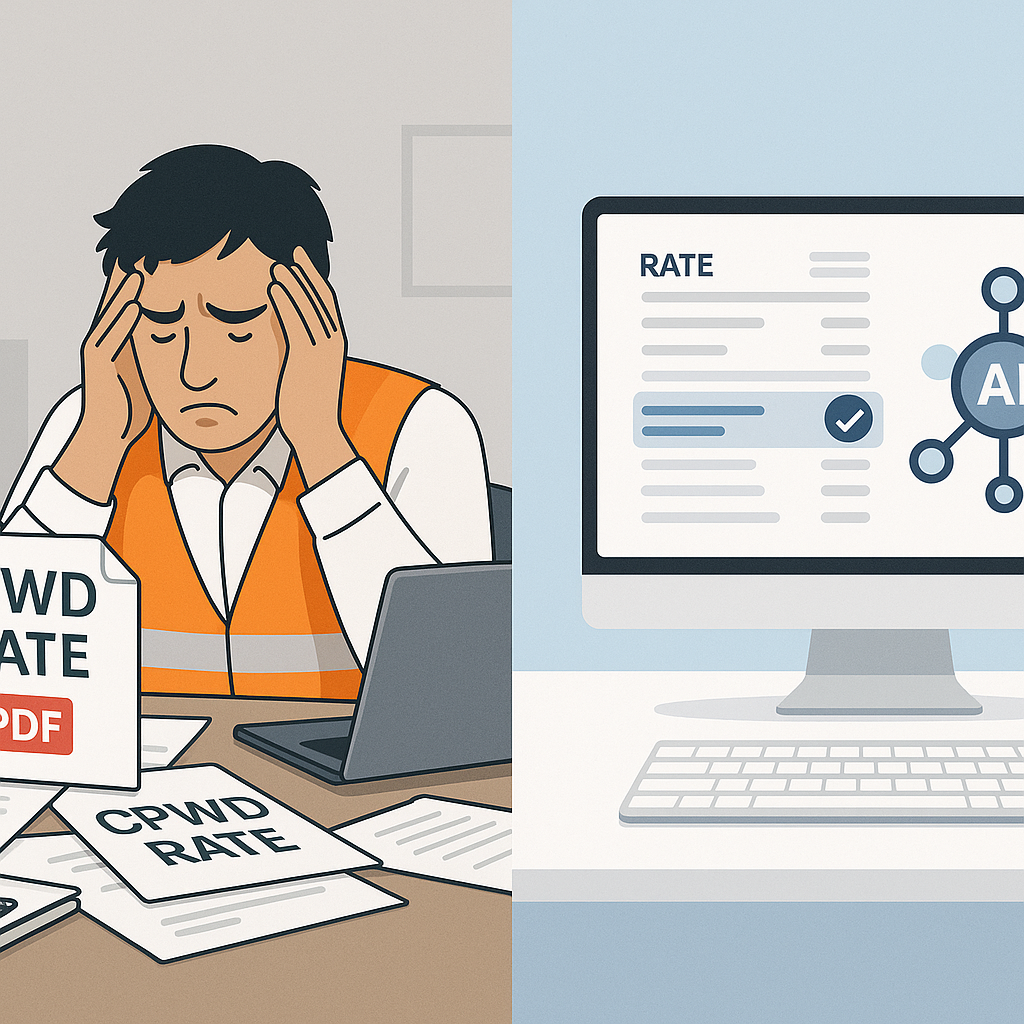
Still Flipping Through CPWD PDFs? Stop.
If you’ve ever worked on government tenders in India, you know the drill. CPWD Plinth Area Rates are a cornerstone for estimating construction costs, especially for public projects. But let’s face it—the process is a nightmare. The CPWD publishes these rates in 2,000-page PDFs, buried under layers of bureaucracy. Every time there’s an update, you’re stuck manually cross-referencing rates, recalculating costs, and rechecking compliance. For a mid-sized ₹10-crore project, this can take 12-16 hours. That’s two full days wasted on something AI could handle in minutes.
So, why are we still doing this manually? Tradition? Fear of tech? Let’s break down how smarter tools make this process faster, accurate, and far less painful.
What Makes CPWD Estimation So Difficult?
-
Rate Updates Are Buried in Circulars
CPWD releases cost index updates once or twice a year. These adjustments account for inflation and market changes, but they’re hard to track. The circulars are often buried on government websites, buried under dozens of links and outdated pages. For instance, the most recent cost index might be buried in a PDF uploaded under an unrelated section of the CPWD website, making it harder to find than it should be. -
Manual Application of Adjustments
Once you locate the circular, you’re expected to manually apply percentage changes to every rate in your Bill of Quantities (BOQ). This involves flipping between the PDF, your Excel sheet, and the tender documents. Mistakes are inevitable, especially when dealing with hundreds of line items. A single incorrect adjustment can lead to a domino effect, compromising your bid’s accuracy. -
Thousands of Items to Cross-Check
The CPWD DSR (Delhi Schedule of Rates) covers thousands of line items, ranging from civil works to plumbing and electrical services. Flipping through pages to find the right rate—and then ensuring it matches your project’s scope—is soul-crushing work. For example, finding the exact rate for a specific plumbing fixture might mean sifting through unrelated categories like electrical works or concrete rates.
The Brutal Math of Manual Estimation
Let’s put this into perspective. Say you're working on a ₹10-crore government project. Your BOQ has 250 items that need CPWD-compliant rates. For each item, you’ll:
- Search the latest CPWD rate adjustment circular.
- Cross-check the rate in the PDF.
- Apply the inflation adjustment manually.
- Recalculate your BOQ totals.
Even if you’re fast, this process takes 3-5 minutes per item. Multiply that by 250 items—it’s at least 12 hours of drudgery. And if you miss a rate or apply a wrong adjustment? Your bid could be non-compliant, costing you the project.
For larger projects, like a ₹150-crore hospital or infrastructure tender, the math becomes exponentially more brutal. With a BOQ of 1,500 items, the manual estimation process could stretch into days or even weeks. Not to mention the stress of ensuring compliance and accuracy throughout.
How AI Tools Like EstimateNext Solve This Problem
Here’s where AI-powered platforms step in. Tools like EstimateNext automate this entire process. Let me show you how it works:
-
Smart BOQ Upload
You start by uploading your BOQ in Excel, CSV, or even PDF formats. The platform auto-detects merged cells, section headers, and hierarchies—no manual cleanup required. This feature alone can save hours, especially for complex BOQs. For example, a BOQ with nested categories like "Civil Works" and "Electrical Works" is automatically parsed and sorted. -
Instant Rate Lookup
EstimateNext’s semantic search scans 78,000+ SOR items across CPWD catalogs in seconds. You type in "plinth area rate," and it shows you the exact match, inflation-adjusted, and ready to use. This eliminates the need to flip through PDFs page by page. -
Automatic Cost Index Adjustments
The tool applies the latest CPWD cost index updates to every line item in your BOQ. No guessing, no manual math. Just accurate rates applied instantly. For instance, if the inflation adjustment for your district is 5.2%, the tool applies it uniformly across all relevant rates without errors. -
Compliant Output Reports
Once your BOQ is priced, the platform generates compliant reports in CPWD DSR format. You can submit these directly with your tender—no extra formatting needed.
And the best part? What used to take 12 hours now takes under 10 minutes.
Real-Life Example: Bihar Hospital Project
Let’s take a real-world scenario. Imagine you’re bidding on a ₹150-crore district hospital project in Bihar under the PM-ABHIM scheme. The tender requires CPWD-compliant rates, adjusted for inflation. Here’s how it plays out with EstimateNext:
- BOQ Upload: You upload a BOQ with 1,500 items.
- Rate Matching: The platform matches all 1,500 items to CPWD rates in seconds.
- Cost Index Adjustment: Inflation adjustments are applied automatically—5.2% for Madhubani district, based on the latest circular.
- Report Generation: You export the BOQ in CPWD DSR format, ready for submission.
Total time? Less than an hour. Compare that to the traditional 3-4 days it would take manually.
Comparison Table: Manual vs AI-Based Estimation
| Aspect | Manual Process | AI Tools (e.g., EstimateNext) |
|---|---|---|
| Time Taken | 12-16 hours for a ₹10-crore project | Under 10 minutes |
| Error Rate | High due to manual calculations | Near-zero (automated adjustments) |
| Compliance | Requires manual formatting | Auto-generated CPWD-compliant reports |
| Scalability | Very low for large BOQs | Easily handles BOQs with 1,500+ items |
| Stress Levels | Extremely high | Minimal |
Why This Matters for Contractors
If you’re bidding on government projects, accuracy and speed are non-negotiable. Missing a rate or submitting an outdated estimate can cost you the bid—and your reputation. AI tools don’t just save time; they reduce errors, ensure compliance, and help you submit more tenders before deadlines.
For contractors, this translates directly into increased revenue and reduced operational stress. Imagine submitting three tenders in the time it used to take to complete one—how much more business could you win?


