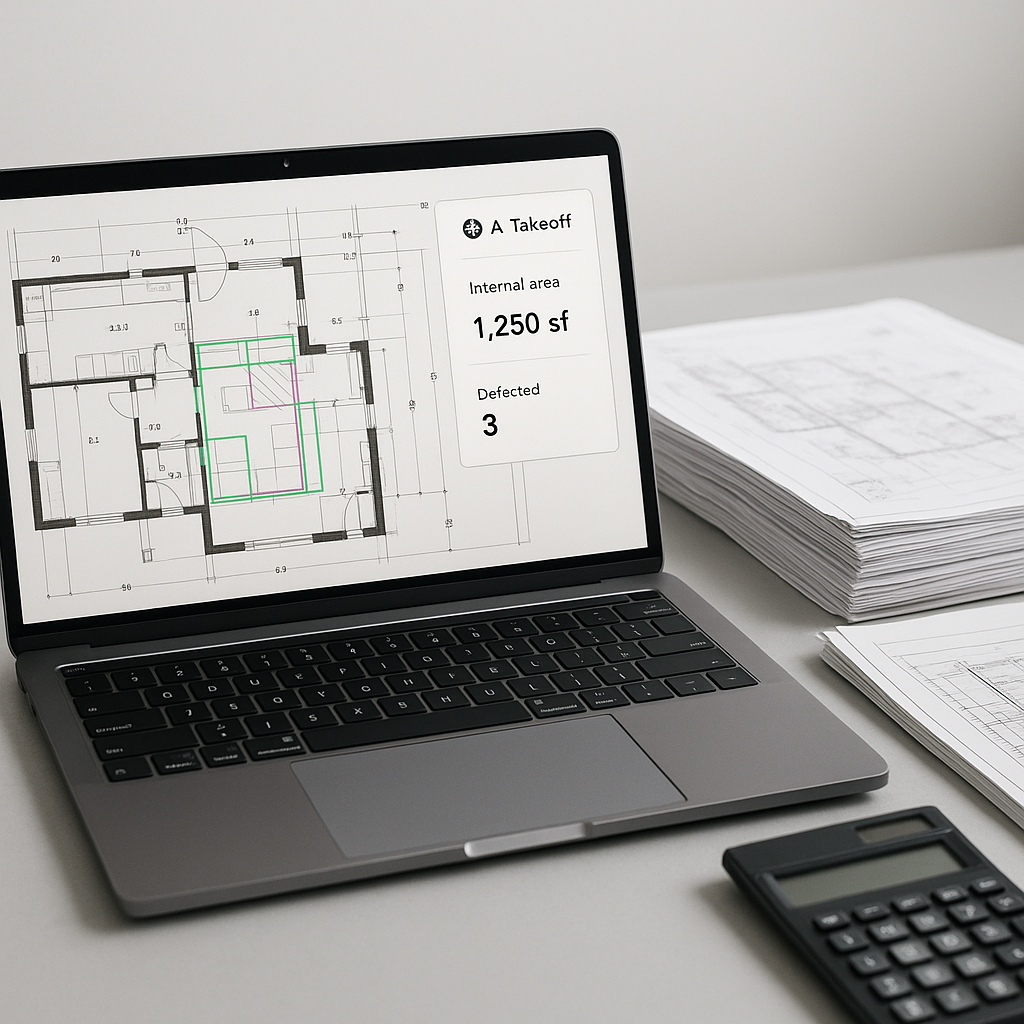
Why Are We Still Doing Takeoffs Like It’s 1999?
Let’s be honest. Manual takeoffs are a slog. Two estimators spending 40 hours flipping through drawings, tracing lines, and double-checking quantities in Excel. It’s not just tedious—it’s expensive. Multiply that by 5-8 GMP pursuits a year for a mid-sized GC, and you’re looking at hundreds of hours burned on something AI can now handle in minutes.
This isn’t hypothetical. Tools like EstimateNext’s Vision AI take a standard PDF drawing set (think floor plans, elevations, MEP layouts), run them through advanced extraction engines, and spit out quantities in under 10 minutes. Room areas, wall lengths, door/window counts—done. Need to adjust for drawing revisions? Upload the new set, and it highlights changes automatically.
The ROI Math You Can’t Ignore
Here’s the deal: time saved is money saved. Let’s break it down:
- Time saved per estimate: 40 hours (manual) vs. 10 minutes (AI).
- Hourly cost of an estimator: $130/hour (average in the U.S.).
- Savings per bid: $5,200.
If you’re a GC pursuing 6 bids per year, that’s $31,200 saved annually. And we haven’t even talked about the opportunity cost—what else could your team be doing with that time? More bids? Better subcontractor negotiations? Internal process improvements?
Case Study: A Real Breakdown of ROI
Consider a regional GC that switched to AI-powered takeoffs. Before adopting EstimateNext, they spent 40-50 hours per bid on manual takeoffs. In 2022, they pursued 8 bids, dedicating 400 hours of estimator time. At $130/hour, that’s $52,000 in labor costs.
After switching to Vision AI, they reduced takeoff time to 10 minutes per bid. The team spent just over 1.5 hours reviewing AI-generated results per project—totaling 16 hours for the year. Their labor cost dropped from $52,000 to $2,080—a savings of nearly $50,000 annually, or 96% of prior costs.
The Skeptic’s Question: Can AI Really Be Trusted?
You might be thinking: "Sure, AI is fast, but does it actually get the numbers right?" Fair question. Here’s what real-world data says:
-
Accuracy: AI-powered takeoffs reduce discrepancies by up to 80% compared to manual methods (according to EstimateNext case studies). But the key is pairing the AI with human oversight. Think of it as a junior estimator doing the grunt work while your senior staff focuses on the high-value tasks.
-
Confidence Scoring: Tools like EstimateNext flag low-confidence measurements so you can review them. You’re always in control.
-
Learning Curve: Most users report significant accuracy improvements by the third project. The system gets smarter with every feedback loop.
Real-World Example: High-Rise Bid, 120 Hours Saved
A mid-sized GC recently used Vision AI for a downtown high-rise project. The bid involved 50+ drawings, from architectural plans to MEP layouts. Normally, their team would spend two full weeks on takeoffs. With Vision AI, it took just 10 minutes per drawing set. That’s 120 hours saved—time they reinvested into refining their bid strategy and negotiating better sub quotes.
Their feedback? “It’s like hiring a full-time estimator without the overhead.”
What About Smaller Firms or Projects?
AI isn’t just for billion-dollar megaprojects. Whether you’re pricing a $1M office fit-out or a $100M hospital, the benefits scale. Smaller firms, especially those running lean teams, stand to gain the most. When you don’t have the luxury of an army of estimators, a tool that shortcuts the manual labor is a game-changer.
Actionable Steps for Small Firms
- Start Small: Test AI tools on a single project to understand their workflows.
- Compare Results: Run a manual takeoff alongside the AI-generated one to evaluate discrepancies.
- Refine Processes: Use the AI to handle repetitive tasks while focusing your team’s time on strategic decisions.
- Seek Support: Most AI platforms offer tutorials, onboarding help, and customer service to ease adoption.
The Bigger Picture: How AI Changes the Estimator’s Role
Here’s the thing: AI isn’t replacing estimators. It’s elevating them. By automating the repetitive stuff—takeoffs, rate lookups, what-if recalculations—you free up time for strategic thinking. You’re not just crunching numbers; you’re making decisions that win bids and drive profits.
But there’s a catch. AI works best when paired with expertise. The tool can’t negotiate with subs, decide on markup, or evaluate bid risks. That’s still your job. AI is the apprentice; you’re the master.
Examples of High-Value Activities Enabled by AI
- Subcontractor Evaluation: With more time freed up, estimators can focus on vetting subs and negotiating better pricing.
- Risk Analysis: Teams can spend more time evaluating potential pitfalls in bids and adjusting accordingly.
- Client Engagement: Faster takeoffs mean quicker turnaround times for clients, improving relationships and boosting win rates.
Comparison Table: Manual vs. AI Takeoffs
| Feature | Manual Takeoffs | AI-Powered Takeoffs |
|---|---|---|
| Time per project | 40 hours | 10 minutes |
| Accuracy | Prone to human error | 80% fewer discrepancies |
| Labor cost per bid | $5,200 | <$200 |
| Learning curve | N/A | 2 weeks |
| Scalability | Limited by staff size | Unlimited |
How to Get Started
If you’re new to AI-powered estimation, start small. Test it on a single project. Compare the AI’s results to your manual process. Look for discrepancies, understand why they occurred, and refine the system. Most platforms, including EstimateNext, offer free trials or entry-level plans, so the risk is minimal.


