Why Manual Rate Matching is Killing Your Estimation Workflow
Ever spent hours flipping through RSMeans, CPWD DSR catalogs, or Excel spreadsheets just to find a single rate? Multiply that by 100 line items in your Bill of Quantities (BOQ), and you’re looking at 12+ hours wasted on rate lookups alone. It’s a bottleneck that no one talks about enough, but it’s killing your productivity—and your bottom line.
The problem isn’t just the time; it’s the errors. Manual lookups are prone to mistakes—skipped items, wrong rates, or outdated data. And let’s be honest, if you’re rushing to meet a bid deadline, you’re probably cutting corners. That’s where AI-powered rate matching steps in to save the day.
What is AI Rate Matching?
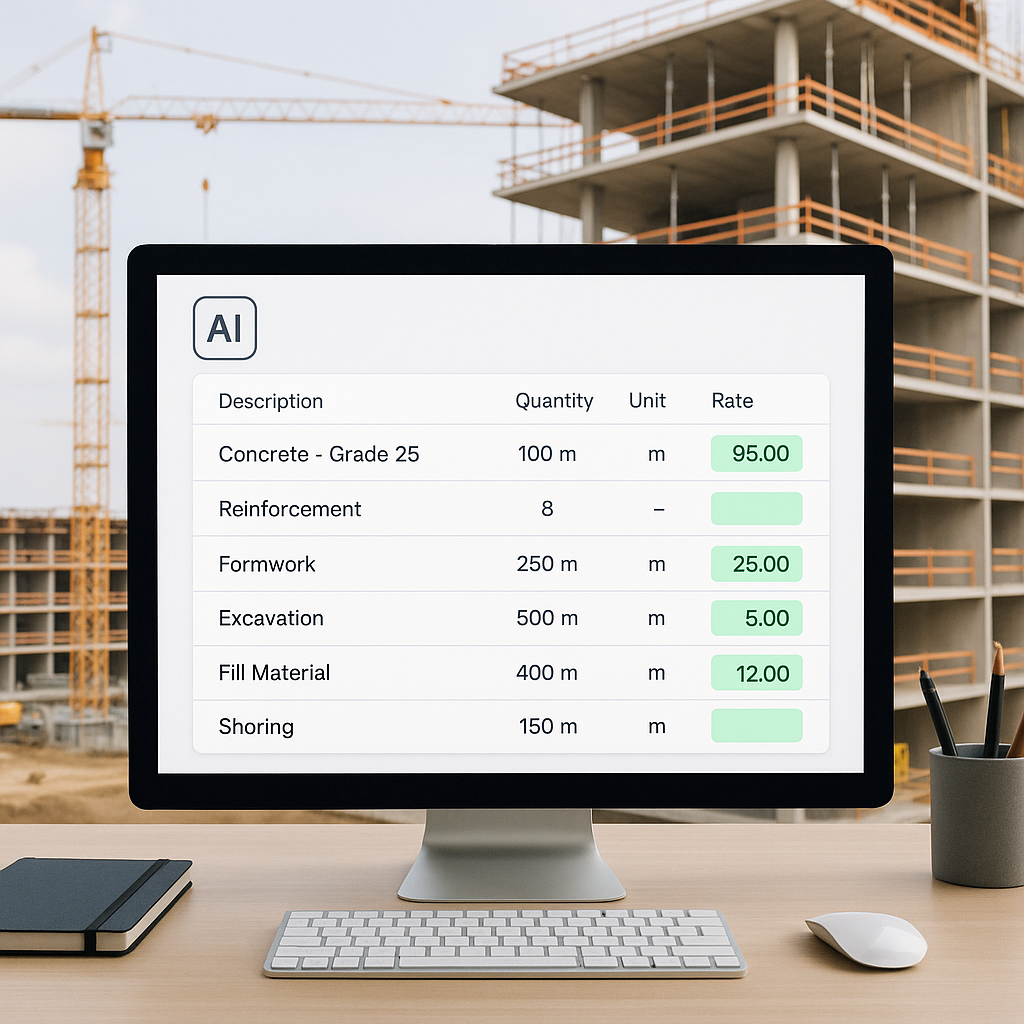
AI rate matching is like having a supercharged assistant that knows every rate in your catalog (and then some). Instead of manually flipping through books or PDFs, you upload your BOQ, and the AI automatically matches each line item to the most relevant rates in its database. It even factors in things like inflation adjustments, regional variations, and project-specific requirements.
For example, EstimateNext’s rate matching engine works across 78,000+ schedule-of-rates (SOR) items, covering everything from CPWD DSR to RSMeans and even custom catalogs. Need a labor rate for installing pre-stressed concrete girders? Type it in, and the AI pulls up the exact match in seconds. Done.
Concrete Example: AI in Action
Let’s say you’re estimating costs for a commercial project involving reinforced steel installation. Manually, you might spend an hour flipping through catalogs to find the right rates for steel, labor, and machinery. Using AI, you upload the BOQ, and within seconds, you get results like:
- Material rate for reinforced steel: ₹65,000/ton (auto-adjusted for regional prices).
- Labor rate for steel installation: ₹1,200/m2.
- Equipment rental for cranes: ₹12,000/day.
AI doesn’t just save time—it eliminates the guesswork.
The Real Impact: Speed and Accuracy
Let’s break it down with some hard numbers:
- Time Savings: A mid-sized general contractor typically spends 12 hours per estimate on rate lookups. With AI, that drops to under 10 minutes. Over the course of a year, if you’re handling 50 bids, that’s 600 hours saved—equivalent to 15 weeks of full-time work.
- Error Reduction: Manual methods have an error rate of up to 5%, according to Construction Executive. AI tools reduce errors by up to 99%, according to EstimateNext’s case studies. This means fewer underpriced items and missed scope details.
Case Study: Regional Contractor Saves Time and Money
A regional contractor bidding on a $25M commercial project used EstimateNext’s AI rate matching tool. Previously, their team spent two days (16 hours) matching BOQ items to rates. With AI, they completed the task in under two hours. The kicker? They also identified a $150,000 scope gap that manual methods missed. That’s not just time savings; it’s real money.
What About Custom Rates?
You might be thinking, “But my projects use unique materials or custom rates. AI can’t handle that.” Actually, it can. Modern AI platforms like EstimateNext let you upload your own rate catalogs and integrate them seamlessly into the matching process. The system even learns from your adjustments, so it gets smarter with every project.
Example: Handling Custom Materials
Imagine you’re working on a project requiring high-density polymer sheets for cladding. These aren’t in CPWD DSR or RSMeans catalogs. With AI, you can:
- Upload your supplier’s rate sheet.
- Tag the polymer sheet in your BOQ.
- Watch as the AI matches it automatically.
By the third bid, most users see significant accuracy improvements.
The Obvious Objection: “AI Can’t Think Like an Estimator”
I get this pushback all the time. You might be thinking, “Sure, AI is fast, but it doesn’t understand the nuances of construction.” That’s partially true—but it’s also missing the point. AI doesn’t replace your expertise; it amplifies it.
You’re still the one making judgment calls, negotiating with subcontractors, and deciding on markup. The AI just handles the grunt work—like rate matching, takeoffs, and what-if recalculations. It’s a tool, not a replacement.
Actionable Steps to Combine AI Expertise with Human Judgment
- Review Matches: Use AI for initial rate matching, then spot-check critical items.
- Customize Rates: Add unique project-specific rates manually.
- Negotiate Subcontractor Costs: Use AI data to benchmark and negotiate.
- Fine-Tune Markups: Apply your expertise to adjust markups based on local market conditions.
When AI Doesn’t Work (And How to Fix It)
Of course, AI isn’t perfect. If your input data is messy—like a poorly formatted BOQ or missing descriptions—the system might struggle. That’s why tools like EstimateNext include manual overrides and confidence scoring. You can review and adjust any matches that seem off, ensuring the final estimate is rock-solid.
Example Problem: Messy BOQs
A contractor uploads a BOQ where 30% of line items lack clear descriptions (e.g., “Material A” instead of “M30-grade concrete”). The AI flags these items with low confidence scores. The solution? Manually update descriptions or use EstimateNext’s suggestion tool to auto-fill missing details.
Another limitation? Niche or hyper-local rates might not be in the database. In those cases, you can add them manually, and the AI will incorporate them for future use. It’s a learning system, not a static one.
How to Get Started with AI Rate Matching
- Choose the Right Tool: Look for platforms like EstimateNext that support your specific market (e.g., CSI, CPWD, NRM2).
- Upload a Test BOQ: Start with a smaller project to see how well the system performs.
- Review Matches: Use confidence scoring to spot-check key items.
- Train the AI: Add your custom rates and provide feedback on mismatches. By the third project, the system should be dialed in.
- Scale Up: Apply the tool to larger and more complex bids.
Comparison Table: Manual vs. AI Rate Matching
| Factor | Manual Rate Matching | AI Rate Matching |
|---|---|---|
| Time Spent | 12+ hours per estimate | Under 10 minutes |
| Error Rate | Up to 5% | Less than 1% |
| Custom Rate Handling | Manual input for every item | Seamless integration |
| Learning Curve | None, but time-intensive | Easy setup, 1-2 weeks training |
| Scalability | Limited | Scales to any project size |
Ready to Stop Wasting Time on Rate Lookups?
If you’re tired of manual rate matching eating up your day, it’s time to try AI. EstimateNext cuts hours of grunt work down to minutes, so you can focus on what really matters—winning bids. Get started free →


