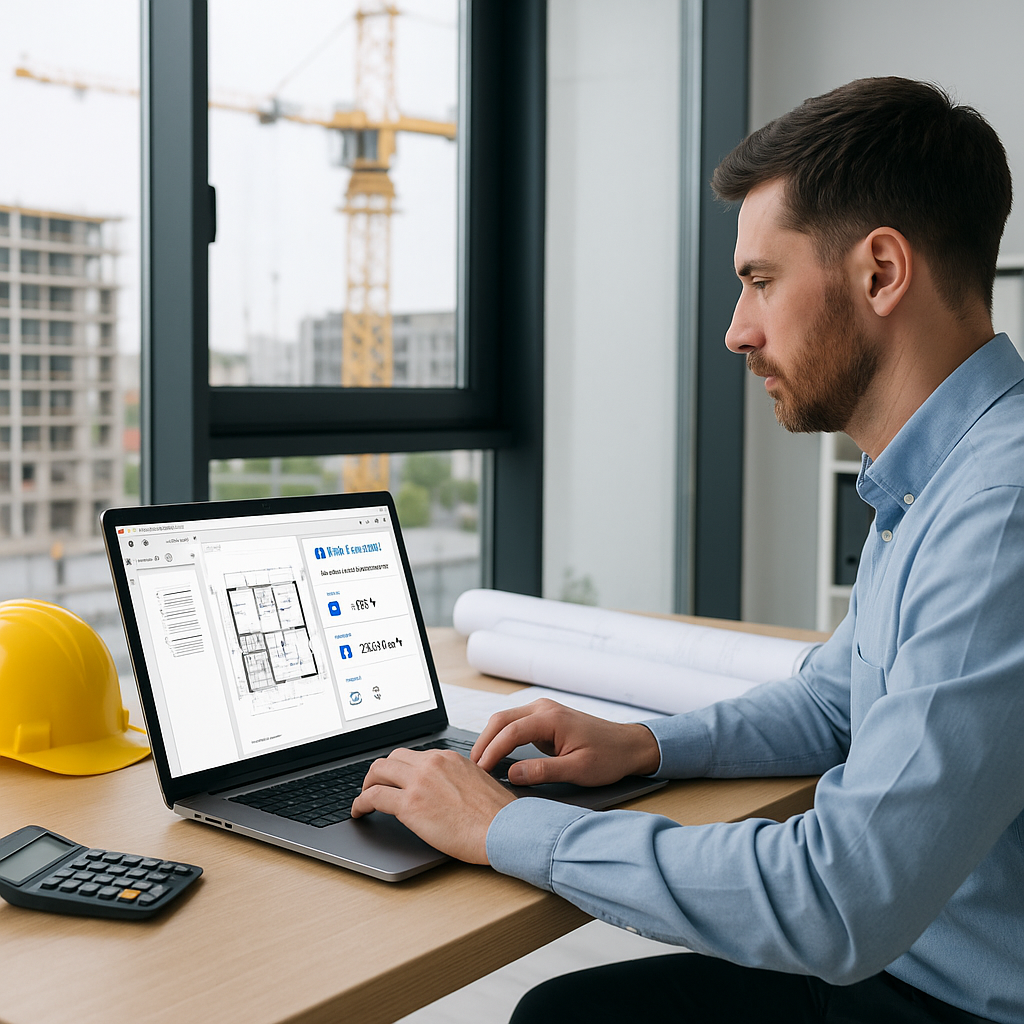
The Biggest Bottleneck in Preconstruction: Manual Takeoffs
If you're leading preconstruction for a general contractor, you already know this: manual takeoffs are eating your team alive. It's not just the 40 hours per bid (yes, per bid). It's the opportunity cost of what your estimators could be doing instead—strategizing, negotiating, or running more bids. But here’s the kicker: this bottleneck isn’t just frustrating, it’s optional.
AI-powered tools like EstimateNext are turning this grueling 40-hour process into a 10-minute task. Yes, 10 minutes. How? By automating quantity takeoff straight from PDF drawings. Let’s break it down.
What’s Slowing You Down?
Let’s call it what it is: manual takeoffs are a grind. You’re measuring areas, counting fixtures, and double-checking (then triple-checking) your work. Even with software like Bluebeam, it still takes days. Why? Because it’s not automated. A typical high-rise project might require extracting quantities for hundreds of doors, windows, wall areas, and more. Miss one line, and you’re either underbidding or padding your numbers. Neither is good.
Here’s a real-world example: A mid-sized GC bidding a $50M office tower spent 36 hours on takeoffs alone. By the time they were done, they were rushing to finalize the bid. That’s not a workflow—it’s a time bomb. And when your team is rushing, mistakes happen. According to a study by McKinsey, an average construction project runs 80% over budget and 20% past its deadline, largely due to errors and inefficiencies during preconstruction.
Actionable Steps to Identify Your Bottlenecks:
- Track Time Per Task: Use time-tracking tools to measure exactly how long manual takeoffs are taking your team. If your team is spending over 30 hours per bid, it’s time to reassess.
- Audit Errors: Review past bids to identify patterns in errors or missed items. Are there recurring mistakes that stem from manual processes?
- Analyze Opportunity Costs: Calculate what’s being sacrificed (e.g., fewer bids, less negotiation time) because of time spent on takeoffs.
How AI Changes the Game
Now imagine this: you upload the same set of drawings to an AI-powered tool. Ten minutes later, you have a complete quantity takeoff, broken down by room areas, wall lengths, and fixture counts. No measuring, no missed lines, no stress. AI tools like EstimateNext use Vision AI to read PDF drawings and extract quantities automatically. It’s not just faster—it’s more accurate.
Real-World Case Studies:
- Mid-Sized Contractor Saves 120 Hours: One contractor bidding a 20-story mixed-use project saved 120 hours using an AI tool. That’s two full weeks of labor freed up for other bids and negotiations.
- 80% Reduction in Discrepancies: A national GC reported that manual takeoffs typically resulted in 10-15% discrepancies in quantities, leading to costly change orders. After switching to AI, discrepancies dropped to under 2%.
- Small Firm Doubles Bid Volume: A smaller contractor specializing in retail projects doubled their monthly bid volume after adopting AI takeoff tools, increasing their annual revenue by 25%.
How AI Tools Work:
- Vision AI: Reads PDF or CAD drawings to extract quantities automatically.
- Custom Parameters: Allows you to set project-specific metrics like wall thicknesses or fixture types.
- Integration: Most tools integrate with existing platforms like Procore or Excel, so you don’t need to overhaul your workflow.
The Obvious Objection: “But AI Can’t Think Like an Estimator”
I hear this all the time. And it’s true—to an extent. AI isn’t going to replace your judgment. It won’t decide if a spec is over-engineered or if a material substitute makes sense. But that’s not the point. AI tools handle the grunt work so you can focus on the strategic decisions. Think of it as an extra set of hands, not a replacement for your brain.
Example: Combining AI with Human Expertise
Let’s say you’re bidding a hospital project where the client has unique requirements for medical gas piping. The AI tool can handle the quantities, while you focus on assessing the feasibility of the specs and ensuring compliance with local codes. It’s a partnership between speed and expertise.
Plus, AI tools like EstimateNext allow manual overrides. If a line item looks off, you can remeasure and adjust. The system even tracks the changes, so you’ve got an audit trail.
Real ROI: What Could You Do with 40 Hours Saved?
Let’s put the time savings in context. If your team saves 40 hours per bid, what could they do instead? Here are three ideas:
-
Run More Bids: More bids mean more chances to win. A GC saving 40 hours per estimate could easily add two more bids per month. That’s 24 more opportunities a year.
- Example: A commercial contractor increased their annual bid volume by 30% after adopting AI tools, leading to a 15% increase in revenue.
-
Improve Sub Negotiations: With time freed up, your team can focus on leveling sub bids and finding cost-saving opportunities. AI even helps here by normalizing sub quotes in minutes.
- Example: A GC in Texas used the extra time to negotiate better terms with subs, saving $200,000 on a single project.
-
Strategic What-Ifs: Need to run a quick what-if scenario? Changing one rate in Excel can break your whole workbook. AI tools propagate changes instantly, so you can test ideas without the headache.
- Example: A contractor ran three different what-if scenarios in under an hour, helping them win a bid by tailoring their pricing.
What About Smaller Firms?
This isn’t just for $1B megaprojects. Smaller firms bidding $1M-$10M projects can benefit just as much. In fact, the ROI is often higher because smaller teams feel the time crunch more acutely. One contractor I spoke with said, “It’s like hiring a full-time estimator without the payroll hit.” That’s the kind of math that makes sense.
Comparison Table: Manual vs. AI Takeoffs
| Task | Manual Process | AI-Powered Process |
|---|---|---|
| Time per bid | 30-40 hours | 10-15 minutes |
| Accuracy | Moderate, prone to errors | High, 80% fewer discrepancies |
| Scalability | Limited by team size | Can handle unlimited bids |
| Cost | High (labor-intensive) | Lower (software subscription) |
The Bottom Line
Manual takeoffs are a thing of the past. AI-powered tools like EstimateNext don’t just save time—they transform how preconstruction teams work. Whether you’re bidding a $1M renovation or a $1B rail project, the math is simple: less time on grunt work, more time on strategy.
If you’re ready to stop wasting 40 hours per estimate, get started with EstimateNext today →


