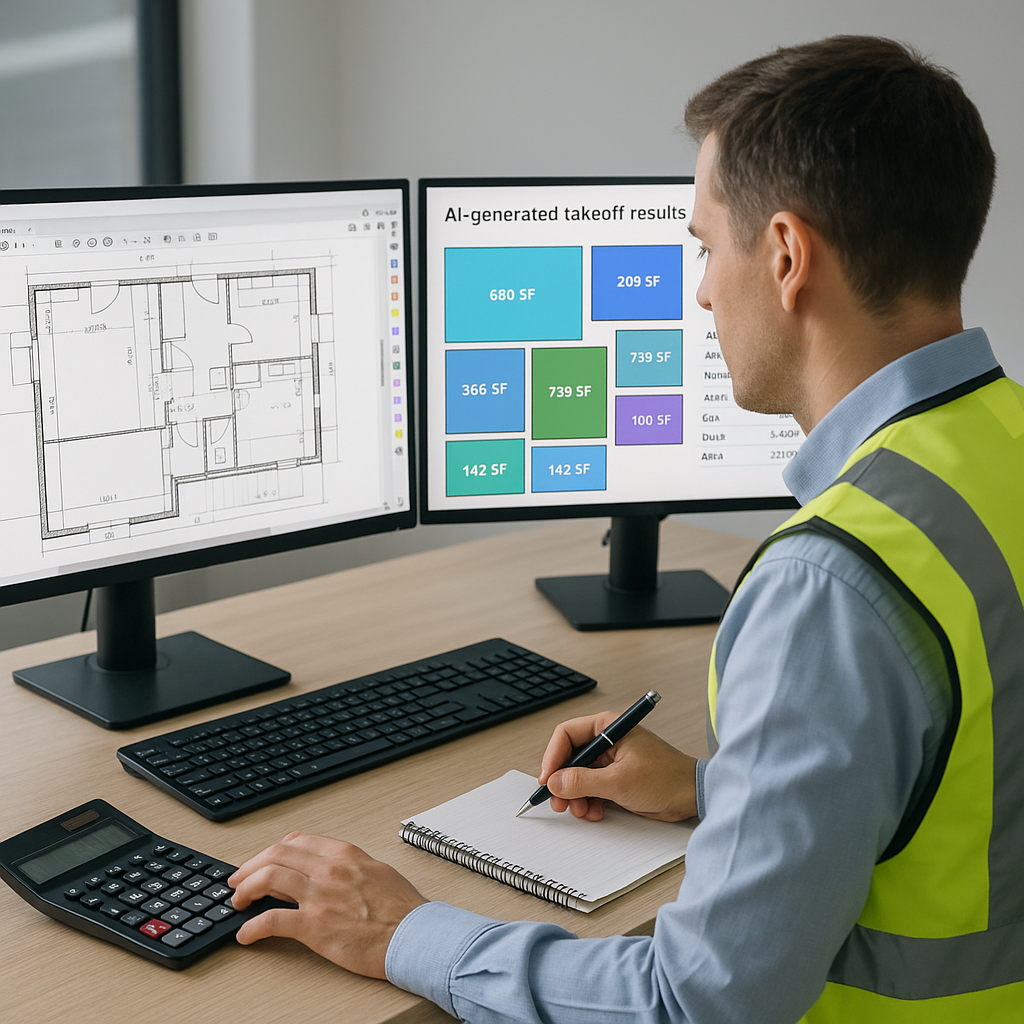
Why Manual Takeoffs Are Killing Your Productivity
Let’s face it: drawing takeoffs are the worst part of preconstruction estimation. Tracing PDFs, counting doors and windows, measuring areas—it’s tedious, error-prone, and wildly inefficient. A typical bid can take up to 40 hours of manual work, split between two estimators. That’s two full days spent just to figure out quantities.
Here’s the kicker: it doesn’t even guarantee accuracy. Human error creeps in—miscounted wall lengths, forgotten measurements, or revisions buried in email chains. And when the client sends a new drawing set? You’re back to square one.
Why Manual Takeoffs Are Inefficient
Manual takeoffs aren’t just a productivity drain—they’re also a financial liability. Imagine spending 40 hours of skilled labor on a bid, only to lose it because of an overlooked measurement. According to The Construction Industry Institute, rework due to errors can account for up to 5% of total project costs. For a typical $10 million project, that’s $500,000 flushed down the drain.
A case study by McKinsey found that productivity in construction has grown by just 1% annually over the last two decades. This stagnation is largely due to reliance on outdated manual workflows, including quantity takeoffs. While industries like manufacturing have embraced automation, construction is still playing catch-up.
The AI Shortcut: Takeoffs in 10 Minutes Flat
This is where AI-powered tools like EstimateNext come in. Their Vision AI extracts quantities directly from PDF drawings in just 10 minutes. Yes, you read that right—10 minutes. Upload your plans, and the software automatically identifies room areas, wall lengths, door counts, and more. No tracing. No measuring. Just results.
Real Example: Saving 120 Hours on a High-Rise Bid
Take the case of a mid-sized general contractor working on a high-rise project. They used Vision AI to automate the quantity takeoff process, saving 120 hours of labor. That’s two full weeks of estimator time freed up for higher-value tasks like subcontractor negotiations or refining bid strategies.
Let’s break down the math:
- Manual Takeoff Timeline: 120 hours (3 estimators working 40 hours each)
- AI Takeoff Timeline: 10 minutes
- Labor Cost Savings: At $130/hour, that’s $15,600 saved on a single bid.
As one estimator put it: “It’s like hiring a full-time estimator without the overhead.”
Actionable Steps to Transition to AI Takeoffs
- Start Small: Implement AI takeoffs for a single project to test the waters. Evaluate accuracy and time savings.
- Train Your Team: Conduct a training session to help your estimators understand the software’s capabilities and how to review flagged items.
- Integrate with Current Workflows: Connect the AI tool to your existing estimating software to ensure a seamless transition.
- Track ROI: Measure labor hours saved and compare bid accuracy before and after implementation. Use this data to justify further investment.
The Accuracy Question: Can AI Really Be Trusted?
You might be wondering: “Sure, AI is fast, but is it accurate?” The short answer is yes—with caveats. AI tools like EstimateNext include features like confidence scoring and manual overrides. If the software isn’t 100% sure about a measurement, it flags it for review. This hybrid approach combines AI speed with human judgment, giving you both efficiency and accuracy.
Case Study: From 85% Accuracy to 99%
A regional subcontractor specializing in drywall installation adopted Vision AI for takeoffs. Initially, the tool achieved 85% accuracy. By leveraging the confidence scoring feature and conducting manual reviews of flagged items, the team pushed accuracy to 99% over three months.
What Happens When Drawings Change?
Revisions are the bane of every estimator’s existence. A client changes the ceiling material from gypsum to Armstrong tiles, and suddenly you’re redoing your entire QTO. With AI tools, it’s different. EstimateNext lets you upload revision sets and automatically compares changes. Instead of hunting for differences manually, the software highlights them for you.
Example: Handling Revisions in Real-Time
Consider a commercial renovation project where the client issued six drawing revisions over two months. Manual takeoff adjustments would have taken 20 hours per revision. Using EstimateNext, the contractor saved 100 hours across all revisions. The software flagged changes instantly, ensuring accuracy without the repetitive workload.
The ROI of AI Takeoffs: More Than Just Time Savings
The math is simple. If your team saves 36 hours per estimate at $130/hour, that’s $4,680 saved—per bid. Multiply that by 5-8 GMP pursuits a year, and you’re looking at a potential ROI of over $20,000 annually.
But ROI isn’t just about labor savings. Faster, more accurate bids mean:
- Improved Win Rates: Clients appreciate quick turnarounds and precise estimates.
- Reduced Stress: Your team can focus on strategic tasks rather than tedious measurements.
- Competitive Edge: AI adoption signals innovation, helping you stand out in a saturated market.
Decision Framework: Manual vs. AI Takeoffs
| Criteria | Manual Takeoffs | AI Takeoffs |
|---|---|---|
| Time Required | 40 hours | 10 minutes |
| Accuracy | 85-90% | 95-99% with confidence scoring |
| Cost | High labor costs | Subscription fee |
| Handling Revisions | Time-consuming | Automated comparison |
| Scalability | Limited by human capacity | Unlimited |


