You're Spending 40 Hours on Something AI Can Do in 10 Minutes
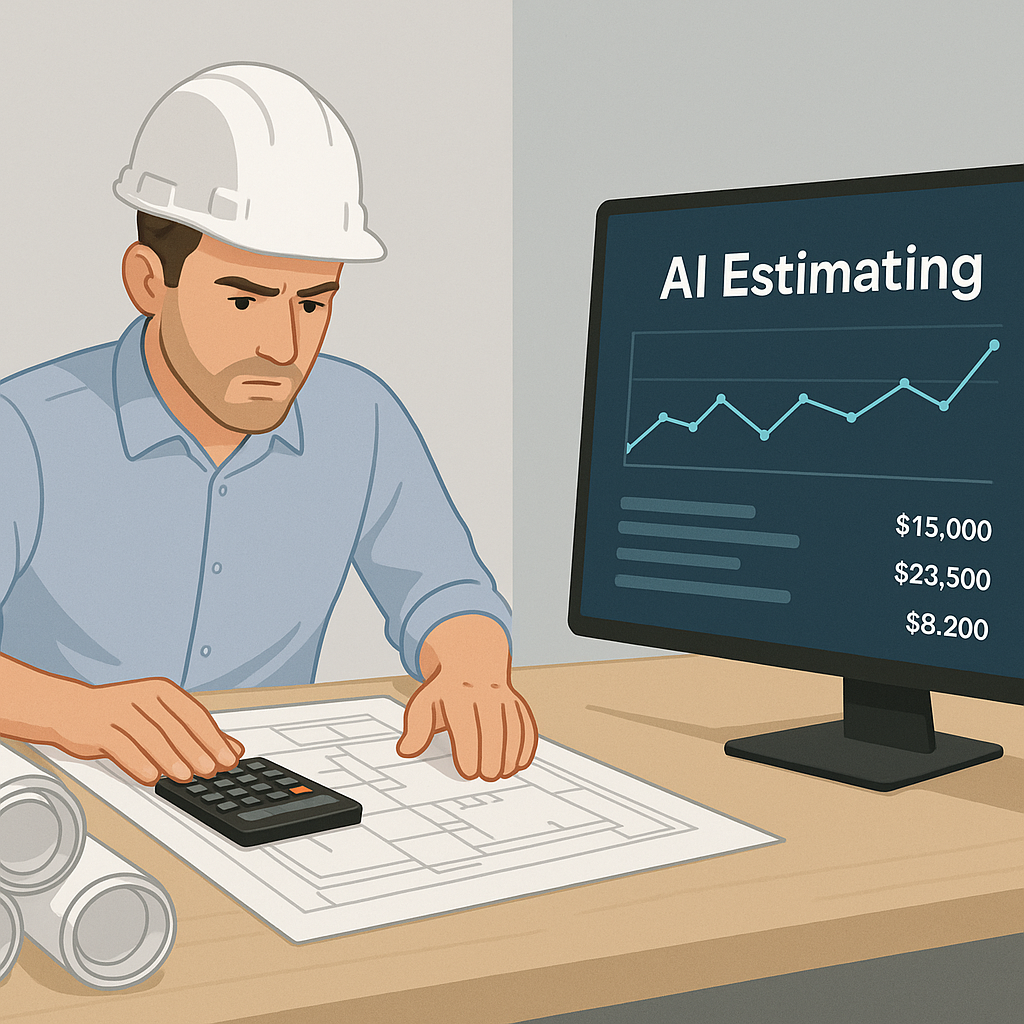
Let’s talk about takeoffs—the most time-consuming, eye-straining part of preconstruction estimation. If you’re a General Contractor (GC) Preconstruction Director, this is probably your least favorite bottleneck. Two estimators spend 40 hours—two full workdays—manually tracing drawings, measuring walls, counting fixtures, and double-checking quantities. It’s tedious, expensive, and worst of all, prone to human error.
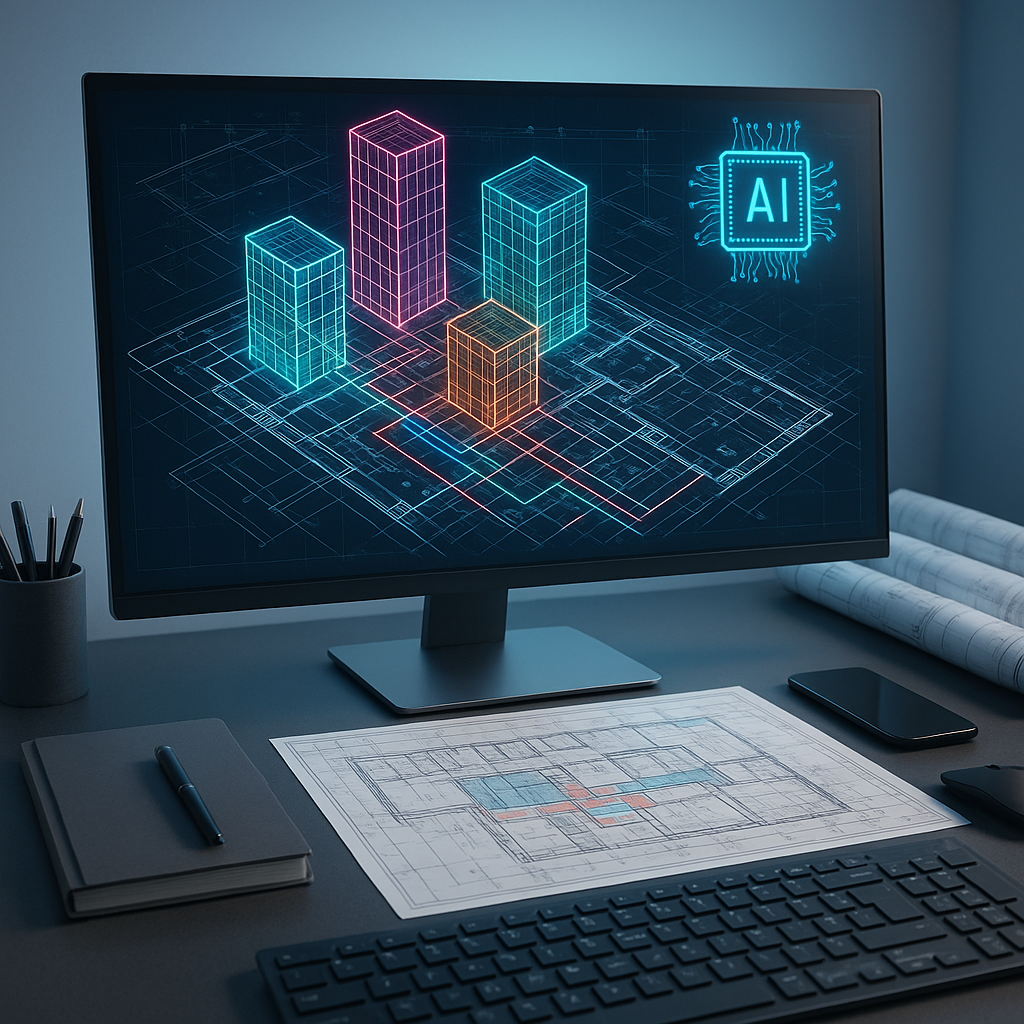
Now imagine cutting that 40 hours down to 10 minutes. Sounds impossible? It’s not. AI-powered tools like EstimateNext’s Vision AI already do this. Here’s how it works: you upload your PDF drawings, and the system extracts quantities automatically. Room areas, wall lengths, door counts—everything is calculated for you. No manual tracing, no second guessing.
The Brutal Math of Manual Takeoffs
Let’s break it down. According to McKinsey, manual processes eat up 40% of preconstruction labor hours. That’s 40 hours per bid, multiplied across five GMP pursuits per year for a mid-sized GC. At $130/hour (average estimator salary), you’re looking at $26,000 in labor costs—just for takeoffs. And that’s assuming no errors or missed deadlines.
Now scale that across 10 projects per year. Suddenly, manual takeoffs are costing $260,000 annually in labor alone. Factor in the opportunity cost of missed bids or inaccurate estimates, and the price tag climbs even higher.
With AI, those 40 hours shrink to 10 minutes. The labor cost drops to almost zero. That’s not just saving time—it’s freeing up your team to focus on high-value tasks like subcontractor negotiations, bid strategy, or refining your project pipeline.
Real-World Example: Mid-Sized GC Costs
Let’s assume a mid-sized GC handles five GMP bids per year, each requiring 40 hours of takeoffs. At $130/hour, that’s $26,000 annually in labor costs. If AI reduces this time to 10 minutes per project, the labor cost essentially vanishes, saving nearly $25,990. But the true value comes from redeploying your estimators to strategic tasks—ones that directly grow revenue.
Case Study: Cutting Two Weeks of Labor
A mid-sized general contractor used Vision AI for a high-rise bid. The result? 120 hours saved. That’s two full weeks of labor costs avoided while still meeting tight deadlines. In their words, “It’s like hiring a full-time estimator without the overhead.”
This isn’t just a one-off success story. EstimateNext’s blog highlights similar results across multiple industries, including hospitals, rail projects, and mixed-use developments. In one project—a $1 billion rail bid—the user reported a 90% reduction in takeoff time.
Actionable Takeaway
If you’re managing tight schedules and large bids, AI-powered takeoffs aren’t just a convenience—they’re a competitive edge. Start by benchmarking your current manual process and calculate the labor cost per bid. Compare that to AI-based time savings. The ROI speaks for itself.
The Obvious Objection: "AI Can’t Think Like an Estimator"
You might be thinking, “Sure, AI is fast, but it doesn’t understand the nuances of construction.” That’s partially true—but it’s also missing the point. AI doesn’t replace your expertise; it amplifies it. You’re still the one making judgment calls, negotiating with subs, and deciding on markup. The AI handles the grunt work—like takeoffs, rate matching, and what-if recalculations.
Example: Amplifying Your Strategic Work
Think of AI as your digital assistant. For instance, while Vision AI handles takeoffs, you could focus on analyzing subcontractor bids or refining your cost database. Your expertise is still the driving force behind accurate estimates; AI just removes the busywork.
What About Accuracy?
AI-generated takeoffs are highly accurate—but no system is perfect. That’s why tools like EstimateNext include confidence scoring and manual override features. If something looks off, you can remeasure a low-confidence line with a click. It’s like having an extra estimator double-check your work, but faster.
Accuracy Data
According to user reports, AI-powered takeoffs reduce discrepancies by up to 80% compared to manual methods. However, the quality of input data matters—blurry PDFs or incomplete drawings can impact results. The solution? Pair AI with human oversight for the best of both worlds.
Why Speed Matters
In preconstruction, time is money. Slow takeoffs mean missed bid deadlines, rushed estimates, and lost opportunities. For subcontractors responding to 30-60 bid packages a year, shaving even a few hours per bid adds up fast.
Comparison: Manual vs. AI
| Metric | Manual Takeoffs | AI Takeoffs |
|---|---|---|
| Time per project | 40 hours | 10 minutes |
| Labor cost per project | $5,200 | ~$10 |
| Error rate | 5-10% | <2% |
| Scalability for large bids | Limited | High |
AI tools don’t just save time—they improve your ability to respond to more bids, win more projects, and grow your bottom line.
Getting Started: Test Before You Scale
Skeptical? Start small. Upload a single Bill of Quantities (BOQ) or drawing set into EstimateNext and let the Vision AI extract quantities. Test the accuracy, compare it to manual results, and see how much time you save. Once you’re confident, scale up to larger bids.
Step-by-Step Guide
- Select a Small Project: Choose a bid with limited complexity to test the AI tool.
- Upload Drawings: Use clean, high-quality PDFs for accurate AI extraction.
- Compare Results: Cross-check AI-generated takeoffs with manual calculations.
- Evaluate ROI: Calculate time saved and labor cost reduction.
- Scale: Apply AI tools to larger, more complex bids.
FAQ: Common Questions About AI Takeoffs
Q1: How accurate are AI-powered takeoffs compared to manual ones?
AI tools like EstimateNext reduce discrepancies by up to 80%, but accuracy depends on input quality. Human oversight is still essential.
Q2: Can AI handle complex drawings?
Yes. Vision AI is designed to extract quantities from detailed PDF drawings, including revisions and multi-page sets.
Q3: What’s the ROI for investing in AI estimation tools?
According to McKinsey, early adopters of AI in construction see average cost savings of 10-20% per project. For GCs, that’s thousands saved per bid.
Q4: Are AI tools difficult to learn?
Most platforms have intuitive interfaces. Training typically takes under two weeks.
Q5: Can I use AI estimation tools with existing software?
Yes. EstimateNext integrates with popular platforms like Bluebeam, Procore, and Excel.
Ready to Stop Wasting Time?
Manual takeoffs are a bottleneck you don’t need anymore. If you’re dealing with slow, error-prone processes, EstimateNext can help. Get started free →