Manual Takeoffs Are Killing Productivity
Let’s talk about the elephant in the room: manual drawing takeoffs. If you’ve ever spent hours tracing areas on Bluebeam or counting fixtures on paper plans, you know the pain. It’s slow, mind-numbing, and far from perfect. For most general contractors, manual takeoffs eat up 40 hours per estimate. That’s two full workdays per bid—and it’s not just one person. It usually takes two estimators to finish the job.
Why does this matter? Because preconstruction directors are under pressure to churn out bids faster than ever. Missing a bid deadline isn’t just embarrassing—it’s costly. And when your team is stuck chasing down quantities instead of refining margins or negotiating with subs, you’re losing time where it matters most.
Real-World Example: The Cost of Manual Takeoffs
Let’s break this down with a concrete example. Say your team is bidding on 30 projects a year, and each one requires 40 hours of manual takeoff. That adds up to 1,200 hours annually, or 150 full workdays. If your estimators are earning $35/hour, that’s $42,000 in labor costs spent just on takeoffs. And that doesn’t even account for the opportunity cost of what your team could have accomplished with that time.
Worse, manual takeoffs introduce human error. A misplaced measurement or missed fixture can mean underbidding the job—or worse, overbidding and pricing yourself out of contention. A single error in a multi-million-dollar project can cost tens of thousands of dollars.
AI Takeoffs: The 10-Minute Solution
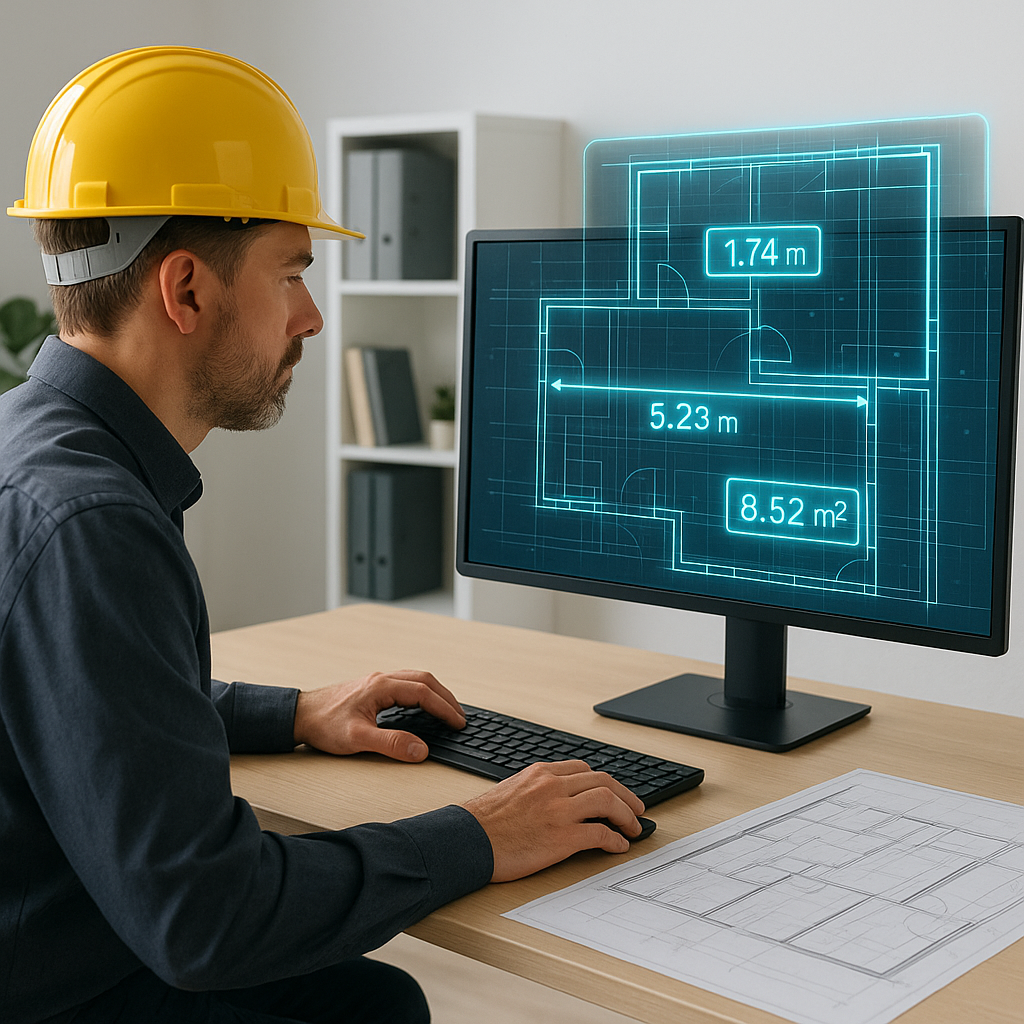
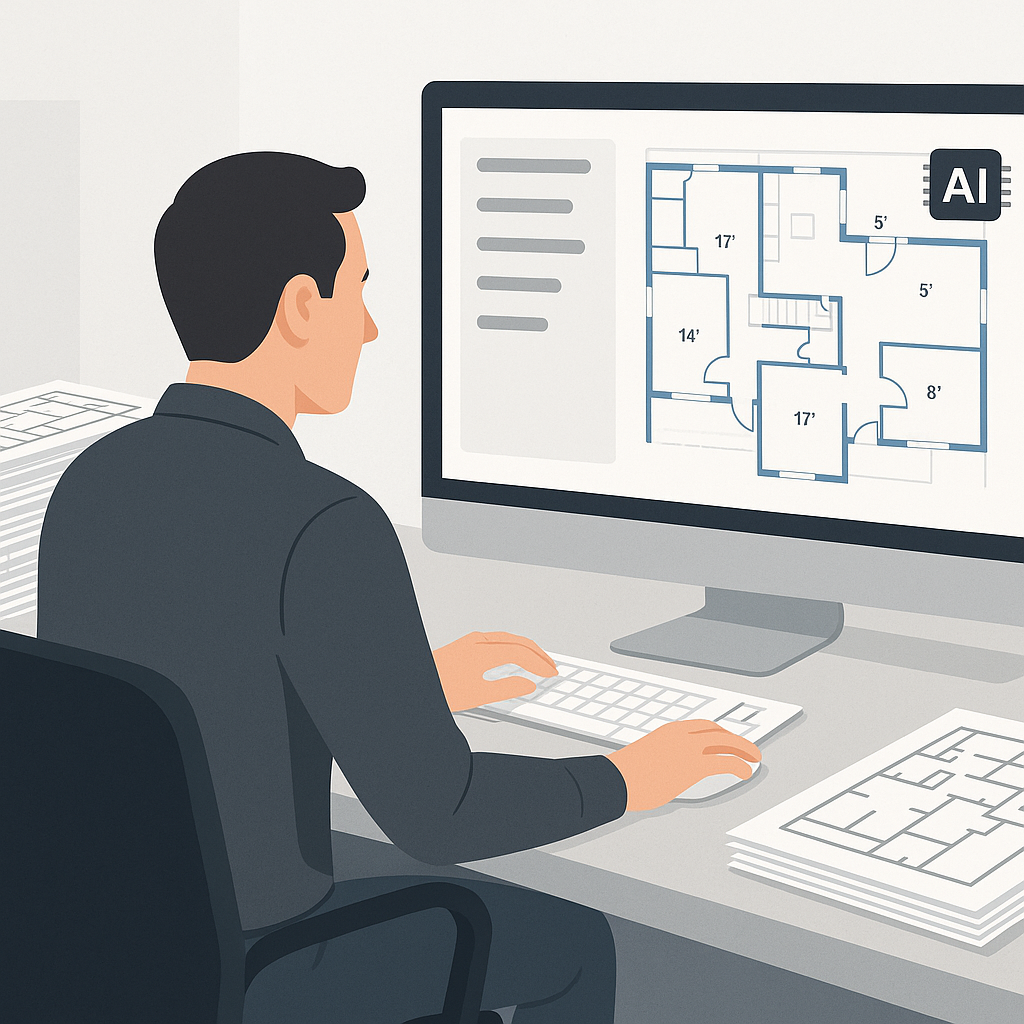
Here’s where tools like EstimateNext’s Vision AI flip the script. Instead of manually measuring areas or counting fixtures, AI-powered software extracts quantities directly from PDF drawings. It doesn’t matter if the file is messy, uncalibrated, or missing layers—Vision AI works through it all.
Case Study: Saving 120 Hours on a High-Rise Project
A mid-sized general contractor we spoke with was bidding on a 30-story high-rise. Normally, their team of two estimators would need two weeks to complete the takeoff. Using Vision AI, they finished the job in just three days, saving 120 hours of labor. That’s the equivalent of $4,200 in saved labor costs, not to mention the stress avoided by hitting the bid deadline comfortably.
And the accuracy? They reported an 80% reduction in discrepancies compared to their manual process. Features like confidence scoring flagged areas where the AI wasn’t 100% certain, allowing the team to double-check critical measurements. This hybrid approach—AI speed plus human oversight—delivered both efficiency and reliability.
Why Takeoff Speed Matters
You might be thinking, “Sure, it’s faster, but I already have a process that works.” Fair point. But let’s zoom out for a second. Faster takeoffs don’t just save time; they change the way your team operates.
What Could 36 Extra Hours Per Bid Do for You?
Imagine this: instead of spending 40 hours on takeoffs, your team spends just 4 hours reviewing AI-generated results. That’s 36 hours saved per bid. Multiply that by 30 bids a year, and you’re looking at over 1,000 hours of reclaimed time.
Here are a few ways you could reinvest those hours:
- Bid on more projects: With the time saved, your team could increase their output and submit more bids, increasing your chances of landing profitable projects.
- Improve bid accuracy: Use the extra time to refine estimates, negotiate better subcontractor pricing, or explore value engineering options.
- Focus on high-value tasks: Freeing up your estimators from repetitive tasks allows them to focus on strategy, relationship-building, and process improvements.
Competitive Edge: Speed Wins
In competitive markets, the first bid often gets the most attention. Faster takeoffs mean you can submit bids earlier, giving you a better shot at winning jobs before competitors even finish their takeoffs.
The Obvious Objection: “AI Can’t Think Like an Estimator”
We hear this all the time. You’re right—AI doesn’t understand construction the way a human does. But it doesn’t have to. Think of it as an assistant, not a replacement. You’re still the one making judgment calls, negotiating with subs, and deciding on markup. The AI handles the grunt work.
Addressing Common Concerns
-
“AI makes mistakes.” True, but so do humans. The difference is that AI tools like Vision AI include confidence scoring and manual override features. You’re always in control.
-
“My projects are too complex.” AI tools are built to handle messy, multi-layered drawings. In fact, they often perform better on complex projects because they’re designed to process large amounts of data quickly.
-
“I don’t want to replace my team.” AI isn’t about replacing people—it’s about empowering them. By automating repetitive tasks, your team can focus on high-value activities that require human expertise.
Advanced Features: Beyond Basic Takeoffs
Tools like Vision AI go beyond just measuring areas and counting fixtures. Here’s what else they can do:
- Semantic Search: Quickly find specific items, like “labor rate for installing pre-stressed concrete girders,” across your rate catalog.
- Integration: Export takeoff data directly to software like Bluebeam, Procore, or Excel.
- Custom Rate Uploads: Tailor estimates to reflect your actual costs by uploading your own rate catalogs.
Comparison: Manual vs. AI Takeoffs
| Feature | Manual Takeoffs | AI-Driven Takeoffs |
|---|---|---|
| Time Required | 40+ hours per estimate | As little as 10 minutes |
| Labor Cost | ~$1,400 per estimate | ~$50 (AI software cost) |
| Accuracy | Prone to human error | Confidence scoring + human review |
| Scalability | Limited by team size | Scales effortlessly |
| Integration with Software | Manual data entry | Seamless export options |
FAQ
Q: How accurate are AI-generated takeoffs?
AI tools like EstimateNext are highly accurate, but no system is perfect. That’s why they include features like confidence scoring and manual override, so you can review and adjust as needed. In most cases, contractors report a 70-80% reduction in discrepancies compared to manual processes.
Q: Can I use AI estimation tools with existing software like Bluebeam or Procore?
Yes. Most tools, including EstimateNext, integrate seamlessly with popular construction software. You can export estimates directly into your existing workflows, reducing manual data entry.
Q: What if my rates are custom or project-specific?
AI tools allow you to upload your own rate catalogs or define custom rates for specific items. This ensures your estimates reflect your actual costs and aren’t reliant on generic data.
Q: How much does AI takeoff software cost?
Pricing varies, but most tools operate on a subscription model. For example, EstimateNext starts at around $200/month. When you compare this to the labor cost of manual takeoffs, the ROI becomes clear.
Q: What’s the learning curve like for these tools?
Most AI takeoff tools are designed to be user-friendly. Training usually takes a few hours, and many providers offer onboarding support to get your team up and running quickly.
The Bottom Line
Manual takeoffs aren’t just slow—they’re a bottleneck that holds your team back. AI-powered tools like EstimateNext’s Vision AI aren’t here to replace you; they’re here to free you up for the work that really matters.
If you’re tired of wasting 40 hours on takeoffs, it’s time to make a change. AI takeoff tools can save you time, reduce errors, and help you bid smarter. Don’t settle for inefficiency—step into the future of construction estimation.