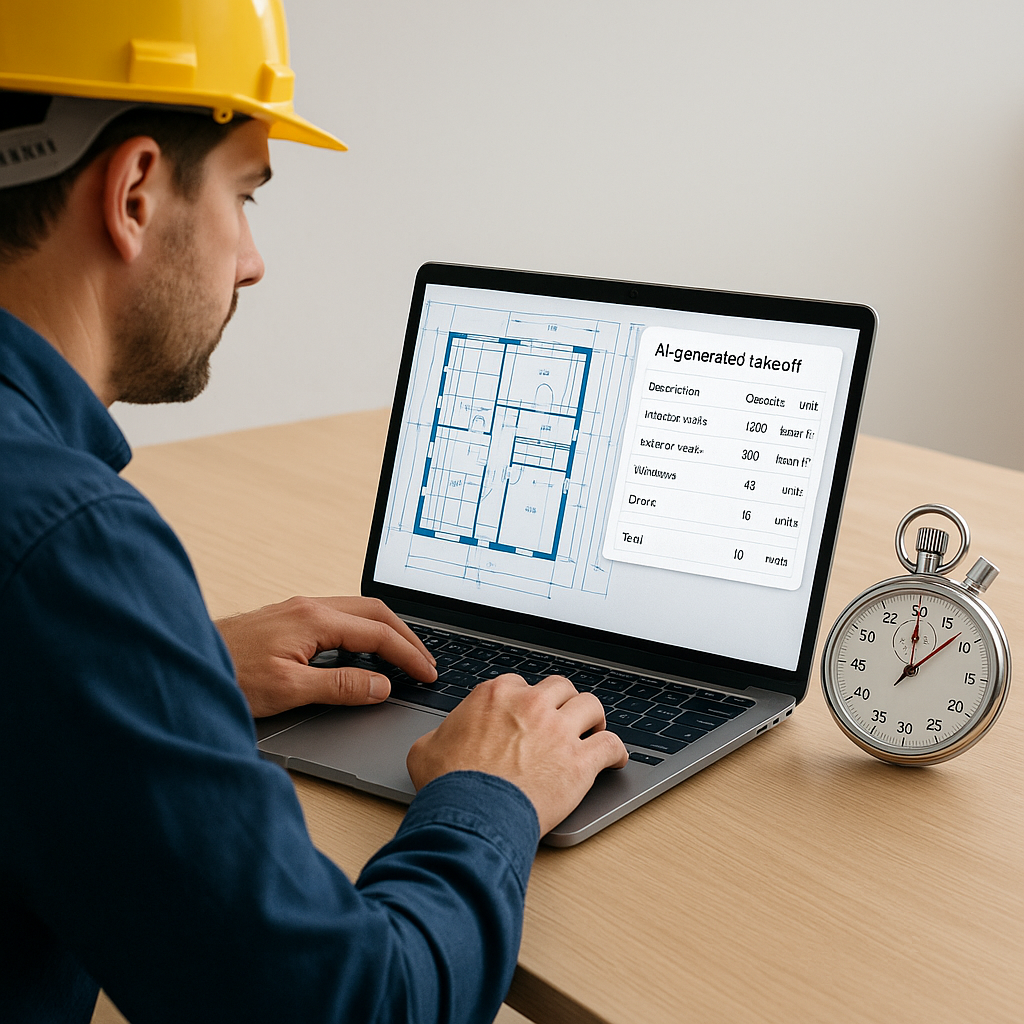
Stop Wasting 40 Hours on Manual Takeoffs: The AI Fix You Need
Let’s get real: manual takeoffs are a productivity killer. If you’re still spending 40 hours measuring and recalculating every wall, beam, and floor area, you’re losing precious time—and likely money.
Here’s the deal: construction estimation is mired in outdated processes. Most teams are stuck with PDF drawings, highlighters, and rulers, trying to extract quantities by hand. That’s two estimators, two full days, per project. And for what? A spreadsheet that’s still prone to errors.
But it doesn’t have to be this way. AI-powered tools like EstimateNext’s Vision AI can handle this grunt work in 10 minutes. Yes, 10. Not 10 hours. Not 10 days. 10 minutes.
How It Works
Vision AI reads your PDF drawings as if it were a junior estimator who never gets tired. Upload your file, and the AI extracts quantities for walls, doors, windows, beams—you name it. It even flags low-confidence areas so you can double-check anything that might need a second look.
Let’s consider a concrete example. A mid-sized contractor bidding on a high-rise project saved 120 hours by using Vision AI to automate takeoffs. That’s two full weeks of labor costs avoided. Meanwhile, they used those saved hours to refine their bid and negotiate better terms with their subs. The result? A more competitive bid submitted ahead of the deadline, increasing their chances of winning the project.
Another example comes from a small firm specializing in retail spaces. They used Vision AI to handle takeoffs for a 30,000-square-foot mall renovation. The team saved 30 hours on calculations, allowing the project manager to focus on sourcing materials and coordinating timelines. The streamlined process led to fewer delays and a project that came in 5% under budget.
The Real ROI of AI Takeoffs
Let’s break this down financially. The average estimator costs around $130/hour. Spending 40 hours on manual takeoffs equals $5,200 per project in labor costs. Multiply that by five GMP pursuits a year, and you're looking at $26,000 just for takeoffs.
Now, compare that to a $99/month EstimateNext subscription. That’s $1,188 per year—a fraction of the cost of manual takeoffs. The financial math alone makes it a no-brainer.
But the ROI isn’t just about time savings. It’s also about reducing errors. A misplaced decimal or a missed measurement can result in over-ordering materials or underbidding, both of which can obliterate your profit margins. AI doesn’t eliminate mistakes entirely (human oversight is always crucial), but it drastically reduces them.
For example, a large-scale contractor recently discovered that manual calculations had overestimated drywall quantities by 15%. Correcting this early with AI saved them $60,000 in material costs. That’s a significant chunk of change that would have otherwise been wasted.
The Skeptic’s Question: “But AI Can’t Think Like an Estimator”
You’re right—AI isn’t a replacement for your expertise. It’s a tool designed to amplify it. You’ll still make the judgment calls, decide on contingencies, and negotiate with subs. But instead of measuring wall lengths or flipping through rate books, you’ll focus on what actually moves the needle.
Think about it this way: when nail guns became standard on jobsites, did carpenters stop being necessary? Of course not. The tools just made them faster and more efficient. The same is true for AI in preconstruction estimation.
What About Smaller Teams?
You might think that AI tools are only for the big guys—$1B projects, huge teams, etc. Not true. AI scales to any size project. Whether you’re pricing a 5,000-square-foot office fit-out or a $100M hospital, the time savings are just as impactful.
In fact, smaller teams benefit even more because they’re often running leaner, with fewer people handling the same workload. For example, a two-person firm specializing in custom homes used Vision AI to slash their takeoff time by 75%. The freed-up hours allowed them to focus on marketing and client outreach, resulting in two new contracts within the same quarter.
Edge Cases: What If My Drawings Are Messy?
This is a common concern. Many estimators work with messy PDFs—scans of scans that look like they’ve been through a copier from the 90s. Vision AI is surprisingly good at handling these. But for the rare cases it can’t parse, it flags those areas for manual review. So, you’re never left guessing.
In one instance, a contractor working on a school renovation project had drawings that were nearly illegible due to poor scanning. Vision AI flagged 18 low-confidence areas, which the team manually verified in under two hours. The result? A complete and accurate takeoff delivered in less than a day.
Actionable Steps
- Start Small: Test AI takeoff tools on a single project to see the time savings firsthand.
- Train Your Team: Pair a junior estimator with the AI to handle the initial setup and review.
- Scale Up: Once you trust the tool, integrate it into your workflow for larger bids.
- Track Your ROI: Compare the time and money saved on AI-assisted projects versus manual ones.
- Integrate With Existing Tools: Use AI takeoff tools alongside platforms like Bluebeam or Procore to streamline your workflow.
Comparison Table: AI Takeoffs vs. Manual Takeoffs
| Feature | Manual Takeoffs | AI Takeoffs |
|---|---|---|
| Time Required | 40+ hours per project | 10 minutes per project |
| Labor Costs | $5,200/project | $99/month subscription |
| Error Rate | High (human error likely) | Low (flagged discrepancies) |
| Scalability | Limited by team size | Scales to any project size |
| Ease of Use | Labor-intensive | Intuitive and automated |


