Manual Takeoffs Are Killing Your Team's Productivity
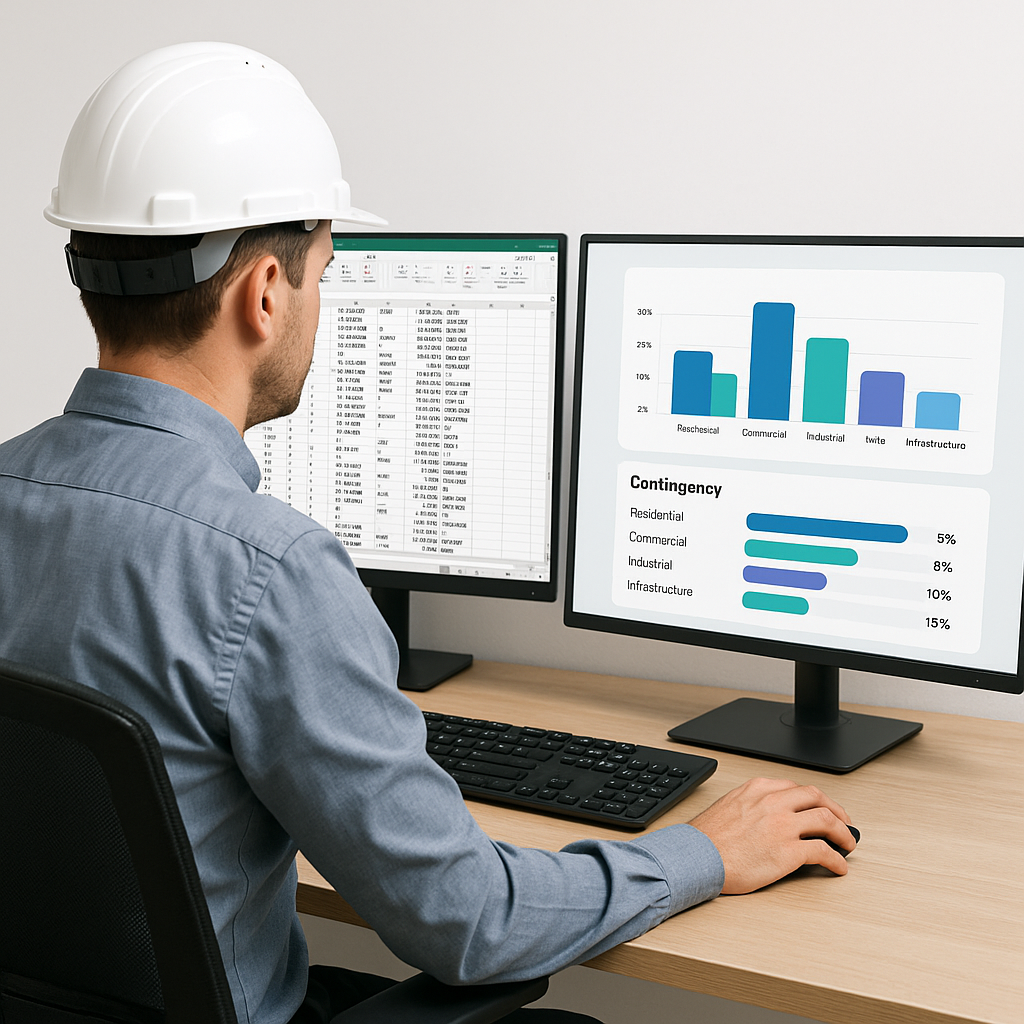
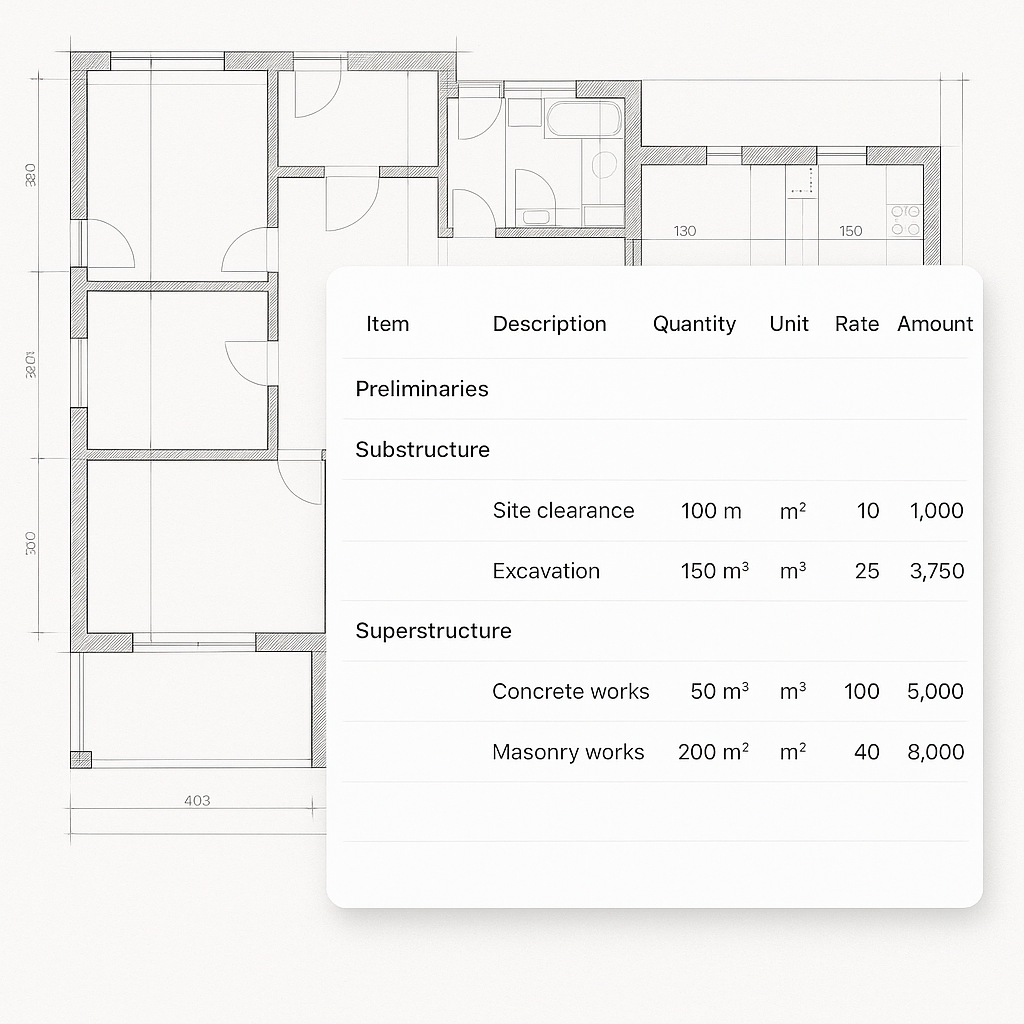
Every estimator knows the pain: you get a 200-page PDF with drawings, and suddenly, your week disappears. You’re tracing walls, counting doors, and recalculating areas until you can barely see straight. Manual drawing takeoffs typically eat up 40 hours per project—two full workdays for two estimators.
But here’s the thing: you’re not just wasting time. You’re risking errors, missed deadlines, and lost bids. Even a small mistake—like miscounting windows—can throw off your estimate, costing you thousands. And the pressure is only growing as projects get larger and timelines shrink.
According to a survey by FMI, up to 35% of construction professionals cite preconstruction tasks, including takeoffs, as the most time-consuming part of their workflow. Yet, many firms still rely on manual processes, leading to inefficiencies and bottlenecks.
The AI Fix: 10 Minutes, Not 40 Hours
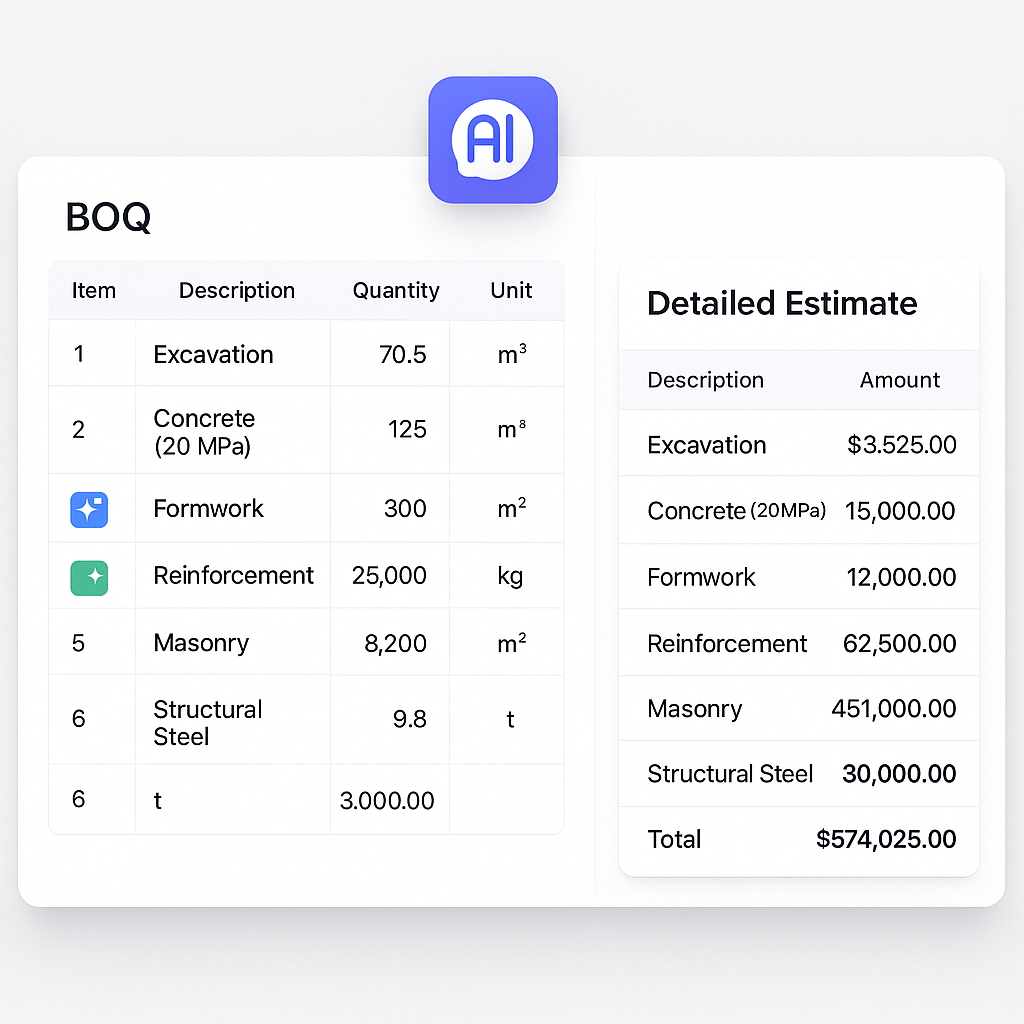
AI-powered tools like EstimateNext's Vision AI make manual takeoffs look prehistoric. Instead of spending days on tracing and recalculating, you upload your PDF drawings, and the AI extracts quantities in 10 minutes flat. Room areas, wall lengths, door counts—it’s all handled automatically.
Take a real-world example: a mid-sized general contractor (GC) used Vision AI on a high-rise bid. They saved 120 hours of labor costs—two full weeks—without compromising accuracy. That’s like hiring a full-time estimator without adding to your payroll. And the AI doesn’t just stop at speed; it flags low-confidence areas so you can double-check critical measurements.
Another striking case study comes from a subcontractor specializing in mechanical systems. By implementing AI-powered takeoffs, they reduced their average turnaround time for bid packages from 72 hours to under 8 hours. This time savings allowed them to submit 50% more quotes over a year—leading to an estimated $250,000 in additional revenue.
Why Accuracy Still Matters
You might be thinking, “Sure, AI is fast, but can it really understand complex projects?” Fair question. AI tools like EstimateNext aren’t perfect, but they’re highly accurate—reducing takeoff discrepancies by up to 80%, according to EstimateNext’s case study. Human oversight remains essential, but now it’s about reviewing flagged items, not redoing the entire takeoff.
For example, a large civil engineering firm found that using Vision AI helped them avoid a $500,000 error on a rail bridge project. The AI flagged a series of low-confidence measurements on complex concrete volumes, allowing their team to review and correct them before finalizing the bid.
Actionable Steps:
- Set quality benchmarks: Use AI tools to generate initial takeoffs, but establish a system where flagged discrepancies are reviewed by senior estimators.
- Leverage confidence scores: Prioritize reviewing low-confidence areas first to catch potential issues early.
- Combine human expertise with automation: Assign junior estimators to oversee AI outputs while senior staff focus on strategic adjustments.
A Competitive Edge for GCs and Subs
Let’s talk ROI. For general contractors, saving 40 hours per estimate isn’t just about reducing labor costs. It’s about freeing up your team to focus on high-value tasks: negotiating with subs, refining margins, and winning more bids. For MEP subcontractors, faster takeoffs mean 50% more quotes submitted per year—and potentially 4-8 additional wins.
Consider this: A subcontractor responding to 60 bid packages annually could slash their quote turnaround time from 72 hours to 4 hours using AI-powered tools. That’s 18X faster. And faster quotes mean more wins.
Comparison Table:
| Feature | Manual Takeoffs | AI-Powered Takeoffs |
|---|---|---|
| Time Required | 40 hours per project | 10 minutes per project |
| Error Rate | High (human error) | Reduced by up to 80% |
| Scalability | Limited by manpower | Easily scales to large projects |
| Cost | Higher labor costs | Lower labor costs |
| Competitive Edge | Fewer bids submitted | More bids, faster turnaround |
Edge Cases: Does AI Work on Small Projects?
Absolutely. AI scales to fit your needs, whether you're handling a $1 million renovation or a $1 billion rail bridge. Smaller projects benefit just as much because the grunt work—quantity extraction—is the same. The ROI becomes even more compelling on larger bids, where you’re juggling hundreds of drawings and thousands of line items.
For example, a residential flooring subcontractor used Vision AI for a small $200,000 renovation project. Despite the project’s size, the AI reduced takeoff time from 6 hours to under 20 minutes, allowing them to meet a tight bid deadline while keeping margin estimates intact.
Actionable Steps to Start
- Test on a small project: Upload a simple BOQ and a drawing set into AI tools like EstimateNext. See how accurate the results are.
- Train your team: Pair junior estimators with AI platforms to free up senior staff for more strategic work.
- Integrate with your current stack: Tools like EstimateNext work seamlessly with Bluebeam, Procore, and Excel. Export your takeoffs directly into your workflows.
- Run a cost-benefit analysis: Compare the cost of adopting AI tools versus the labor savings achieved.
- Monitor success metrics: Track time saved, errors reduced, and bids submitted to measure ROI.
The Obvious Objection: “But AI Can’t Think Like an Estimator”
We hear this all the time. And it’s partially true—AI doesn’t replace your expertise; it amplifies it. You’re still the one making judgment calls, negotiating with subs, and tweaking margins. AI just handles the grunt work, like takeoffs and rate matching. Think of it as your digital apprentice.
FAQ
Q: How accurate are AI-powered takeoffs?
AI tools like EstimateNext reduce discrepancies by up to 80%. Confidence scoring and manual overrides ensure you catch errors before they cost you.
Q: Is AI hard to learn?
Most tools are designed for ease of use. Training typically takes under two weeks, and the interfaces are intuitive.
Q: Can AI handle custom rates or catalogs?
Yes. You can upload your own rate catalogs or define project-specific rates, ensuring your estimates reflect actual costs.
Q: What happens if the AI gets something wrong?
Low-confidence areas are flagged for manual review, so human oversight is still part of the process.
Q: How much does AI software cost?
Costs vary based on the tool and project size, but most platforms offer tiered pricing or subscription models. For small firms, the ROI often outweighs the upfront investment.
Ready to Save 40 Hours Per Project?
If you're tired of wasting days on manual takeoffs, EstimateNext's Vision AI can help. Get started free →