Imagine This Scenario
You’ve just received a 200-page PDF of construction drawings. The bid deadline? Three days. It's 5 PM, and your team is staring at hours of manual takeoff work, armed with highlighters, rulers, and Bluebeam. Sound familiar?
This is the grind most preconstruction teams face. But what if I told you those 40 hours of manual takeoff could shrink to 10 minutes? No exaggeration—just facts, powered by AI.
The Traditional Grind
Manual takeoff isn’t just time-consuming—it’s error-prone. Even the best estimators can miscount window openings or miscalculate wall lengths after hours of staring at drawings. And revisions? Don’t even start. A single updated drawing can send you back to square one.
Real Costs of Manual Takeoff
Let’s break this down with a concrete example. Suppose your team spends 40 hours on a takeoff. At $130/hour (typical for a general contractor's preconstruction team in the U.S.), that’s $5,200 sunk into just one task. Multiply that by 5-8 GMP pursuits a year, and you’re staring at $26,000–$41,600 in labor costs—just on takeoffs. And that’s assuming everything goes smoothly. Errors can drive these costs even higher due to rework, missed deadlines, or inaccurate bids.
Opportunity Costs
Every hour spent on manual takeoff is an hour you’re not strategizing to win bids, negotiating pricing with subcontractors, or optimizing project schedules. If you’re competing for tight-margin projects, the inefficiencies of manual takeoff could mean the difference between landing the bid or being edged out by a competitor.
How AI Changes the Game
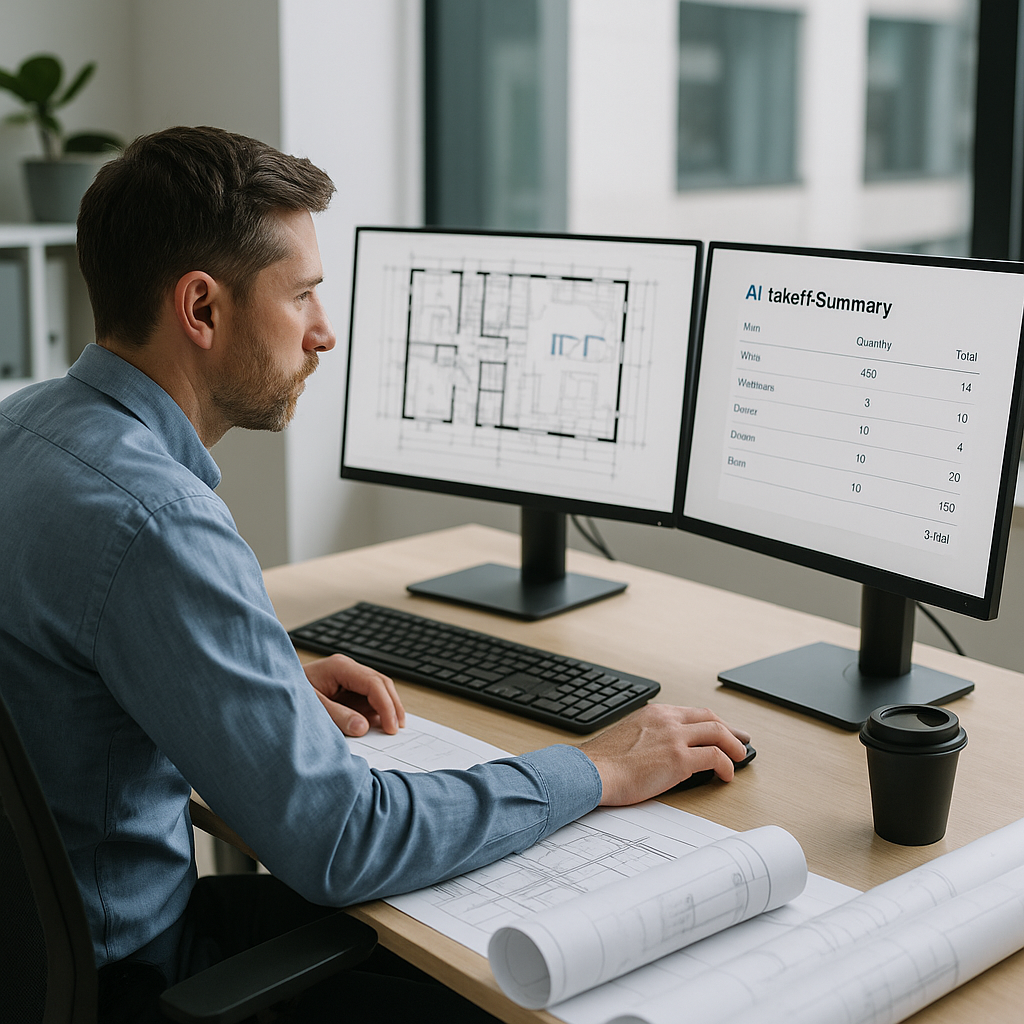
This is where tools like EstimateNext come in. Their Vision AI eliminates the manual grind. Upload a PDF of your drawings, and the AI extracts quantities for room areas, wall lengths, door/window counts, and more—in 10 minutes. Yes, 10 minutes.
How It Works
The AI uses advanced object recognition technology (think of it like facial recognition for construction drawings) to identify and measure elements in the PDFs. But it doesn’t stop there. It flags low-confidence areas for human review, giving you both speed and accuracy. Essentially, it acts as an assistant that handles repetitive tasks while leaving critical decision-making to you.
Accuracy and Oversight
Let’s address the elephant in the room: accuracy. AI tools like EstimateNext incorporate confidence scoring, allowing you to see which parts of the takeoff the system is most certain about. For areas flagged as low-confidence, you can manually review and adjust quantities. This ensures you’re still in control while significantly reducing the likelihood of errors.
Real-World Impact
Case Study: High-Rise Construction Bid
A mid-sized general contractor recently used Vision AI on a high-rise bid and saved 120 labor hours across the project. That’s two full weeks of payroll saved while still meeting a tight deadline. The impact wasn’t just financial—it allowed the team to focus on refining their bid strategy instead of grinding through takeoffs.
Case Study: Small Renovation Project
Even smaller contractors see benefits. A $2 million renovation project typically involves 10–15 hours of manual takeoff, costing around $1,500 in labor. Using AI, this same takeoff was completed in under 15 minutes for less than $40—a massive ROI for small teams with limited resources.
The Obvious Pushback
“But AI can’t think like an estimator.”
I hear this all the time. And it’s true—AI isn’t replacing your expertise. It’s amplifying it. You’re still the one making judgment calls, negotiating with subs, and deciding on markups. The AI just handles the grunt work. Think of it as an assistant that never gets tired, never needs coffee breaks, and doesn’t make math errors.
Comparison: AI vs. Manual Takeoff
| Feature | Manual Takeoff | AI Takeoff |
|---|---|---|
| Time Required | 20–40 hours | 10–15 minutes |
| Accuracy | Prone to human error | Confidence scoring + human review |
| Cost per Project | $5,200 (40 hours x $130/hour) | $39–$99/month subscription |
| Revisions Handling | Tedious, manual rework | Automated detection and updates |
| Scalability | Limited by team capacity | Scales effortlessly |
Why Now?
The construction industry has been slow to adopt new technology, but we’re at a tipping point. Labor shortages are driving up costs, and GCs are being asked to do more with fewer resources. According to a 2023 McKinsey report, early adopters of AI in construction see cost savings of 10-20% per project.
If you’re still relying on manual workflows, you’re leaving money on the table. The ROI of adopting AI-powered tools isn’t just theoretical—it’s backed by hard data and real-world case studies.
Getting Started
Actionable Steps to Test AI
- Start Small: Upload a single BOQ or a small drawing package into a tool like EstimateNext. Compare its output to your manual takeoff.
- Evaluate Accuracy: Check the confidence scoring to see where the AI excels and where manual review is required.
- Integrate: Use platforms that sync with your existing tools (e.g., Bluebeam, Procore, or Excel) to avoid workflow disruptions.
- Scale Gradually: Once you’re comfortable, start using AI for larger projects or repeatable tasks like residential builds.
Training and Support
Most AI tools are designed to be intuitive, minimizing training time. For example, EstimateNext offers onboarding sessions and tutorials, allowing your team to hit the ground running within two weeks.
FAQ
Q: How accurate are AI-powered takeoffs? AI tools are highly accurate but not perfect. Features like confidence scoring and manual overrides exist to ensure you’re still in control. Studies show that the average accuracy of AI takeoffs exceeds manual methods by 8–15%, depending on the project type.
Q: Can AI handle revisions? Absolutely. Tools like EstimateNext allow you to upload revised drawings, compare changes, and adjust quantities automatically. No more starting from scratch.
Q: What about integration with existing tools? Most AI platforms integrate seamlessly with popular tools like Bluebeam, Procore, and Excel, enabling you to maintain your current workflow while adding AI capabilities.
Q: Is this only for large contractors? Not at all. AI tools scale to any project size, whether it’s a $1 million renovation or a $1 billion infrastructure build. Smaller teams often benefit even more due to reduced overhead costs.
Q: How does pricing work? Most AI tools operate on a subscription model. For example, EstimateNext starts at $39/month—significantly lower than the cost of manual labor.
The Bottom Line
Manual takeoffs are a thing of the past. AI-powered tools aren’t just faster—they’re smarter, more consistent, and ultimately, more profitable. Whether you’re pursuing residential builds or massive infrastructure projects, AI can transform your workflow and save thousands in labor costs.
If you’re ready to stop wasting time and start focusing on what really matters—winning bids—it’s time to explore what AI can do for your team.