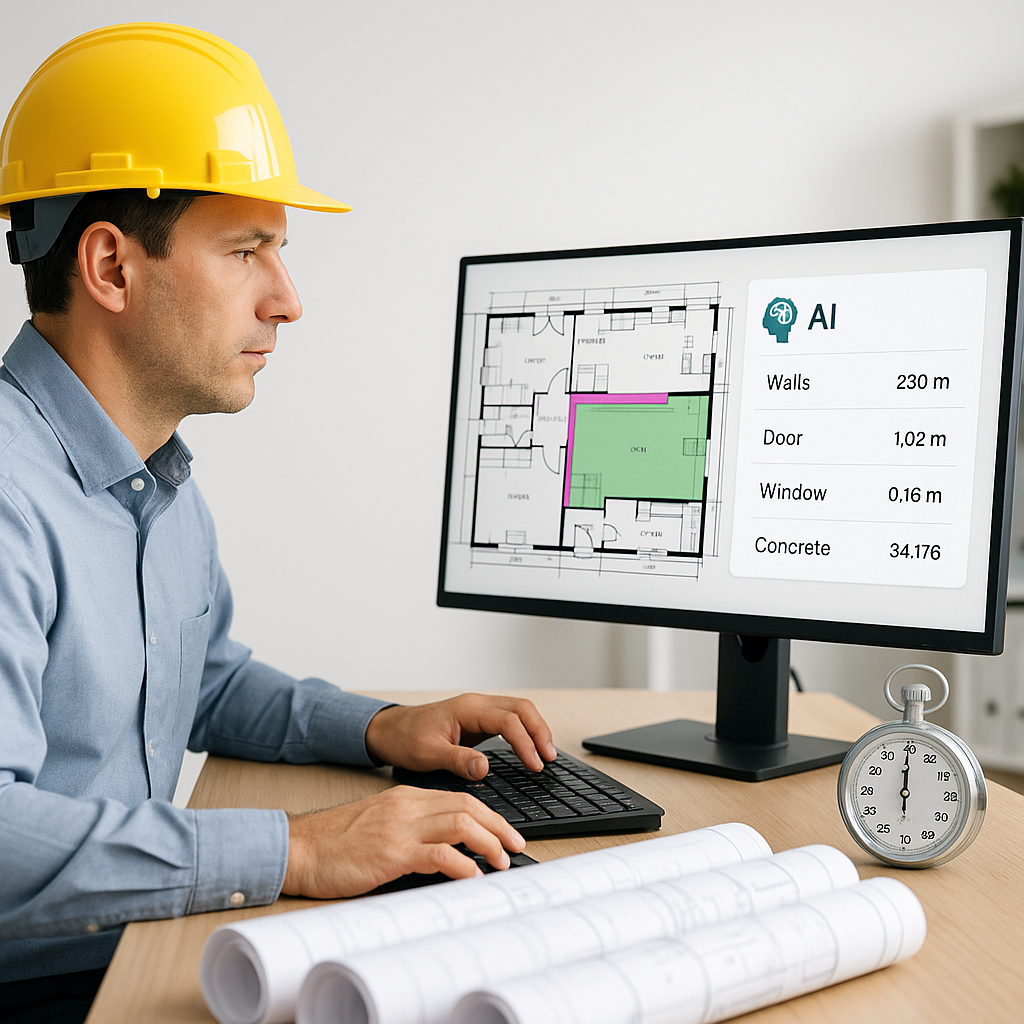
Stop Wasting 40 Hours on Takeoffs: AI Handles It in 10 Minutes
Manual quantity takeoffs are the bane of preconstruction teams. If you’ve ever spent two full days tracing drawings and manually measuring areas, you know exactly what I mean. It’s tedious, error-prone, and worst of all, a massive time sink. For many general contractors, this process eats up 40 hours per bid. Forty hours. That’s an entire work week gone.
But here’s the good news: you don’t have to do it anymore. AI-powered takeoff tools like EstimateNext can cut that 40 hours down to just 10 minutes. Yes, 10 minutes. Let’s break down how this works—and why it’s a game-changer for preconstruction teams.
The Problem with Manual Takeoffs
Manual takeoffs have been the industry standard for decades. You get a stack of drawings (or a 300-page PDF), open Bluebeam or a similar tool, and start measuring. Lengths, areas, volumes—it all has to be done by hand. Then you export the data to Excel, clean it up, and plug it into your estimate.
Here’s what that process looks like in real terms:
- Time: 40 hours on average for a mid-size bid. More for large-scale projects.
- Errors: Even the best estimator can miss a room or mismeasure a wall. One small mistake can throw off an entire bid.
- Stress: Deadlines aren’t negotiable, but your time is limited. Rushing to finish increases the risk of mistakes.
Real Example: Manual Takeoffs Gone Wrong
A regional contractor bidding on a $25 million hospital renovation project spent over 50 hours manually tracing drawings. They missed accounting for several mechanical rooms and underestimated the square footage of fire-rated walls. These errors led to significant underbidding, which ultimately cost the company $200,000 due to change orders.
Why are we still doing this? Because until recently, there wasn’t a better way. But now there is.
How AI Takeoff Tools Work
AI tools like EstimateNext use advanced computer vision to analyze drawings automatically. You upload your PDF or CAD file, and the system extracts quantities for things like:
- Room areas
- Wall lengths
- Door and window counts
It’s like having a virtual estimator who works 100x faster than a human. For example, on a $1 billion rail project, AI tools reduced takeoff time by 99%. What took days manually was completed in minutes (EstimateNext case study).
A Real-World Example: High-Rise Bid
A mid-sized general contractor recently used EstimateNext’s Vision AI on a high-rise bid. Normally, their team would spend 40 hours doing the takeoff manually. With the AI tool, they finished in 10 minutes. That’s a 240x improvement in speed. And because the system flags low-confidence areas for review, they caught potential issues before submitting the bid.
Why This Matters
Saving time is great, but the real impact goes deeper:
1. More Bids, Better Odds
If you save 40 hours per bid, you can pursue more projects. For example, instead of bidding on 15 projects a year, you might handle 25. More bids = more chances to win. According to Dodge Data & Analytics, increasing bid volume by just 30% can improve win rates by up to 18%.
2. Improved Accuracy
AI tools reduce takeoff discrepancies by up to 80% (EstimateNext case study). Fewer errors mean fewer costly surprises down the line. For instance, avoiding a single $50,000 error caused by underestimated materials can pay for the AI tool several times over.
3. Focus on Strategy
With the grunt work automated, your team can focus on high-value tasks like analyzing sub bids or optimizing costs. Imagine reallocating 40 hours per bid to refining your proposal instead of manually tracing lines in Bluebeam.
The Obvious Objection: “But AI Can’t Think Like an Estimator”
I hear this all the time. It’s true—AI doesn’t understand construction the way you do. It won’t catch that a specific wall needs fire-rated material unless it’s told. But that’s not the point. AI isn’t here to replace you; it’s here to amplify your work. You’re still the one applying judgment and making decisions. The AI just handles the repetitive stuff.
And let’s not pretend manual takeoffs are flawless. Humans make mistakes too—especially when they’re tired or rushing to meet a deadline. AI tools provide a second layer of checks, which can improve overall accuracy.
What About Smaller Projects?
You might be thinking, “This sounds great for massive projects, but what about my $2 million renovation jobs?” AI tools scale to any project size. Whether you’re bidding on a single retail fit-out or a 50-story tower, the process is the same. Upload your drawings, review the output, and you’re done in minutes.
Example: Retail Fit-Out
A contractor bidding on a $1.5 million retail fit-out used AI takeoff tools to complete the project estimate in under 15 minutes. The process usually takes 8 hours manually, but AI reduced the time by 95%—freeing up their estimator to handle two other small bids the same day.
Getting Started with AI Takeoffs
Adopting AI might feel intimidating, but the learning curve is surprisingly short. Most platforms, including EstimateNext, are designed to be user-friendly. Training typically takes under two weeks, and your team will be up and running in no time.
Step-by-Step Adoption Plan
- Run a Test Bid: Start small. Use the tool on a single project to test its accuracy and get a feel for the workflow.
- Compare Outputs: Validate the AI results against your manual takeoffs to build trust in the system.
- Scale Gradually: Once you’re confident, begin using AI on larger bids.
- Train Your Team: Ensure everyone understands how to upload files, review outputs, and flag discrepancies.
Comparison Table: Manual vs. AI Takeoffs
| Feature | Manual Takeoffs | AI Takeoffs |
|---|---|---|
| Time per bid | 40 hours | 10 minutes |
| Risk of errors | High (human fatigue) | Low (AI accuracy + review tools) |
| Scalability | Limited to team capacity | Virtually unlimited |
| Cost per bid | ~$5,200 (40 hours @ $130/hr) | ~$200 (average AI tool cost) |
| Stress level | High | Low |
Final Thoughts
Manual takeoffs are a relic of the past. AI-powered tools like EstimateNext not only save time but also improve accuracy and free up your team to focus on what really matters. If your preconstruction process still involves hours of tracing and measuring, it’s time to rethink your approach.
If you’re ready to save 40 hours per bid, EstimateNext can help. Get started free →


