The Preconstruction Bottleneck Nobody Talks About
Every estimator knows the grind. You get handed a set of drawings—50 sheets if you’re lucky, 200 if you’re not—and the clock starts ticking. You’ve got to measure every wall, door, and window. Miss something? That’s on you.
Manual takeoffs are the definition of inefficiency. Two estimators can spend 40 hours on a single project, just to pull quantities that a computer could extract in minutes. But here’s the kicker: most firms are still doing it this way. Why? Because “this is how we’ve always done it.”
But here’s the good news: AI is changing the game. If you’re not using tools like Vision AI to cut takeoff time from 40 hours to 10 minutes, you’re already behind. The question is no longer if you should use AI but when you’ll adopt it.
Why Vision AI Works (and Why It’s Not Just a Gimmick)
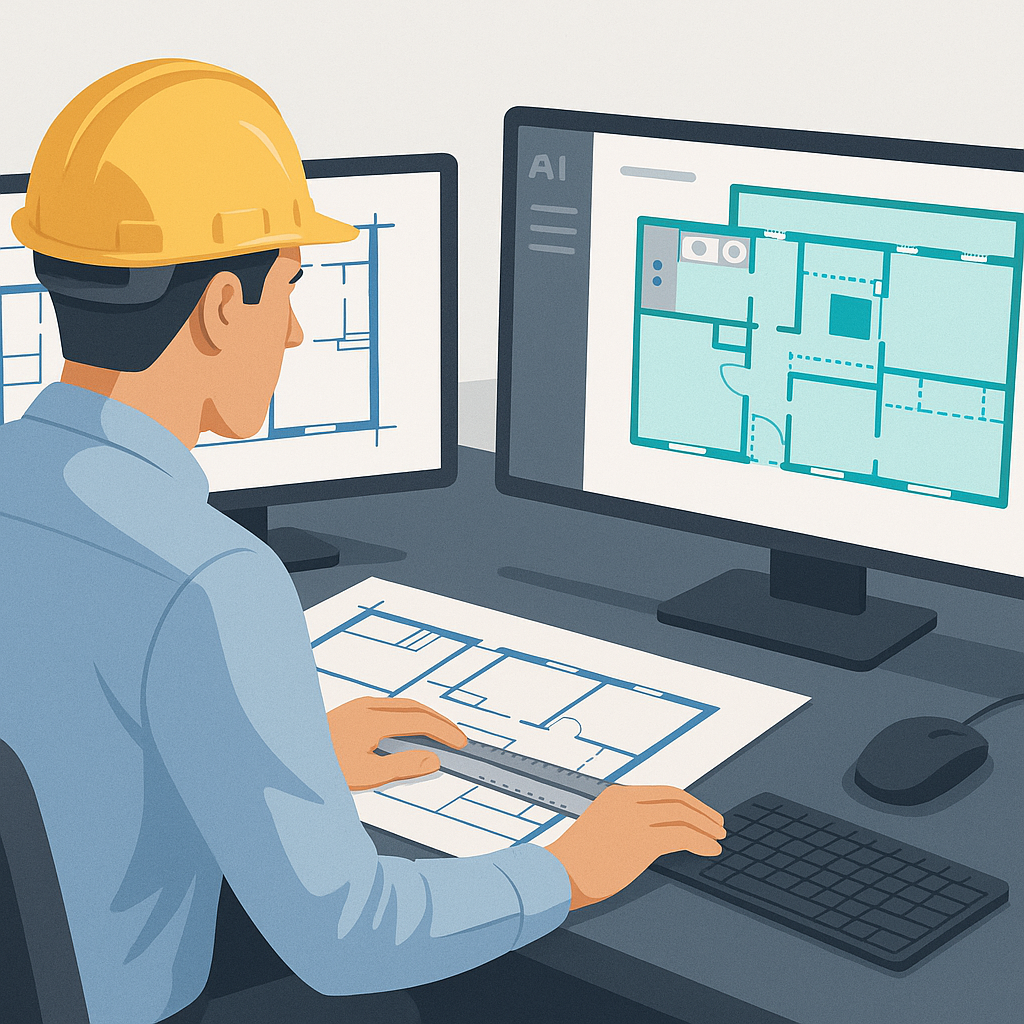
AI-powered takeoff tools like EstimateNext are designed to handle the grunt work. Upload a PDF set of drawings, and the system extracts quantities—room areas, wall lengths, door/window counts—in minutes. No more rulers. No more guessing.
A Real-World Win: The $1B Rail Project
One case study from a mid-sized general contractor (GC) showed how Vision AI transformed their bid process. They were pursuing a $1 billion rail project. Normally, their team of three estimators would spend at least 120 hours completing the takeoffs. But with Vision AI, they wrapped it up in less than 10 hours, saving 110 hours of labor.
What did they do with those extra hours? They fine-tuned their bid strategy, dug deeper into value engineering, and negotiated better deals with subcontractors. The result? They won the job, beating competitors who were stuck in the manual grind.
Why It’s Not a Magic Wand
Now, let’s be clear: AI isn’t magic. It’s only as good as the input data. If your drawings are messy or incomplete, the system might miss something. That’s why tools like Vision AI include features like a confidence score and manual override options. You’re still in control. The AI just accelerates the process.
Actionable Tip: Before uploading drawings, ensure that they’re clean and properly labeled. If you’re working with older or incomplete plans, budget extra time to review the AI’s output.
The ROI Math: Why You Can’t Ignore This
Let’s break down the numbers.
Labor Cost Savings
- Estimator hourly rate: $130/hour
- Time saved per project: 40 hours
- Labor cost savings per project: $5,200
- Number of projects per year: 5–8 (typical for mid-sized firms)
- Annual labor cost savings: $26,000–$41,600
All for a tool that costs $99/month—or $1,188 per year. That’s an ROI of 52X or more.
Opportunity Cost
It’s not just about saving money. Faster takeoffs mean you can respond to more RFPs. If you’re currently bidding on 5 projects per year, AI could help you bid on 10 or more. Even if your win rate stays the same, you’ll land more work simply by increasing your volume.
Case Study: A small design-build firm in Texas used Vision AI to double their bid output. They went from submitting 6 bids annually to 12 and saw their revenue grow by 30% in one year.
Reduced Errors
According to a 2020 study by Dodge Data & Analytics, 21% of construction disputes arise from errors in project documents, including inaccurate takeoffs. By using AI, firms reduce takeoff discrepancies by up to 80%, directly minimizing risk and costly change orders later on.
The Obvious Pushback: “AI Can’t Think Like an Estimator”
I hear this all the time: “Sure, AI is fast, but it doesn’t understand the nuances of construction.” And you’re right—it doesn’t. But that’s not the point. AI doesn’t replace your expertise. It amplifies it.
The Human + AI Partnership
AI handles repetitive, time-consuming tasks like takeoffs, rate matching, and what-if recalculations. You’re still the one making the judgment calls, negotiating with subs, and deciding on markup. Think of it like hiring an assistant who never sleeps and never makes a math error.
Practical Example: A High-Rise Project Saved by AI
Let’s say you’re bidding on a 30-story high-rise. The drawings include 150 pages of floor plans, elevations, and details. Manually measuring every wall, column, and beam would take your team a solid week.
Now imagine uploading those same drawings into Vision AI. Within 10 minutes, you’ve got a complete quantity takeoff. You review the results, tweak anything that looks off, and you’re done. That’s 36 hours saved on a single project.
Actionable Tip: Use the time saved to focus on high-value activities like:
- Exploring alternative materials to reduce costs
- Optimizing construction schedules
- Building stronger relationships with clients and subs
Decision Framework: Should You Invest in AI for Estimation?
Use the table below to evaluate whether AI-powered takeoff tools are right for your firm:
| Factor | Traditional Takeoffs | AI-Powered Takeoffs |
|---|---|---|
| Time per project | 40–120 hours | 10–30 minutes |
| Labor cost | High ($5,000+ per project) | Low ($99/month) |
| Accuracy | Prone to human error | Up to 80% fewer errors |
| Scalability | Limited by team size | Unlimited (AI scales) |
| Learning curve | None (existing workflows) | Minimal (1 week) |
If you’re bidding on more than 3 projects per year, the ROI on AI tools is undeniable.


