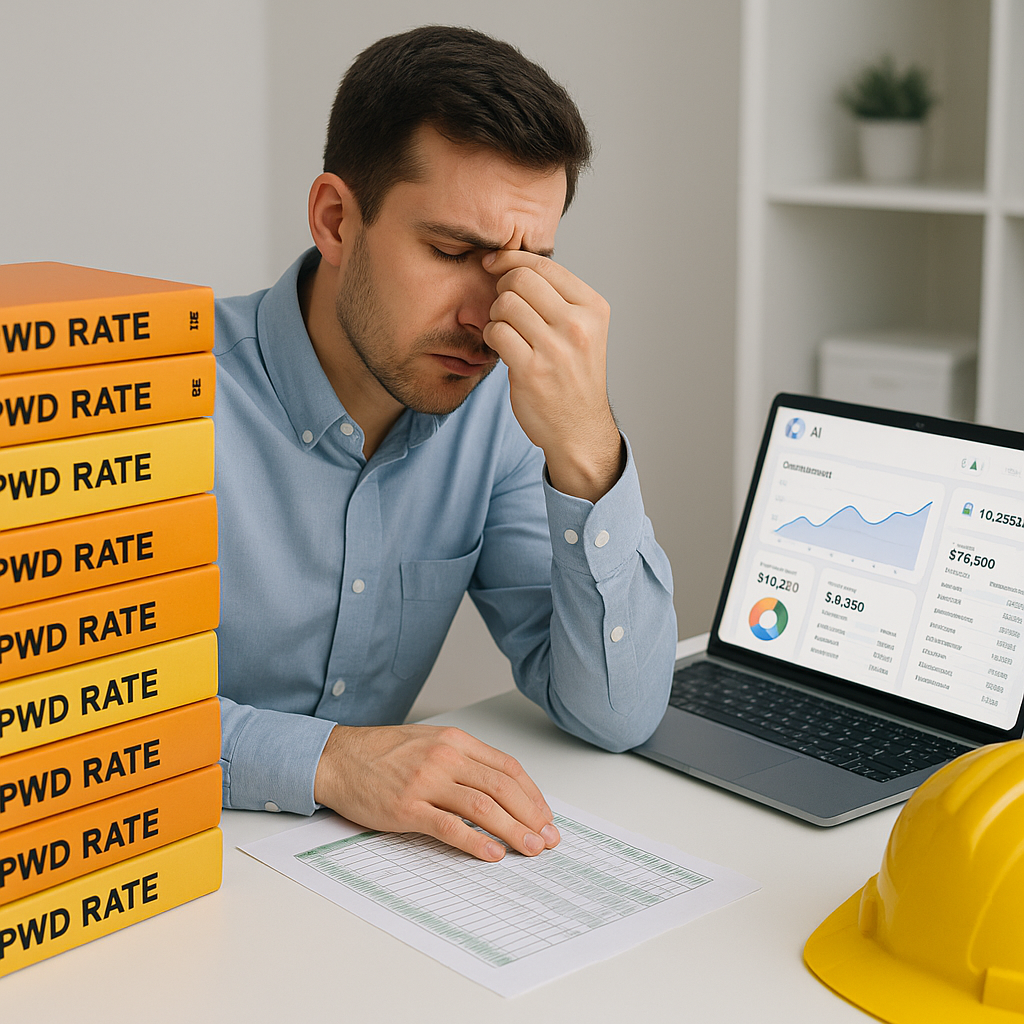
The CPWD Rate Problem Nobody Talks About
If you've ever bid on a government project in India, you know the drill. CPWD's Delhi Schedule of Rates (DSR) is the gold standard for pricing public works, but it's also an estimator's nightmare. The 2022 CPWD rate update added thousands of line items spread across 19 catalogs. The rates are critical, but keeping up with updates? That’s a full-time job.
Here’s the reality: every time CPWD releases a cost index circular, you’re expected to:
- Hunt down the circular (good luck finding it on time).
- Cross-check your BOQ against the updated rates.
- Apply the percentage adjustments manually across hundreds of line items.
- Redo your rate analysis for every single estimate.
For a mid-sized project, this can take 12-16 hours. And that’s assuming you’re an Excel wizard who doesn’t need to triple-check every calculation. If you’re estimating multiple projects simultaneously, you’re looking at days of lost productivity.
But there’s a smarter way. AI-powered tools like EstimateNext can slash this process to just 10 minutes.
How AI Cuts Through CPWD Rates Like a Hot Knife
Let’s break it down. The EstimateNext platform uses a 4-step SOR (Schedule of Rates) matching engine to automate what you’re doing manually today. Here’s how it works:
Step 1: Upload Your BOQ
Whether it’s in Excel, CSV, or even a messy ODS file, the platform’s Smart BOQ Parser cleans it up automatically. It detects merged cells, section headers, and hierarchies—no manual formatting required. For example, if your BOQ has multiple merged cells or inconsistent column alignments, the AI automatically organizes everything into a structured format.
Step 2: Automated Rate Matching
The AI scans your BOQ and matches each line item to the relevant CPWD DSR 2022 rate. It considers tenant history (what you’ve used before), user catalogs, and the latest cost index updates. For instance, if you’re dealing with plumbing materials, the system knows to pull rates from Catalog 12 of the DSR instead of wasting time on irrelevant sections.
Step 3: Apply Cost Index Adjustments
CPWD cost circulars often specify inflation uplifts for materials, labor, and equipment. The AI applies these adjustments automatically, so you don’t have to manually key them in. This is especially useful when inflation fluctuates during the year—for example, cement rates might rise by 8%, while labor costs increase only by 3%. The AI ensures all adjustments are accurate and compliant.
Step 4: Generate Professional Reports
Once the rates are matched and adjusted, you can export the updated BOQ in CPWD-compliant formats like Excel or PDF. The reports include a full audit trail, so you can justify every number to auditors or clients. For example, your report will show the original rate, the adjustment applied, and the final calculated rate for each line item.
The result? What used to take 12 hours now takes 10 minutes. And it’s not just about speed—AI eliminates the risk of missing an update or applying the wrong rate, which could disqualify your bid or kill your margins.
Real Example: The ₹150-Crore Hospital Bid
Let’s make this real. Imagine you’re bidding on a ₹150-crore district hospital project in Bihar under the PM-ABHIM scheme. The tender specifies that all rates must comply with CPWD DSR 2022, adjusted for the current cost index.
Without AI:
- You pull the BOQ from the tender document (likely a messy Excel file).
- You spend hours flipping through the CPWD PDF catalogs, trying to match each BOQ line item to the correct SOR code.
- You manually apply the cost index adjustment, double-checking every calculation.
- After 12-16 hours, you’re finally ready to submit—but you’re not confident you caught every update.
With AI:
- You upload the BOQ to the platform.
- The AI matches the BOQ to the DSR 2022 rates and applies the cost index adjustment automatically.
- In 10 minutes, you download a compliant, fully priced BOQ ready for submission.
Using AI, you not only save time but also ensure bid compliance. In a competitive tender like this, even a minor error could mean losing out on a ₹150-crore opportunity.
Actionable Steps for Contractors
1. Invest in Time-Saving Tools
Don’t rely on outdated methods like manually flipping through CPWD catalogs. Platforms like EstimateNext can reduce errors and streamline your workflow.
2. Standardize Your BOQ Formats
Even if you’re not using AI yet, ensure your BOQs are consistently formatted. This minimizes errors during rate matching and cost adjustments.
3. Train Your Team
If you’re adopting AI tools, train your team on how to use them effectively. Even the best tools require knowledgeable operators to unlock their full potential.
4. Keep a Rate Audit Trail
Always maintain detailed documentation of how rates and adjustments were applied. This protects you during audits and disputes.
Comparison Table: Manual Rate Matching vs. AI-Powered Matching
| Feature | Manual Process | AI-Powered Process |
|---|---|---|
| Time for BOQ Rate Matching | 12-16 hours | 10 minutes |
| Risk of Errors | High | Low |
| Handling Cost Index Updates | Manual | Automated |
| Audit Trail Availability | Partial | Full Transparency |
| Scalability Across Projects | Limited | Unlimited |
| Cost | Hidden labor costs | ₹1,999/month |
Why This Matters
The construction industry is notorious for razor-thin margins and brutal competition. Missing a CPWD update or underpricing a bid because of outdated rates isn’t just an inconvenience—it’s a potential business killer.
AI tools like EstimateNext don’t just save time; they protect your bottom line. Faster quotes mean more bids submitted. Accurate rates mean fewer surprises during execution. And compliance confidence means you sleep better at night.
Ready to Stop Wasting Hours on CPWD Rates?
If you’re tired of flipping through PDFs and manually recalculating rates, it’s time to try something better. EstimateNext automates the entire process, saving you time, reducing errors, and giving you a competitive edge.


