Imagine This
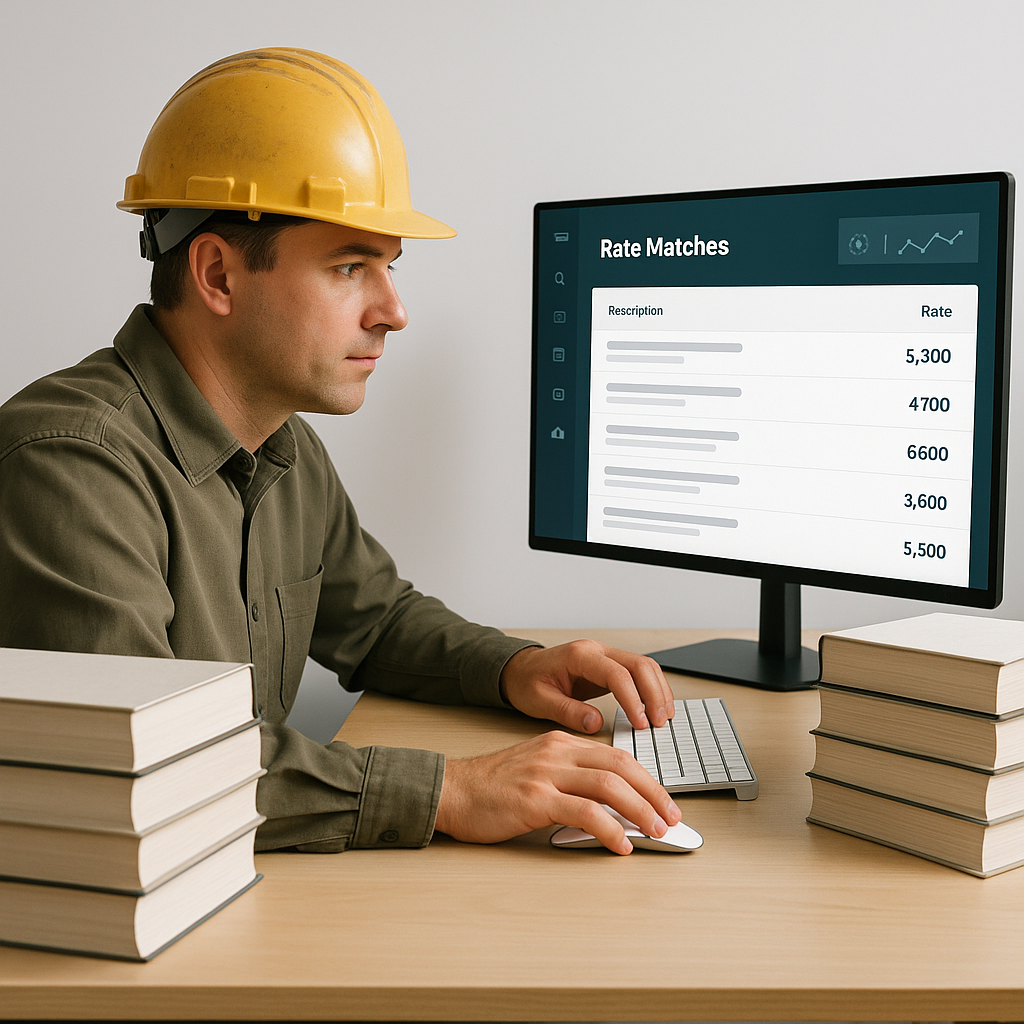
You’re prepping a bid for a $50M commercial project. The deadline is in 48 hours, and you’re staring at a Bill of Quantities (BOQ) with 3,000 items. Your team is flipping through a 2,000-page rate book, trying to match each line item to the right standard of rate (SOR). It’s tedious, time-consuming, and frankly, outdated.
And here’s the kicker: You’re not just wasting time. Every hour burned on manual rate lookups is an hour you could’ve spent refining your margins, evaluating subcontractor quotes, or improving your bid strategy. It’s a silent productivity killer that no one talks about.
The Brutal Math of Manual Rate Lookups
Let’s break it down. On average, estimators spend 12 hours per project just flipping through rate books or scrolling through PDFs to find the right SORs. That’s 12 hours per estimate, multiplied by 5-8 GMP pursuits a year for a typical mid-sized general contractor. That’s 60-96 hours lost annually—per estimator. For a team of 6 estimators, that’s up to 576 hours a year spent on something as mundane as rate matching.
Now, let’s talk dollars. If your team’s average loaded rate is $130/hour, that’s $74,880 in overhead wasted on a task that adds zero strategic value. Multiply that by 5 years, and you’re looking at nearly $375,000 in sunk costs. For what? Flipping through pages?
Still not convinced? Let’s compare:
| Manual Rate Lookups | AI-Powered Rate Matching |
|---|---|
| 12 hours per estimate | 5-10 minutes per estimate |
| Prone to errors or misses | 90-99% accuracy |
| $130/hour in overhead waste | Cost of a monthly software license |
| Learning curve: None | Learning curve: 1-2 weeks |
This isn’t just a productivity issue. It’s a strategic blind spot.
How AI Fixes This
This is where tools like EstimateNext come into play. AI-powered rate matching isn’t just faster—it’s smarter. Instead of flipping through a book or PDF, you upload your BOQ to the platform. The AI scans your items, cross-references them against 78,000+ SORs across 135 catalogs, and spits out matches in seconds. Yes, seconds.
Example Walkthrough
Let’s say you’re working on a luxury hotel project, and your BOQ includes an item like “installing pre-stressed concrete girders.” Here’s what happens:
- Upload your BOQ – The platform automatically parses the document, even if it has merged cells or inconsistent formatting.
- AI Matches Items – Using semantic search, the AI identifies matches from its database of SORs, factoring in labor, materials, and geographic location.
- Review and Confirm – You review the matches. If there’s a discrepancy, you can override it and teach the AI for future bids.
Real-World Results
One of EstimateNext’s case studies highlights this perfectly. A mid-sized contractor working on a $1B rail project was able to cut rate lookup time by 99%. What used to take 12 hours now takes just 5-10 minutes. The project director described it as, “like hiring an extra estimator overnight—without adding headcount.”
But Is AI Accurate?
Fair question. You might be thinking, “Sure, it’s fast, but can it handle the nuances of construction?” The short answer is yes—but with a caveat. AI tools like EstimateNext rely on semantic search algorithms and user feedback to improve over time.
- Day 1 Accuracy: Most users report an 85-90% match rate on their first project.
- Improvement Over Time: By the third project, accuracy often climbs to 98-99% as the AI learns your preferences and nuances.
- Error Handling: If the AI ever misses, you can manually adjust the match and save it for future use.
It’s not about replacing your expertise. It’s about amplifying it. You’re still the one making final decisions. The AI just clears the grunt work out of your way.
Case Study: Custom Rates
One contractor specializing in mechanical, electrical, and plumbing (MEP) projects was hesitant to adopt AI because they rely on custom labor factoring rates from NECA. However, after uploading their unique rate catalog to EstimateNext, the AI integrated those rates seamlessly. By their second project, they reported saving 10 hours per bid just on labor calculations.
What About Custom Rates?
Another common concern: “What if my rates are custom or project-specific?” No problem. Platforms like EstimateNext let you upload your custom rate catalogs or define unique rates for specific items. This ensures your estimates reflect your actual costs, not some generic database averages.
For example:
- Regional Adjustments: If your labor rates vary between projects in Texas and California, the AI accounts for those differences.
- Industry-Specific Rates: Whether you’re using RSMeans, NECA, or custom union rates, the platform adapts.
Think of it as building a smarter, more adaptable version of your Excel workbook—but without the crashes.
The ROI Is Clear
Let’s do the math again. If AI can save your team 12 hours per estimate, that’s $1,560 saved per project at $130/hour. Multiply that by 8 GMP pursuits annually, and you’re looking at $12,480 in savings per estimator per year. For a team of 6 estimators, that’s $74,880 annually in rate lookup savings alone.
Now factor in other efficiencies:
- Automated takeoffs
- Bid leveling tools
- What-if scenarios
The ROI skyrockets.
Industry Benchmarks
Here’s what contractors using AI tools report:
- 50-70% faster estimates
- 30% fewer errors in SOR mapping
- Improved win rates by 10-15% due to more competitive bids
Why Are You Still Using PDFs?
Let’s be honest—manual rate lookups belong in 2010, not 2026. If you’re still relying on PDFs and Excel, you’re leaving time and money on the table. AI tools like EstimateNext aren’t just a luxury for top-tier GCs. They’re becoming table stakes for anyone who wants to stay competitive in an industry that’s moving faster than ever.
The obvious objection is, “But we’ve always done it this way.” Sure. And estimators used to fax bids. Progress waits for no one.


