The Takeoff Problem Nobody Talks About
Ever watched two estimators spend a week measuring drawings just to hit a bid deadline? It’s frustrating, isn’t it? Manual takeoffs aren’t just slow — they’re error-prone. And mistakes in preconstruction don’t just cost time; they cost trust.
But why are we still stuck in this loop? Why do so many firms cling to outdated habits when better solutions exist? Let’s break it down.
Why Manual Takeoffs Still Dominate
The problem isn’t that we love spending 40 hours tracing PDFs with rulers. It’s that the alternatives feel too complicated or inaccessible. Many firms — particularly small to mid-sized companies — fall into the trap of thinking they can’t afford the available solutions or that they’re too complex to implement. Let’s examine the perceived barriers:
- Cost of Software: Tools like CostX or PlanSwift are incredibly powerful but come with hefty price tags, often requiring upfront licensing fees or costly annual subscriptions. For smaller firms or subcontractors, the ROI isn’t immediately obvious.
- Ease of Use: While Bluebeam is a popular choice for digital markups, it still relies heavily on manual effort. You’re essentially digitizing the same ruler-and-pencil workflow.
- Legacy Processes: Too many teams are stuck using Excel templates cobbled together over the years. These may feel familiar, but they’re prone to errors and inefficiencies.
Real-World Example: The Excel Bottleneck
Take a regional subcontractor bidding on a series of tenant improvement projects. They rely on Excel to manually track quantities and costs. On one project, a simple spreadsheet error — forgetting to carry over a formula — resulted in a $25,000 underbid. That’s not just a financial hit; it’s a credibility killer.
The obvious question: Why hasn’t AI fixed this already?
AI Takeoffs: A Real Solution (Not Hype)
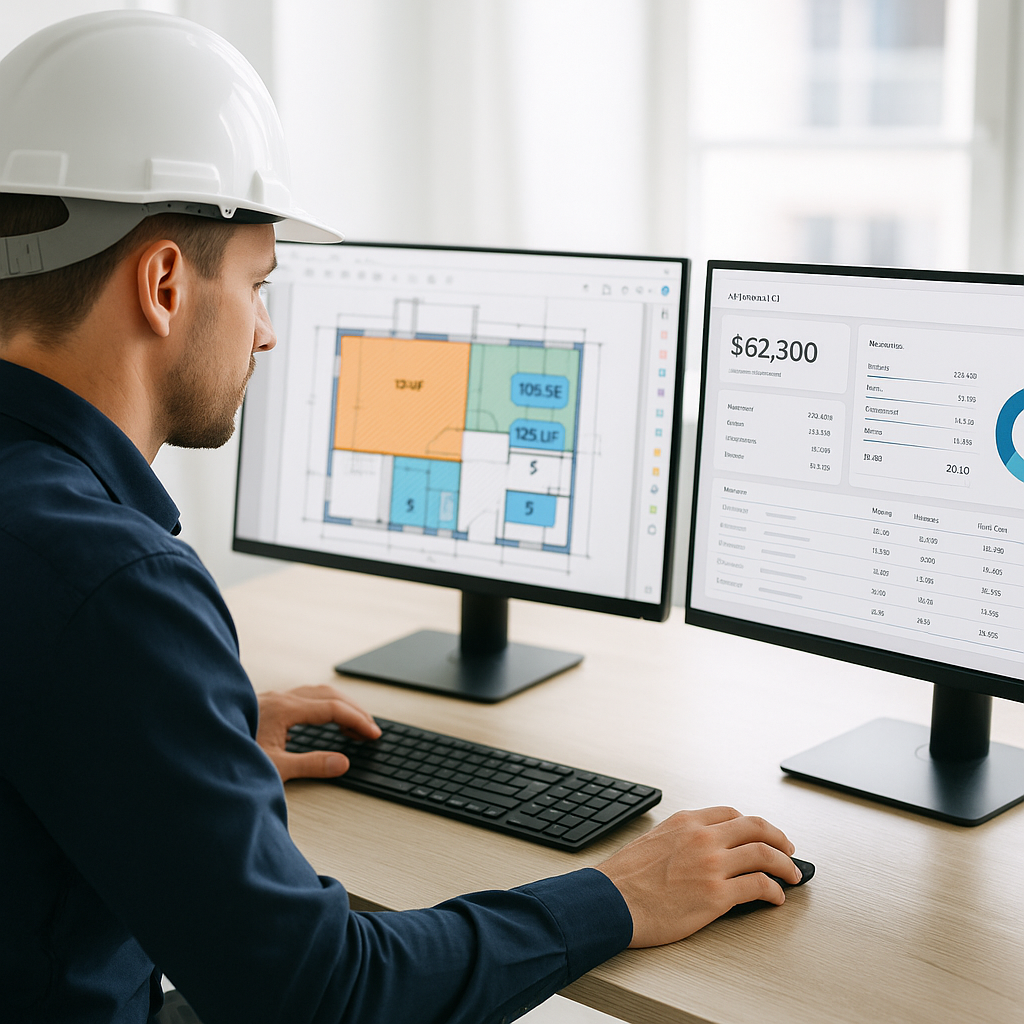
Here’s the fix: AI-powered tools like EstimateNext automate takeoffs in minutes. Their Vision AI scans PDF drawings, extracts quantities like room areas, wall lengths, and even door counts. A task that used to take 40 hours now takes 10 minutes. But how does this work in practice?
Case Study: A Mid-Sized General Contractor Saves Weeks of Work
A mid-sized GC bidding on a high-rise project recently turned to EstimateNext. Previously, their estimating team spent two weeks on takeoffs for projects of this scale. With Vision AI, they completed the same work in just eight hours. Not only did they save 120 labor hours, but they also had time to refine their bid and win the project. That’s the power of automation.
Actionable Steps to Transition to AI Takeoffs:
- Start Small: Begin with one or two projects to test the waters. Upload your drawings and compare AI results to your manual estimates.
- Train Your Team: Familiarize your estimators with the AI tool’s interface. Most platforms, like EstimateNext, offer tutorials or customer support to ease adoption.
- Validate Results: Use the confidence scoring feature to double-check any flagged quantities. This builds trust in the system.
- Standardize the Workflow: Once you’re comfortable, integrate the tool into your standard operating procedures.
But Does It Actually Work?
You might be thinking, “Sure, AI is fast, but can it be trusted?” This is a valid concern. AI tools are only as good as their input data. If your drawings are incomplete or poorly scanned, the AI may struggle. However, modern platforms like EstimateNext include features to mitigate these issues:
- Confidence Scoring: The AI flags low-confidence results for manual review. This means you can focus only on areas that truly need attention.
- Override Features: If the AI misinterprets a line or area, you can quickly remeasure it within the platform — no need to start over.
- Ongoing Learning: Many tools improve their algorithms over time, adapting to your specific needs and project types.
Example: Handling Complex Revisions
A commercial contractor working on a healthcare facility faced multiple drawing revisions mid-project. Using an AI-powered tool, they uploaded the new drawings, and the system automatically highlighted changes. This saved them from redoing the takeoff from scratch, cutting their revision workload by 70%.
The ROI Math
Let’s talk numbers. The cost-benefit of AI takeoffs is undeniable when you crunch the math:
General Contractors:
- Time Saved: 40 hours per estimate saved means $5,200 in labor costs avoided (assuming $130/hour).
- Tool Cost: EstimateNext starts at $99/month. That’s a 52X ROI on a single project.
Subcontractors:
- Increased Bid Capacity: AI tools allow subs to respond to bid packages faster. A subcontractor using Vision AI could handle 50% more bids annually, translating to 4-8 additional project wins per year.
- Higher Accuracy: Fewer errors in takeoffs mean fewer disputes and change orders, keeping projects on track.
Example ROI Calculation:
- A subcontractor wins an extra $500,000 in projects annually due to faster bidding.
- If their profit margin is 10%, that’s $50,000 in additional revenue — for a tool that costs $1,200 per year.
What About Smaller Projects?
One misconception is that AI-powered tools are only useful for massive, billion-dollar infrastructure projects. In reality, they scale to fit projects of any size. Here’s why:
- Small Teams Benefit Most: For a renovation contractor working on a $1M project, saving even 10 hours can make a huge difference in meeting deadlines.
- Affordable Pricing: AI solutions are now accessible to small firms at subscription rates comparable to a single dinner out.
- Real-World Example: A residential contractor bidding on a $500,000 remodel used AI takeoffs to reduce their estimating time by 60%. This allowed them to focus on client relationships and design improvements.
FAQ
Q: How accurate are AI-powered takeoffs compared to manual ones?
A: AI tools reduce takeoff discrepancies by up to 80%, according to McKinsey. While human oversight is still essential for final validation, AI eliminates the vast majority of human errors caused by fatigue or oversight.
Q: Can AI handle revisions and change orders?
A: Yes. Tools like EstimateNext allow you to upload revision sets and automatically identify changes. This means you don’t need to start over with every new drawing set.
Q: What if my drawings are incomplete or poorly scanned?
A: AI tools include confidence scoring systems. If the system struggles to extract quantities from unclear drawings, it flags areas for manual review. This ensures you’re aware of any potential issues.
Q: Does AI replace human estimators?
A: No. AI complements human expertise by taking over tedious tasks like counting and measuring. Estimators still handle the critical elements — judgment calls, pricing strategies, and negotiations.
Q: How do I know if AI takeoffs are right for my company?
A: Start by evaluating the time you currently spend on takeoffs. If your team struggles to meet bid deadlines or frequently deals with errors, it’s worth exploring a free trial of an AI tool like EstimateNext.
Decision Framework: Is AI Takeoff Right for You?
| Question | If Yes… | If No… |
|---|---|---|
| Do you spend more than 20 hours per week on takeoffs? | AI can save you hundreds of hours annually. | You might not need it yet but could benefit as your workload grows. |
| Do you work on tight bid deadlines? | AI ensures speed and accuracy, helping you meet deadlines. | Manual workflows may still suffice if deadlines are flexible. |
| Do you handle frequent revisions? | AI tools like EstimateNext simplify revision management. | You may still save time with manual updates. |
| Do you work on highly detailed or large projects? | AI excels at handling complex drawings with multiple layers. | Manual tools might still work for small, simple projects. |
CTA: Get Started Free
If you’re tired of wasting hours on manual takeoffs, EstimateNext can help. Upload your first BOQ and get a priced estimate in minutes. Start Free →


