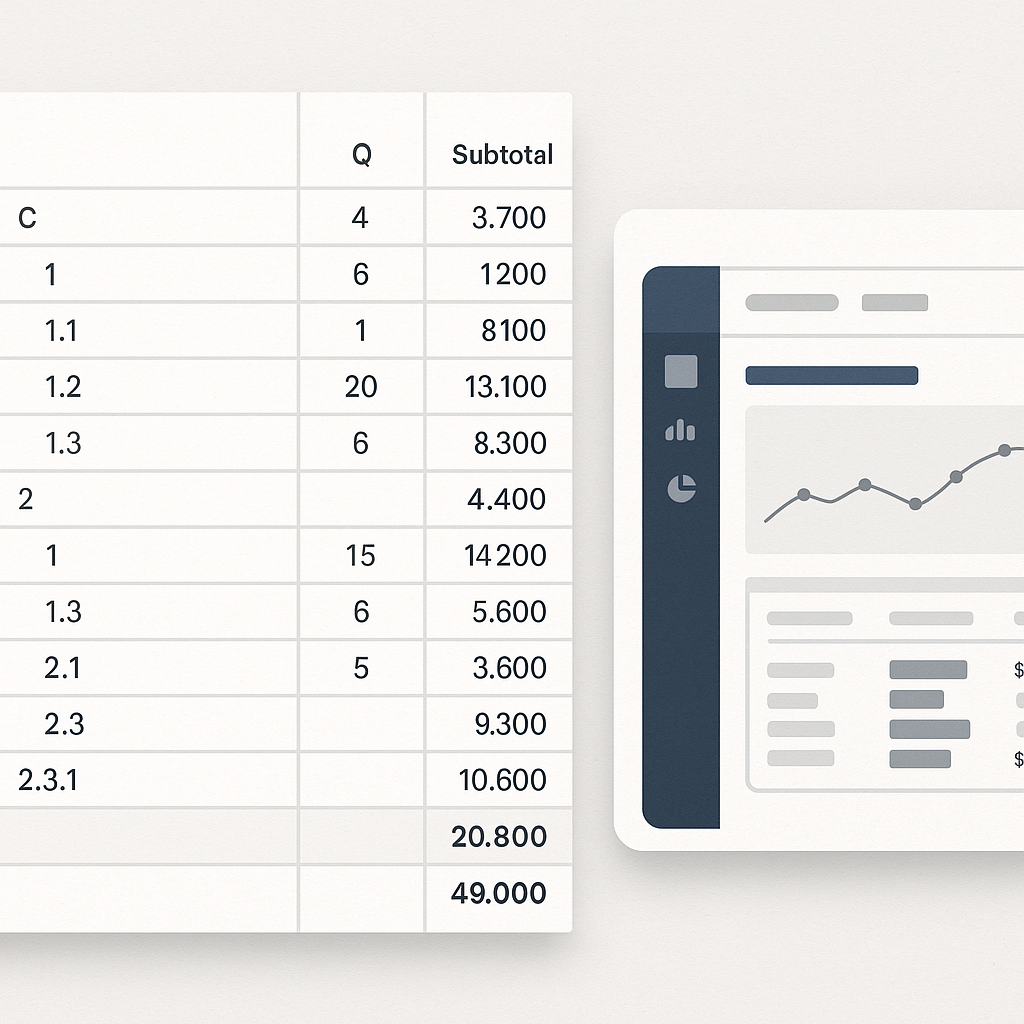
The Hidden Challenges of CESMM3 BOQs
Let’s be honest: structuring a CESMM3 BOQ (Bill of Quantities) is a headache. It’s supposed to bring consistency and clarity to your projects, but the reality is often messy. Long item descriptions, irregular codes, and subtotals that need to be preserved without pricing. Sound familiar?
The problem isn’t the CESMM3 standard itself—it’s how we prepare BOQs that comply with it. Mistakes creep in when you’re manually managing hierarchies, grouping rows, and ensuring every line item is properly classified. And those mistakes? They cost money. A lot of it.
But here’s the kicker: this problem is solvable. In fact, one general contractor we worked with eliminated thousands in rework costs just by rethinking their CESMM3 BOQ structure and using automation tools. Let’s break down how you can do the same.
Step 1: Build a Clear Hierarchy
A solid CESMM3 BOQ starts with a clear hierarchy. Think of it as a pyramid:
- Main Work Categories (e.g., Civil Works, MEP, Finishes)
- Subcategories (e.g., Concrete, Masonry, HVAC)
- Line Items (e.g., 200mm RCC Slab, 50mm Plaster, AHU Installation)
Why does this matter? Because CESMM3 requires a logical structure to ensure all work is defined, quantified, and priced accurately. If you’re working with inconsistent templates across projects, you’re setting yourself up for disaster.
Take the example of a mid-sized general contractor (GC) in Florida. They standardized all their BOQs using CESMM3 hierarchy principles and cut project setup time by 30%. Not only that, they delivered bids two weeks faster than competitors, giving them a noticeable market edge.
Actionable Steps:
- Define a Master Template: Create a reusable hierarchy template for all projects.
- Collaborate Across Teams: Involve estimators, project managers, and procurement teams to ensure no gaps in categorization.
- Leverage Automation: Use digital tools like EstimateNext to auto-parse messy Excel files or PDFs. The platform detects sections and hierarchies automatically, ensuring you start with a clean slate.
Step 2: Tame Item Descriptions
CESMM3 item descriptions are notoriously long and domain-specific. You can’t just copy-paste them into a spreadsheet and hope for the best. Here’s what works:
- Standardize Language: Avoid vague terms like “in accordance with the specification.” Be clear and concise.
- Use Templates: Pre-built CESMM3 templates can save hours of formatting.
- Inline Rate Analysis: Break down items into material, labor, and equipment costs. This helps clients understand where their money is going and reduces disputes later.
For instance, one contractor working on a high-rise construction project in Dubai revamped their item descriptions using templates tailored to CESMM3. By ensuring consistency in language and codes, they reduced disputes during contract review by 40%, saving weeks of back-and-forth emails.
Pro Tip: Digital platforms like EstimateNext go further by preserving messy descriptions while maintaining the hierarchy. Item codes, units, and notes stay intact, and unresolved lines are flagged for review. No surprises during bid submission.
Step 3: Handle Subtotals and Totals
Here’s where most teams trip up. CESMM3 requires subtotals by section, but these should never be priced as executable items. If you’re manually managing these relationships, it’s easy to misalign your BOQ—and that can throw off your entire bid.
Imagine a scenario where subtotals for concrete works are mistakenly priced as individual line items. The result? A bloated bid that gets rejected during tender evaluation. One contractor in Southeast Asia faced this exact issue and lost a $2 million bid due to such errors.
Actionable Steps:
- Separate Subtotals from Executable Items: Clearly mark subtotals and totals in your BOQ template.
- Use Automation: Tools like EstimateNext recognize grouping rows and ensure they aren’t treated as pricing lines.
- Generate Abstract Summaries: Break down totals by cost component (e.g., material, labor, equipment) for maximum accuracy.
Step 4: Import Rates the Right Way
Rates can make or break your CESMM3 BOQ. Don’t just slap in a number without verifying it against regional standards or inflation trends. Here’s how to do it right:
- Use Trusted Sources: CESMM3 rates vary by region. Tools like RSMeans or CPWD DSR catalogs are a good starting point.
- Adjust for Inflation: Construction costs don’t stay static. EstimateNext’s rate analysis feature auto-suggests CPI adjustments to keep your BOQ aligned with market conditions.
- Validate Against Historical Data: If you’ve done similar projects in the past, use those realized rates as benchmarks.
For example, a contractor in the UK leveraged historical data to refine their rates for a railway extension project. By comparing regional pricing trends and inflation data, they submitted a bid that was 15% lower than their competitor’s while maintaining profitability.
Step 5: Standardize Outputs
Clients hate messy deliverables. Whether it’s a tender submission or a cost plan, make sure your CESMM3 BOQ looks professional.
At a minimum, include:
- Summary Sheets: High-level cost breakdown by category.
- Detailed Sheets: Line-by-line rates, quantities, and totals.
- Audit Trails: Show where your rates came from and how they were calculated.
One contractor in Singapore switched to EstimateNext and streamlined their outputs. They reduced formatting errors and rework time by 50%, delivering polished BOQs that impressed clients during tender evaluations.
Comparison Table: Manual vs. Automated CESMM3 BOQ Preparation
| Aspect | Manual Preparation | Automated Tools (e.g., EstimateNext) |
|---|---|---|
| Hierarchy Structuring | Prone to errors; time-consuming | Auto-detected and consistent |
| Item Description Handling | Requires manual entry and verification | Preserved automatically |
| Subtotals Management | High risk of misalignment | Automatically classified |
| Rate Import & Validation | Manual research; prone to outdated rates | Regional rates auto-suggested |
| Output Standardization | Requires manual formatting | One-click CESMM3-compliant exports |
The Real ROI of Getting It Right
You might be thinking: “This sounds like more work.” But the math doesn’t lie. A properly structured CESMM3 BOQ saves hours—and thousands in rework costs.
One contractor we partnered with went from losing bids due to misaligned BOQs to winning 4 additional projects in a year. Why? Their bids were faster, cleaner, and error-free.
If you’re struggling with CESMM3 BOQs, EstimateNext can help. From hierarchical parsing to regional rate analysis, it’s built for accuracy and speed. Get started free →


