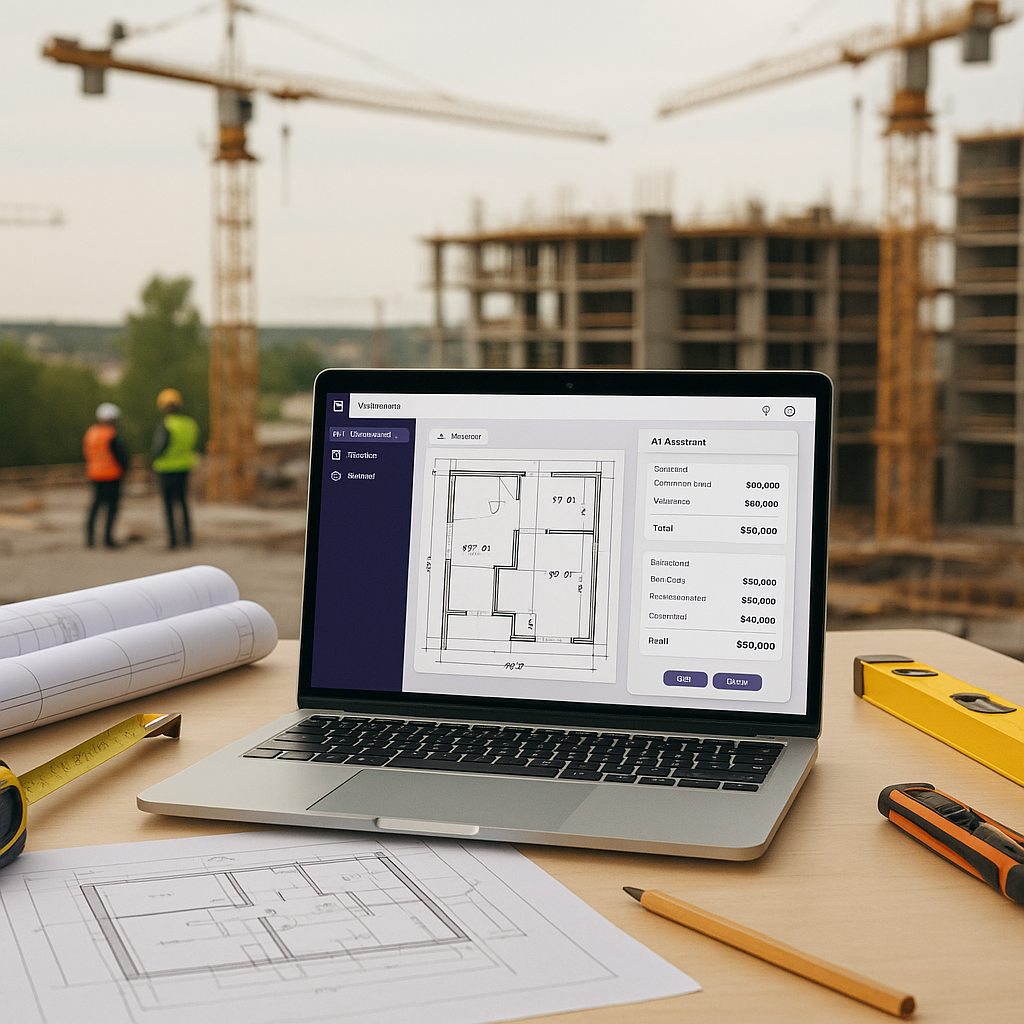
The Real Cost of Manual Takeoffs
Let’s start with a simple question: How many hours does your team spend on manual takeoffs for a typical project? If you’re like most preconstruction teams, it’s around 40 hours—two full working days for two estimators. That’s a brutal drain on time. And it’s not just about the hours themselves; it’s about what you can’t do because you’re stuck in this time sink.
The Hidden Costs of Manual Takeoffs
Manual takeoffs don’t just cost you time—they cost money. According to a report from McKinsey, labor inefficiencies in construction are responsible for up to $1.6 trillion in lost productivity globally each year (source). When your estimators are tied up with repetitive tasks like measuring and counting quantities, they’re not doing higher-value work like strategizing bids, analyzing subcontractor proposals, or identifying cost-saving opportunities.
Additionally, manual takeoffs often lead to errors. A misplaced decimal or a missed measurement can snowball into significant project overruns. Studies show that human error accounts for nearly 80% of construction disputes (source).
The AI Takeoff Revolution
This is where tools like EstimateNext change the game. Their Vision AI can extract quantities from PDF drawings in 10 minutes. Yes, 10 minutes. That’s a 10X speed improvement over manual methods. But let’s be honest—speed alone isn’t the full story. The big win is what happens when you free up those 36 hours.
How Does AI Takeoff Work?
AI-powered tools use machine learning algorithms to interpret construction drawings, identify elements (like walls, beams, or slabs), and calculate quantities. Unlike manual methods, where you’re painstakingly clicking through each measurement, AI tools scan entire drawings in seconds, cross-referencing data to ensure accuracy. For example:
- Pattern Recognition: AI identifies repetitive elements like windows or joists, automating their counting.
- Error Detection: If a drawing has inconsistencies, AI can flag them for your review.
- Data Integration: Outputs from tools like EstimateNext can be exported directly into project management platforms like Procore or estimating software like Sage Estimating.
What Would You Do with 36 Hours?
Here’s what I’ve seen teams achieve when they’re not buried in manual takeoffs:
1. More Bids
A mid-sized general contractor (GC) I worked with recently used their saved time to bid on two additional projects in a single month. They won one of them—adding $2.3 million to their pipeline. Over a year, that’s a potential $27.6 million in new revenue just because they could handle more bids.
2. Better Negotiations
Instead of scrambling to finish takeoffs, teams can focus on negotiating better terms with subcontractors. One client told me they secured a 15% discount on structural steel because they finally had time to sit down and analyze subcontractor quotes properly. On a $5 million project, that’s a $750,000 savings.
3. Internal Improvements
Those extra hours can be reinvested into refining processes, training junior estimators, or testing what-if scenarios to find cost-saving opportunities. For example, one company used their freed-up time to train junior staff on value engineering principles, which helped them identify $250,000 in savings on a single project.
The Obvious Objection: “But AI Doesn’t Think Like an Estimator”
I get this pushback all the time. You might be thinking, “Sure, AI is fast, but it doesn’t understand the nuances of construction.” That’s partially true—but it’s also missing the point. AI doesn’t replace your expertise; it amplifies it. You’re still the one making judgment calls, negotiating with subs, and deciding on markup. The AI just handles the grunt work—like takeoffs, rate matching, and what-if recalculations. It’s a tool, not a replacement.
Addressing Common Concerns
-
“What if AI misses something?” AI tools often include confidence scoring and manual review features. For example, EstimateNext allows you to review flagged items for potential issues, ensuring nothing critical gets overlooked.
-
“Will my team struggle to adapt?” Most AI tools are built with user-friendly interfaces. Teams typically need less than two weeks of training to become proficient.
Case Study: A $1B Rail Project
One of the largest infrastructure contractors in the US used EstimateNext on a $1 billion rail project. Before AI, their team spent 120 hours extracting quantities for concrete columns, beams, and rail decks. With AI, that same work got done in 10 minutes. More importantly, the saved time let the team focus on optimizing the bid strategy, which ultimately helped them win the project.
Why Speed Isn’t Enough
Here’s the thing: AI-powered tools like EstimateNext are fast. But speed alone doesn’t justify the investment. The real value comes from:
1. Accuracy
AI takeoffs are up to 80% more accurate than manual ones, according to McKinsey. Fewer errors mean fewer RFIs (Requests for Information) and change orders down the line. One contractor reported a 50% reduction in RFIs after switching to AI-powered takeoffs.
2. Scalability
Whether you’re pricing a $1 million renovation or a $1 billion rail bridge, AI tools scale effortlessly. You’re not hiring more estimators; you’re just working smarter.
3. Learning Curve
Tools like EstimateNext are designed to be intuitive. Most teams report being fully up to speed in under two weeks. That’s a minimal investment of time for a huge payoff.
Comparison Table: Manual Takeoffs vs. AI Takeoffs
| Feature | Manual Takeoffs | AI-Powered Takeoffs |
|---|---|---|
| Time Required | ~40 hours/project | ~10 minutes/project |
| Accuracy | Prone to human error | Up to 80% more accurate |
| Scalability | Limited by manpower | Effortlessly scalable |
| Cost | High (labor costs) | Lower over time |
| Error Detection | Manual review | Automated flagging |
The Bottom Line
If you’re still spending days on manual takeoffs, you’re not just wasting time—you’re missing opportunities. AI-powered tools like EstimateNext don’t just save hours; they give your team the bandwidth to focus on what really matters: winning more projects, negotiating better deals, and delivering better bids.


