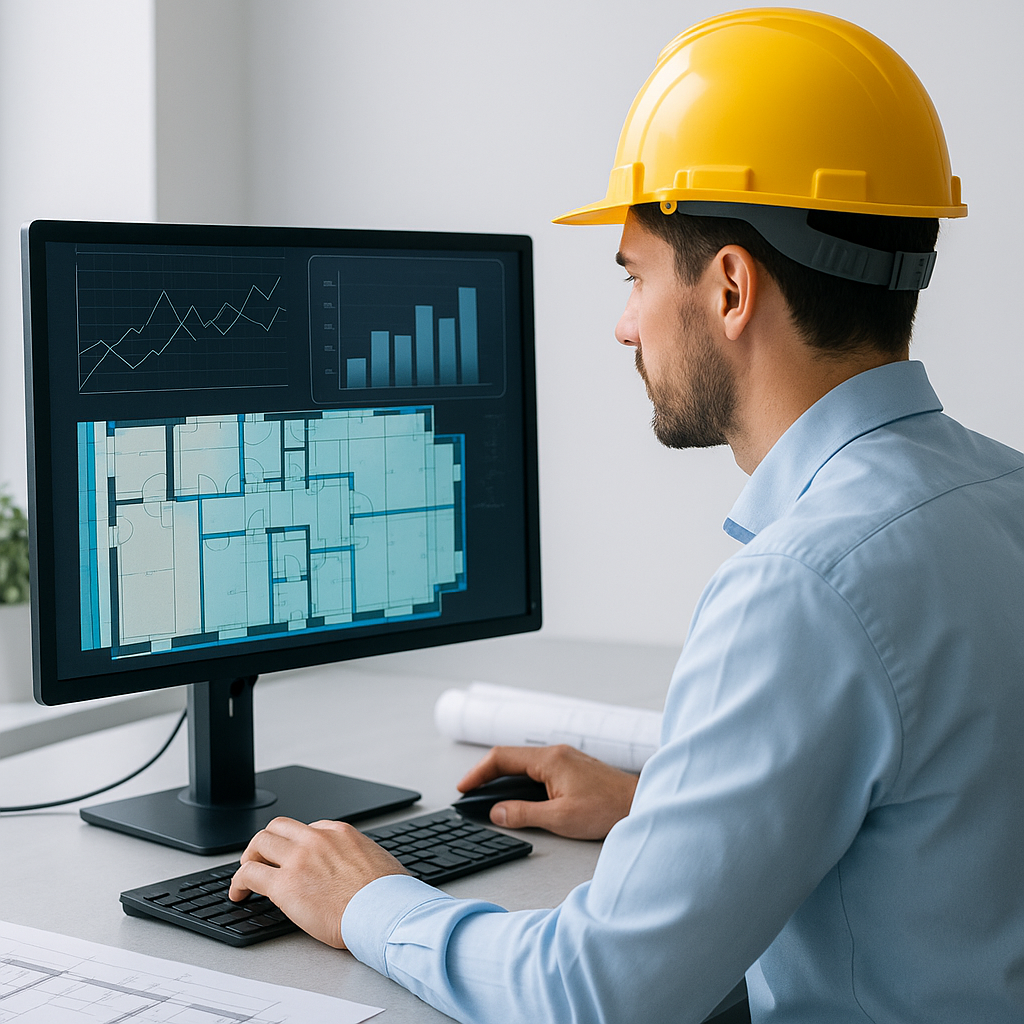
Stop Wasting 40 Hours on Takeoffs
Every estimator knows the pain of manual drawing takeoffs. You spend two days clicking through PDFs, tracing walls and beams, and double-checking measurements. It’s tedious, prone to error, and frankly, old-school.
AI fixes this. Tools like EstimateNext’s Vision AI cut takeoff time from 40 hours to just 10 minutes. That’s not just hype—it’s backed by real-world data. One mid-sized contractor saved 120 hours on a single project using AI takeoff automation. EstimateNext’s case study shows how AI streamlined takeoffs for a $1 billion rail bridge project.
But how exactly does this work? And is it worth adopting for your business? Let’s dive deeper into the benefits, use cases, and actionable steps to leverage AI-powered takeoff tools.
How It Works: The AI Takeoff Revolution
Here’s how AI is transforming preconstruction workflows: it scans PDF drawings and automatically extracts key quantities—room areas, wall lengths, door and window counts, concrete column volumes, and more. Estimators upload the project files, hit “process,” and receive a fully measured drawing set in minutes. It’s like having an extra estimator on your team, minus the payroll cost.
Let’s break this down further:
1. Automated Quantity Extraction
AI algorithms are trained on thousands of architectural drawings, learning to recognize structural elements like walls, beams, and openings. For example, tools like EstimateNext can distinguish between a concrete wall and a drywall partition based on line patterns and annotations.
2. Confidence Scoring
While AI is powerful, it’s not infallible. That’s why tools include confidence scores to highlight measurements that may need manual review. If the system is unsure about a dimension, it flags it for human input. For instance, a low-resolution scan of a PDF might result in unclear wall boundaries, which the estimator can correct.
3. Integration with Existing Workflows
Many AI takeoff tools integrate seamlessly with popular construction software like Procore, PlanSwift, or Bluebeam. This ensures you’re not starting from scratch—your data flows directly into your existing systems for cost estimation or scheduling.
Why Accuracy Matters More Than Speed
Speed is great, but accuracy is the real game-changer. Imagine submitting a bid where your quantities are off by just 5%. On a $50 million project, that’s a $2.5 million mistake—enough to wipe out your profit margin or even sink your business.
The Numbers Don’t Lie
AI-powered tools reduce takeoff discrepancies by up to 80% compared to manual methods. According to McKinsey’s 2023 report on AI in construction, early adopters see cost savings of 10-20% per project, largely due to improved accuracy in estimates.
Real-World Example
In 2022, a large commercial builder in Texas used AI to complete takeoffs for a $22 million mixed-use development. By switching to an AI-powered workflow, they reduced errors by 75%, ensuring their bid quantities aligned perfectly with actual project needs. They also saved $18,000 in labor costs on that project alone.
The Obvious Skepticism: “Can AI Really Think Like an Estimator?”
No, AI can’t think like an estimator—and it doesn’t need to. Estimators bring critical judgment, market knowledge, and negotiation skills to the table. What AI does is handle the grunt work: repetitive tasks like takeoffs, rate matching, and recalculating scenarios.
Think of AI as an Apprentice
AI serves as your estimation apprentice. It handles the time-consuming tasks, leaving you free to focus on high-value activities like:
- Vetting subcontractor bids
- Adjusting for market-specific variables
- Strategizing competitive markup rates
In other words, AI amplifies your expertise rather than replacing it.
Real ROI: The Numbers Don’t Lie
Let’s talk dollars and cents. Implementing AI in your estimation process doesn’t just save time—it makes financial sense.
General Contractors
A general contractor typically spends 40 hours per estimate. At an average hourly rate of $130, that’s $5,200 per estimate. If you bid on six GMP (Guaranteed Maximum Price) projects annually, AI can save you $31,200 in labor costs. Compare that to a $99/month subscription cost for an AI tool like EstimateNext, and you’re looking at a 52X return on investment.
MEP Subcontractors
For MEP (Mechanical, Electrical, Plumbing) subcontractors, the ROI can be even more dramatic. Faster quotes allow you to respond to 50% more bid packages. If you win just four extra contracts a year, each worth $200,000, you’ll generate an additional $800,000 in revenue—all for a $39/month investment.
Small Firms and Solo Estimators
Even small firms or solo estimators can benefit. If you’re a one-person operation bidding on smaller projects, AI can free up your time to take on more clients. Completing takeoffs in minutes instead of days means you could double your workload without sacrificing quality.
The Edge Case: Multi-Market Complexity
AI isn’t just for straightforward projects. It excels in complex, multi-market bids where different standards, currencies, and labor rules come into play.
Example: International Projects
Imagine bidding on a project in the UK while adhering to RICS measurement standards, then switching to a U.S. project using CSI MasterFormat. EstimateNext’s MarketProfile architecture adapts seamlessly, converting quantities and formats automatically. This eliminates the need to manually adjust for local specifications, saving hours of work.
Actionable Steps to Get Started with AI Takeoffs
If you’re ready to ditch manual takeoffs, here’s how to get started:
-
Evaluate Your Current Workflow
- How many hours do you spend on takeoffs per project?
- What’s your current error rate in estimates?
-
Research AI Tools
- Compare platforms like EstimateNext, STACK, and PlanSwift.
- Look for features like confidence scoring, multi-format compatibility, and integration with your existing software.
-
Pilot a Small Project
- Start with a small or mid-sized project to test the tool’s capabilities.
- Measure the time and cost savings compared to your manual process.
-
Train Your Team
- Most AI tools are intuitive, but a short training session ensures everyone is aligned.
- Use the vendor’s support resources, such as tutorials or live demos.
-
Scale Gradually
- Roll out the AI tool across larger projects as your team grows comfortable.
- Continuously monitor performance metrics to ensure ROI.
Comparison Table: Manual Takeoffs vs. AI-Powered Takeoffs
| Feature | Manual Takeoffs | AI-Powered Takeoffs |
|---|---|---|
| Time Required | 20-40 hours per project | 10-15 minutes |
| Error Rate | 5-15% | Reduced by up to 80% |
| Scalability | Limited by team capacity | Scales with minimal effort |
| Cost | High labor costs | Low subscription fees |
| Multi-Market Adaptability | Manual adjustments needed | Automatic conversions |
Call to Action
If you’re tired of wasting days on manual takeoffs, it’s time to modernize your workflow. EstimateNext offers a free trial so you can see the time and cost savings for yourself. Get started free →


