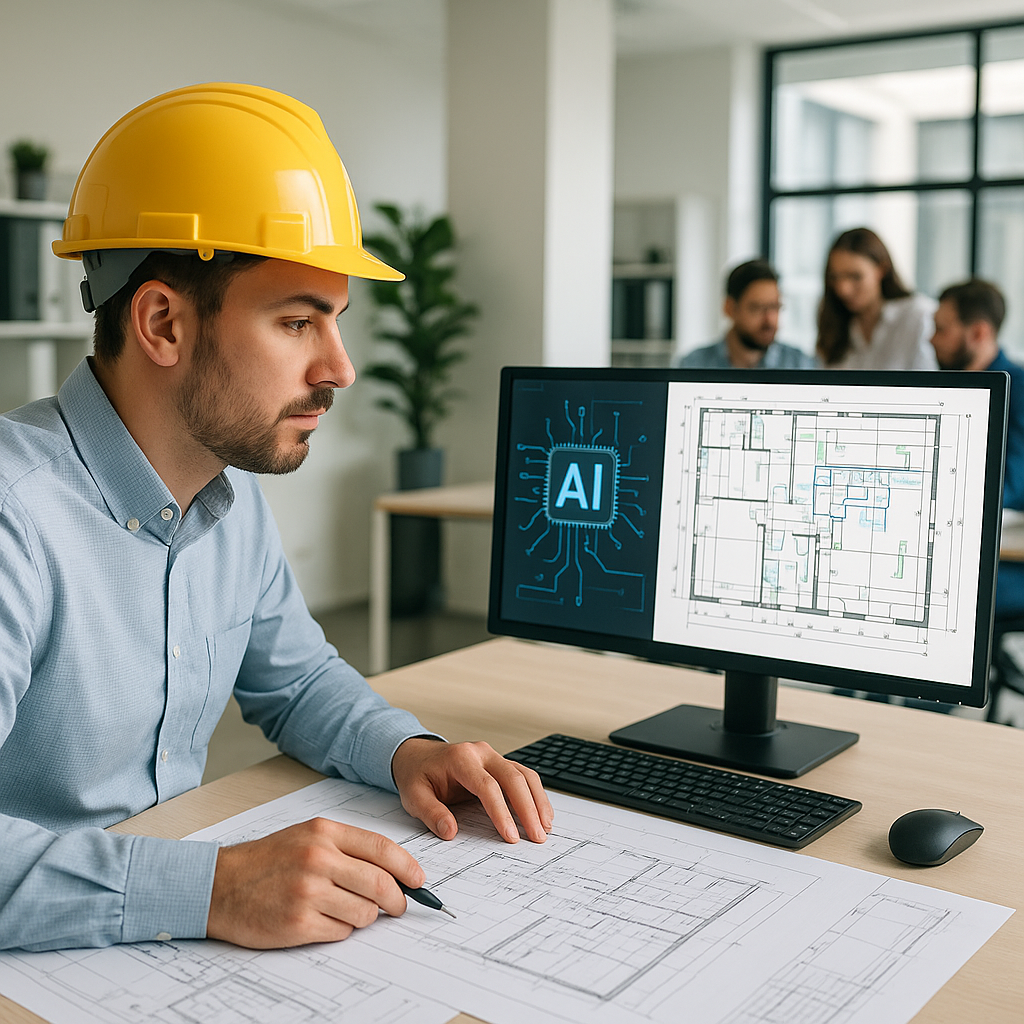
The Nightmare of Manual Takeoffs
Every estimator has been there. You sit down with a set of drawings, calibrate your measurement tools, and start tracing. Room by room, wall by wall, door by door. By the time you're done, it's two days later, you've skipped lunch twice, and you're still not sure if your quantities are perfect.
The truth is, manual takeoffs are a grind. A typical mid-sized project might need 40 hours of labor just to extract quantities from drawings. That’s time you could spend refining your bid strategy or negotiating with subcontractors. Even worse, manual errors can lead to inaccurate bids, resulting in lost projects or slim profit margins.
But what if you didn’t have to do it all manually? What if extracting quantities took minutes instead of days?
How AI Changes the Game
This is where AI-powered tools like EstimateNext come into play. Using Vision AI, you can upload a PDF set of drawings, and the system extracts quantities automatically. Wall lengths, room areas, door counts—it’s all done in 10 minutes flat.
Let’s break down how this works:
- Upload Your Drawings: Simply drag and drop your construction drawings into the system. No calibration or manual setup required.
- AI Identifies Key Components: The software uses object recognition to identify walls, doors, windows, and other elements based on industry standards.
- Instant Quantities: In a matter of minutes, you’ll get detailed reports outlining the quantities for each component.
Imagine you’re bidding on a $1B rail project with hundreds of columns, beams, and rail decks. Manually measuring each component would take days. With AI, you upload the drawings, and the quantities are ready before your coffee cools. Whether it's a $1M office fit-out or a massive infrastructure project, the speed improvement scales with the complexity.
Concrete Example
Take a $5M school renovation project, for instance. The drawings include 50 rooms, dozens of windows, and hundreds of feet of wall partitions. A manual takeoff might take 30–40 hours to complete. Using AI, you can finish this task in under an hour, freeing up valuable time for more strategic work.
Real Savings: A Case Study
Let’s look at a mid-sized general contractor (GC) that used Vision AI on a high-rise bid. The team saved 120 hours on quantity takeoffs—that’s two full weeks of labor costs avoided. At $50/hour, that’s $6,000 saved on one project alone. Over the course of a year, this GC applied AI-powered takeoffs to 20 projects, saving $120,000 in labor costs.
But the savings don’t stop there. By freeing up their estimators, the team had more bandwidth to:
- Negotiate better subcontractor pricing.
- Spend time on value engineering to improve bid competitiveness.
- Deliver more accurate bids faster, leading to higher win rates.
In their own words: “It’s like hiring a full-time estimator without the overhead.”
Industry Data
According to McKinsey, AI tools can reduce time spent on repetitive tasks by up to 60% across industries. For construction estimators, this translates directly into faster bids, lower labor costs, and fewer errors.
What About Accuracy?
You might be thinking, "Sure, AI is fast, but how accurate is it?" It’s a fair question. AI tools like EstimateNext come with confidence scoring, flagging low-certainty measurements for manual review. This means you can double-check tricky areas while letting the system handle the bulk of the work.
Addressing Common Concerns
-
AI Doesn’t Understand Project Context: True, AI doesn’t have the project-specific expertise of a seasoned estimator. But it’s not meant to replace your expertise—it’s designed to amplify it. AI handles the grunt work, allowing you to focus on high-value tasks like scope adjustments and pricing strategies.
-
Low-Quality Drawings: AI tools are equipped to handle less-than-perfect inputs. When drawings are blurry or poorly labeled, the system flags these areas for manual intervention, ensuring accurate results.
Example Scenario
Imagine you’re estimating a hospital project with complex mechanical and electrical systems. The AI tool handles simpler elements like walls and room areas, while you review flagged areas for HVAC components not clearly marked. The result? You save hours while ensuring accuracy.
How to Get Started
If you’re new to AI estimation tools, here’s a step-by-step guide:
1. Start Small
Test AI tools on a smaller project to familiarize yourself with the platform. For instance, upload drawings for a simple office fit-out to see how the system handles basic components.
2. Evaluate Integrations
Most platforms, including EstimateNext, integrate with tools you’re already using, like Bluebeam or Procore. This ensures a seamless workflow.
3. Train Your Team
While these tools are user-friendly, some basic training goes a long way. Most systems offer onboarding tutorials and live support. Dedicate a week to training your estimators.
4. Scale Up
Once you’re confident, start using AI on larger, more complex bids. The ROI becomes increasingly compelling as project complexity—and manual workload—skyrockets.
5. Measure Results
Track key metrics like time saved, labor costs reduced, and bid accuracy. Use these data points to justify continued investment in AI tools.
Comparison Table: Manual Takeoffs vs. AI-Powered Takeoffs
| Criteria | Manual Takeoffs | AI-Powered Takeoffs |
|---|---|---|
| Time Required | 30–40 hours per project | 10–60 minutes per project |
| Accuracy | Prone to human error | High, with flagged reviews |
| Labor Cost | $1,500–$2,000 per project | $50–$200 per project |
| Scalability | Limited by human hours | Scales effortlessly |
| Focus on Strategic Tasks | Minimal | Significant improvement |
Call to Action
If manual takeoffs are eating into your team’s productivity, EstimateNext can help. Our Vision AI cuts takeoff time from 40 hours to 10 minutes. With improved accuracy, reduced labor costs, and the ability to focus on strategic tasks, it’s a no-brainer for modern estimators. Get started free →


