Why Manual Rate Lookup is a Time Sink
Estimators know this pain all too well: flipping through endless rate books or PDFs just to find the right match for a BOQ (Bill of Quantities) line item. Whether you're using RSMeans, CPWD DSR, or your own catalog, manual rate lookup is slow, tedious, and error-prone. On average, it can take 12 hours per estimate just to get all the rates in place. That’s an entire workday—sometimes more—gone before you even start analyzing profitability.
What’s worse? Errors in rate selection creep in unnoticed. A mismatched labor rate or incorrect material cost can throw off your entire estimate. For large projects, even a 1% mistake in pricing could mean losing a bid—or worse, winning it and bleeding money during execution. Compounding the issue, manual lookups don’t scale well. As projects grow in complexity or estimators handle multiple bids simultaneously, the risk of errors and time loss skyrockets.
How AI-Powered Rate Matching Works
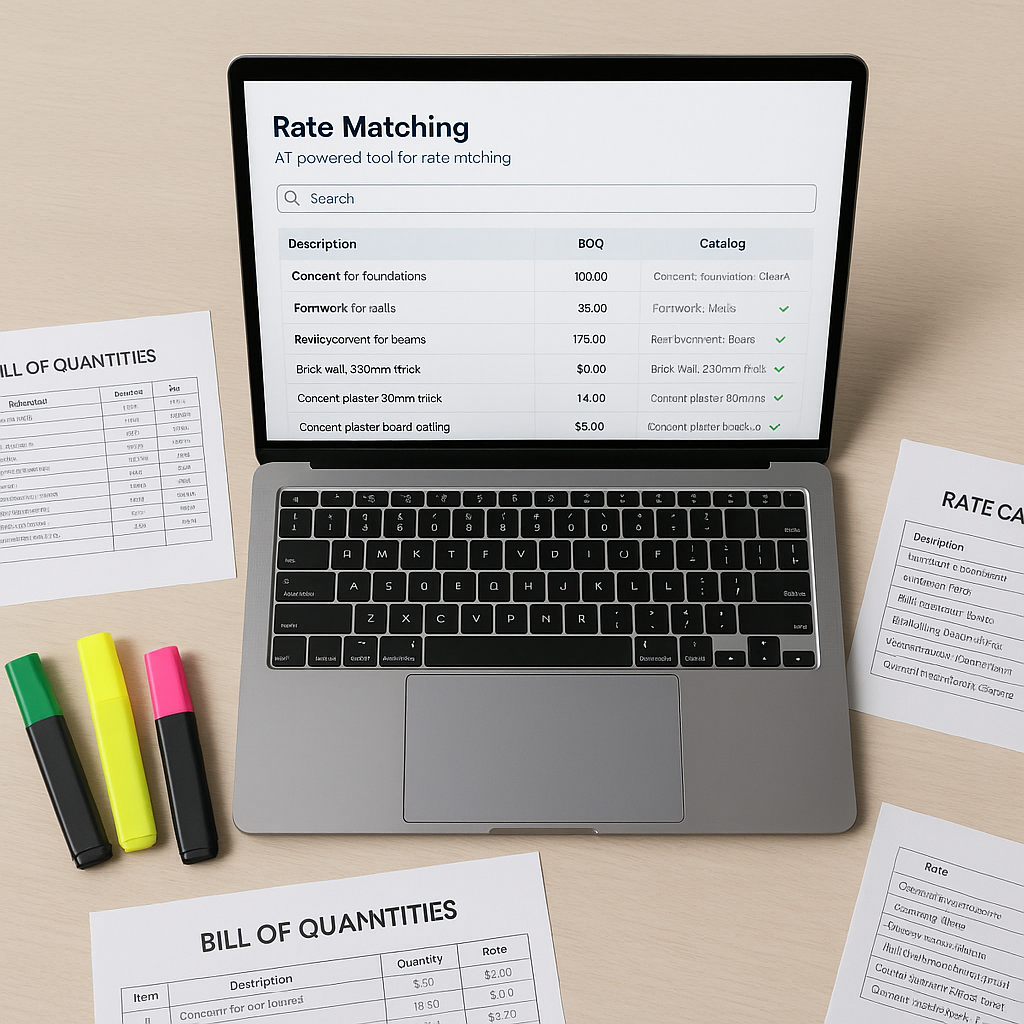
AI-powered rate matching tools, like those offered by EstimateNext, tackle this problem head-on. Instead of wasting hours flipping pages or building formulas in Excel, you upload your BOQ. The AI scans each line item and intelligently matches it with the most relevant rate from a database of 78,000+ Standard Operating Rates (SORs). These databases are sourced from standards like RSMeans, CPWD, or your custom catalogs.
Key Features of AI-Powered Rate Matching:
-
Semantic Search: The AI doesn’t just match keywords; it understands context. For example, if your BOQ says "plastering (12mm thick)," it knows to look for rates that include both material and labor for a 12mm plaster application. This eliminates the guesswork that often comes with manual lookups.
-
Fallback Logic: If a direct match isn’t found, the system widens its search parameters—looking for similar items in related catalogs or even suggesting custom rates based on historical data. For instance, if your catalog doesn’t have a specific rate for a new type of eco-friendly material, the AI might suggest substituting rates for similar materials while flagging it for your review.
-
Feedback Loop: Over time, the AI learns from every correction or adjustment you make, improving its accuracy for future estimates. This “training” ensures the system becomes more tailored to your specific workflows and preferences.
-
Batch Processing: AI tools process BOQ items in bulk, dramatically reducing turnaround times. Instead of handling rates one by one, you can upload hundreds—or even thousands—of line items for simultaneous matching.
Actionable Steps to Implement AI Rate Matching
If you're considering an AI-powered tool for rate lookup, here are practical steps to get started:
1. Digitize Your BOQ:
Ensure your BOQ is in a clean, consistent format like Excel or CSV. Avoid merged cells, inconsistent descriptions, or missing line items. AI tools rely heavily on structured input data to deliver accurate results.
2. Standardize Rate Catalogs:
Upload your rate catalogs—whether they’re sourced from RSMeans, CPWD DSR, or subcontractor quotes—into the system. Standardization ensures quicker, more accurate matching.
3. Run Small Projects First:
Start with smaller, less complex projects to test the system’s capabilities. Evaluate its performance in terms of accuracy and speed before scaling up to larger bids.
4. Review Flagged Items:
AI will occasionally flag ambiguous or low-confidence matches. Allocate time to manually review these flagged items to ensure accuracy.
5. Monitor and Train the AI:
Use the AI’s feedback loop to refine its performance. Correct errors, validate matches, and provide additional context to improve its understanding of your specific needs.
Comparison: Manual Rate Lookup vs. AI-Powered Rate Matching
| Feature | Manual Rate Lookup | AI-Powered Rate Matching |
|---|---|---|
| Time per Estimate | 12-20 hours | 1-2 hours |
| Error Risk | High (human oversight dependent) | Low (with flagged reviews) |
| Scalability | Limited | Scales to thousands of line items |
| Learning Curve | Requires extensive knowledge of catalogs | Minimal—AI does the heavy lifting |
| Cost Efficiency | Labor-intensive, costly | Saves time and reduces errors |
The ROI of Speed and Accuracy
According to a 2023 McKinsey report, early adopters of AI tools in construction see average cost savings of 10-20% per project. These savings stem largely from efficiency gains in preconstruction tasks like rate lookup and estimation.
For general contractors (GCs), this translates to:
- Faster Turnarounds: Bid on more projects without adding headcount.
- Better Accuracy: Reduce costly mistakes that kill profitability.
- Higher Win Rates: Submit competitive, error-free bids faster than your competitors.
By integrating AI tools, you’re not just saving time—you’re enabling your business to scale without compromising quality or accuracy.
Common Mistakes to Avoid
Even with AI, there are pitfalls to watch out for:
-
Poor Input Data: AI tools depend on the quality of your BOQ. Merged cells, inconsistent formatting, or missing descriptions will lead to errors. Clean and structure your data before uploading.
-
Over-Reliance on Automation: AI is a tool, not a replacement for human judgment. Always review flagged items or low-confidence matches.
-
Neglecting Feedback: If you don’t correct the AI’s mistakes, it won’t improve. Treat every project as a training opportunity for the system.
Conclusion
Manual rate lookup isn’t just inefficient—it’s a liability. AI-powered rate matching eliminates this bottleneck, letting you focus on more strategic tasks like scope review and bid strategy. From faster turnarounds to improved accuracy, the benefits of AI tools are hard to ignore.
If you’re not already using tools like EstimateNext, you’re leaving time and money on the table. Start small, train the AI, and scale up—before your competitors beat you to it.


