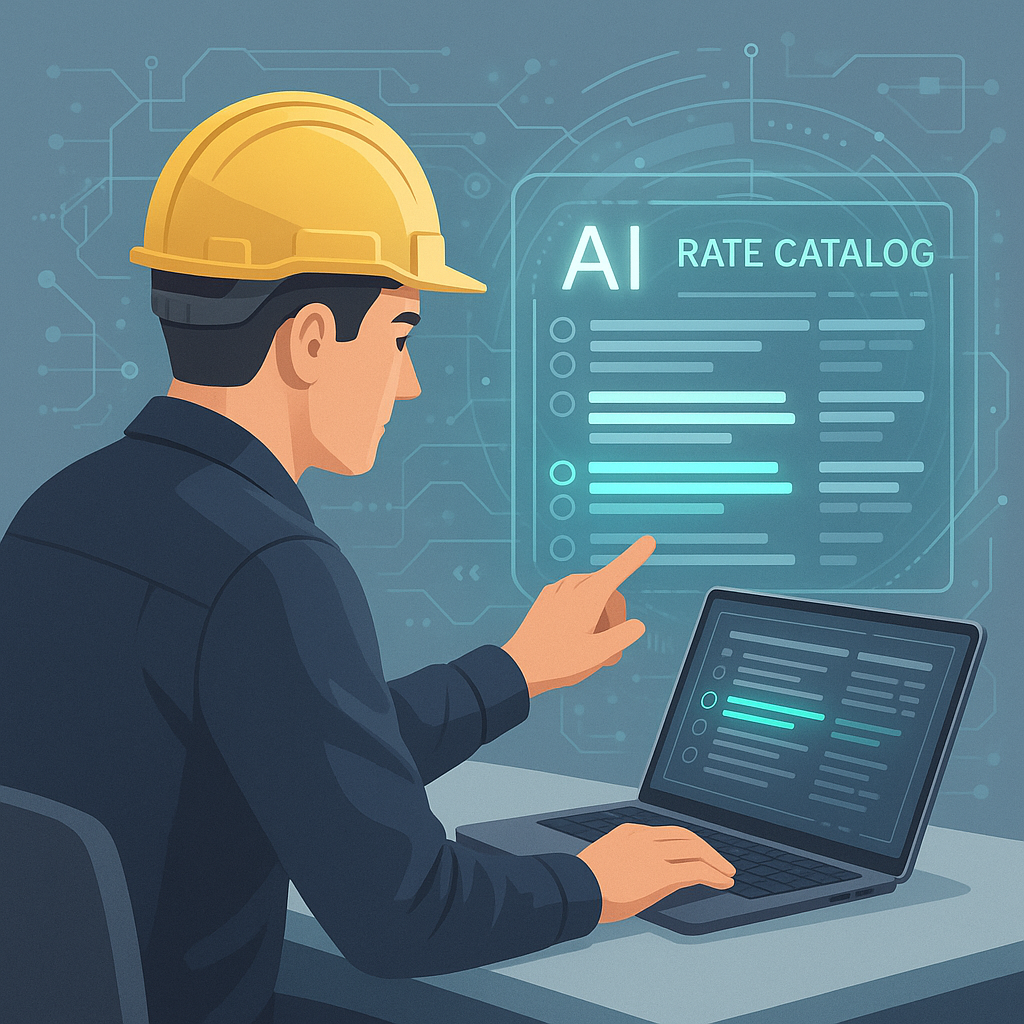
Expanded Article: Automated Rate Matching with AI
The Problem: Manual Rate Matching is Killing You
Rate matching sounds simple. You take the BOQ (Bill of Quantities) from your client, find corresponding rates in your catalog, and plug them into your estimate. Except it’s not that simple.
Take RSMeans, for example—one of the most popular rate sources for U.S. general contractors. The PDF book spans thousands of pages. Searching for the right rate can take hours. Multiply this across hundreds of line items, and your estimators are stuck in a never-ending loop of CTRL+F and manual cross-checks.
As a GC (general contractor) director, you already know the consequences: missed deadlines, inaccurate bids, and wasted resources. And let’s be honest—how many errors slip through the cracks when your team is rushing to finish a bid?
Real-World Consequences of Manual Rate Matching
Let’s break this down further:
- Missed Deadlines: A typical bid submission deadline is non-negotiable. When your team spends days cross-referencing rate books, there’s less time to proofread, validate the estimate, or prepare a compelling proposal. This often leads to rushed submissions.
- Inaccurate Bids: Mistakes in rate matching compound quickly. For instance, if a concrete rate is $125 per cubic yard but someone mistakenly enters $150, that error—multiplied by the project’s scope—can inflate your bid and cost you the contract.
- Burnout: Estimators are already juggling multiple bids at once. Making them spend hours on repetitive, mind-numbing tasks only increases churn and lowers morale. Burnout in the construction industry is real and costly.
The AI Solution: Instant Rate Matching
This is where AI steps in. Tools like EstimateNext use semantic search to match BOQ items to the correct rates in seconds. Think of it as CTRL+F on steroids—but smarter. The AI doesn’t just look for exact text matches; it understands context. For example, if your BOQ lists “concrete slab (reinforced),” the AI will find the appropriate RSMeans rate—even if the catalog uses slightly different phrasing, like “reinforced concrete flatwork.”
How It Works
- Upload Your BOQ: Drag and drop your BOQ into the platform. No manual formatting required.
- Semantic Search: The AI scans your BOQ and your rate catalog simultaneously, using natural language processing (NLP) to match line items with corresponding rates.
- Confidence Scoring: Each match is assigned a confidence score. High-confidence matches are auto-approved, while low-confidence ones are flagged for review.
- Export: Once verified, export the matched BOQ directly into your estimating software or share it with your team.
Real-Life Example
Let’s say your team is bidding on a $15 million mixed-use development. The BOQ includes 1,847 line items, ranging from excavation to finish carpentry. Normally, matching these rates manually would take two estimators at least 12 hours each—a total of 24 hours. With EstimateNext, the same task takes under 15 minutes. That’s not just faster; it’s game-changing.
Case Study: California School Renovation
One GC in California saved 25 hours on a school renovation project using AI-powered rate matching. Their own case study notes that the AI matched 97% of BOQ items on the first pass, with the remaining 3% flagged for manual review. The result? A more accurate bid delivered ahead of schedule, which helped them secure the contract and save an estimated $8,000 in labor costs.
Why Accuracy Matters in Rate Matching
Some GC directors think speed is the only benefit here. It’s not. Accuracy is just as critical. When your rates are even slightly off, you’re either overpricing (and losing bids) or underpricing (and losing profits). AI tools don’t just find rates quickly; they also provide confidence scores for each match, along with an audit trail. If your client disputes a rate later, you can show exactly where it came from.
Common Rate-Matching Errors
Here are some common errors that AI can help eliminate:
- Misinterpretation of Scope: For example, confusing square footage pricing with cubic footage.
- Outdated Rates: Using rates from obsolete catalogs without accounting for inflation.
- Duplicate Entries: Re-entering the same line item multiple times can inflate your bid.
- Misplaced Line Items: Manually copying and pasting items can lead to errors in sequencing, causing confusion down the line.
AI eliminates these issues while improving overall bid accuracy and transparency.
The Hidden Advantages of AI-Powered Rate Matching
Beyond speed and accuracy, AI-powered rate matching offers surprising benefits:
- Custom Catalogs: If your company uses proprietary rates—for example, negotiated supplier pricing—the AI can integrate these into its matching process for future use. No more starting from scratch each time you prepare a bid.
- Inflation Adjustments: AI tools like EstimateNext automatically suggest inflation uplifts based on the catalog year and Consumer Price Index (CPI) data. This ensures your rates reflect current market conditions.
- Learning Curve: Unlike humans, AI improves with every project. Feedback loops ensure the system gets smarter over time, reducing errors and improving confidence scores.
- Team Collaboration: Many AI platforms allow multiple users to work on the same project simultaneously. This fosters collaboration and shortens timelines.
Actionable Steps to Implement AI Rate Matching
- Evaluate Your Needs: Identify whether your team is struggling more with speed, accuracy, or both. This will help you prioritize features when choosing an AI tool.
- Start Small: Test AI on a smaller project before rolling it out company-wide. Many tools offer free trials or limited-feature versions.
- Train Your Team: AI is not a set-it-and-forget-it solution. Ensure your estimators understand how to use the tool effectively.
- Monitor and Optimize: Use the audit trails and confidence scores to identify patterns in mismatches. Provide this feedback to the AI system to improve its performance.
The Obvious Objection: “AI Can’t Think Like an Estimator”
You might be thinking, “Sure, AI is fast, but can it handle edge cases?” The answer: yes, but with limitations. AI isn’t a replacement for human judgment—it’s a tool to augment it.
For example, if your BOQ lists “custom millwork,” the AI might not find an exact match. However, it will flag the item for manual review, saving your team from hunting through the catalog aimlessly. In other words, AI handles the heavy lifting, while your team focuses on high-level decision-making.
When Should You Rely on Human Judgment?
- Highly Specialized Line Items: Unique or custom work typically requires manual input.
- Client-Specific Preferences: Some clients may have specific requirements not covered by standard catalogs.
- New or Unfamiliar Materials: AI tools may need more training data to handle emerging materials or techniques.
Decision Framework: Is AI Rate Matching Right for You?
| Factor | Manual Process | AI-Driven Process |
|---|---|---|
| Speed | Slow (hours or days) | Fast (minutes) |
| Accuracy | Prone to human errors | 95-99% accuracy, with audit trails |
| Scalability | Limited to team capacity | Easily handles thousands of items |
| Cost Efficiency | High labor costs | Cost-effective after setup |
| Learning Curve | Requires consistent training | Gets smarter with use |
| Customizability | Manual setup for each bid | Custom catalogs auto-integrated |
Call to Action
If you’re tired of wasting hours on rate matching—and risking costly errors—AI tools like EstimateNext can help. Try it free today →


