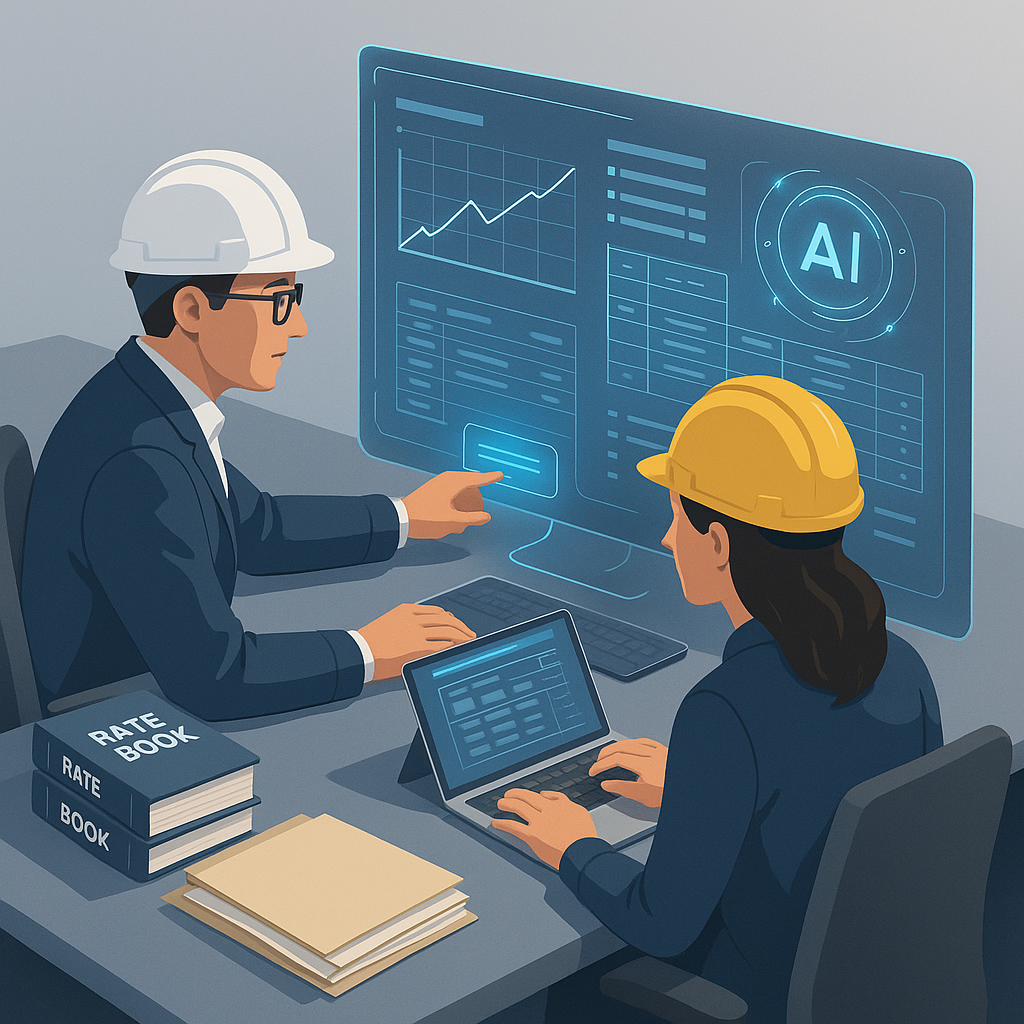
Stop Wasting Time on Rate Lookups: There's a Smarter Way
If you’ve ever spent half a day flipping through a 2,000-page rate book looking for the perfect match, you know how painful it is. It’s tedious, error-prone, and frankly outdated. Yet, many contractors and estimators still rely on this manual process. Why? Because they’ve been burned by bad tools before.
AI-powered rate matching changes the game. Instead of spending 12 hours manually searching for rates, you can get results in seconds. Tools like EstimateNext use advanced semantic search to comb through 78,000+ standard SOR (Schedule of Rates) items and deliver accurate matches instantly. It’s like having a digital assistant that actually understands construction.
But here’s the kicker: it’s not just about speed. It’s about trust. Let’s dig in.
Why Manual Rate Matching Fails (and Costs You Money)
Manual rate matching isn’t just slow—it’s unreliable. Estimators often miss critical nuances, like region-specific adjustments or inflation impacts. And when you’re juggling multiple rate catalogs (RSMeans, CPWD DSR, custom client rates), the chances of error skyrocket.
Real-World Example
Here’s a real-world example: A mid-size contractor bidding on a $50M office building used manual rate lookup for HVAC and electrical items. They underpriced several key components because they missed updated labor rates in the latest RSMeans edition. The result? A $120K margin shortfall.
Another example comes from a civil works contractor working on a $10M road project. The estimator accidentally used outdated equipment rental rates when calculating costs for heavy machinery. This oversight led to a $40K overbid—causing the contractor to lose the project entirely to a competitor with more accurate pricing.
Why Errors Happen
- Volume of Data: Rate books are massive, with thousands of entries that require careful cross-referencing.
- Human Fatigue: After hours of manual lookup, even the most meticulous estimator can make mistakes.
- Frequent Updates: Rates for labor, materials, and equipment change regularly, making it hard to stay current.
AI fixes this. It doesn’t just match rates—it understands context. For instance, EstimateNext’s AI considers material, labor, and equipment breakdowns, inflation uplifts, and even custom catalogs. That $120K mistake? Avoided.
How AI-Powered Rate Matching Works (No, It’s Not Magic)
You might be wondering: “How does AI actually work here?” Let’s break it down.
1. Semantic Search
Instead of exact keyword matches, the AI understands what you’re looking for. For example, type “pre-stressed concrete girder installation,” and it’ll find the closest match—even if the catalog uses slightly different terminology. This eliminates the need for guesswork or memorizing catalog-specific jargon.
2. Context Awareness
The system looks at your project’s geography, scope, and historical data. For instance, if you’re pricing a project in New York, it’ll prioritize labor rates from that region’s catalog. This ensures that the rates you’re using reflect local market conditions.
3. Feedback Loops
AI gets smarter with use. As you accept or reject matches, the system learns your preferences and improves over time. By your third or fourth project, it’s practically tailor-made for you.
4. Custom Catalog Integration
Got unique rates for a specific client or material? Upload them. The AI will incorporate these into its database for future use. This feature is particularly useful for contractors who work with repeat clients or have negotiated special rates with suppliers.
Case Study: A Large Infrastructure Project
A general contractor working on a $200M infrastructure project used AI-powered rate matching for the first time. The tool identified 15% cost savings by flagging inconsistencies between the contractor’s custom rate book and industry-standard rates. The AI also recommended more cost-effective alternatives for specific materials, leading to an additional $300K in savings.
This isn’t guesswork. It’s precision at scale. And it’s why early adopters are seeing 10-20% cost savings per project.
Addressing the Elephant in the Room: Can You Trust AI?
I get it. The obvious objection is, “But AI doesn’t understand the nuances of my project.”
That’s partially true—but it’s also missing the point. AI isn’t here to replace your expertise; it’s here to amplify it. You’re still the one making judgment calls, negotiating with subs, and deciding on markup. The AI just handles the grunt work—like rate matching and takeoffs.
Building Trust in AI
Here’s how EstimateNext builds trust:
- Confidence Scoring: Every rate match comes with a confidence score. If it’s low, you can review and adjust manually.
- Audit Trails: The system logs every decision, so you always know why a particular rate was matched.
- Manual Overrides: Not happy with a match? Override it. The AI learns from your input.
Hybrid Approach
In practice, this hybrid approach—AI doing the heavy lifting, humans providing oversight—delivers the best results. It’s like having a junior estimator who never sleeps and gets smarter with every project.
The ROI: Faster, Cheaper, Better Estimates
Let’s talk numbers.
Time Saved
A typical rate lookup takes 12 hours per estimate. For a GC team handling 5 GMP pursuits a year, that’s 60 hours wasted annually. Multiply that by $130/hour (a conservative estimator rate), and you’re looking at $7,800 in avoidable costs. Now factor in the opportunity cost of delayed bids or inaccurate pricing. It adds up fast.
With AI-powered rate matching, those 12 hours shrink to a few seconds. Over five pursuits, that’s 59.5 hours saved. At $39-$99/month, the ROI is undeniable.
Competitive Advantage
And it’s not just about cost. Faster estimates mean more bids, tighter margins, and a competitive edge. As McKinsey notes, early adopters of AI in construction see average cost savings of 10-20% per project.
Comparison Table: Manual vs. AI Rate Matching
| Feature | Manual Rate Matching | AI-Powered Rate Matching |
|---|---|---|
| Time per estimate | 12 hours | Seconds |
| Error rate | High | Low |
| Contextual awareness | Minimal | High |
| Custom rate integration | Manual effort required | Automated |
| Scalability | Limited | Unlimited |
Ready to Stop Wasting 12 Hours Per Estimate?
If you’re tired of flipping through rate books and second-guessing your matches, it’s time to try AI-powered rate matching. EstimateNext delivers faster, more reliable estimates—without the guesswork. Get started free →


