Flipping Through Rate Books Is a Time Sink
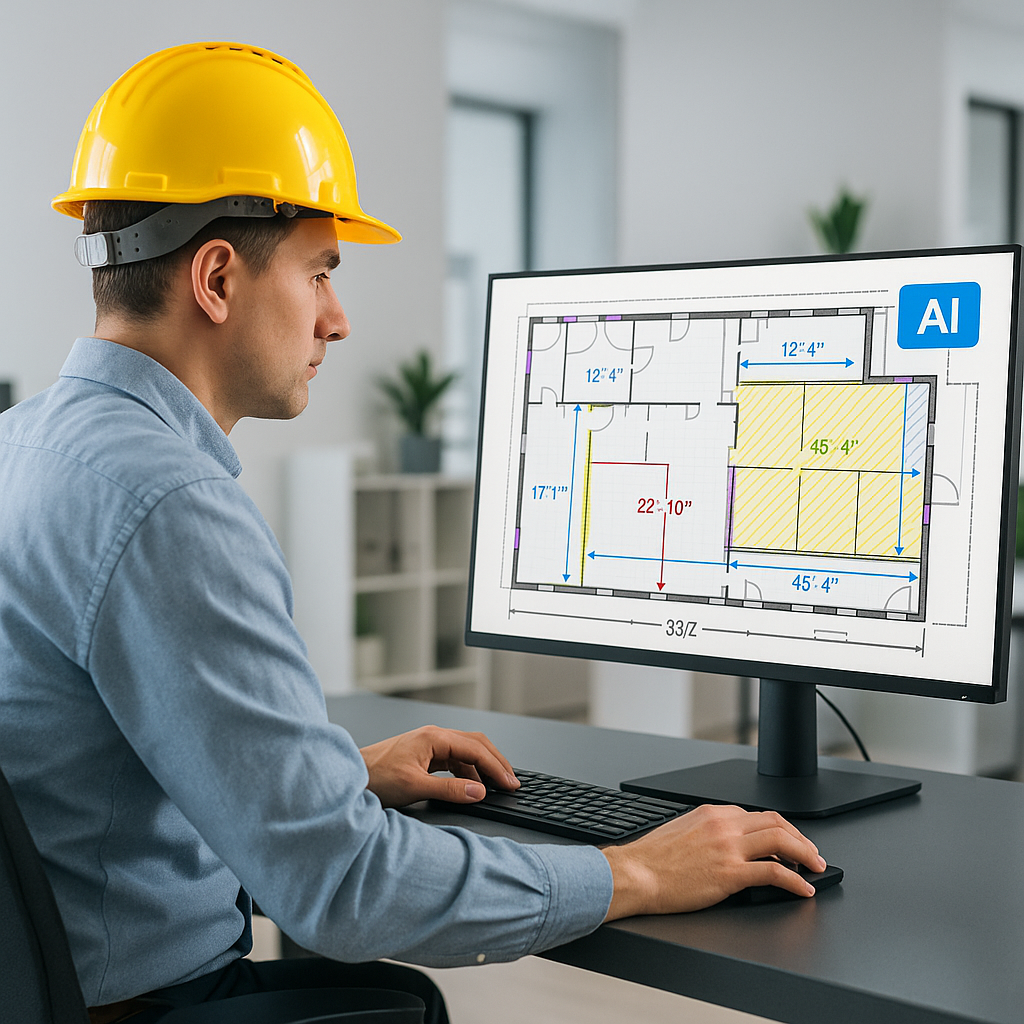
Every estimator knows the grind. You’re handed a BOQ, and the first thing you do is grab a rate book—RSMeans, CPWD DSR, or some custom Excel file with 100 tabs. Then comes the endless flipping: matching line items to rates, adjusting for inflation, and hoping you caught everything. It’s tedious, error-prone, and takes hours.
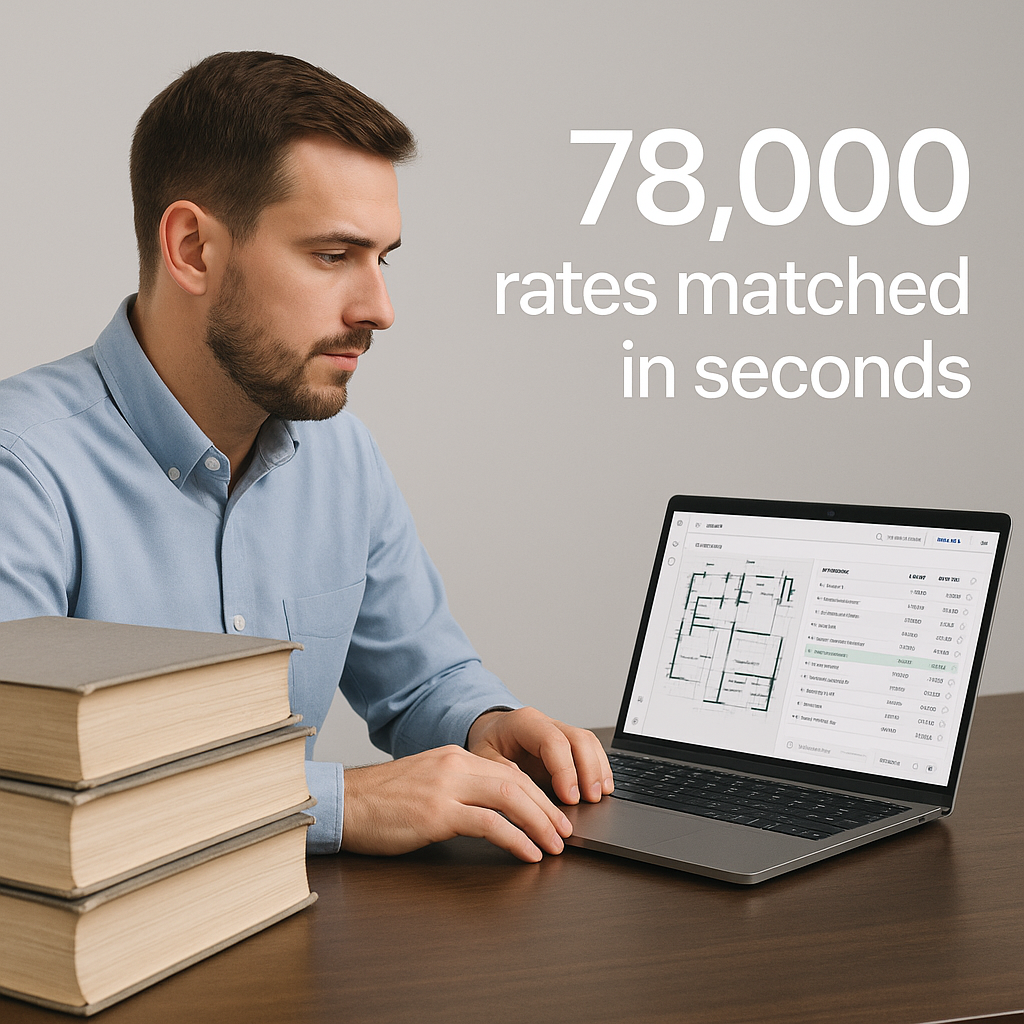
But what if it didn’t? What if you could search 78,000+ rates across catalogs in seconds? AI-powered rate matching makes that possible. And it’s not just faster—it builds trust in your estimates, both internally and with clients.
The Problem: Manual Rate Lookups Waste Time and Money
Let’s break this down. A typical estimate for a medium-sized project involves:
- Locating Rates: Finding the right labor, material, and equipment rates for each line item in the BOQ.
- Adjusting for Context: Accounting for location factors, inflation, and project-specific conditions.
- Cross-Checking: Verifying that the rates align with historical data or market benchmarks.
This can take 12+ hours per estimate—and that’s if you don’t make mistakes. Miss a rate or use outdated data, and suddenly your bid is either overpriced (you lose) or underpriced (you lose even harder).
Here’s a real-life example: A mid-sized MEP contractor spent almost three days pricing a $3 million commercial project. After submitting the bid, they found out they had underpriced the insulation work by 20% due to outdated rates. Fixing the error cost them both client trust and profit margins.
Adding up all that time across multiple projects quickly turns into a money sink. If your estimators are spending 40% of their time on manual rate lookups, that’s a massive inefficiency.
The AI Solution: Instant, Accurate Rate Matching
Here’s how AI flips the script:
-
Semantic Search: AI tools like EstimateNext let you type in plain language—e.g., “concrete slab per m3”—and instantly pull up matching rates from 78,000+ items across 135+ catalogs[^3]. This eliminates the need to manually rifle through catalogs or Excel sheets.
-
Automatic Adjustments: Need to apply a 5% inflation uplift or adjust for regional labor costs? AI does it automatically, using pre-configured cost factor profiles. For instance, a project in New York City might have a higher labor cost multiplier than one in Austin, TX. AI handles these nuances seamlessly.
-
Confidence Scoring: Not sure if the system nailed the match? AI assigns a confidence score to each rate, so you know where to double-check. For example, a rate match with 98% confidence might need no changes, while a match with 85% confidence might warrant a second glance.
-
Self-Learning: The more you use it, the better it gets. Feedback loops mean the AI learns your preferences and improves accuracy over time[^3]. For example, if you consistently select a specific subcontractor rate for HVAC installations, the AI will prioritize that rate in future searches.
Real-World Example: Skanska’s Rail Bridge Project
Take Skanska’s $1B rail bridge project[^9]. The team needed rates for everything from rail ties to structural steel, all pulled from DOT-approved catalogs. Manually, this would’ve taken days. With AI rate matching, it was done in under an hour.
The result? A more competitive bid with zero guesswork. Skanska not only saved time but also avoided the risk of errors that could have jeopardized their profit margins. In the end, their ability to produce a precise and timely estimate helped secure the project.
Another example is a specialty contractor working on a hospital retrofit. Using AI, they reduced their estimating time by 60%, allowing them to submit bids for three additional projects in the same quarter. With a win rate of 30%, this translated into $2 million in added revenue.
Objection: “AI Can’t Capture Nuance”
You might be thinking, “Sure, AI is fast, but it doesn’t understand the nuances of construction.” That’s partially true. AI won’t know if a specific subcontractor always overcharges for rebar or if you prefer a certain supplier for drywall.
But that’s not the point. AI handles the grunt work—finding rates, applying adjustments, and flagging discrepancies—so you can focus on the strategic decisions. Think of it like having a junior estimator who never gets tired or distracted. You’re still in charge of making the final calls, but the heavy lifting is done.
Case in point: A general contractor in California used AI to price out a school renovation. While the AI provided accurate baseline rates, the estimator was able to tweak key line items based on their knowledge of the local market, ensuring both accuracy and competitiveness.
ROI: Why This Matters for Your Bottom Line
Let’s talk numbers. Say you spend 12 hours on rate lookups per estimate. At $130/hour (average estimator salary[^6]), that’s $1,560 per bid. AI reduces this to minutes, saving you over $1,500 per project. Multiply that by 5-8 GMP pursuits per year, and you’re looking at $7,500-$12,000 in annual savings—per estimator.
For MEP subs, the math is even better. Faster estimates mean more bids submitted. More bids mean more wins. One client reported an additional $800K in annual revenue after switching to AI-powered tools[^6].
Beyond direct savings, you’re also reducing the risk of costly estimation errors. A 5% pricing error on a $10M project is a $500K mistake. AI minimizes these risks by ensuring your rates are accurate and up to date.
Comparison Table: Manual vs. AI-Powered Rate Matching
| Feature | Manual Process | AI-Powered Process |
|---|---|---|
| Time per Estimate | 12+ hours | Under 1 hour |
| Error Risk | High (human oversight needed) | Low (confidence scoring) |
| Rate Updates | Manual (prone to being outdated) | Automatic (real-time updates) |
| Scalability | Limited by human capacity | High (handles large BOQs easily) |
| Cost per Estimate | $1,560+ | ~$100 (software cost) |
How to Start Using AI Rate Matching
-
Audit Your Current Workflow: How much time are you spending on rate lookups? Where are the bottlenecks? Identify areas where automation can make the biggest impact.
-
Test AI Tools on a Small Project: Start with a tool like EstimateNext. Upload a BOQ, run a rate match, and compare it to your manual process. Use this as a baseline to evaluate the tool’s ROI.
-
Iterate: Use the confidence scores and feedback loops to refine the AI’s accuracy over time. For example, if you notice consistent mismatches with a specific catalog, adjust the tool’s settings or provide feedback to the vendor.
-
Scale: Once you’re confident in the results, roll it out across your team. Train your estimators to use the tool effectively and track the time and cost savings over multiple projects.
FAQ
Q: How accurate are AI rate matches?
A: AI tools like EstimateNext achieve 99% accuracy by the third project, thanks to self-learning algorithms[^3]. Human oversight ensures any edge cases are caught.
Q: What if my rates are custom?
A: No problem. You can upload your own rate catalogs or define custom rates for specific items[^5]. AI integrates them seamlessly, ensuring your unique data is part of the process.
Q: Does this work for smaller projects?
A: Absolutely. Whether you’re pricing a $1M renovation or a $1B rail bridge, the process scales[^1]. Many users report the same efficiency gains regardless of project size.
Q: How long does it take to learn the tool?
A: Most users are up and running in under two weeks[^1]. Many tools offer training resources and support to ensure a smooth onboarding process.
Q: Is AI secure for sensitive project data?
A: Yes. Most AI tools follow strict data security protocols, including encryption and compliance with industry standards. Always check the vendor’s security certifications to ensure peace of mind.
Ready to Save 12 Hours Per Estimate?
If you’re tired of wasting hours flipping through rate books, EstimateNext can help. Get started free →