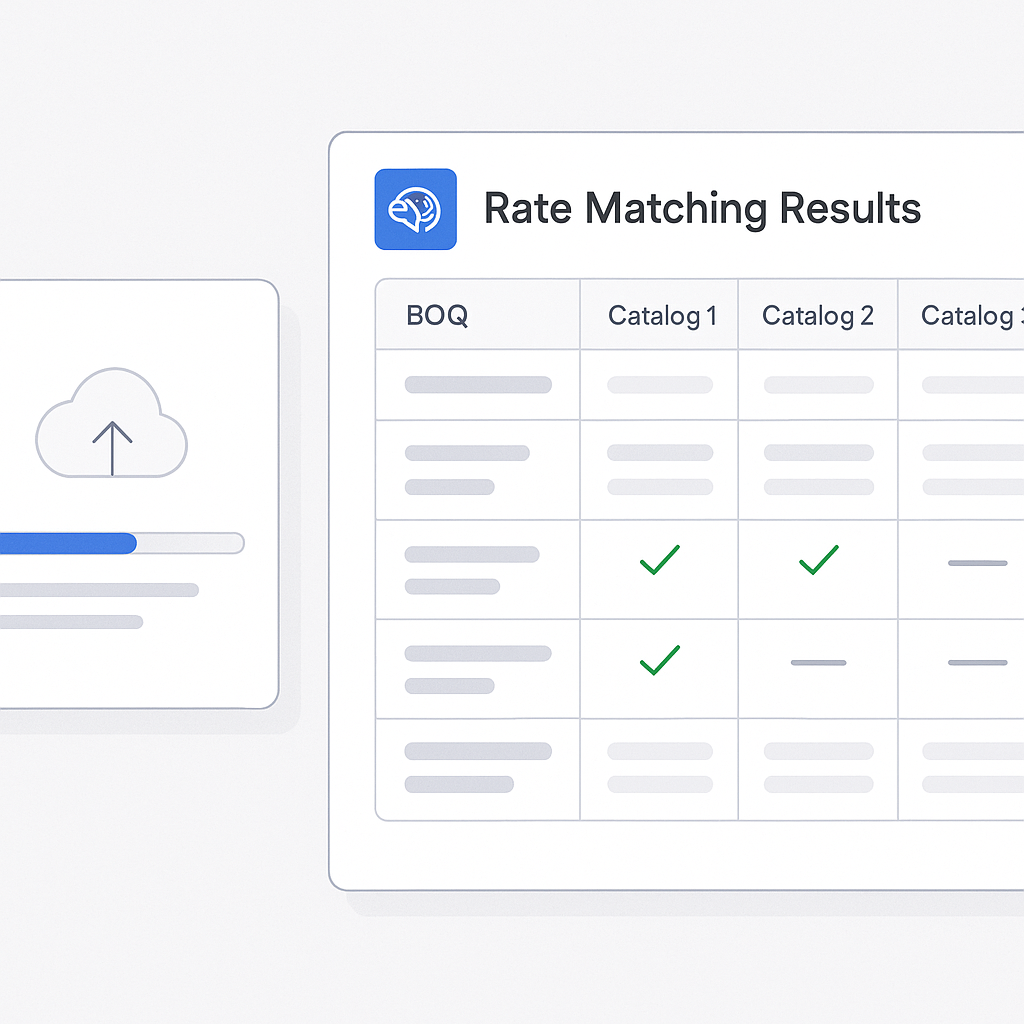
The Problem: Manual Rate Matching Is a Time Sink
You know the drill. A new bid drops on your desk, and the first thing you do is pull out the rate books—or worse, a PDF version—and start flipping. Looking for the labor rate for installing pre-stressed concrete girders? That’s buried somewhere between page 842 and 1,023. Need to cross-check material costs for reinforced steel? Another 45 minutes wasted.
It’s not just frustrating. It’s expensive. On average, estimators spend 12 hours per bid just matching rates. Multiply that by 5 GMP pursuits per year, and you’re burning 60 hours annually on rate lookups alone—hours that could be spent refining bids, negotiating with subcontractors, or building stronger client relationships.
And the problem compounds as project complexity grows. For instance, on large infrastructure projects like airports or rail systems, rate books can swell to thousands of pages. Estimators often rely on outdated or incomplete information, which can lead to cost overruns, delays, or even losing bids to competitors who work faster and more efficiently. The manual process isn’t just slow—it’s a bottleneck in the entire preconstruction workflow.
The AI Fix: Rate Matching in Seconds
This is where AI-powered tools like EstimateNext come in. Instead of manually searching for rates, semantic search lets you type in exactly what you need—like "labor rate for installing pre-stressed concrete girders"—and get accurate matches in seconds. The system scans 78,000+ SOR (Schedule of Rates) items across 135 catalogs, pulling the data you need instantly.
And it’s not just faster—it’s smarter. The AI learns with every project. Let’s say you adjust a rate for a custom material. The next time you upload a BOQ (Bill of Quantities), the system remembers that adjustment and applies it automatically. Over time, your rate matching becomes almost effortless.
Here’s a practical example: Imagine you’re bidding on a mixed-use commercial development. You need rates for everything from glass curtain walls to HVAC systems. Traditionally, finding these rates could take days, especially if you need to cross-reference regional labor costs or adjust for unique project specifications. With an AI tool, you simply type in your requirement, and the system delivers a precise, updated rate instantly. No flipping through PDFs. No second-guessing.
Actionable Steps to Implement AI in Rate Matching
- Audit Your Current Workflow: Understand how much time your team spends on manual rate matching. Identify the most time-consuming steps and note error-prone areas.
- Choose the Right Tool: Look for AI tools that can handle large datasets, support custom rate uploads, and integrate with your existing platforms like Procore or Bluebeam.
- Start Small: Begin with a pilot project. Upload a BOQ and compare the AI-generated rates with your manual process. Measure time savings and accuracy.
- Leverage Feedback Loops: Use the AI’s manual override feature to fine-tune rates. Over time, the system will adapt to your company’s specific needs.
- Train Your Team: Ensure your estimators understand how to use the tool effectively. Provide training sessions and create a feedback channel for continuous improvement.
Real-World Example: A Major Rail Bridge Project
Take a large general contractor’s recent $1B rail bridge bid. The team needed rates for everything from rail ties to structural steel, all pulled from DOT-approved catalogs. Traditionally, this would’ve meant hours of flipping through documents and spreadsheets. With AI, the rate matching was done in minutes—and with zero manual errors.
Here’s the kicker: By saving time on rate matching, the team had more bandwidth to focus on optimizing their bid strategy. They identified cost-saving measures and presented a more competitive proposal, ultimately winning the project.
Another example comes from a mid-sized general contractor working on a regional hospital project. They were struggling to match rates for medical-grade materials and specialized labor. By adopting an AI tool, they cut their rate-matching time by 80% and avoided costly errors that could have jeopardized their bid.
But Does AI Get It Right?
You might be thinking, “Sure, AI is fast, but can it handle the nuances of construction rates?” Good question. Accuracy depends on two things: the quality of your input data and the AI’s ability to learn from feedback.
EstimateNext addresses both. It includes a manual override feature, so you can review and adjust rates where needed. It also improves with use—most users report significant accuracy improvements by the third project.
To illustrate this, consider a scenario where a contractor adjusts a labor rate to account for union-specific wages in a particular region. The AI not only incorporates this adjustment for the current project but also applies it automatically to future bids involving the same labor category and region.
Comparison: Manual vs. AI-Powered Rate Matching
| Feature | Manual Rate Matching | AI-Powered Rate Matching |
|---|---|---|
| Time per bid | 12 hours | 10 minutes |
| Error rate | High (human errors) | Low (system learns over time) |
| Scalability | Limited by human capacity | Highly scalable |
| Learning curve | Requires extensive training | Minimal training needed |
| Cost efficiency | High labor cost | Low cost, high ROI |
What’s the ROI?
Let’s do the math. A GC Director saves 12 hours per bid on rate matching alone. At $130/hour, that’s $1,560 saved per pursuit. Multiply by 5 GMP pursuits per year, and you’re looking at $7,800 saved annually. All for a tool that costs $99/month. That’s a 78X ROI.
Now consider larger firms handling 20+ bids annually. They could save upwards of $30,000 per year, funds that could be redirected toward hiring more estimators, investing in training, or upgrading other tech tools.
Call to Action
If you’re tired of wasting hours on manual rate matching, EstimateNext can help. Start saving time and money today. Get started free →


